Manga Maker
Open a dedicated manga page editor for layout, bubbles, and panels.
Loading...
教程
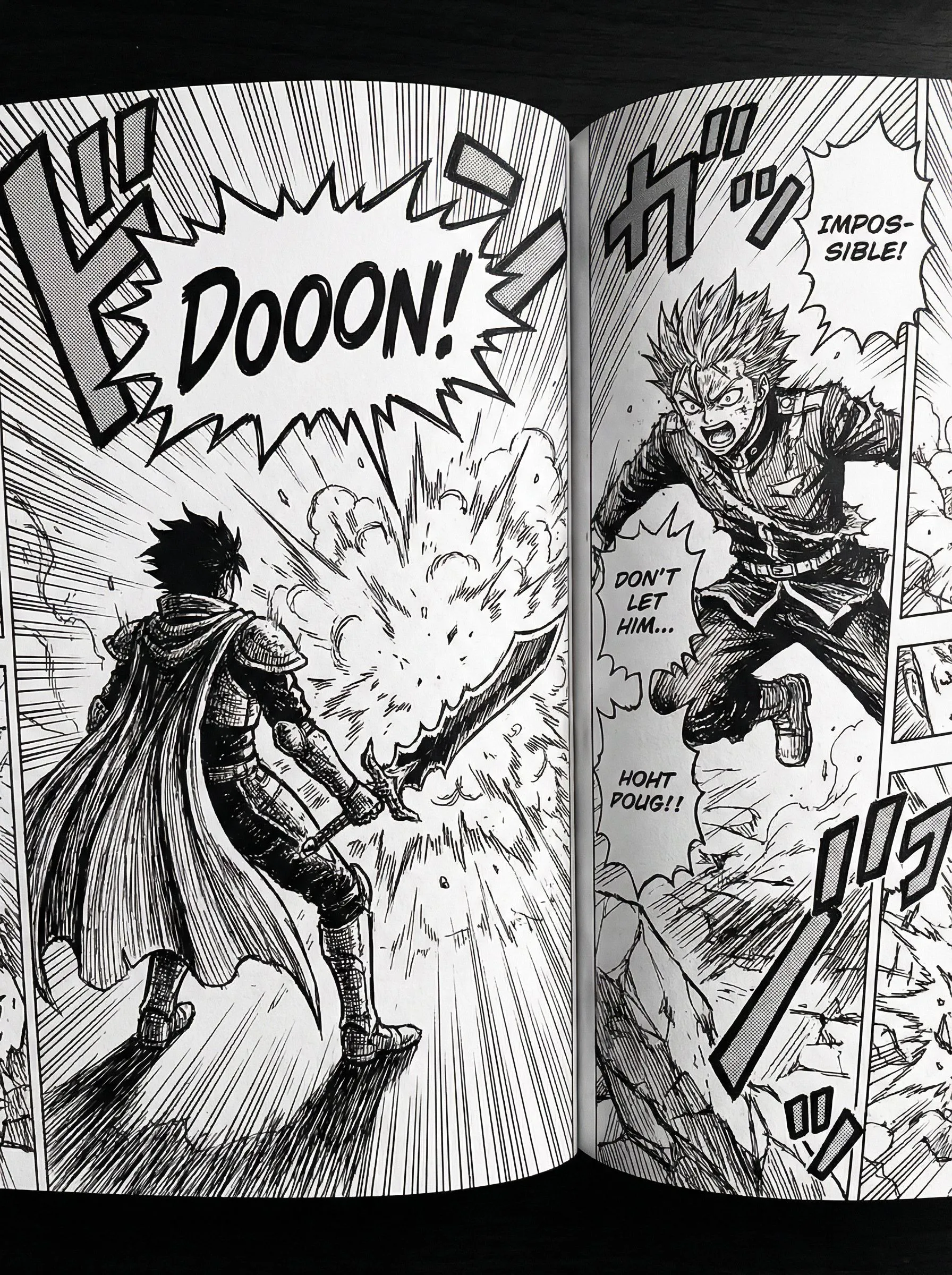
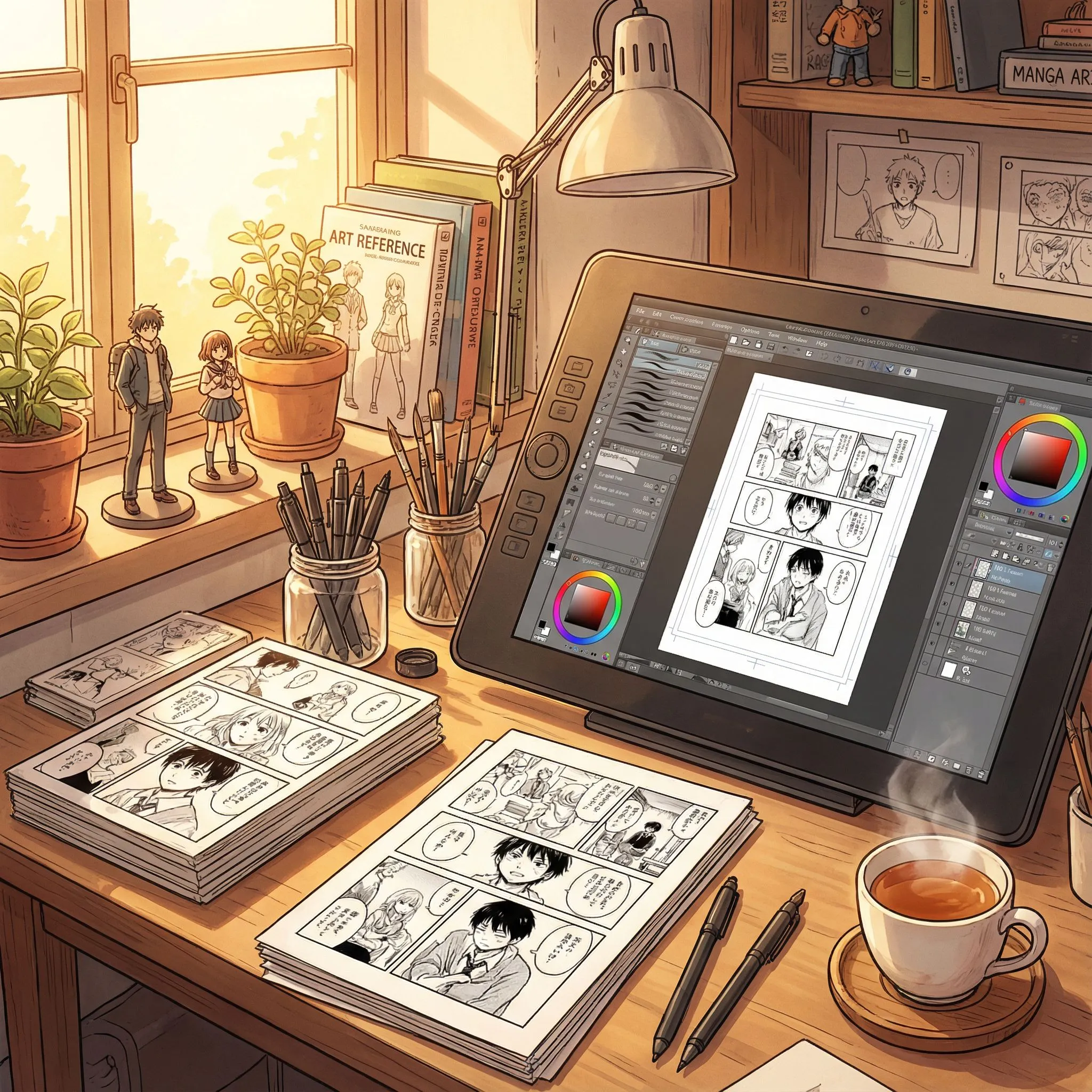
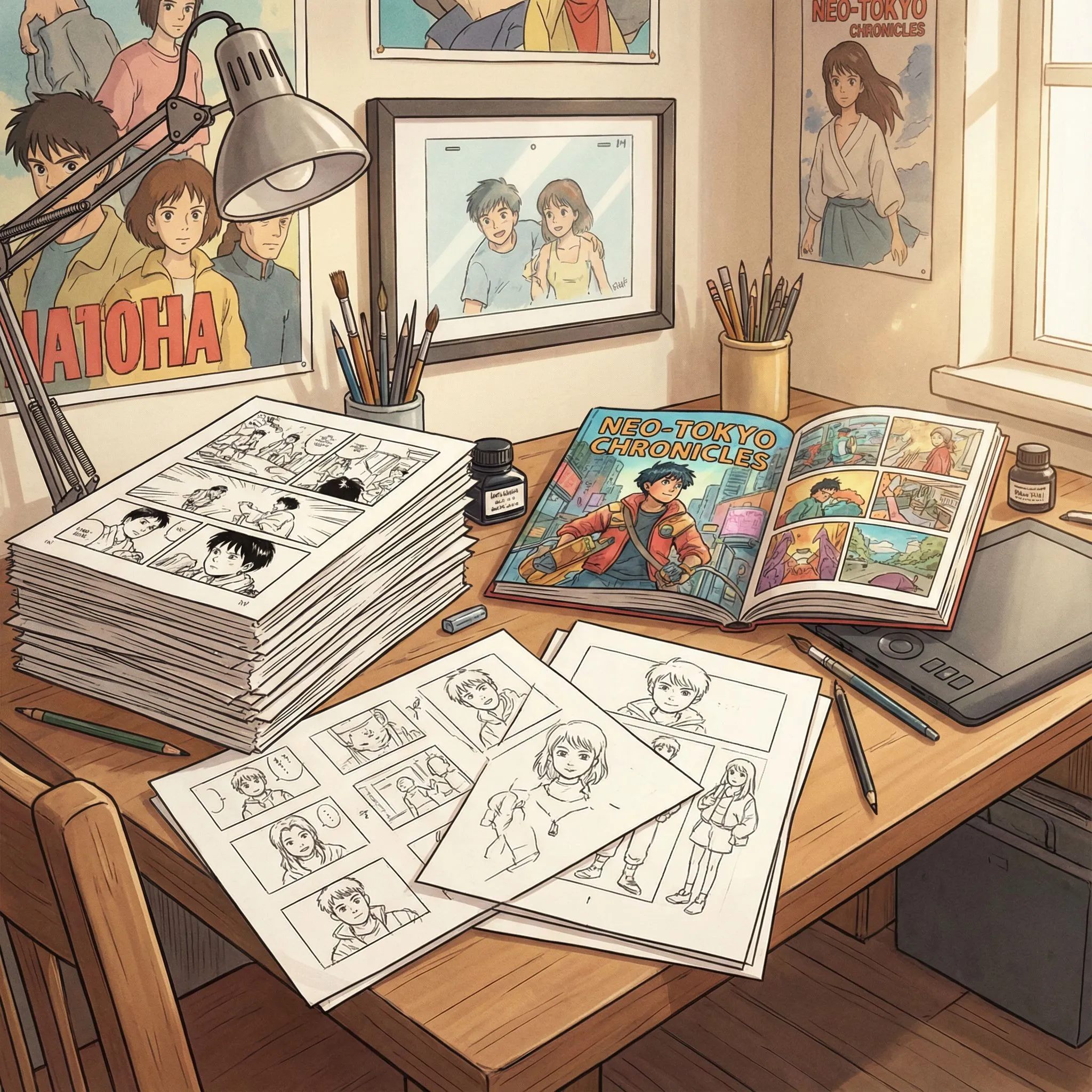
Manga Maker is best when you use it to assemble manga pages with panels, bubbles, and reusable visual assets.
Step 1: Prepare the right input
Start with a rough page plan, scene order, and any reference art you already want on the page.
Step 2: Set the generation direction
Choose your page format, panel count, and where the speech rhythm should speed up or slow down.
Step 3: Generate, review, and keep the strongest result
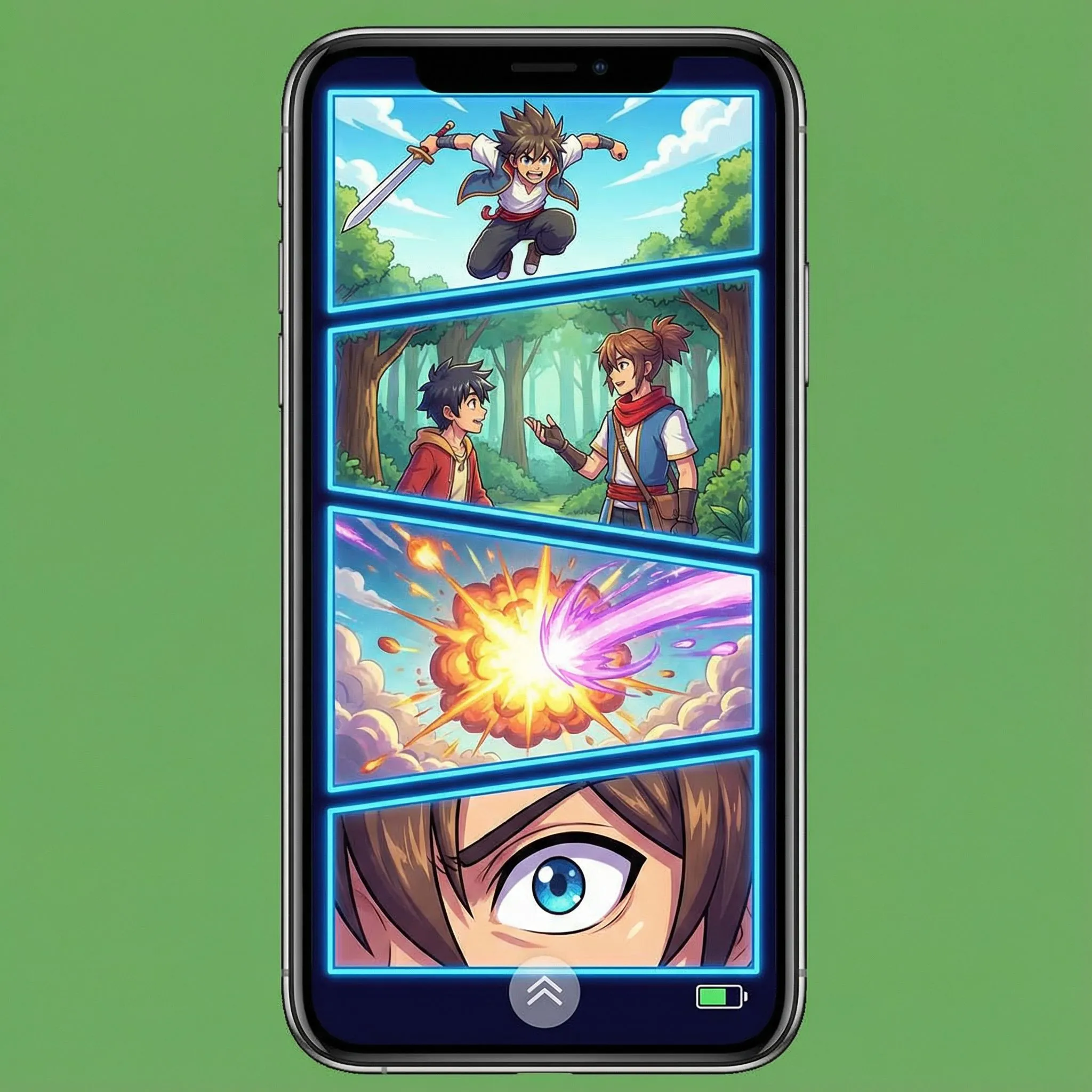
Refine the panel balance, bubble spacing, and export a page that still reads cleanly on smaller screens.
Best results
- Reserve large panels for reveals or emotional emphasis.
- Check whether dialogue order matches the natural reading flow.
- Keep text away from panel edges to preserve trim safety.