Pixel Box
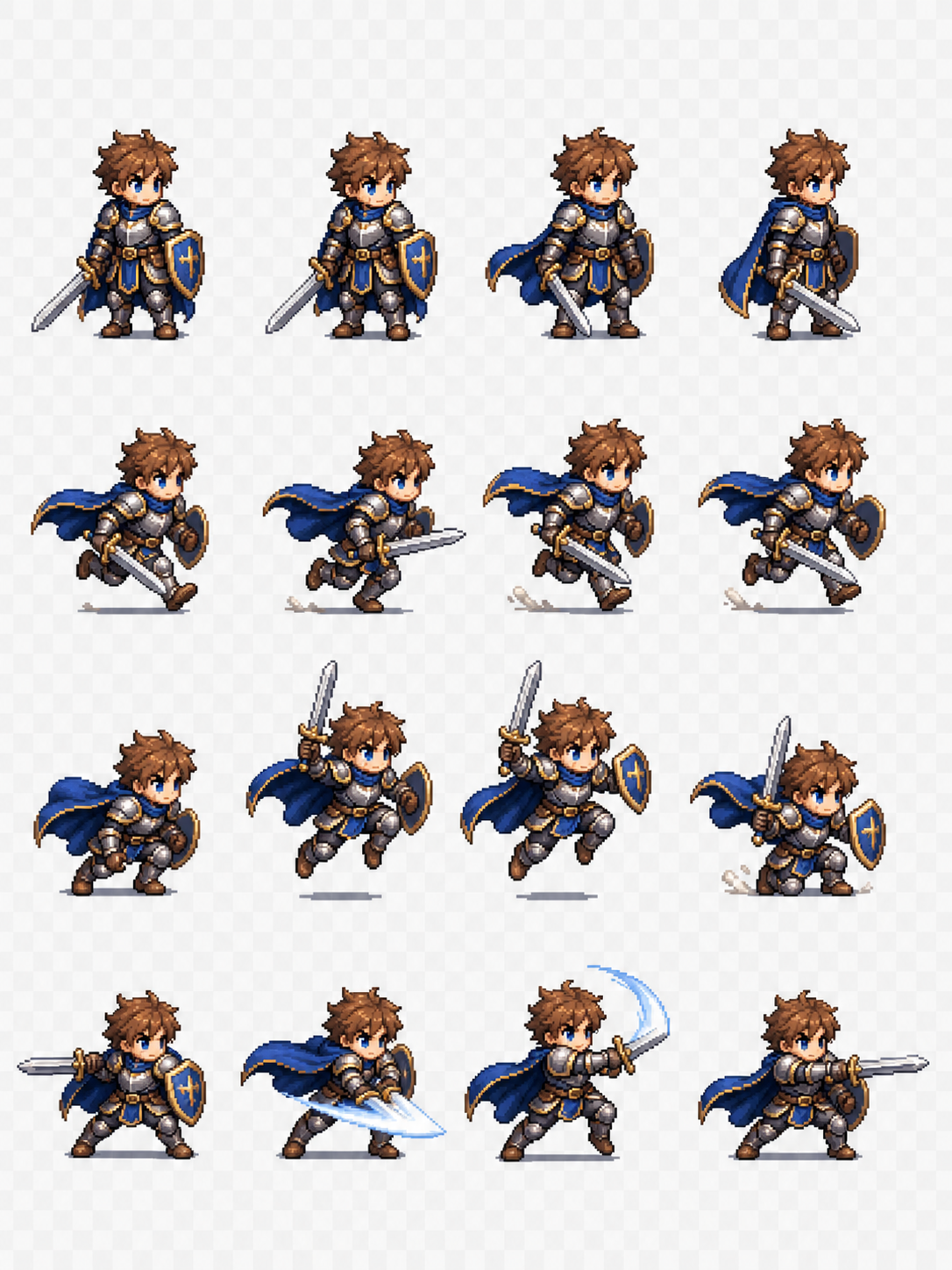
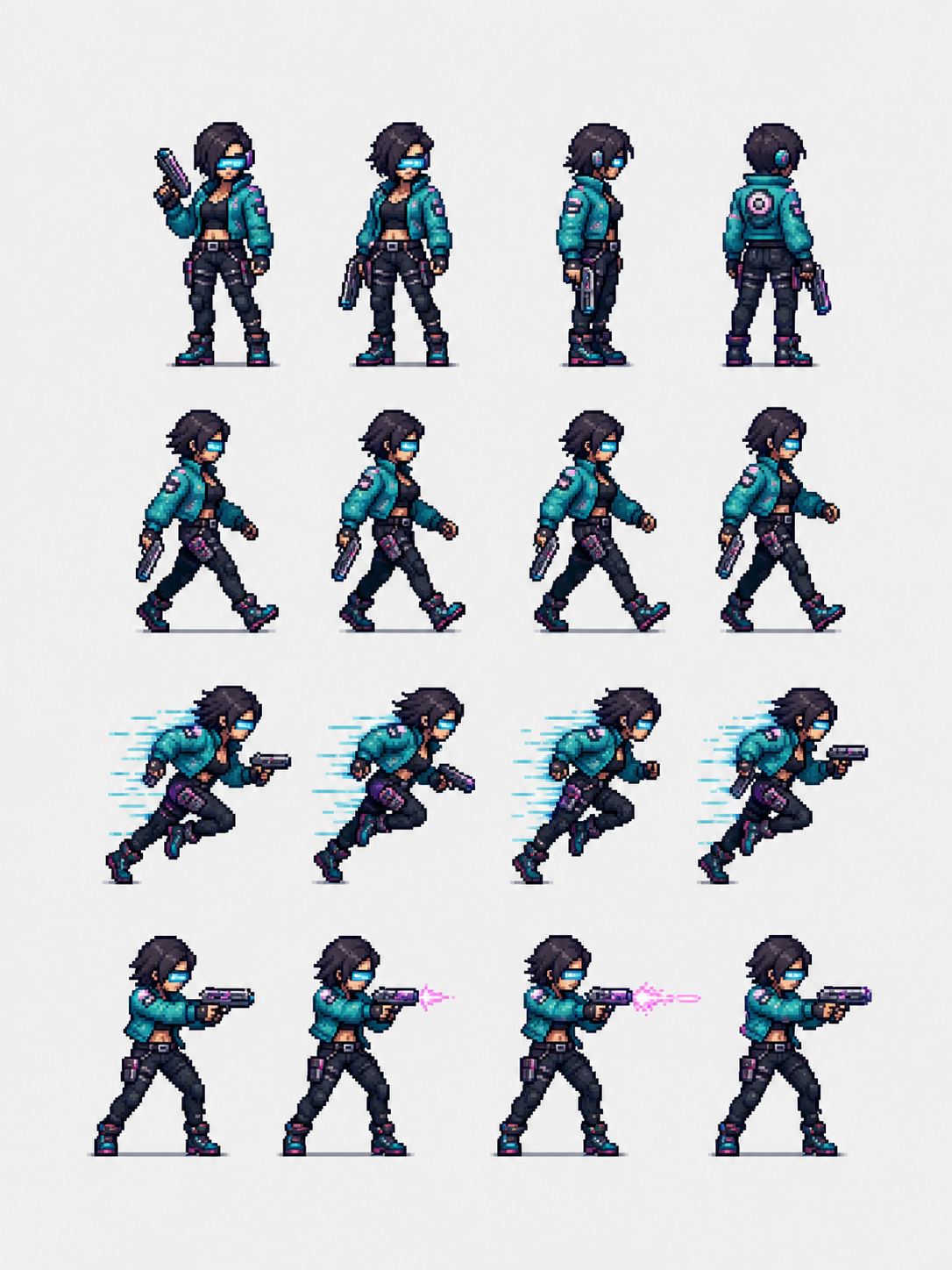
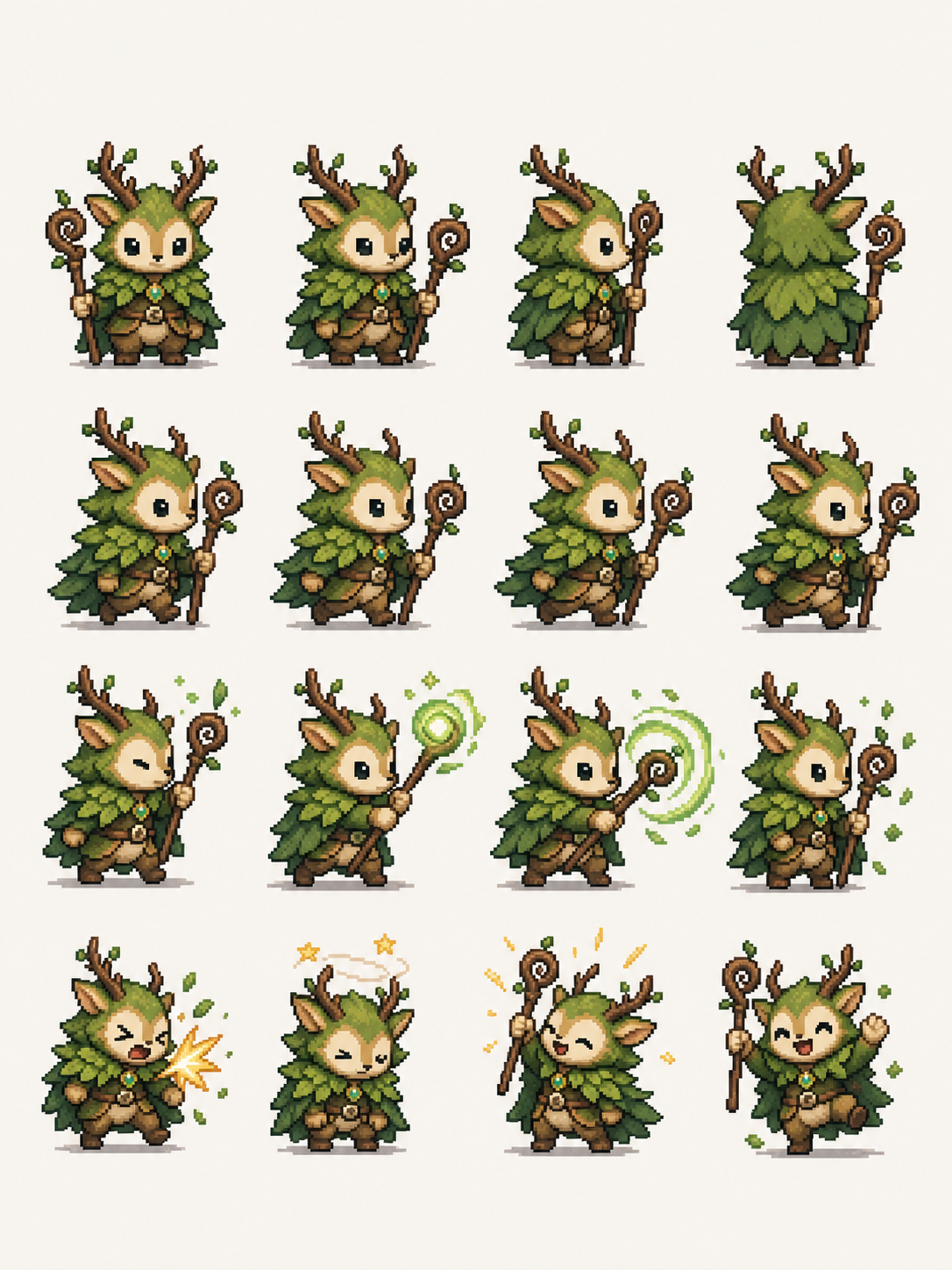
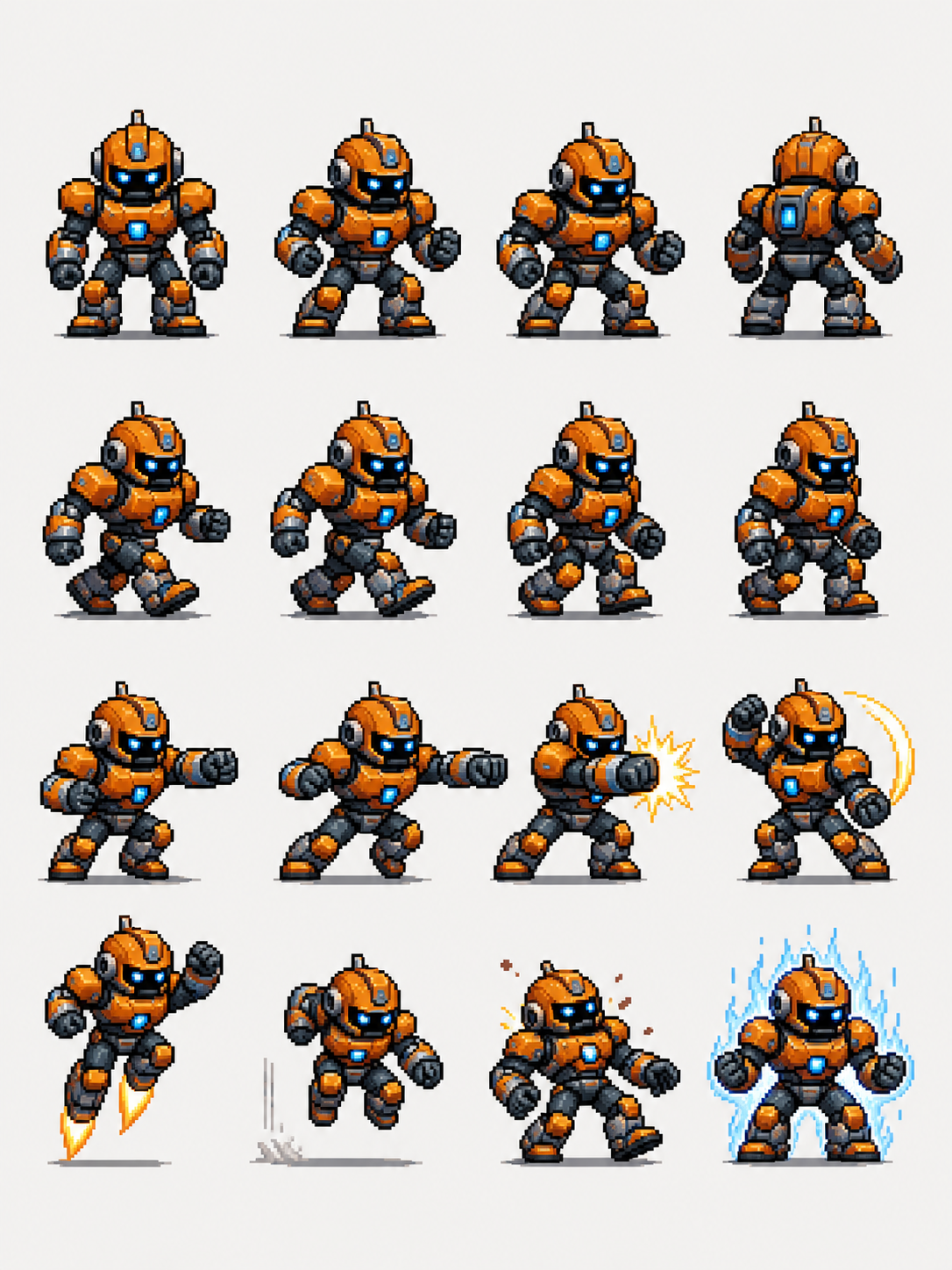
Convert characters into pixel-art sprites and animation sheets.
Tutorial
Pixel Box is best when you use it to convert a character concept into pixel-art sprites and game-ready sheet outputs.
Step 1: Prepare the right input
Prepare a clear character concept with the pose, costume, and silhouette you want preserved.
Step 2: Set the generation direction
Decide the sprite scale, animation intent, and the level of pixel detail before generating.
Step 3: Generate, review, and keep the strongest result
Review silhouette clarity at actual pixel size and keep the sheet that reads best in motion.
Best results
- Strong shape language matters more than tiny costume details.
- Limit the palette early if you want a classic retro look.
- Test the sprite at 1x and 2x scale before shipping it.