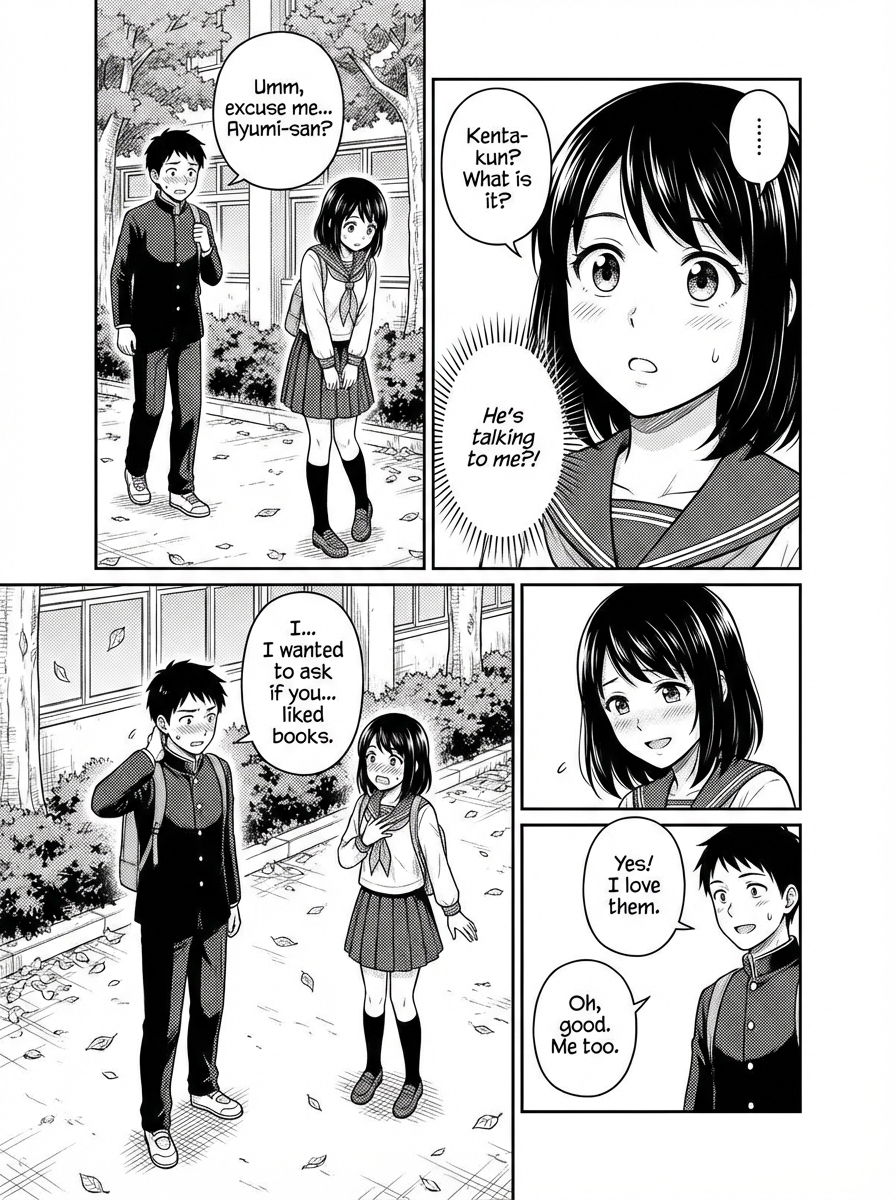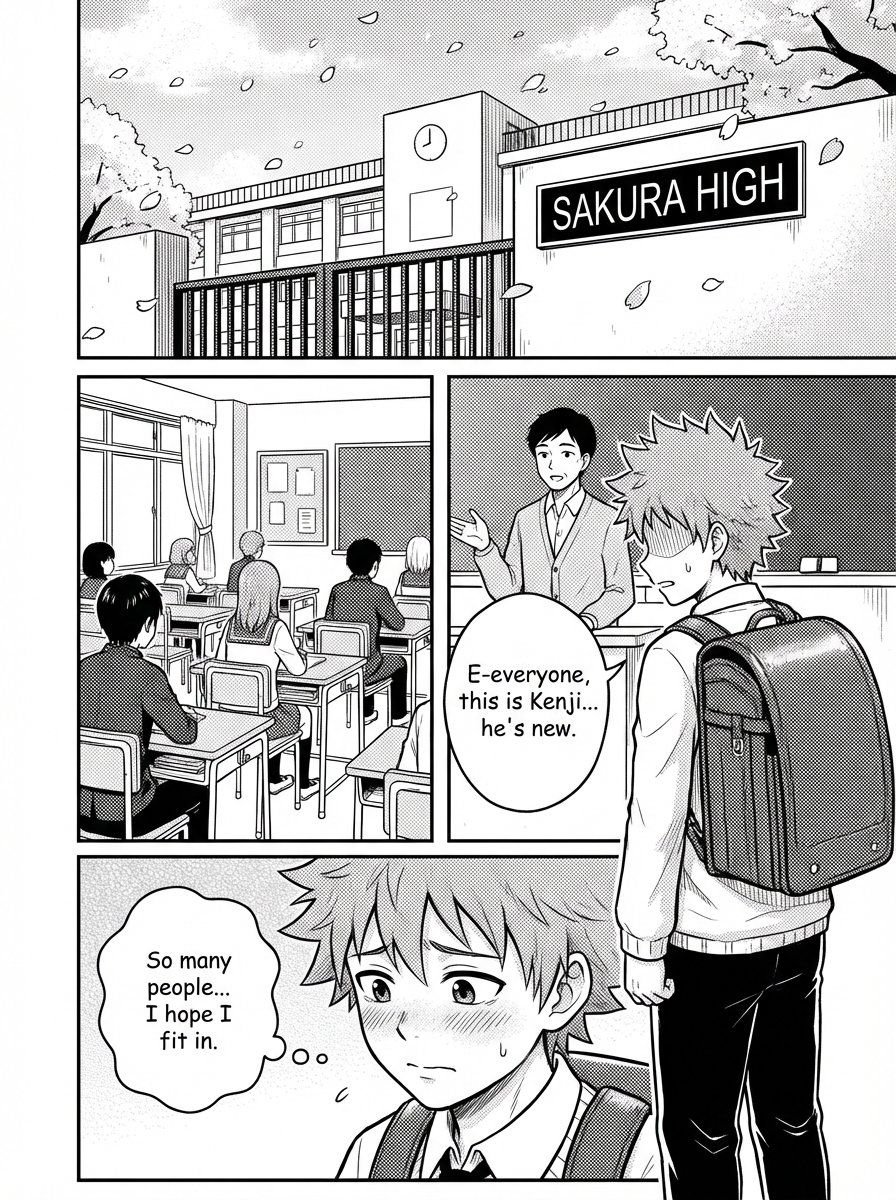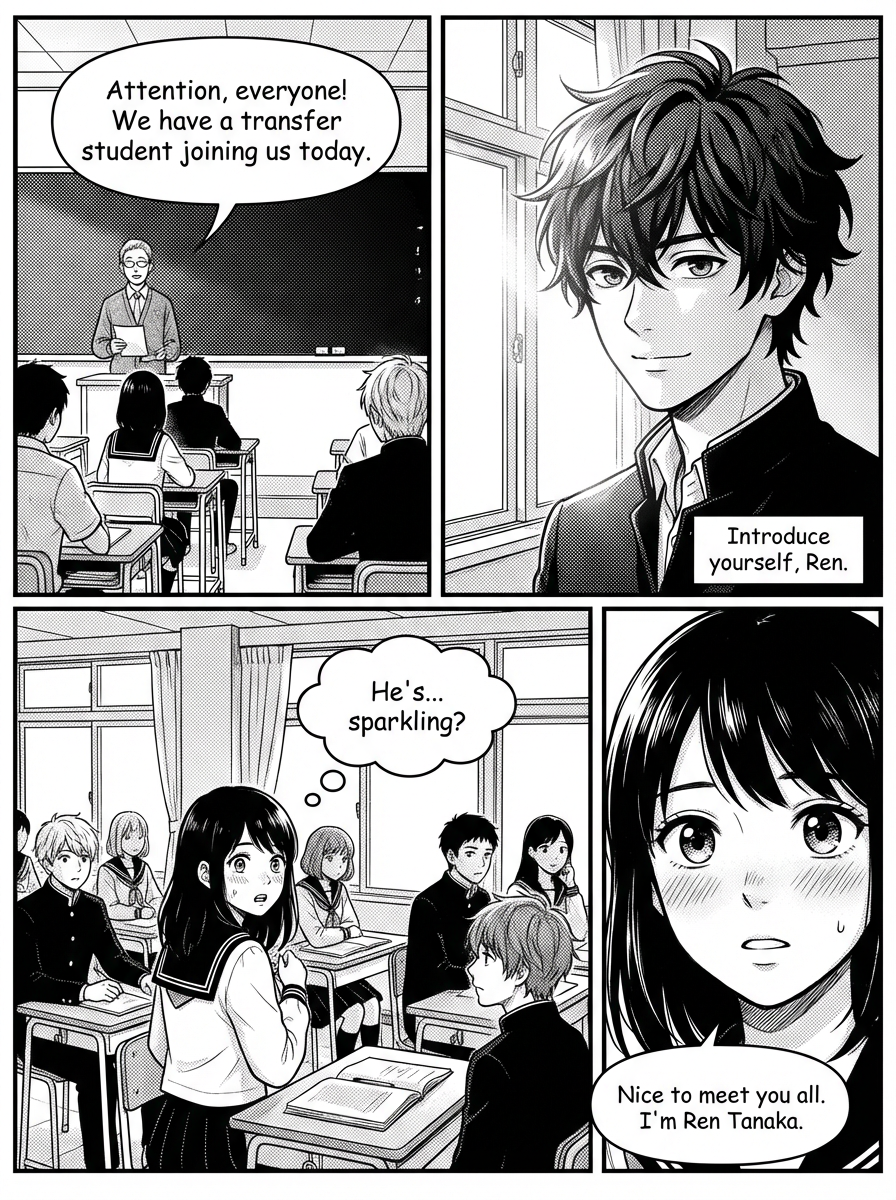
AI Manga Studio का भविष्य अभी शुरू होता है।

एक ही studio-grade workflow में पेज बनाएं, पैनल सुधारें और लेआउट प्रीव्यू करें।

Manga Studio खोलें

क्रिएट करना शुरू करने के लिए सीधे स्टूडियो में जाएं।

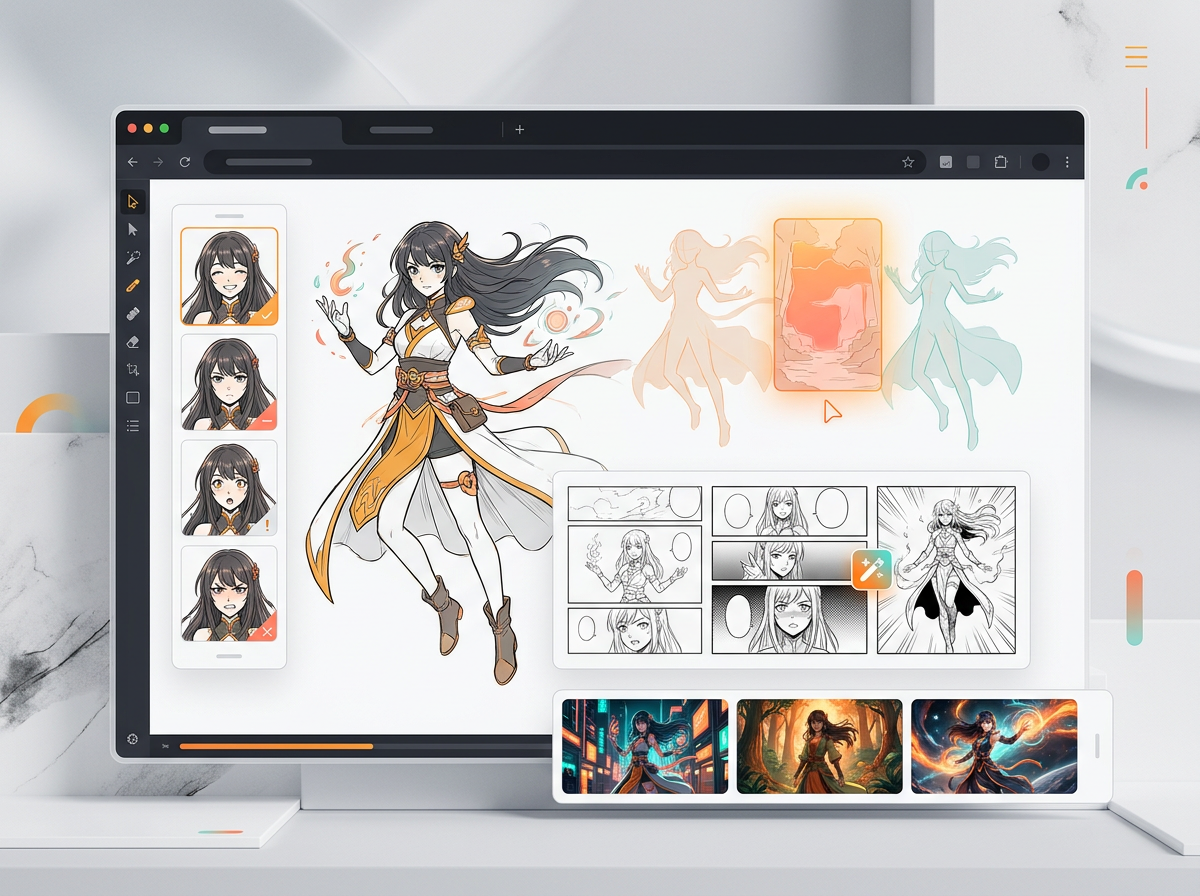
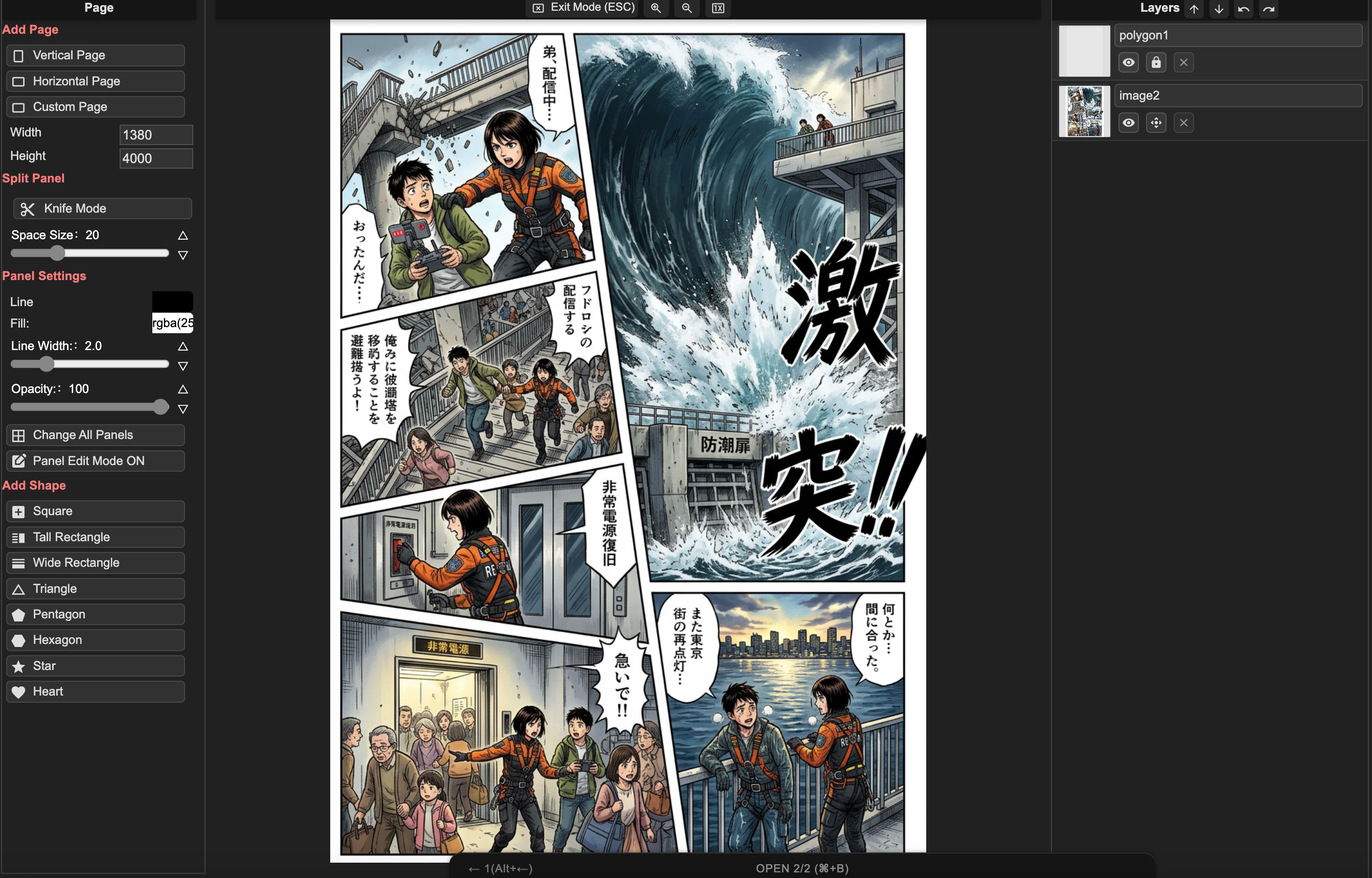
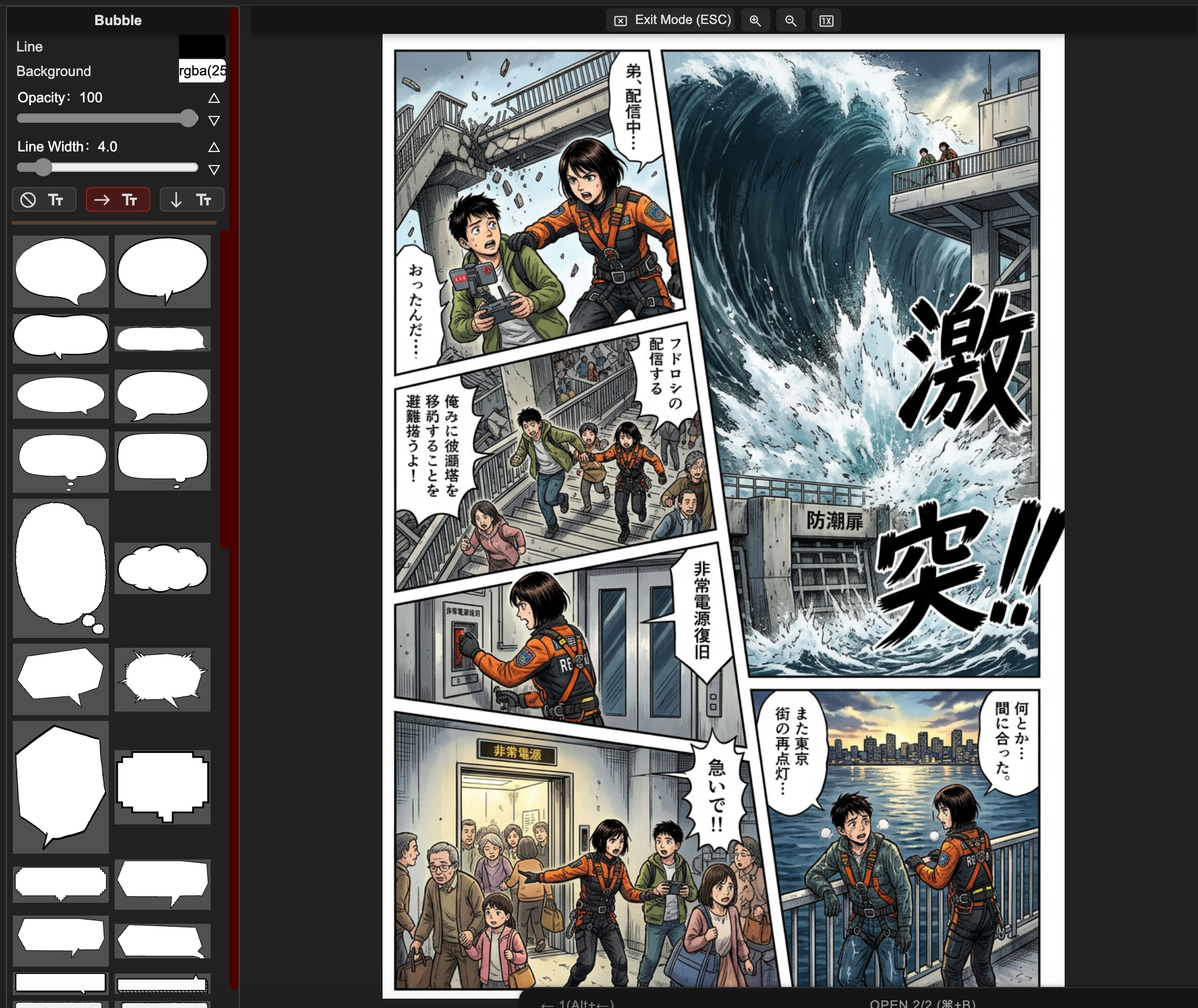
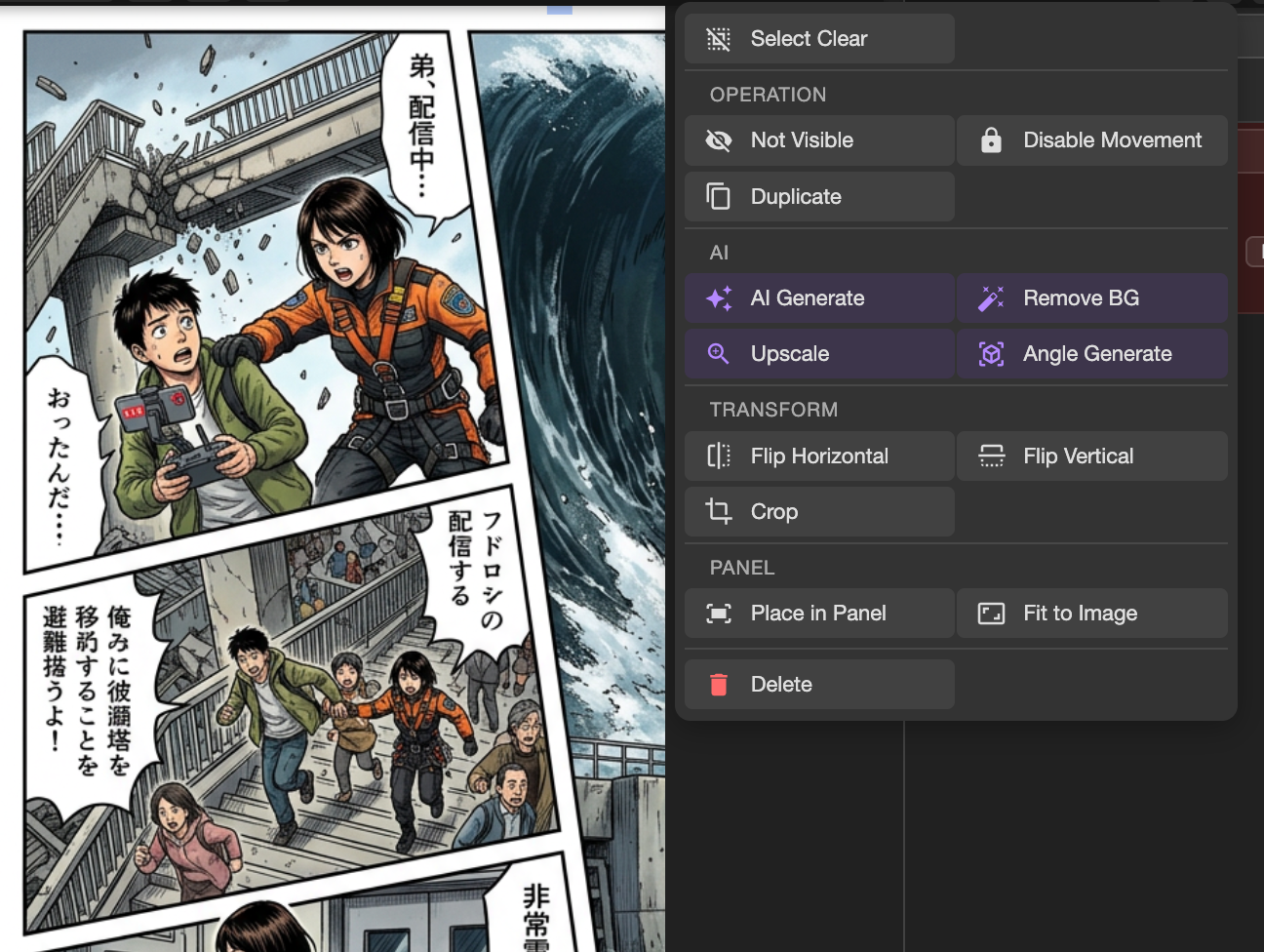
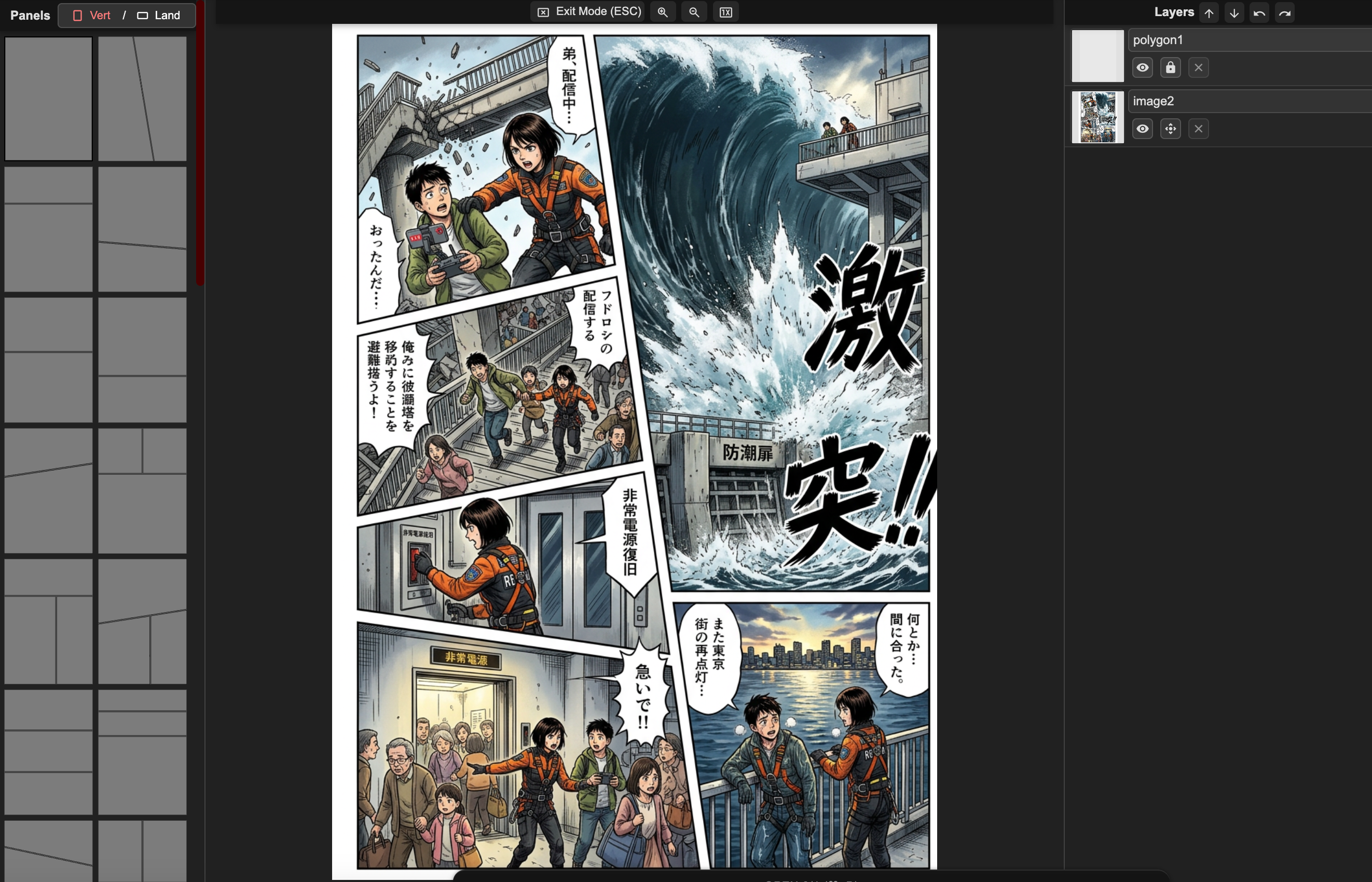
AI मंगा पेज कम्पोज़िशन workspaceAI मंगा लेआउट क्रिएशन इंटरफ़ेसAI text to manga workflowAI मंगा एडवांस्ड टेक्स्ट एडिटर

पेज कम्पोज़िशन

गाइडेड पैनल प्लेसमेंट और लेआउट प्रीसेट्स के साथ साफ़ पेज स्ट्रक्चर बनाएं।

क्रिएटर की चुनौतियाँ

मुश्किल सिर्फ़ एक सुंदर इमेज बनाना नहीं है। मुश्किल है मंगा पूरा करना।

ज़्यादातर क्रिएटर्स कहानी, किरदार या डेडलाइन लेकर आते हैं। उन्हें ऐसा workflow चाहिए जो पेज को पढ़ने योग्य रखे, cast को एकसमान रखे और edits को नियंत्रण में रखे।

पहला चैप्टर

आइडिया आने के बाद भी खाली पेज खाली ही रहता है।

"मेरे दिमाग में पूरी कहानी है, लेकिन मुझे नहीं पता पहला पेज कैसा दिखना चाहिए।"

कहानी को पैनलों में guide करें

सीन बीट्स, पैनल count, लेआउट और टेक्स्ट-सेफ़ कम्पोज़िशन से शुरुआत करें ताकि पहला ड्राफ्ट एक बिखरी हुई illustration नहीं, बल्कि साफ़ reading path दे।

शून्य से पहला पेज बनाने वाले क्रिएटर्स के लिए सबसे उपयोगी।
किरदार निरंतरता

अगर हीरो का चेहरा बदल जाए, तो सुंदर पैनल भी बेकार है।

"मुझे दस सुंदर किरदार नहीं चाहिए। मुझे वही एक किरदार चाहिए जो पूरे चैप्टर में निभे।"

किरदार संकेतों को एकसमान रखें

References, pose notes, expression targets और style prompts का इस्तेमाल करें ताकि panels के बीच किरदार, outfits और scene tone ज़्यादा स्थिर रहें।

OC, manhwa और serial manga projects के लिए सबसे उपयोगी।

रिविज़न कंट्रोल

एक गलत हाथ की वजह से पूरा reroll नहीं होना चाहिए।

"मैं सिर्फ़ यह चेहरा, यह हाथ या यह speech bubble ठीक करना चाहता हूँ। पूरा पेज मत बदलो।"

कमज़ोर हिस्से को एडिट करें

लोकल एरिया retouch करें, चेहरे सुधारें, staging revise करें और bubbles एडजस्ट करें, जबकि पेज के अच्छे हिस्से वैसे ही बने रहें।

उन क्रिएटर्स के लिए सबसे उपयोगी जो random retries नहीं, डिलीवरी की परवाह करते हैं।

पब्लिशिंग कॉन्फिडेंस

क्रिएटर्स को जानना होता है कि export के बाद आगे क्या होगा।

"क्या मैं इसे publish कर सकता हूँ? क्या मैं panels को manga clips में बदल सकता हूँ? क्या पाठक कहानी समझेंगे?"

अगले स्टेप के लिए output तैयार करें

Mac, Windows और teams के लिए एक ही browser manga studio में pages, individual panels, clip-ready moments, lettering और export paths प्लान करें।

इंडी क्रिएटर्स और छोटे content teams के लिए सबसे उपयोगी।

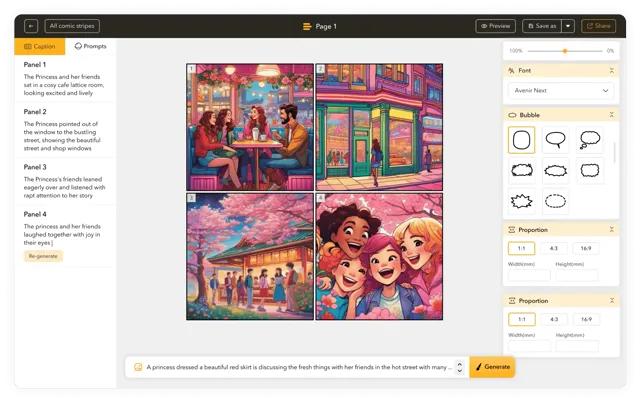
मंगा टेक्स्ट और पैनल कंट्रोल्स के साथ AI Manga Studio एडिटर
क्रिएटर उपयोग के मामले

AI Manga Studio किसकी सबसे ज़्यादा मदद करता है।

उन क्रिएटर्स के लिए बनाया गया है जिनके पास कहानियाँ, original characters, serial chapters या small-team projects हैं और जिन्हें दोहराया जा सकने वाला manga production workflow चाहिए।

कहानी-प्रधान शुरुआती

आइडिया को पहले पेज में बदलें

उन्हें खाली prompt box नहीं चाहिए। उन्हें premise को characters, page beats, layouts और readable first draft में बदलने में मदद चाहिए।

Pain

न drawing skill, न panel language, और न यह भरोसा कि chapter कहाँ से शुरू होना चाहिए।

Value

जब पहला पेज असंभव लगना बंद करना हो, तब उपयोगी।

OC और character creators

एक ही cast को एकसमान रखें

वे चाहते हैं कि वही original character अलग-अलग poses, outfits, expressions और scenes में भी अपनी पहचान बनाए रखे।

Pain

चेहरे का drift, costume drift, stiff poses और style changes किरदार से भावनात्मक जुड़ाव तोड़ देते हैं।

Value

जब किरदार किसी random सुंदर result से ज़्यादा अहम हो, तब उपयोगी।

इंडी मंगा और webtoon creators

प्रोडक्शन की रुकावट कम करें

उन्हें कहानी पहले से पता है। उन्हें तेज़ backgrounds, color passes, cleanup, lettering support और repeatable page output चाहिए।

Pain

साप्ताहिक updates, लंबे pages और revision pressure काम को अंतहीन बना देते हैं।

Value

जब लक्ष्य कम cleanup, कम rerolls और ज़्यादा control हो, तब उपयोगी।

छोटे स्टूडियो और content teams

तेज़ी से prototype बनाएं और publish करें

वे IP tests, ads, story pitches, education comics, manga clips या client-facing concept pages बनाते हैं।

Pain

उन्हें consistency, reviewable drafts, commercial-use clarity और ऐसे assets चाहिए जो publishing या video workflow में जा सकें।

Value

जब teammates या clients को वही visual direction review करनी हो, तब उपयोगी।

workflow क्यों मायने रखता है

एक सुंदर इमेज भी मंगा पेज के रूप में असफल हो सकती है।

LlamaGen आपको कहानी से ऐसे पेजों तक पहुंचने का अधिक सहज रास्ता देता है जिन्हें revise, पढ़ा और साझा किया जा सके।

किरदार बदलते रहते हैं
डायलॉग आर्ट को ढक देता है
एक गलती पर पूरा reroll करना पड़ता है
Single image prompt

अच्छा render, लेकिन चैप्टर workflow नहीं

एक prompt polished image दे सकता है, लेकिन उसमें reading order, character continuity, bubble space और सिर्फ़ एक panel revise करने का तरीका फिर भी नहीं होता।

लेआउट और टेक्स्ट review से पहले सामान्य AI manga output
कहानी के लिए कोई panel plan नहीं है
cast सीन से सीन में बदल सकती है
एडिटिंग का मतलब अक्सर फिर से शुरुआत करना होता है
LlamaGen AI Manga Studio

पूरे हुए पेजों के लिए बना workflow

LlamaGen sequential art पर केंद्रित workflow देता है: story beats, layouts, generation, panel review, lettering और export-ready assets।

पेज एडिटिंग के लिए LlamaGen AI Manga Studio workspace
लेआउट-फर्स्ट मंगा पेज क्रिएशन
पैनल-लेवल revision और prompt iteration
Mac, teams और clip-ready assets के लिए browser manga studio
AI Manga Studio गाइड

सिर्फ़ मंगा इमेज जनरेटर नहीं: एक पूरा प्रोडक्शन workflow।

AI Manga Studio खोजने वाले क्रिएटर्स आमतौर पर कहानी पूरी करना, किरदारों को एकसमान रखना, पैनल revise करना, पढ़ने योग्य lettering जोड़ना और publishing या manga clips के लिए assets तैयार करना चाहते हैं।

AI Manga Studio और manga studio online

अलग-अलग image tools में ध्यान भटकाने के बजाय, पेज लेआउट, AI generation, पैनल review, prompt iteration और final polish के लिए एक ही browser workspace का उपयोग करें।

सॉफ़्टवेयर इंस्टॉल किए बिना Mac के लिए manga studio

जब आपको डेस्कटॉप-only setup इंस्टॉल किए बिना तेज़ पेज ड्राफ्ट, character references, bubbles और export-ready panels चाहिए हों, तब Mac ब्राउज़र में LlamaGen खोलें।

मंगा क्लिप्स और सोशल-रेडी पैनल

पैनल और पेज मोमेंट्स को छोटे manga clips, story previews, episode teasers या comic-to-video workflow के assets के रूप में प्लान करें।

Manhwa, manga, comic और cartoon studio स्टाइल्स

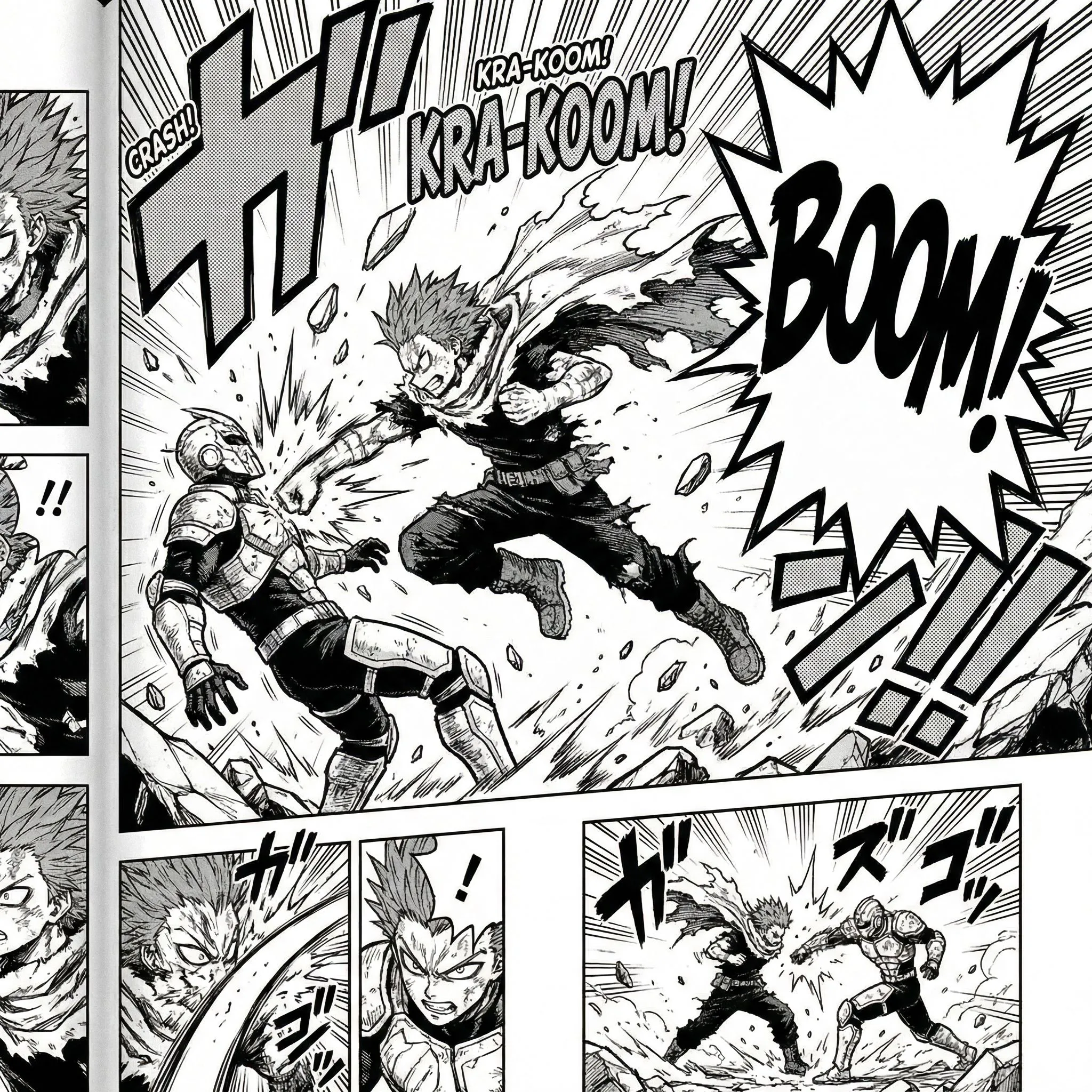
ब्लैक-एंड-व्हाइट manga pages, full-color manhwa-inspired scenes, comic studio layouts, cartoon panels, fantasy action, romance chapters या कस्टम visual styles ड्राफ्ट करें।

लेआउट, टाइपोग्राफी और बबल कंट्रोल

एक single image से आगे बढ़ें और panel count, reading order, text direction, speech bubbles, sound effects और page balance को कंट्रोल करें।

कनेक्टेड LlamaGen manga project flow

लेआउट, layers, text और export के लिए public AI Manga Studio page, signed-in /manga project workspace और manga.llamagen.ai editor concepts के बीच आसानी से काम करें।

क्रिएटर-रेडी output

सही constraints के साथ manga pages, manga clips और export assets प्लान करें।

AI Manga Studio को एक व्यावहारिक production hub की तरह उपयोग करें: पेज ड्राफ्ट करें, panels review करें, text polish करें, फिर तय करें कि output एक page, social preview, pitch asset या clip storyboard बनेगा।

पैनल templates और export planning के साथ manga layout tool

ब्राउज़र और Mac workflow

  • डेस्कटॉप सॉफ़्टवेयर इंस्टॉल किए बिना browser-based editor खोलकर LlamaGen को Mac के लिए manga studio की तरह उपयोग करें।
  • पेज ड्राफ्ट, लेआउट references, prompt notes और panel revisions को एक जुड़े हुए workflow में रखें।
  • जब आपको project-level creation और सेव किया गया manga work चाहिए, तब signed-in /manga workspace का उपयोग करें।
/manga project workspace खोलें

मंगा पेज लेआउट

  • तेज़ ड्राफ्ट के लिए 3-5 panel pages प्लान करें, फिर जब सीन को ज़्यादा beats चाहिए हों तब dense layouts तक बढ़ें।
  • establishing shots के लिए wide panels, character emphasis के लिए tall panels और action या dream sequences के लिए irregular panels का उपयोग करें।
  • generation से पहले text-safe areas सुरक्षित करें ताकि speech bubbles और captions महत्वपूर्ण artwork को न ढकें।
AI Manga Studio खोलें

मंगा क्लिप्स और downstream video

  • individual panels या page moments को manga clips, short teasers, story previews या comic-to-video workflow के assets के रूप में export करें।
  • यदि कोई panel बाद में motion बन सकता है, तो prompt में camera direction, action beats और character pose notes बनाए रखें।
  • उन panels के लिए मज़बूत close-ups और साफ़ silhouettes का उपयोग करें जिन्हें social clips में जल्दी पढ़ा जाना है।
comic to video देखें

पब्लिशिंग, प्राइवेसी और अधिकार समीक्षा

  • यदि प्रोजेक्ट गंभीर publishing के लिए है, तो story prompts, character references, edits और exported versions का रिकॉर्ड रखें।
  • commercial manga या client work बनाते समय known IP lookalikes, copied characters और बिना लाइसेंस वाले third-party reference art से बचें।
  • unpublished scripts, character bibles या client-owned creative material upload करने से पहले privacy और project settings की समीक्षा करें।
privacy policy पढ़ें

एक मजबूत manga page draft आमतौर पर final polish से पहले story purpose, layout, character cues और text-safe panel composition से शुरू होता है।

मंगा प्रोडक्शन workflow

जो क्रिएटर्स को सिर्फ़ जनरेट नहीं, पूरा करने में मदद करता है।

बेहतर manga workflow उन नतीजों को सपोर्ट करता है जिनकी क्रिएटर्स को परवाह होती है: first drafts, consistent characters, controlled edits, readable lettering, exports और publishing review।

स्टोरी-टू-पेज path

premise और chapter beat से page structure, panel rhythm और ऐसे draft तक जाएं जिसे visual रूप से review किया जा सके।

किरदार स्थिरता

references, visual cues, pose notes और revision loops का उपयोग करें ताकि recurring characters वही cast महसूस हों।

पैनल-लेवल कंट्रोल

पूरा पेज फेंके बिना कमजोर चेहरे, हाथ, बैकग्राउंड, bubbles या staging ठीक करें।

पढ़ने योग्य मंगा lettering

text-safe areas, speech bubbles, vertical text और spacing प्लान करें ताकि पेज साफ़ पढ़े।

ब्राउज़र manga studio

भारी लोकल setup के बिना Mac, Windows या browser-first teams के लिए manga studio की तरह काम करें।

मंगा क्लिप्स और exports

उसी workflow से pages, single panels, social previews, pitch assets या manga clips तैयार करें।

ज़्यादा भरोसे के साथ publish करें

prompts, references, edits और export versions को संगठित रखें ताकि गंभीर projects रिलीज़ से पहले आसानी से review हो सकें।

मंगा और कॉमिक फ़ॉर्मैट्स

manga pages, comic studio layouts, manhwa-inspired scenes, cartoon panels, manga clips और browser-based Mac workflows बनाएं।

AI Manga workflow

कहानी के आइडिया से पहले चैप्टर के ड्राफ्ट तक।

काम को उन्हीं स्टेप्स में बांटें जिनसे क्रिएटर्स वास्तव में गुजरते हैं: पेज बीट्स, लेआउट, जनरेशन, एडिट, लेटरिंग और export।

स्टेप 1

पेज की योजना बनाएं

पेज की योजना बनाएं

एक सीन को पढ़ने योग्य बीट्स में बदलें

पैनल रिद्म: ऐसा स्ट्रक्चर चुनें जो सीन पर फिट बैठे, हर कहानी को एक ही image prompt में मजबूर न करें।

पेज कंट्रोल: जब pacing को एक और close-up या reaction चाहिए, तो पैनल split, copy, delete और reshape करें।

टेक्स्ट-सेफ़ स्पेस: शानदार इमेज पर बबल चढ़ने से पहले dialogue और captions के लिए जगह सुरक्षित रखें।

स्टेप 2

ड्राफ्ट जनरेट करें

जनरेट करें
ड्राफ्ट जनरेट करें

कहानी को नियंत्रण में रखें

स्टोरी prompt: पेज, टोन, किरदार और सीन बीट्स को describe करें ताकि ड्राफ्ट चैप्टर को सही तरह सपोर्ट करे।

किरदार संदर्भ: किरदार के संकेत, आउटफ़िट, एक्सप्रेशन और स्टाइल नोट्स को पैनल्स में बनाए रखें ताकि drift कम हो।

रिव्यू लूप: मज़बूत पैनल रखें, फिर सिर्फ़ उन्हीं हिस्सों को regenerate या retouch करें जो सीन को तोड़ते हैं।

स्टेप 3

एडिट और पब्लिश करें

एडिट और पब्लिश करें

फिर से शुरू किए बिना पेज ठीक करें

लोकल एडिट्स: पूरा पेज बदलने के बजाय कमजोर चेहरे, हाथ, बैकग्राउंड और एक्सप्रेशन को retouch करें।

पढ़ने योग्य lettering: बबल, वर्टिकल टेक्स्ट और spacing को एडजस्ट करें ताकि पेज कच्चे render जैसा नहीं, असली मंगा जैसा पढ़े।

Export paths: रिव्यू, सोशल पोस्ट और publishing workflow के लिए पेज, अलग पैनल या मंगा क्लिप्स तैयार करें।

आपके ब्राउज़र के अंदर एक फुल-फ़ीचर्ड AI manga studio।

Mac, Windows या टैबलेट ब्राउज़र पर वही manga studio खोलें। पेज प्लान करें, पैनल एडिट करें, टेक्स्ट जोड़ें, character scenes जनरेट करें और एक ही जगह export-ready मंगा आर्टवर्क तैयार करें।

Manga Studio खोलें
AI Manga Studio इंटरफ़ेस
पूरी मंगा कहानियाँ

देखें, कहानी पेज दर पेज कैसे आगे बढ़ती है।

अलग-अलग story types के बीच स्विच करें, panel beats review करें और हर page के पीछे का prompt देखें।

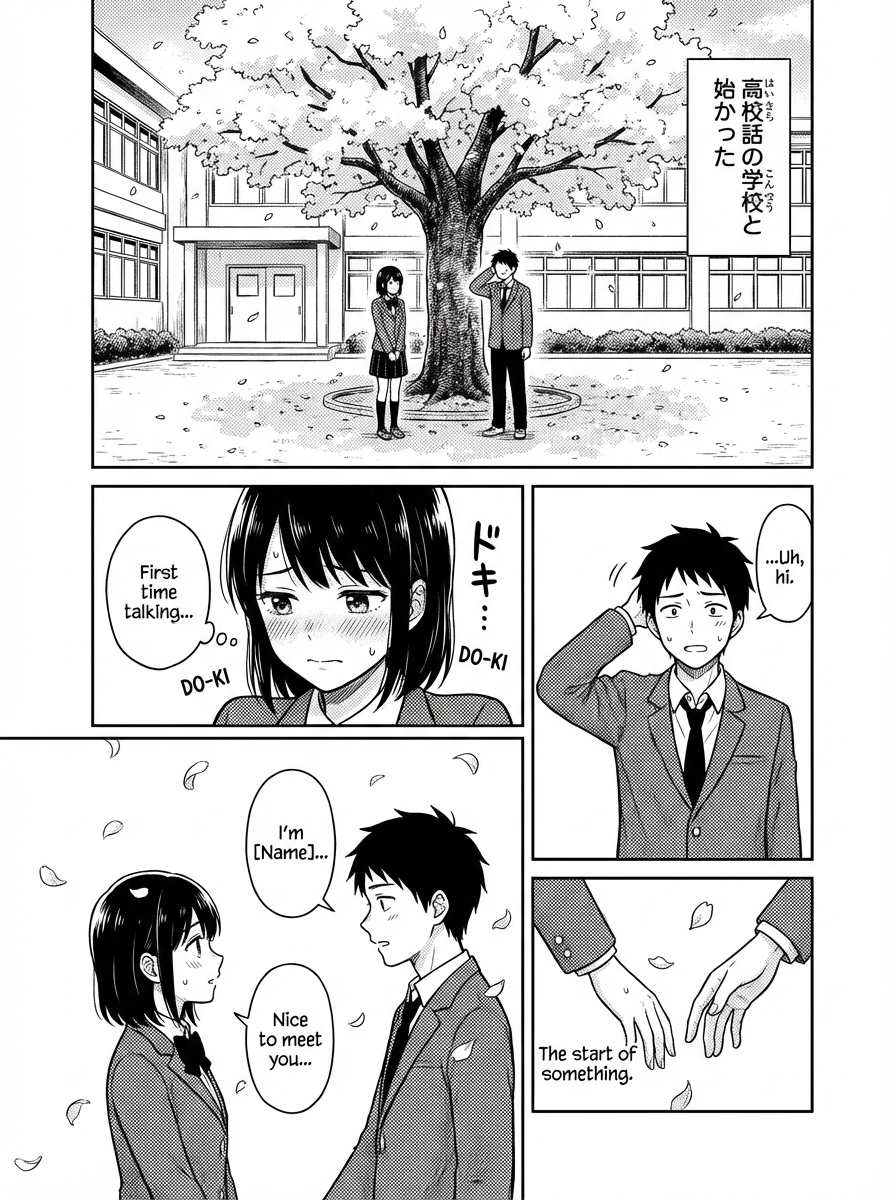
चैप्टर 1: मुलाकात

पेज 1 / 3

चैप्टर 1: मुलाकात

Panel breakdown

पैनल 1: साकुरा

"स्कूल का एक और साधारण दिन..."

चेरी ब्लॉसम्स के साथ स्कूल बिल्डिंग का वाइड शॉट।

पैनल 2: साकुरा

"पता नहीं आज कुछ रोमांचक होगा या नहीं।"

सोचती हुई Sakura का क्लोज़-अप।

पैनल 3: तकेशी

"माफ़ कीजिए, यह आपसे गिर गया था।"

Takeshi, Sakura को किताब लौटाता है।

Prompt used

manga page layout, 4 panels, school romance scene, anime style, cherry blossoms, high school students, romantic atmosphere, detailed backgrounds

Prompt gallery

कहानी के उदाहरण और दोबारा उपयोग किए जा सकने वाले prompt building blocks।

उदाहरण scenes देखें, prompt language समझें और उन structures को कॉपी करें जो पहले से काम कर रहे हैं।

रोमांस

स्कूल रोमांस

Sakura से मिलिए - एक शर्मीली हाई स्कूल छात्रा
पैनल 1

Sakura से मिलिए - एक शर्मीली हाई स्कूल छात्रा

full manga page, 3 panels, anime style, shy high school girl with long black hair, school uniform, cherry blossoms background, spring morning

Reusable scene prompt
Takeshi - लोकप्रिय छात्र जो उसे नोटिस करता है
पैनल 2

Takeshi - लोकप्रिय छात्र जो उसे नोटिस करता है

full manga page, 4 panels, anime style, handsome boy with brown hair, school uniform, confident smile, classroom background, sunlight through window

Reusable scene prompt
उनकी पहली बातचीत सब कुछ बदल देती है
पैनल 3

उनकी पहली बातचीत सब कुछ बदल देती है

full manga page, 5 panels, anime style, two students talking under cherry tree, school courtyard, pink petals falling, romantic atmosphere, soft lighting

Reusable scene prompt
चरित्र डिज़ाइन

anime style, cool ninja girl, black outfit, moonlight, rooftop scene, mysterious atmosphere

manga style, cute cat girl, maid outfit, cafe background, kawaii expression, pastel colors

anime style, serious businessman, suit and tie, office background, professional look, realistic lighting

एक्शन सीन

dynamic fight scene, two martial artists, energy effects, dramatic angles, speed lines

mecha battle, giant robots, city background, explosions, detailed machinery, epic scale

magical girl transformation, sparkling effects, dramatic pose, colorful background

भावनात्मक क्षण

sad anime girl, tears, rain background, melancholic atmosphere, soft lighting

happy couple, sunset beach, romantic mood, warm colors, gentle expressions

childhood friends reunion, emotional embrace, nostalgic atmosphere, cherry blossoms

Backgrounds and Settings

traditional Japanese garden, koi pond, bridge, peaceful atmosphere, detailed architecture

futuristic cityscape, neon lights, flying cars, cyberpunk aesthetic, night scene

magical library, floating books, mystical atmosphere, ancient knowledge, fantasy setting

बेहतर Prompts के लिए Pro Tips

स्पष्ट रहें

style, mood, lighting और character expressions के बारे में डिटेल शामिल करें।

स्टाइल संकेत जोड़ें

बताएं कि आपको कौन-सा art style, camera distance, mood और detail level चाहिए।

सीन सेट करें

background, atmosphere और overall composition को describe करें।

AI Manga layout tool

ज़्यादा इरादे के साथ panel layouts बनाएं।

action beats, dialogue scenes और vertical storytelling के लिए preset comic structures चुनें या custom panel compositions बनाएं।

लेआउट क्रिएशन टूल
Text to Manga टूल
Text-to-Manga AI

एक prompt को पढ़ने योग्य manga page में बदलें।

पेज को describe करें, पहला pass जनरेट करें और canvas में refine करते रहें जब तक pacing, staging और dialogue सही न लगें।

एडवांस्ड टेक्स्ट सपोर्ट

ऐसी manga typography इस्तेमाल करें जो फ़ॉर्मैट में सच में फिट बैठे।

vertical text, speech bubble placement और manga-friendly font choices को सपोर्ट करें ताकि final page rough mockup नहीं, finished comic जैसा पढ़े।

एडवांस्ड टेक्स्ट एडिटर
उदाहरण कार्य

सुसंस्कृत मंगा एस्थेटिक्स वाले जनरेटेड उदाहरण।

देखें कि आप किस तरह के character art, color range और composition quality का लक्ष्य रख सकते हैं।

विविध किरदार

उम्र, archetypes और visual mood के अनुसार cast जनरेट करें।

समृद्ध आर्ट स्टाइल्स

manga, anime, painterly और cinematic presentation styles को सपोर्ट करें।

समृद्ध रंग अभिव्यक्ति

संतुलित monochrome accents से vivid color storytelling तक जाएं।

सटीक कम्पोज़िशन कंट्रोल

page level पर poses, camera angles और scene balance को guide करें।

ब्यूटीफ़ुल गर्ल स्टाइल
Generation example

ब्यूटीफ़ुल गर्ल स्टाइल

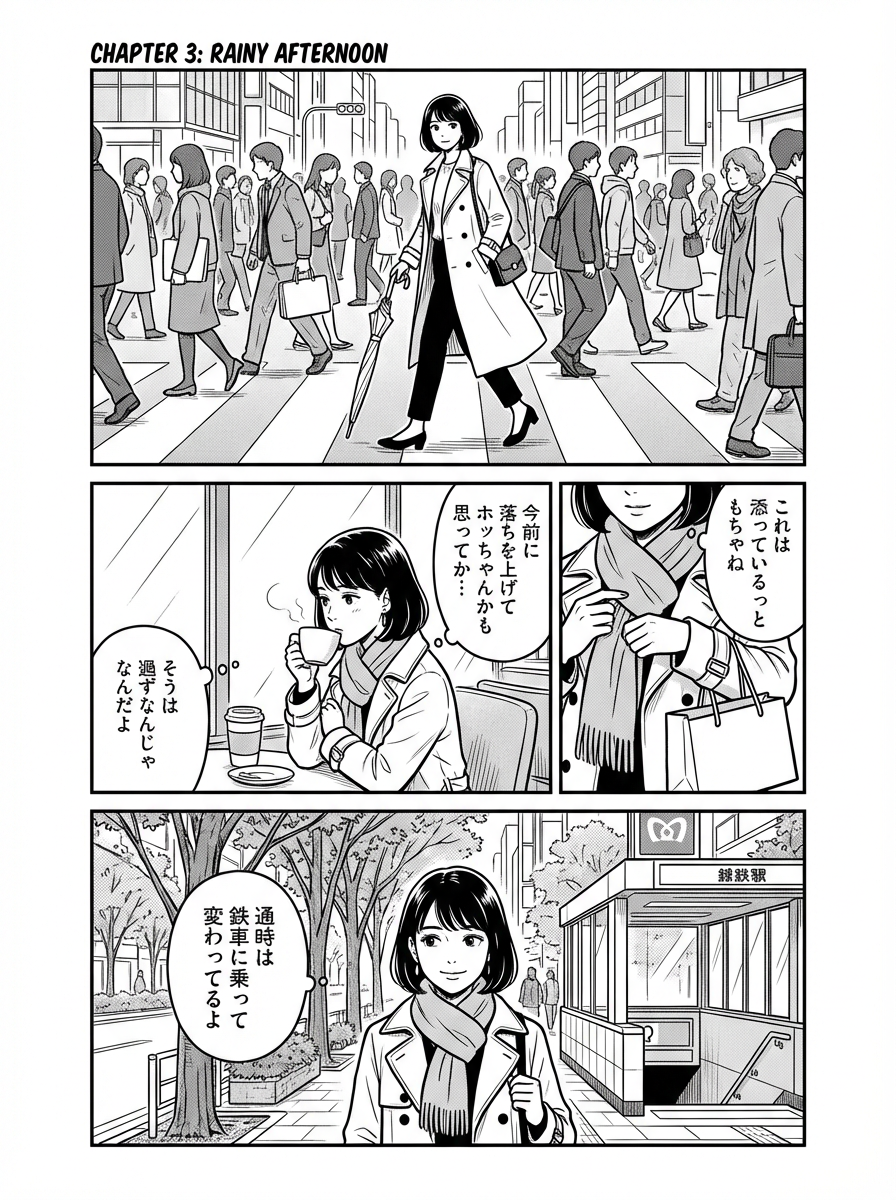
अभिव्यंजक character acting वाला polished 4-panel page।

कैज़ुअल स्टाइल
Generation example

कैज़ुअल स्टाइल

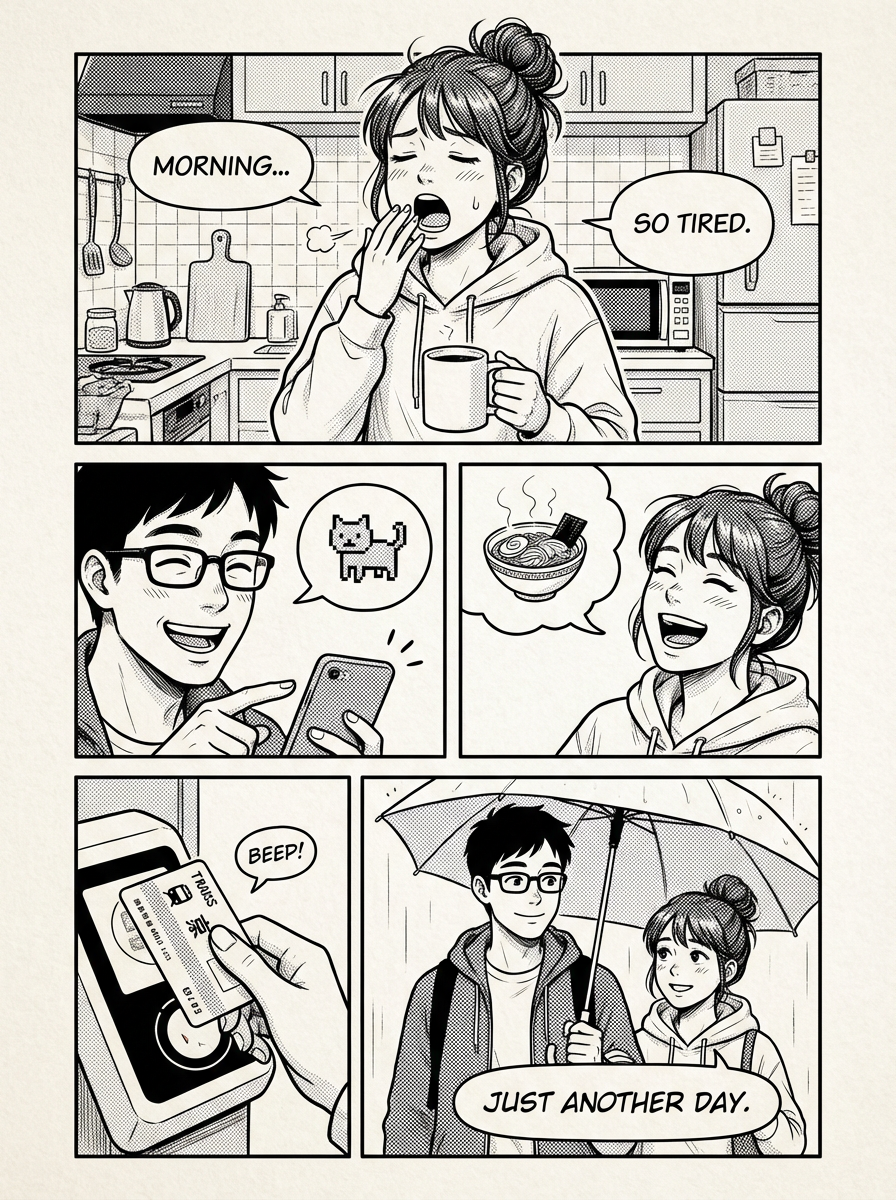
नरम टोन और रोज़मर्रा की pacing वाला slice-of-life page।

फ़ैंटेसी स्टाइल
Generation example

फ़ैंटेसी स्टाइल

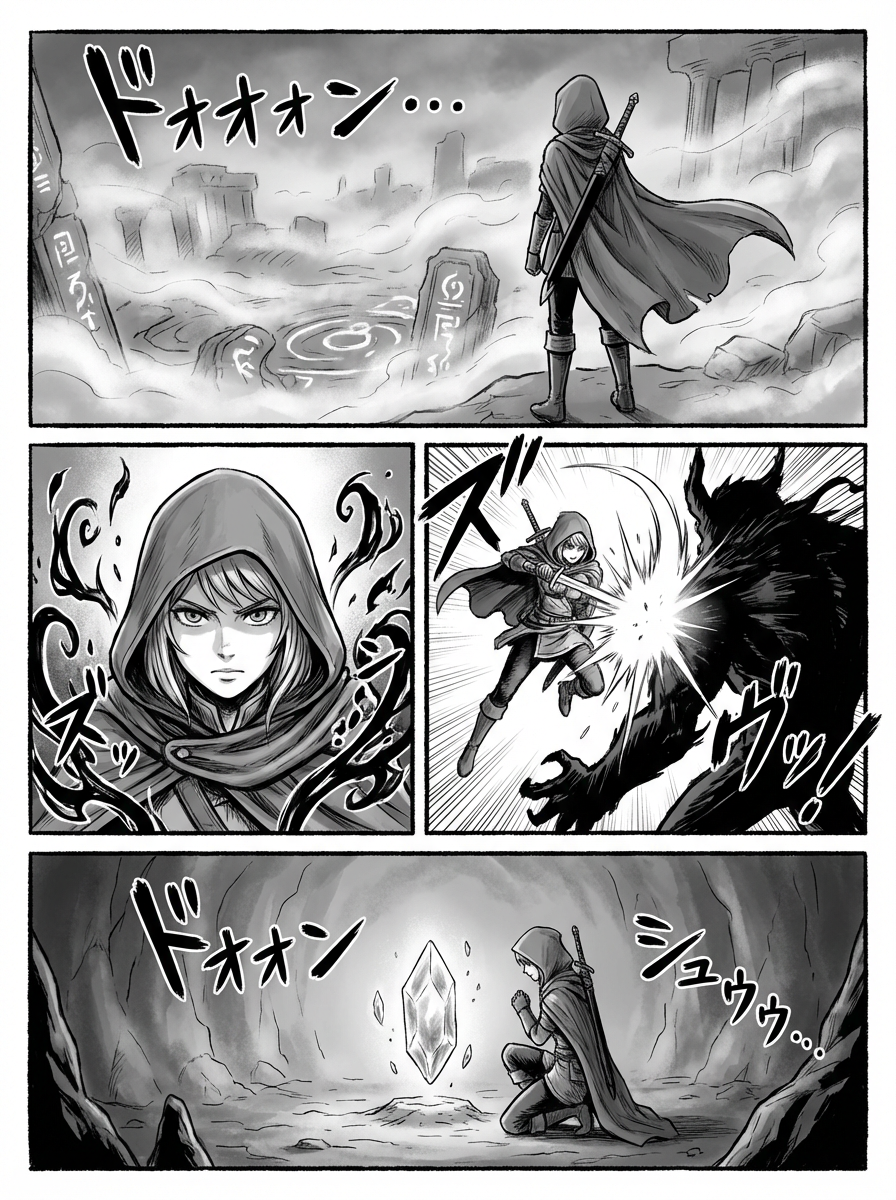
stylized composition और effects वाला atmospheric fantasy page।

एआई एनीमे आर्ट जनरेटर
AI anime art generator

उसी studio environment के अंदर anime artwork बनाएं।

focus टूटे बिना infinite canvas का उपयोग character art, edits, inpainting, pose control और scene variations के लिए करें।

टेक्स्ट-से-इमेज

एक क्लिक में anime characters और scenes बनाएं।

इनपेंट

पूरा पेज दोबारा बनाए बिना कमजोर हिस्से एडिट करें।

चेहरे को बेहतर बनाना

एक्सप्रेशन की स्पष्टता और चेहरे की डिटेल बेहतर करें।

Pose Control

body language और panel staging को अधिक सटीकता से guide करें।

एआई मंगा स्टूडियो

पेज क्रिएशन, लेआउट कंट्रोल और मंगा प्रोडक्शन के लिए AI Manga Studio workflows

कहानी के आइडिया से final manga pages तक पहुँचें — story, layout, character design और dialogue polish के लिए focused tools के साथ।

manga creation, story drafting, animation, character design, coloring और translation के लिए purpose-built workflows खोलें।

एआई कॉमिक स्ट्रिप्स मेकर

ऐप्प लॉन्च करें

एआई कॉमिक स्ट्रिप्स मेकर

Create comic strips in 30 seconds with a free AI comic generator, comic strip maker, comic creator, and comic maker workflow.

एआई स्टोरी जनरेटर

ऐप्प लॉन्च करें

एआई स्टोरी जनरेटर

हमारा एआई आधारित स्टोरीबोर्ड जेनरेटर आपको एक पूर्ण स्क्रिप्ट और विज़ुअल स्टोरीबोर्ड जल्दी और आसानी से बनाने देता है, जिसमें क्रियाएँ, वॉइसओवर और कैमरा मूवमेंट शामिल होते हैं।

एआई एनीमेशन जनरेटर

ऐप्प लॉन्च करें

एआई एनीमेशन जनरेटर

Extend still panels into motion-driven sequences with an animation-first workflow.

एआई कैरेक्टर जनरेटर

ऐप्प लॉन्च करें

एआई कैरेक्टर जनरेटर

हमारे एआई कैरेक्टर डिज़ाइन टूल से अपनी कॉमिक स्ट्रिप्स के लिए अनूठे पात्र बनाएं।

मंगा निर्माता

ऐप्प लॉन्च करें

Open the full editor to compose pages, refine panels, and polish manga output in one place.

एआई मंगा कलराइज़र

ऐप्प लॉन्च करें

एआई मंगा कलराइज़र

हमारा एआई मंगा जेनरेटर आपको मिनटों में हज़ारों मंगा बनाने देता है।

एआई मंगा अनुवादक

ऐप्प लॉन्च करें

एआई मंगा अनुवादक

Create manga text bubbles, speech balloons, and narration boxes online with a landing page tuned to manga text bubble and speech bubble search intent.

सामान्य प्रश्न

सवालों के साफ़ जवाब।

नहीं। एक single image generator art बना सकता है, लेकिन AI Manga Studio पूरे manga page में मदद करता है: story beats, layouts, panel review, character prompts, speech bubbles, local edits और export paths।

बनाने के लिए तैयार

कहानी से शुरू करें। एडिट करने योग्य manga pages पर खत्म करें।

LlamaGen.AI का उपयोग planning, generation, revision, lettering जोड़ने और manga pages या manga clips तैयार करने के लिए करें — बिना project की direction खोए।

प्रो क्वालिटी
पढ़ने योग्य, polished manga page output
तेज़ generation
prompt से page तक तेज़ iteration
पूरा कंट्रोल
लेआउट, टेक्स्ट और polish एक ही जगह
द्वारा संचालित
LlamaGen.AI