What is AI Layer Splitter?
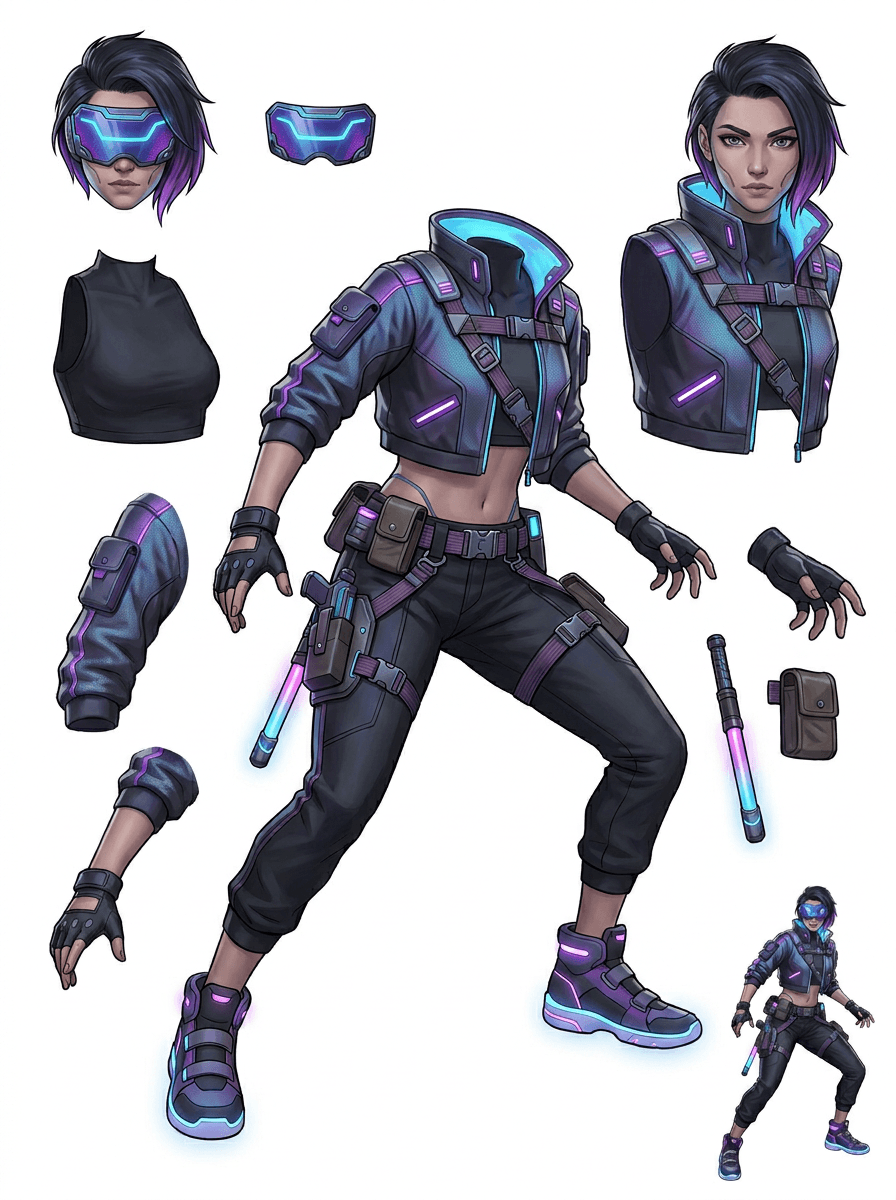
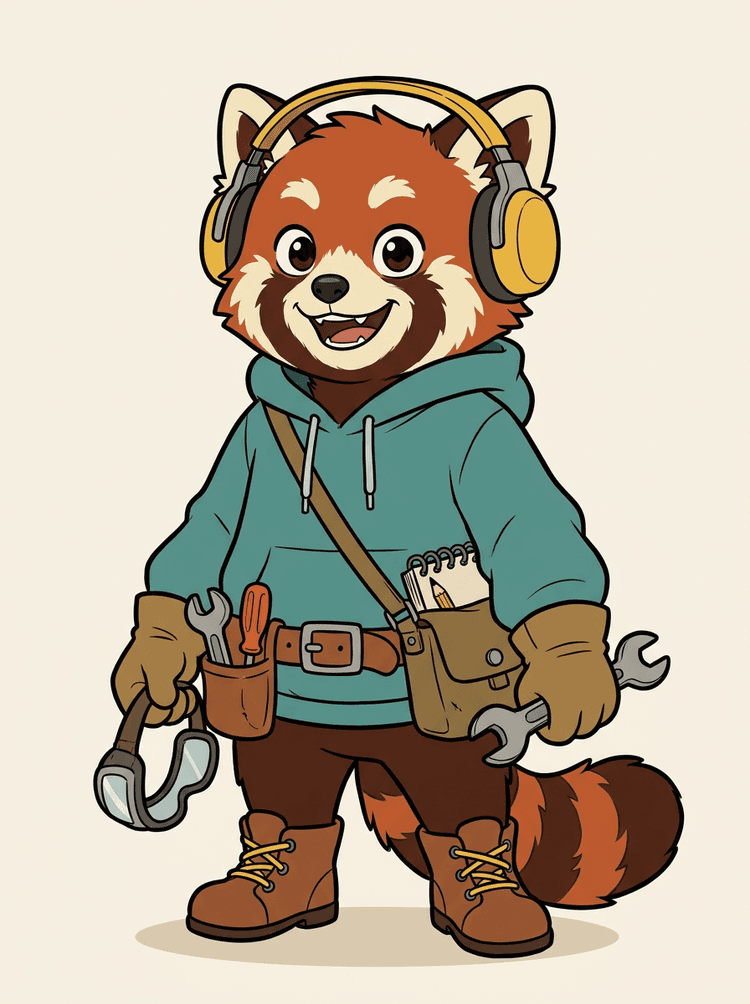
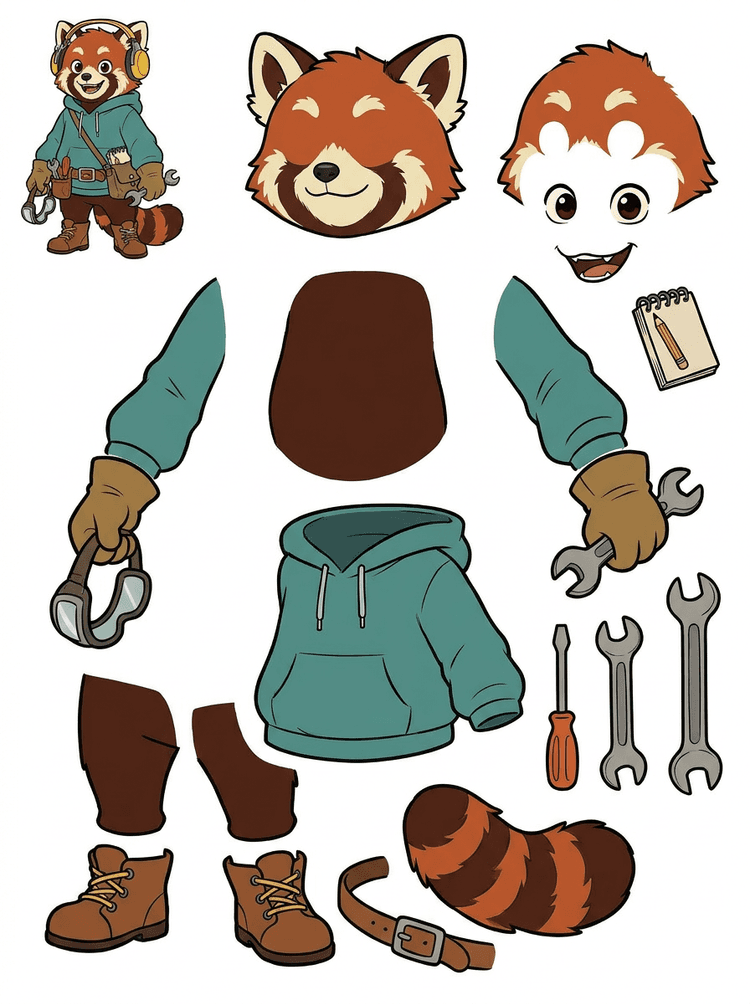
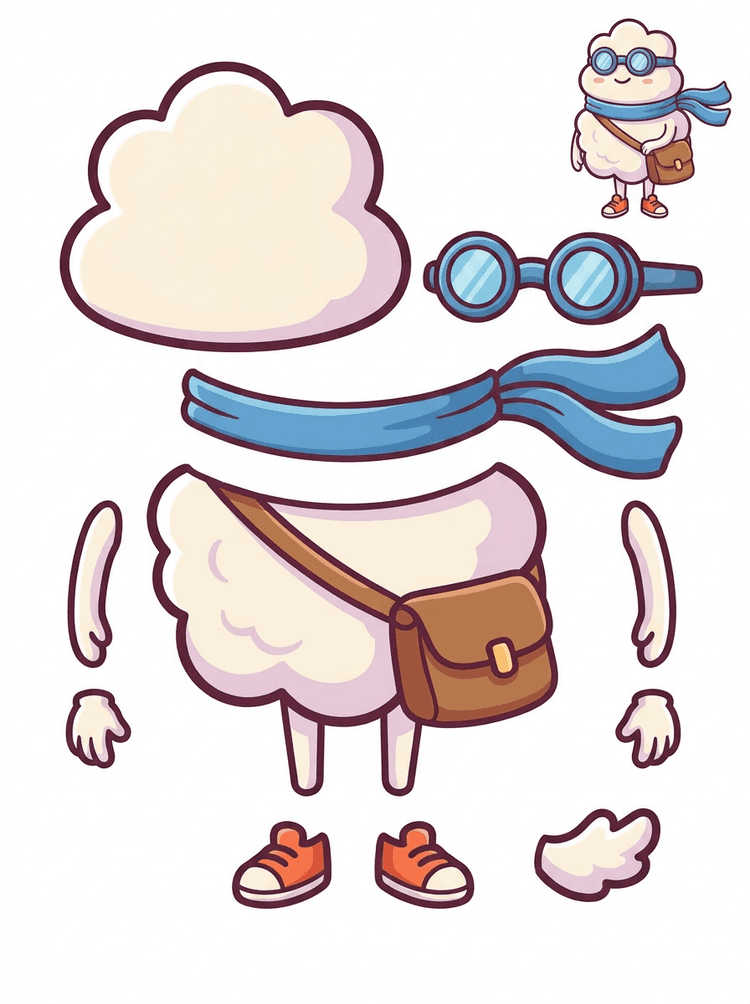
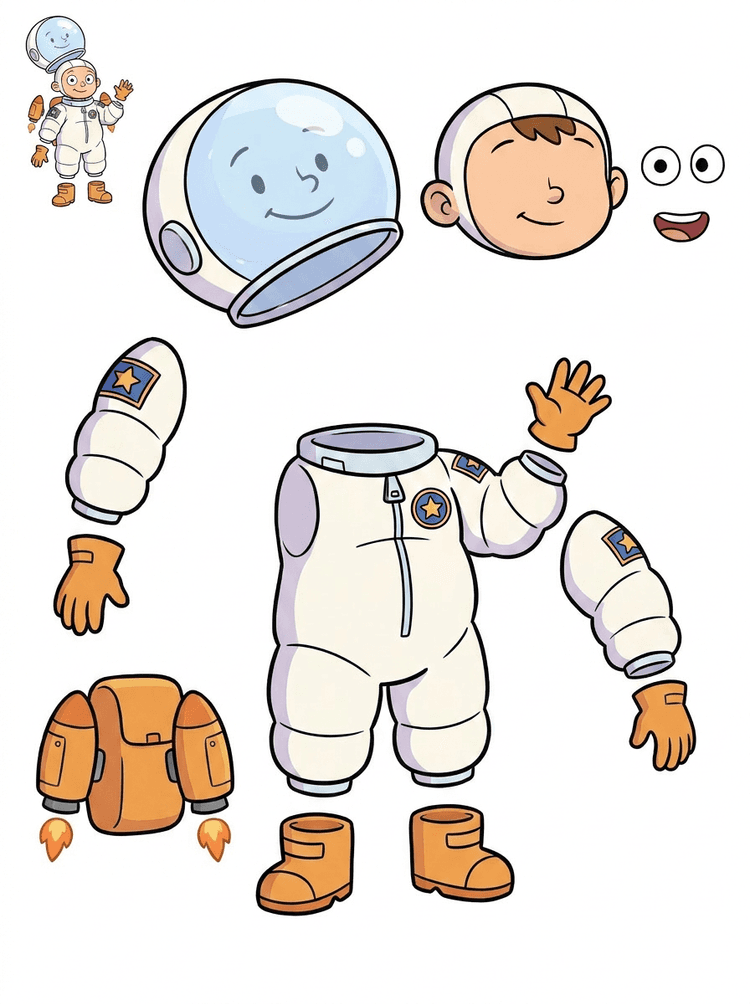
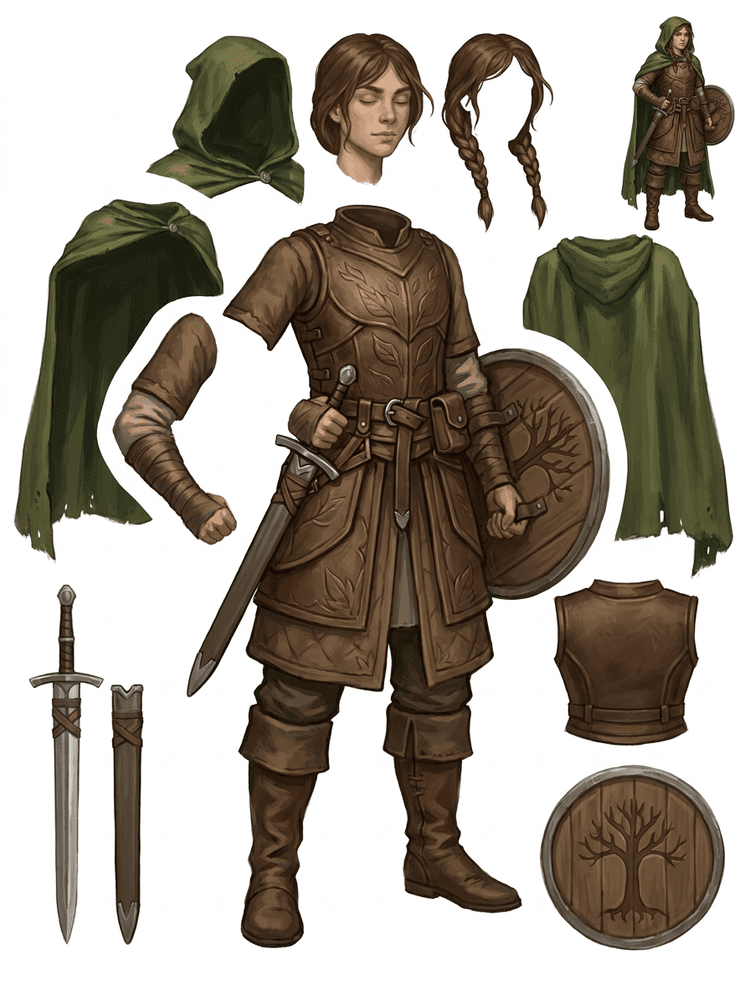
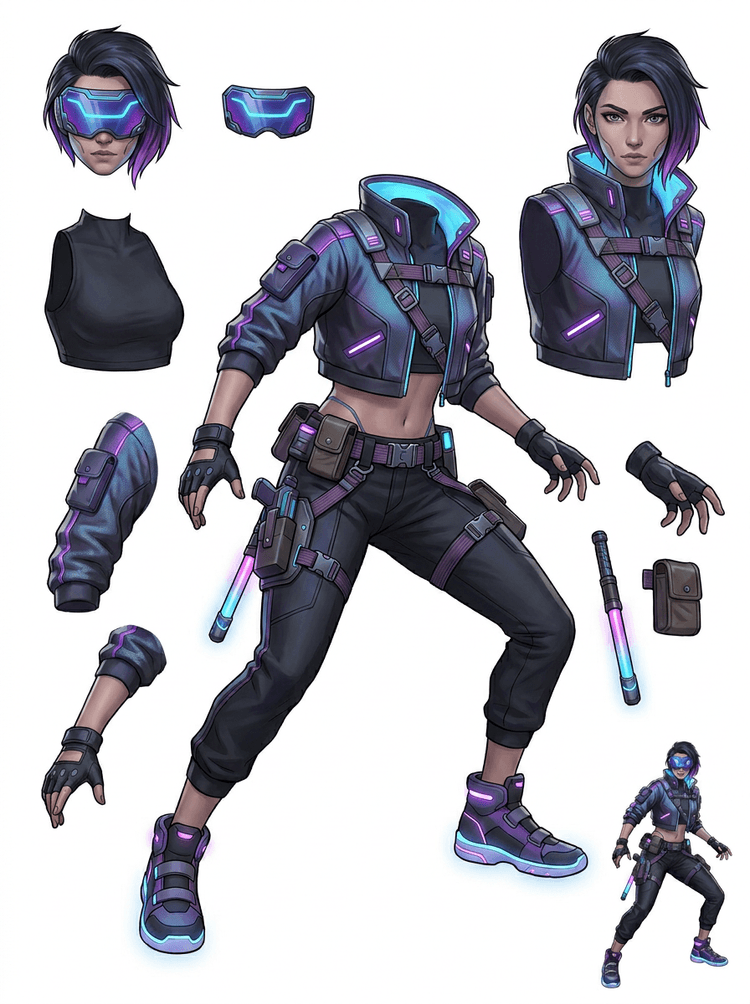
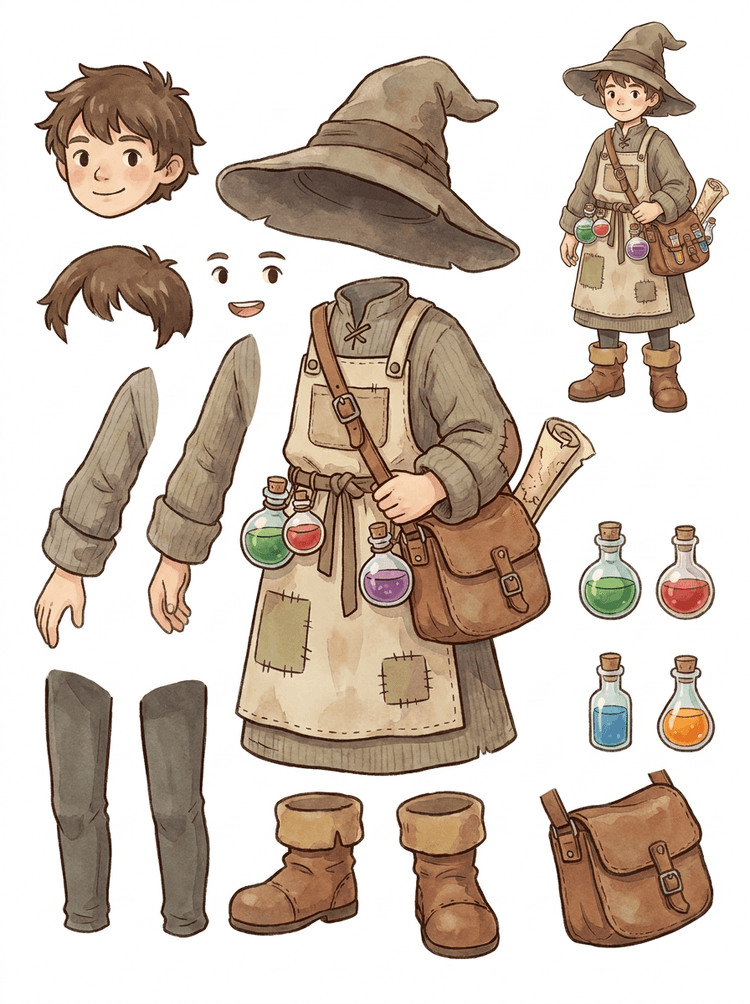
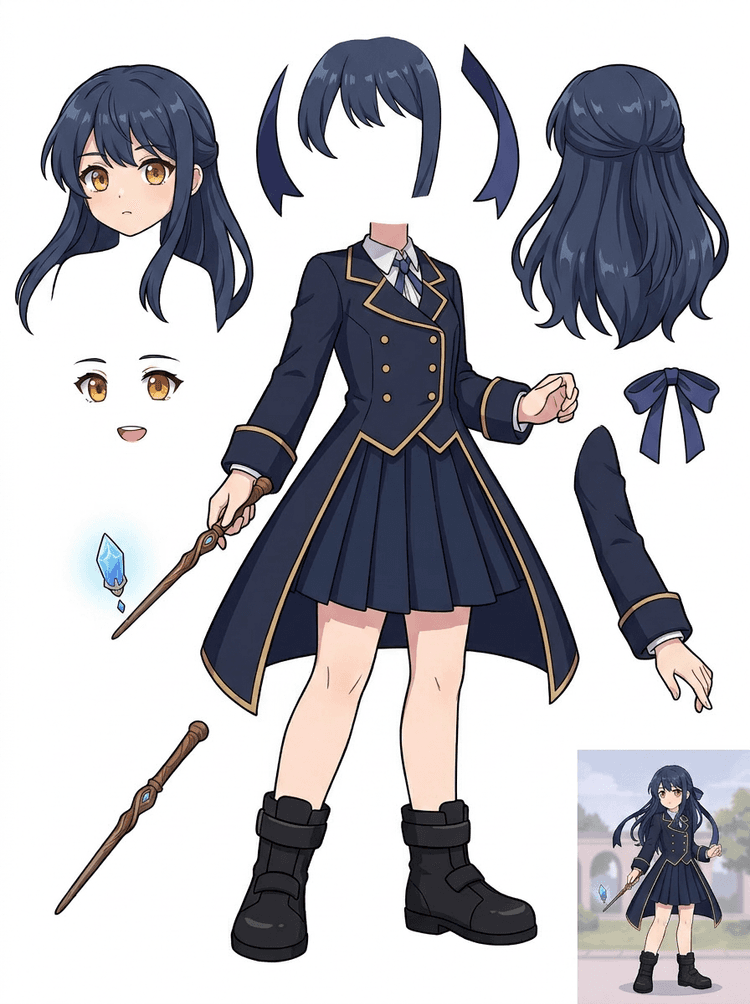
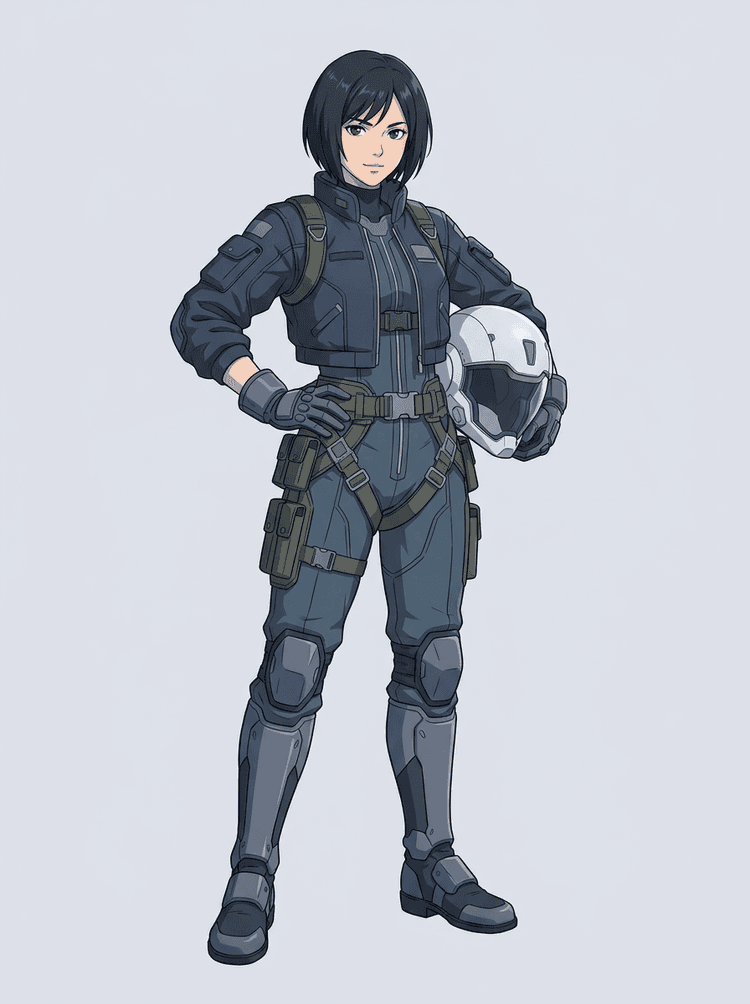
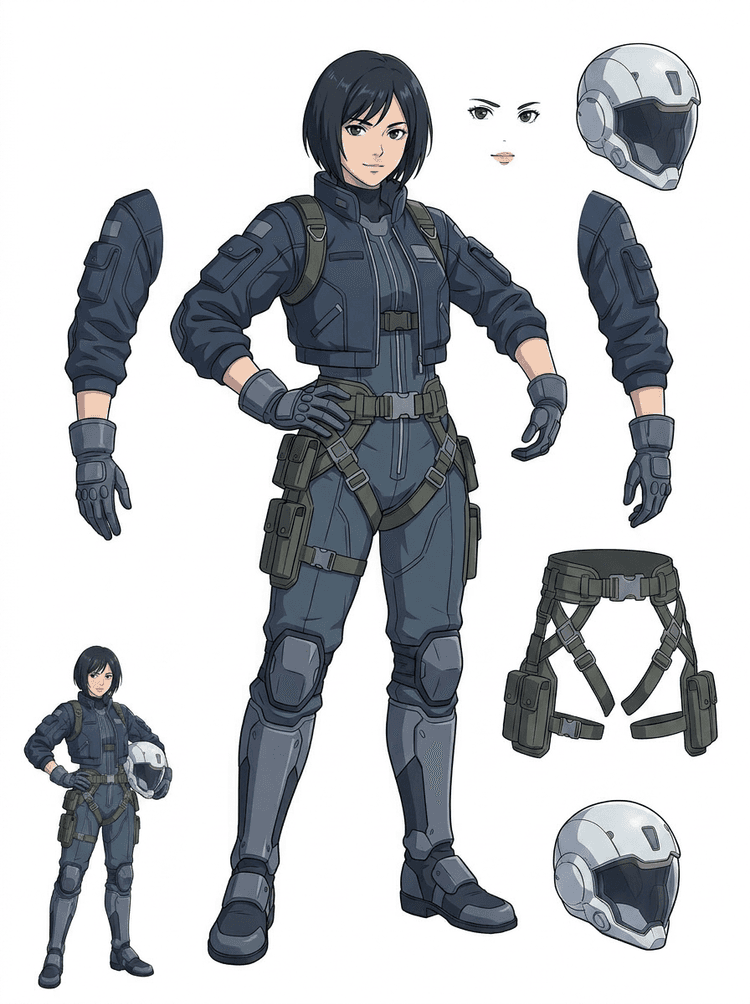
AI Layer Splitter turns a single flat image into a readable asset sheet with visible character parts, backgrounds, text, props, and objects separated for animation, game art, motion comics, e-commerce, and editing workflows.
Is there an AI or plugin that could help me separate objects into layers quickly?
Yes. AI Layer Splitter works as a web-based AI image layer separator: upload one image, let the model identify subjects, backgrounds, text, props, and objects, then download a reviewable image to layers asset sheet. It is fastest for clean graphic design, illustrated products, game assets, and character art; complex photos may still need manual cleanup in Photoshop, Figma, or another editor.
How do I turn an image into layers for editing?
Upload a clean image, run Quick Mode, and review the generated image to layers sheet. The result separates visible foreground, background, subject, text, props, and objects into a practical reference you can use for editing, compositing, animation blocking, sprite prep, or manual cleanup.
Does AI Layer Splitter export a PSD file with editable layers?
The current workflow creates a downloadable layer sheet rather than a finished PSD. Use it as the first AI image layer separation pass, then recreate or polish the strongest parts in Photoshop, Figma, Procreate, After Effects, or your game asset pipeline.
What is Layer Decomposition?
Layer Decomposition is an AI agent capability that separates a single image into logical, editable visual layers such as foreground, background, subjects, text, and objects. It helps teams move from a flat image to a practical layer sheet for review, editing, animation, and production handoff.
Can I use it like Qwen Image Layered for online layer editing?
If you are searching for phrases like "Qwen Image Layered helps you edit image layers online with AI" or "easily separate background, text, and objects for flexible, fast, and free layer editing," the intent is usually online AI layer editing. LlamaGen AI Layer Splitter covers that image separate layers workflow in the browser with a downloadable asset sheet.
What images work best?
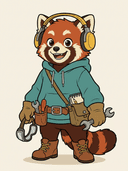
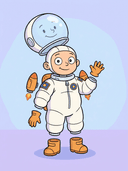
Clean illustrated subjects work best: cartoon mascots, anime characters, game characters, product-style graphics, props, and full-body designs with visible hair, clothing, limbs, shoes, weapons, bags, tails, text, objects, or accessories.
Can I use it for cartoon characters?
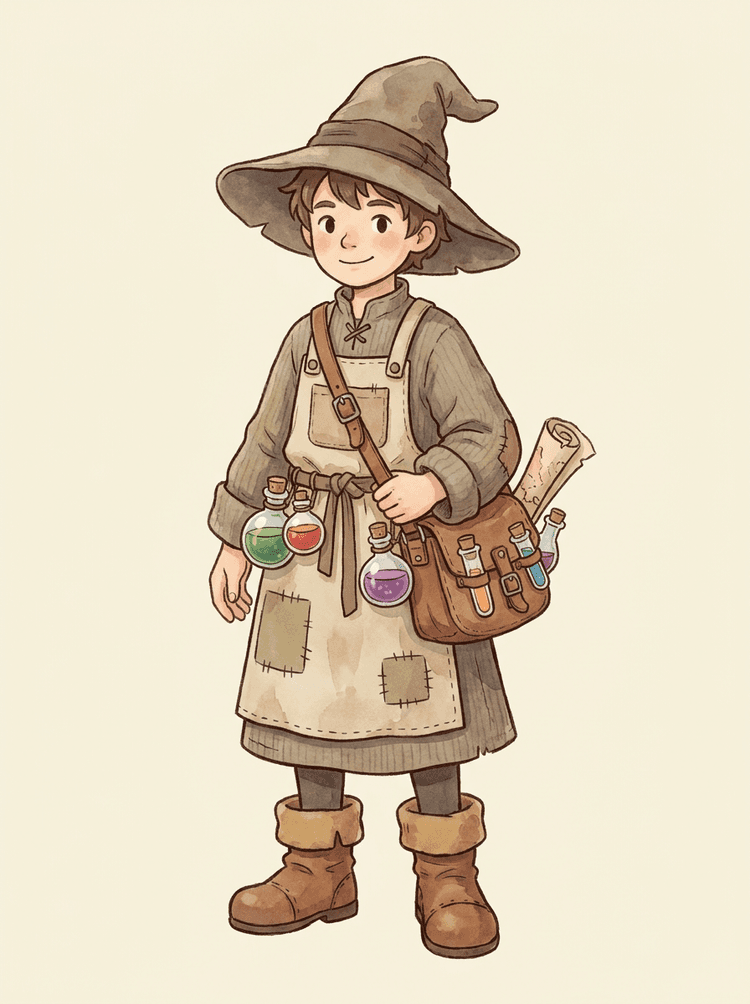
Yes. Cartoon characters and mascots are one of the strongest use cases because the outlines, props, clothing, hands, shoes, and facial parts are often clear enough to become a useful sheet.
Can I use it for game characters and sprites?
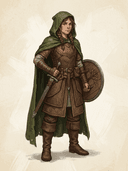
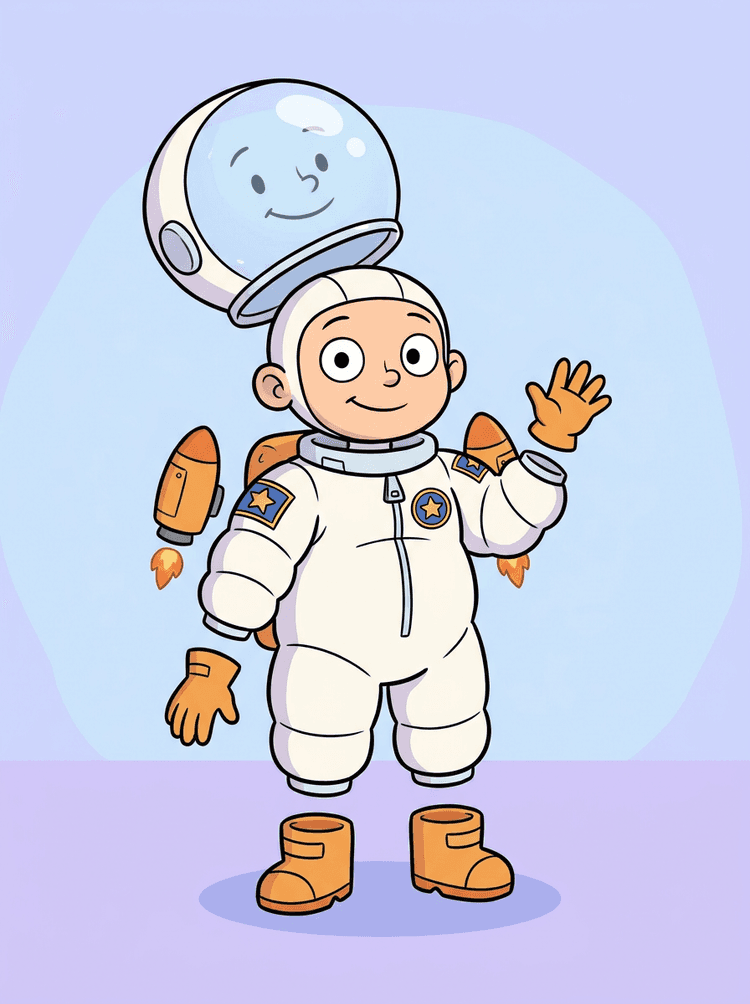
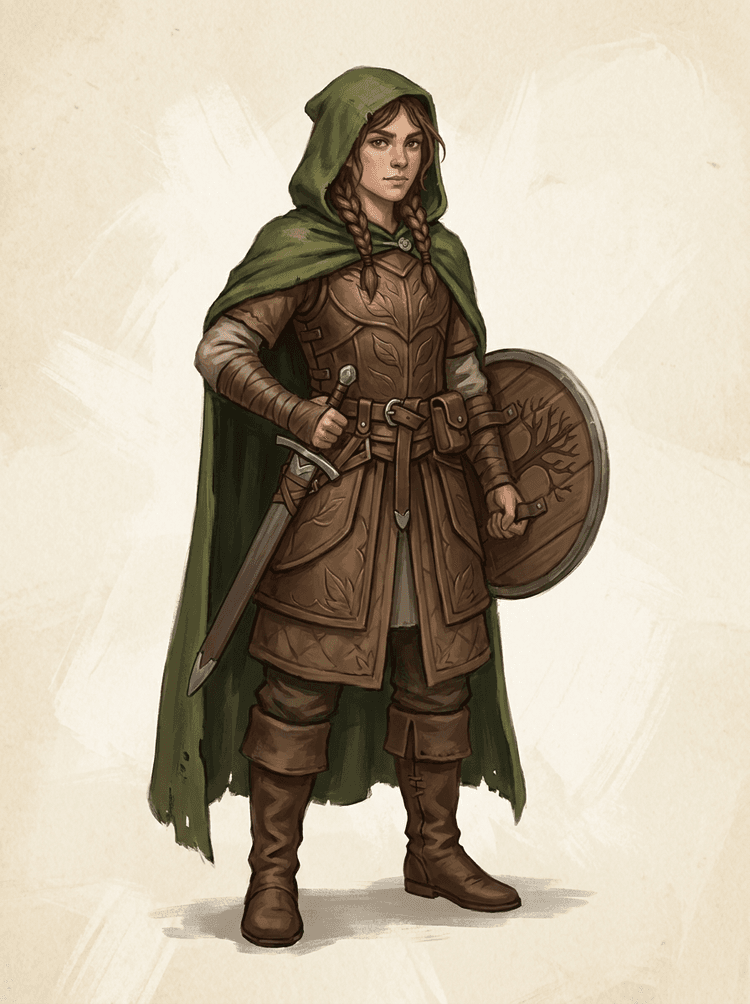
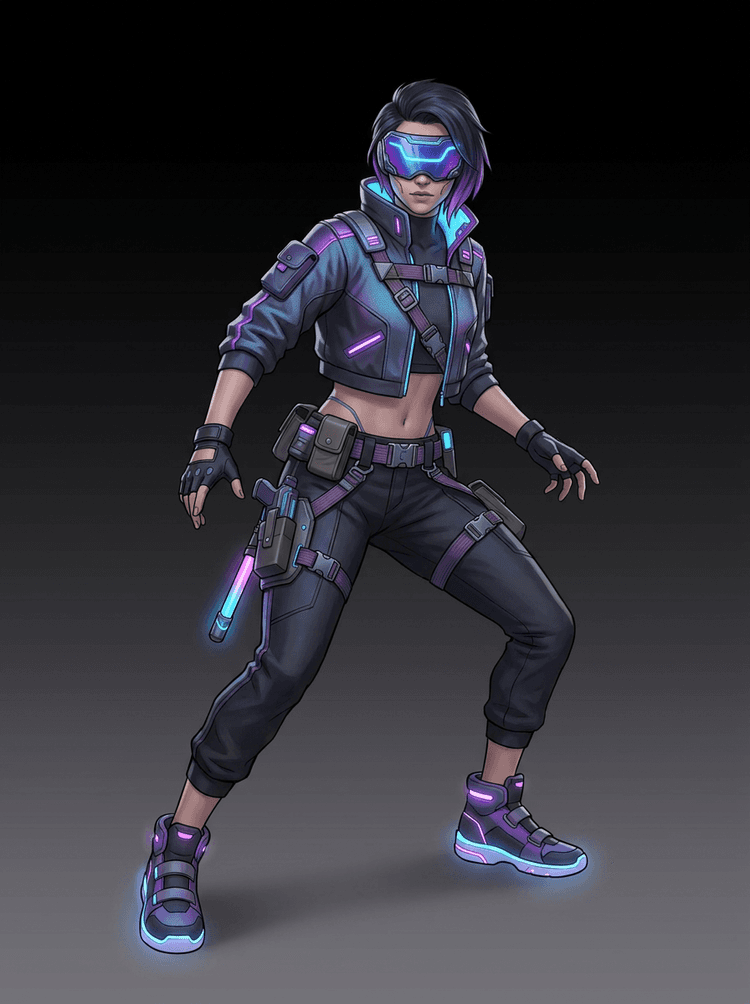
Yes. AI Layer Splitter for game assets can turn clean character concepts into a starting point for sprite references, pose variants, inventory icons, equipment edits, UI portraits, and animation blocking.
Can I use it for anime characters?
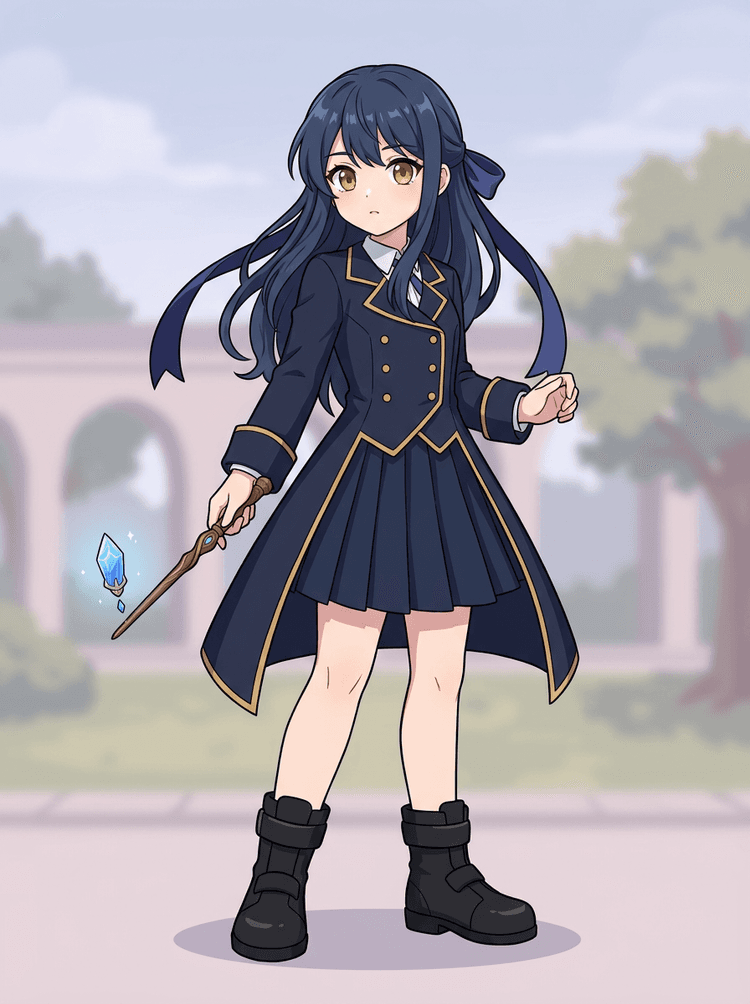
Yes. Anime-style characters can be split into visible hair, face, outfit, ribbon, glove, boot, prop, helmet, and accessory references when the source image is clean.
What is the difference between Quick Mode and PRO Mode?
Quick Mode creates a fast reviewable asset sheet. PRO Mode uses an upgraded model for cleaner separation when the source image is readable and the project needs a higher-quality pass.
Will every image split perfectly?
No. Very crowded scenes, hidden body parts, overlapping subjects, sketch marks, heavy shadows, cropped limbs, or tiny accessories may still need source cleanup or manual finishing.
Can I use the result commercially?
You can use generated outputs according to your LlamaGen plan and terms. Make sure you also have the rights to the source image you upload.