
Gift icon
เริ่มจากปัญหา เครื่องมือพร้อมแล้ว

เปลี่ยนงานภาพแบบแบนให้เป็นเลเยอร์พร้อมทำแอนิเมชัน

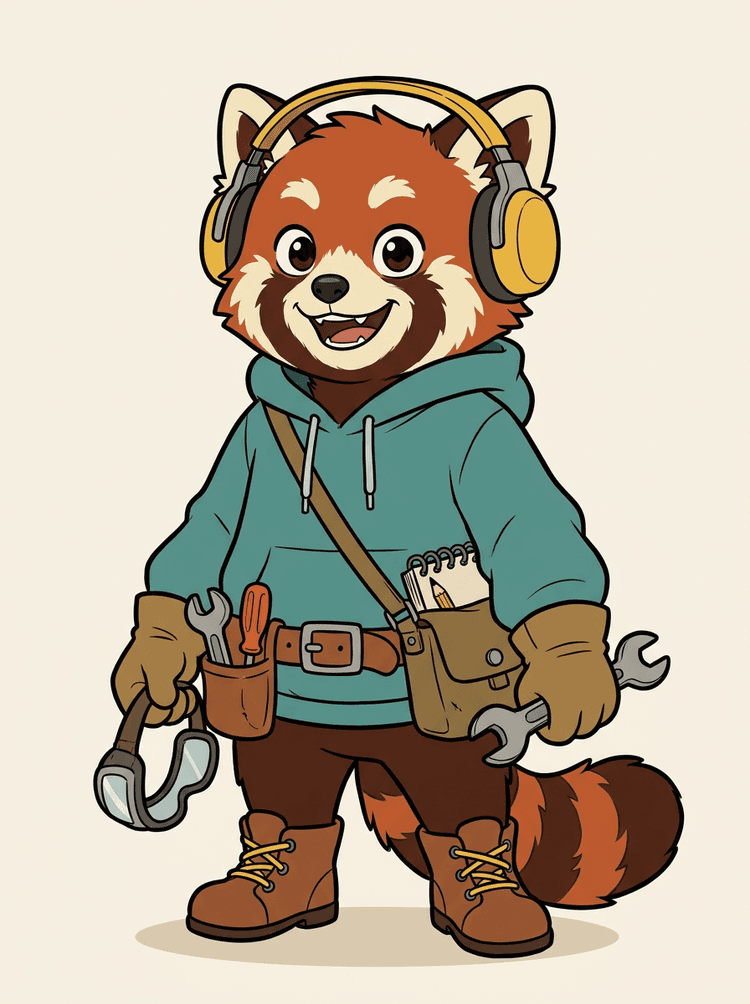
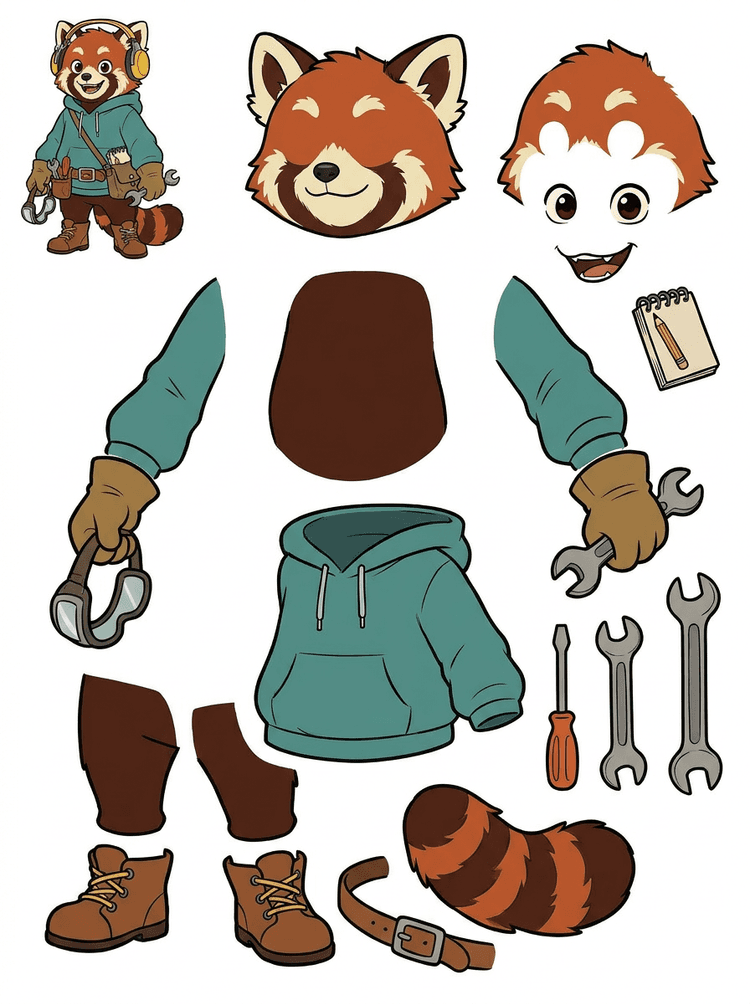
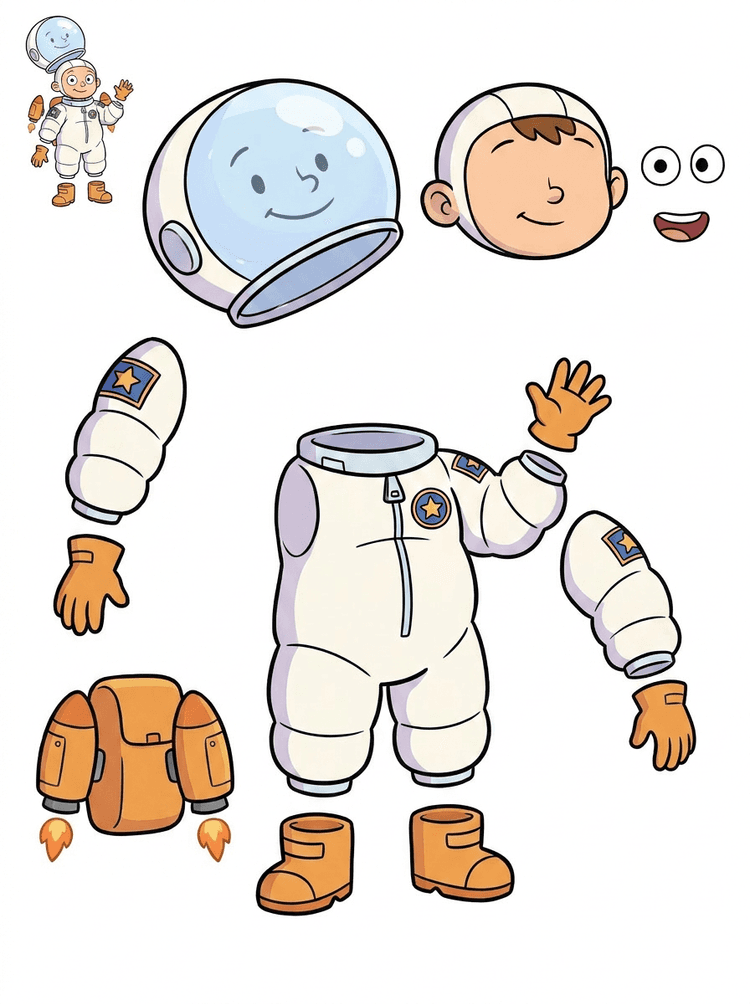
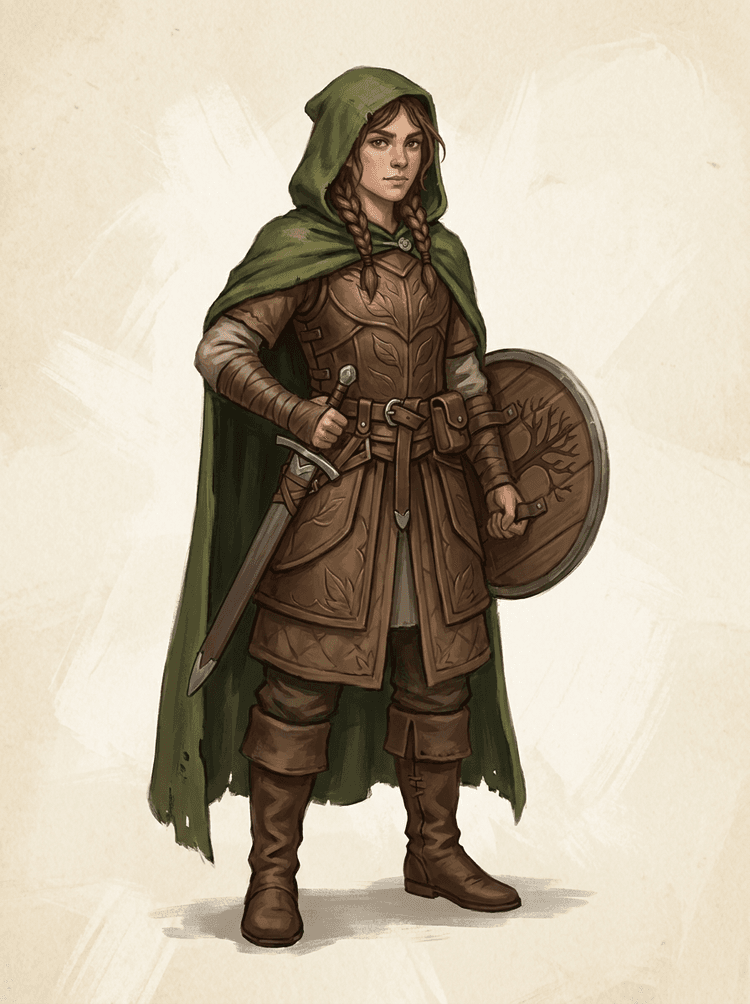
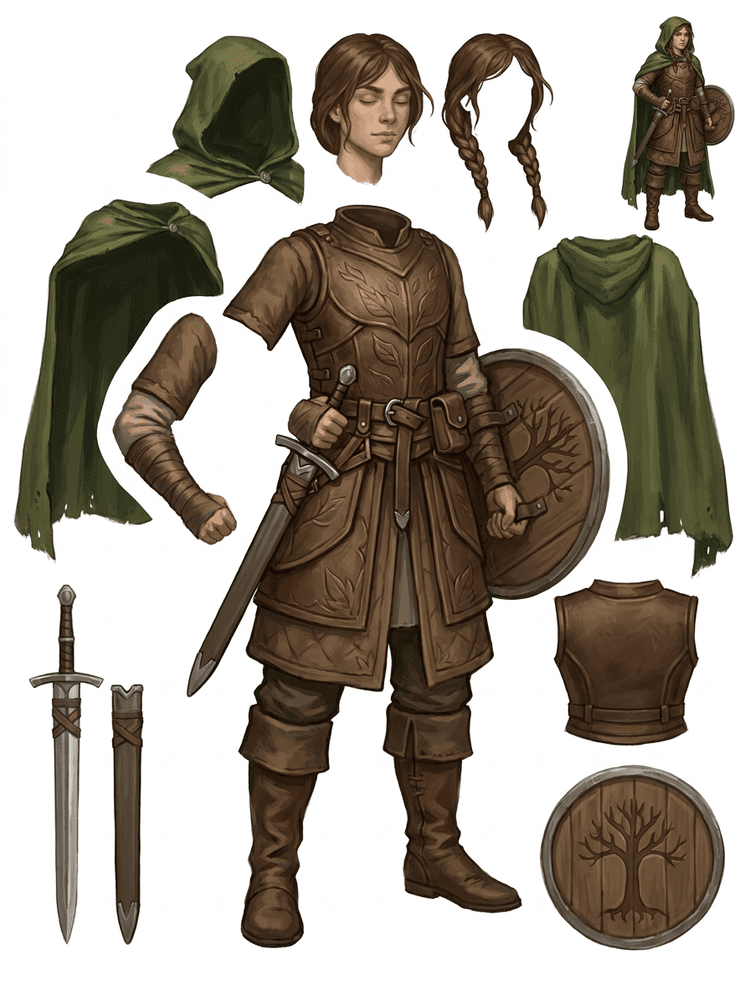
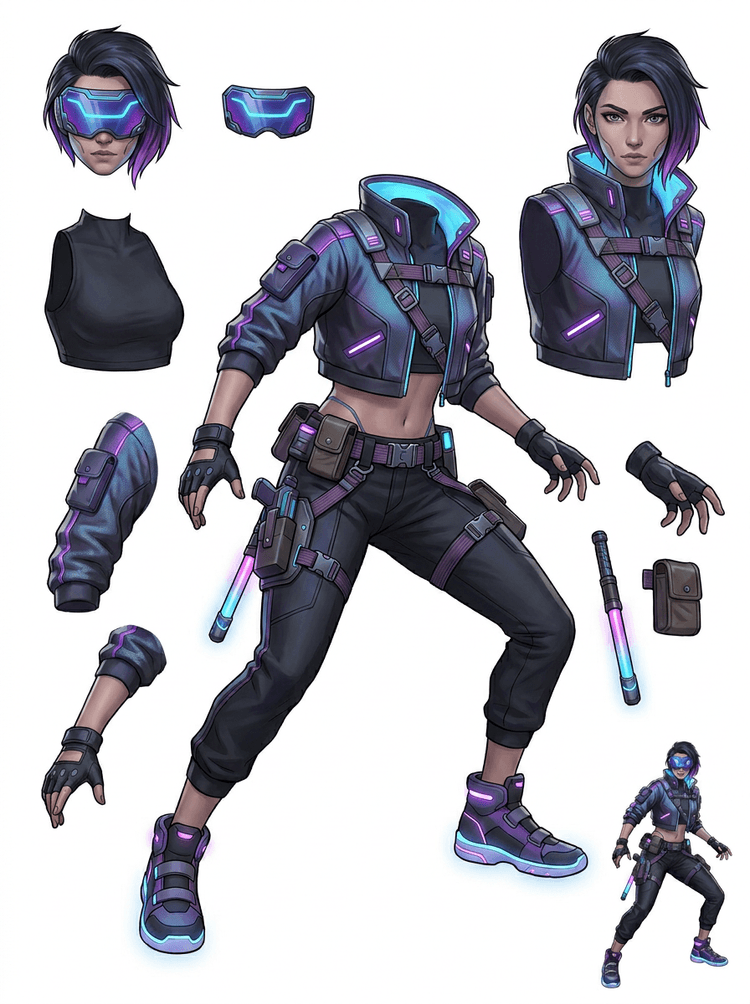
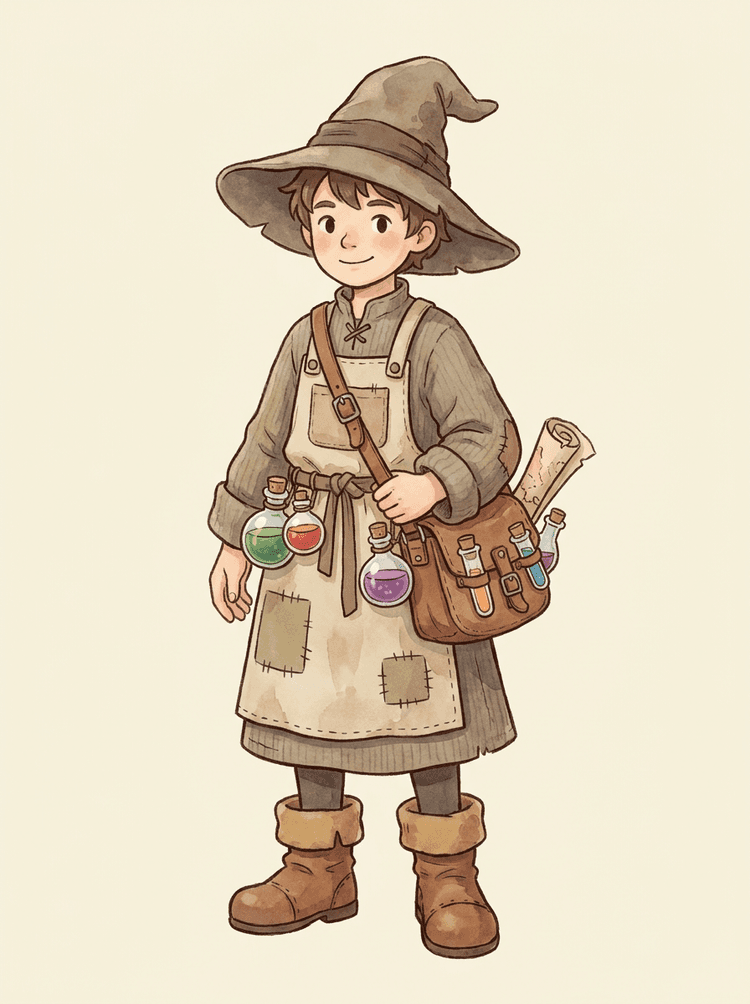
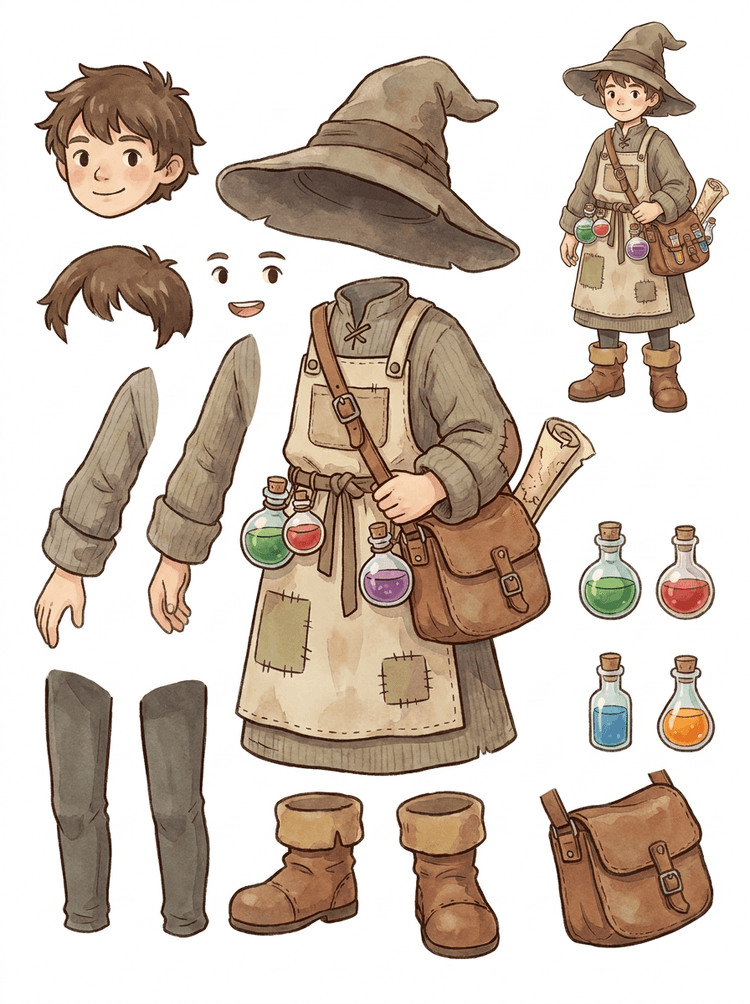
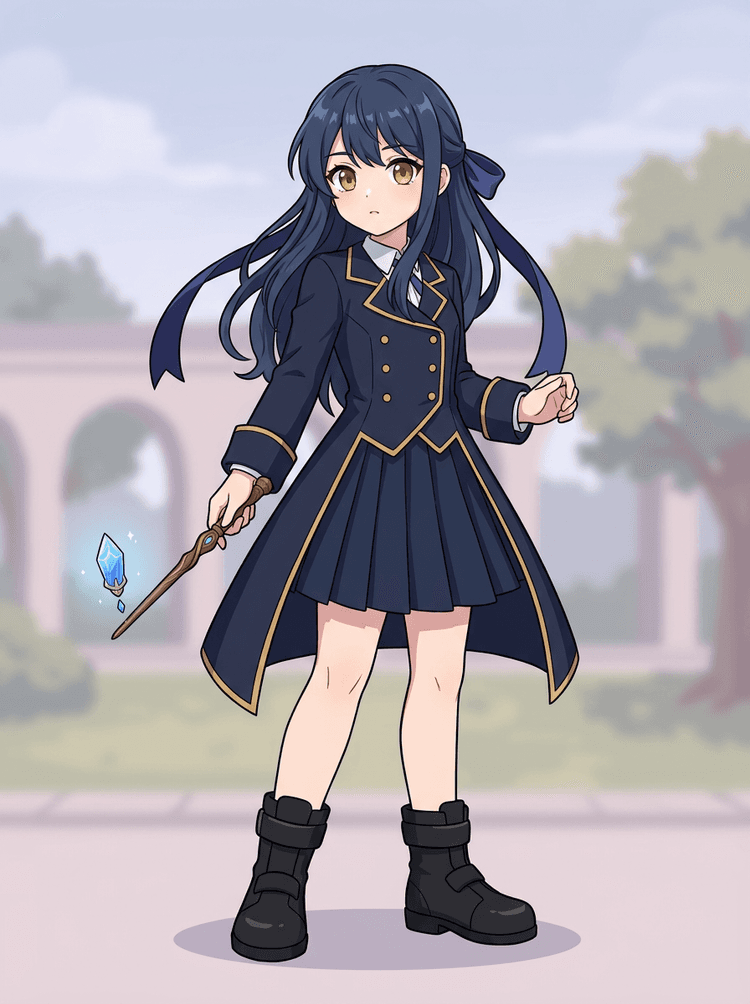
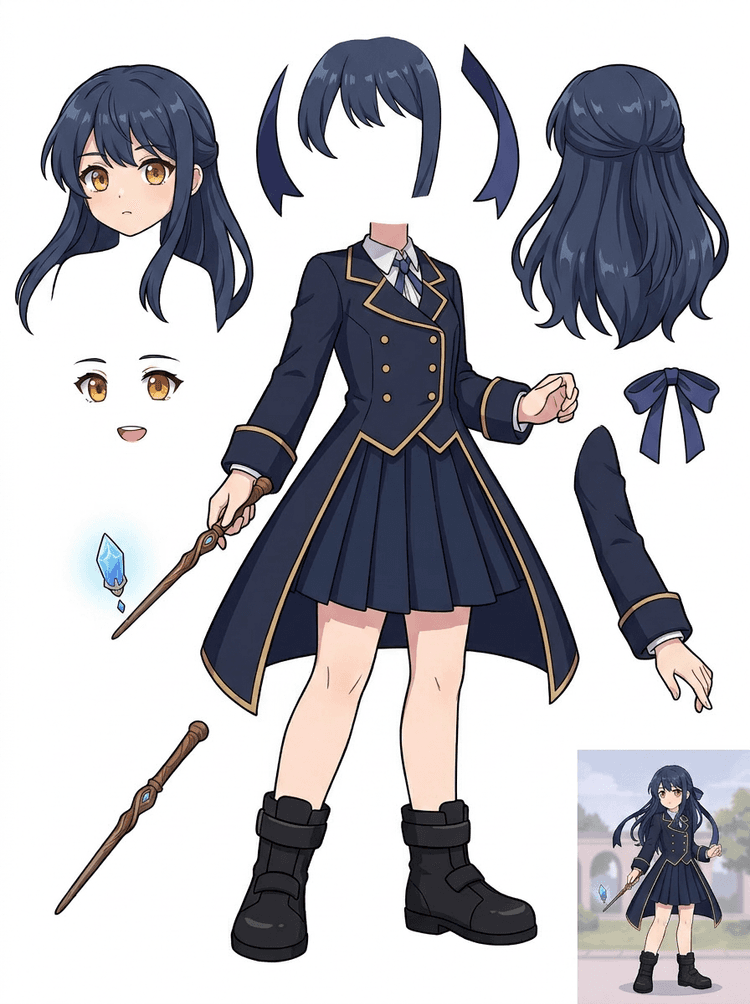
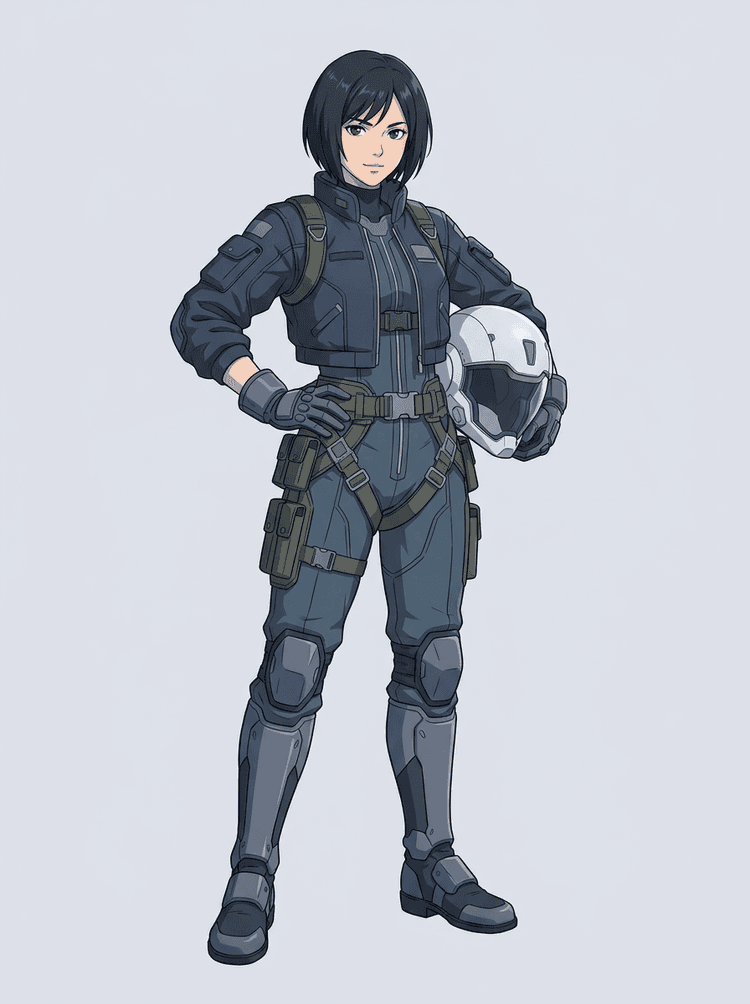
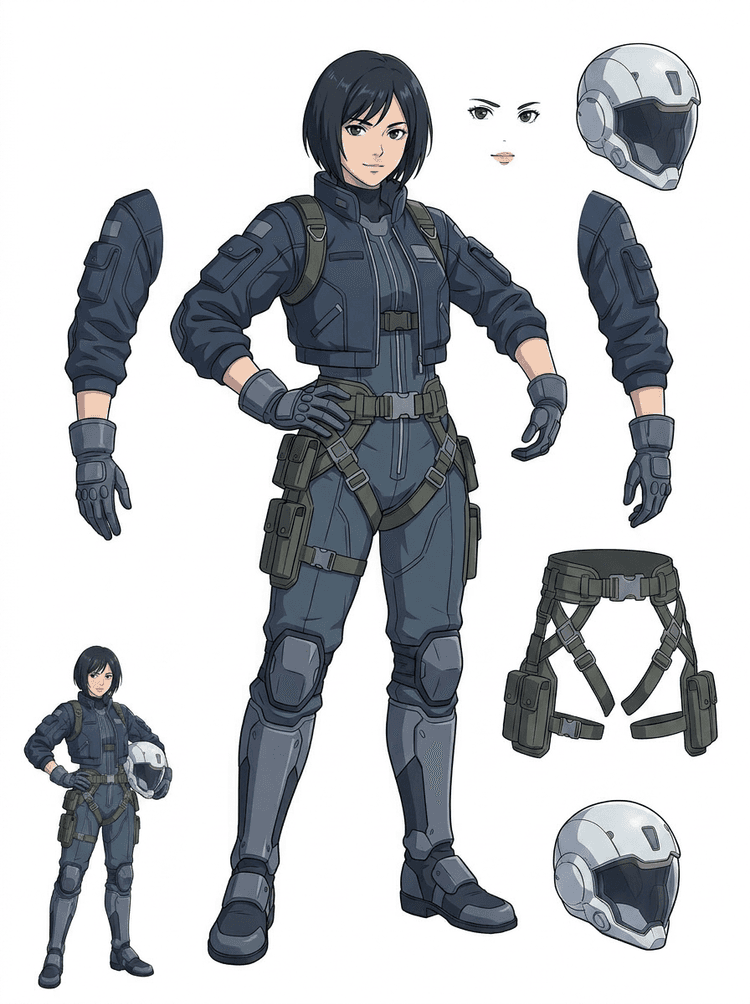
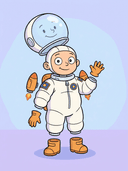
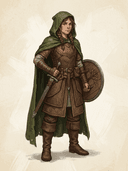
ภาพตัวละครที่เสร็จสมบูรณ์อาจดูพร้อมแล้ว แต่จะทำแอนิเมชันได้ยากจนกว่าผม ใบหน้า เสื้อผ้า แขนขา อุปกรณ์ประกอบฉาก และพื้นหลังจะแยกออกจากกัน อัปโหลดภาพเดียวแล้วดูความแตกต่างก่อนและหลัง จากงานภาพแบนไปสู่แอสเซ็ตเลเยอร์ที่ใช้งานได้จริง

How it works

Image to layers in three clear steps

Treat AI Layer Splitter as the first clean pass: upload one image, generate a layer sheet, then use the result in your editor, animation workflow, or game asset pipeline.

  1. 1

    Start with one clean image

    Use full-body character art, mascot art, anime key art, game concepts, product shots, graphic designs, props, or product-style illustrations with visible edges.

  2. 2

    Generate the first sheet

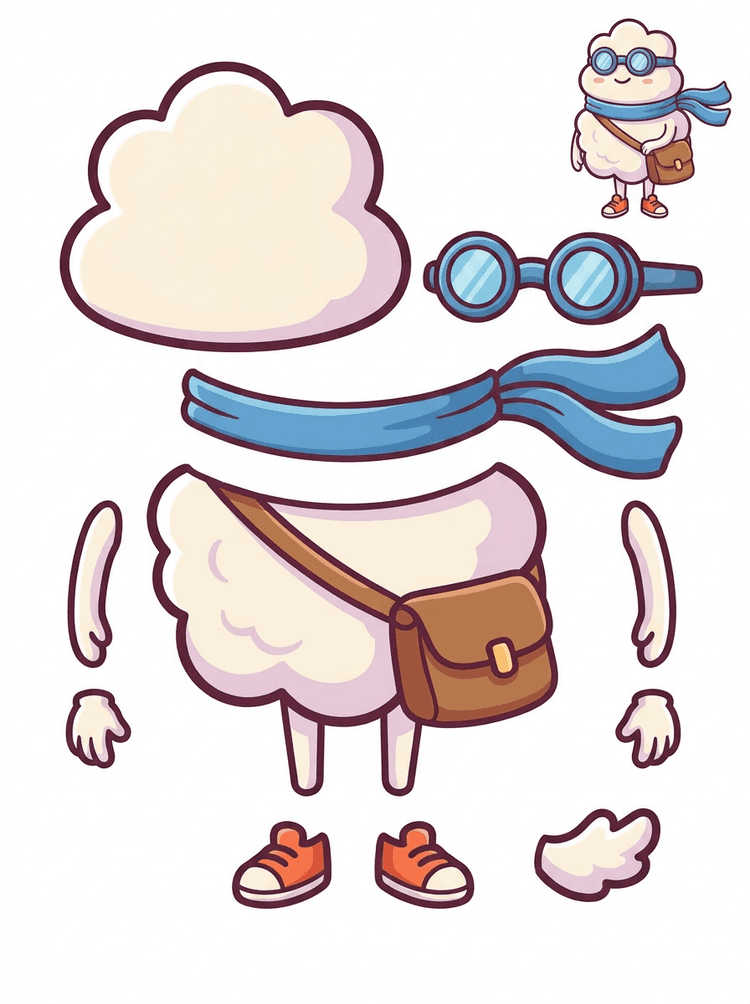
    Quick Mode creates a fast visual checkpoint so the team can see hair, face, clothing, hands, props, shoes, background, text, objects, and accessories in context.

  3. 3

    Upgrade only when it is worth it

    PRO Mode is best after the first sheet proves the source is readable and the project needs a cleaner model pass.

  4. 4

    Handoff with confidence

    Use the downloaded sheet for motion blocking, rig planning, sprite references, repainting, or creative compositing.

The goal is a reviewable production starting point, not a vague AI demo.

Image layer search terms

A clearer path from flat image to editable layer assets

These workflows describe the same core need in slightly different search language: turning one finished image into separated visual parts that are easier to review, edit, animate, or rebuild.

image to layers

Turn one image to layers for production review

Image to layers means starting from one flat artwork file and creating a readable sheet of separated visual parts. AI Layer Splitter is built for this first-pass workflow: upload a cartoon character, game hero, anime design, product graphic, or mascot, then inspect foreground, background, objects, text, clothing, props, and accessories in one result.

  • Best for clean illustrations, graphic designs, product shots, and character art.
  • Useful before manual cleanup in Photoshop, Figma, Procreate, After Effects, or a game pipeline.
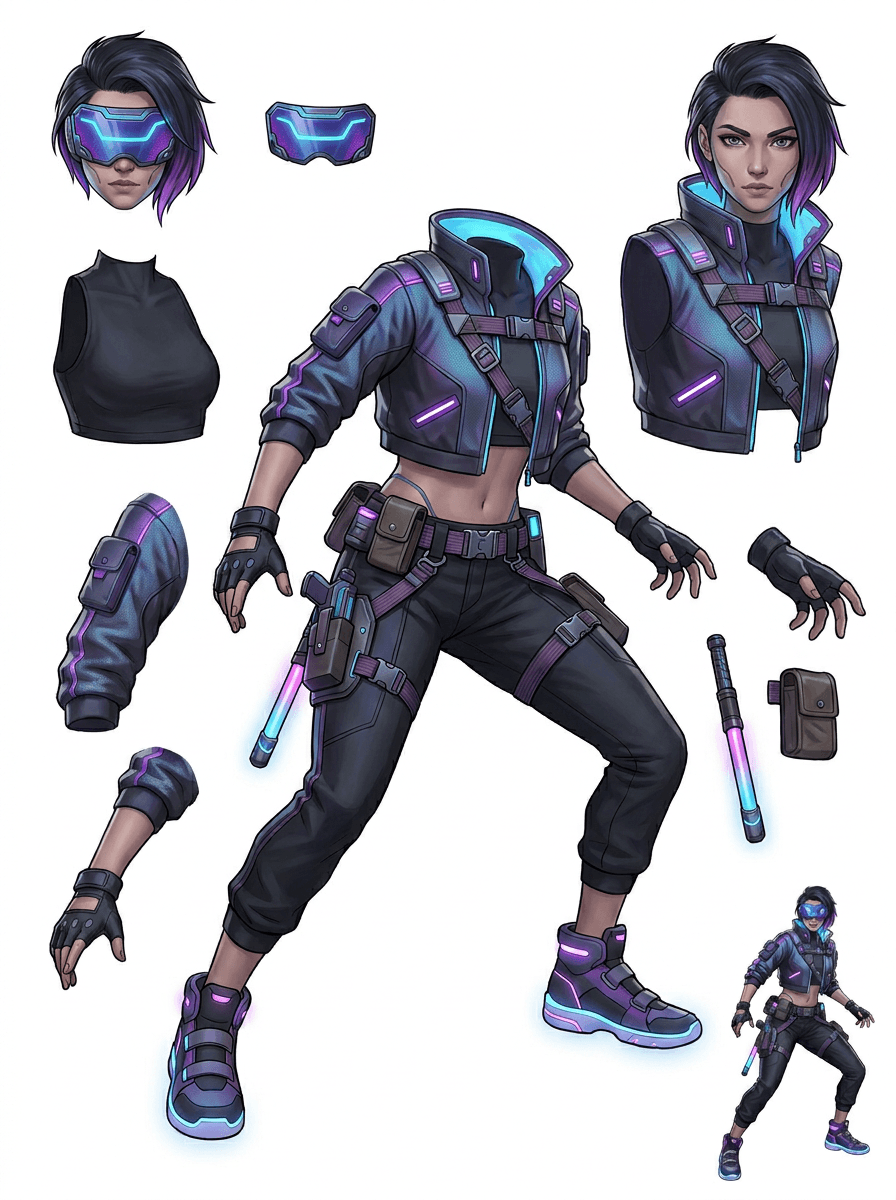
image layer separator

Use an image layer separator before detailed editing

An image layer separator helps designers and animators identify which parts of a source image can become editable assets. Instead of redrawing every element from scratch, teams can generate an asset sheet, compare the original with the separated result, and decide whether the source needs cropping, cleanup, Quick Mode, or a PRO pass.

  • Separate background, subjects, visible objects, text, and props automatically.
  • Preserve layout intent so the sheet still matches the source composition.

image separate layers

Create an image separate layers sheet for games and animation

Image separate layers searches usually come from creators who need practical assets, not just a background remover. AI Layer Splitter produces a downloadable sheet that can guide sprite prep, rig planning, motion comics, e-commerce edits, sticker variants, and character handoff. It works best when one clear subject has visible edges and minimal overlap.

  • Review character parts, accessories, equipment, and environment pieces side by side.
  • Use the sheet as a production reference before rebuilding final editable files.
Layer decomposition

AI finds the pieces,you keep the layout

AI layer splitter tool analyzes your artwork and identifies different elements like characters, backgrounds, and objects, creating separate layers. It uses AI to break down images while preserving layout, hierarchy, and design intent, and it works best with graphic design, illustrated products, character art, and clean game assets.

Source image
Part map
Asset sheet
Handoff
Layer Decomposition is an AI agent capability that separates a single image into logical, editable visual layers such as foreground, background, and objects.
AI-powered layer separation for designers, animators, and e-commerce teams. Separate background, subjects, text, and objects automatically.
Break game character concepts into practical references for sprites, UI portraits, inventory props, equipment variants, and animation tests with an AI layer splitter for game assets.
Use the first image separate layers sheet to decide whether the source needs cleanup, cropping, or a PRO pass before deeper production work.
Create a layer sheet
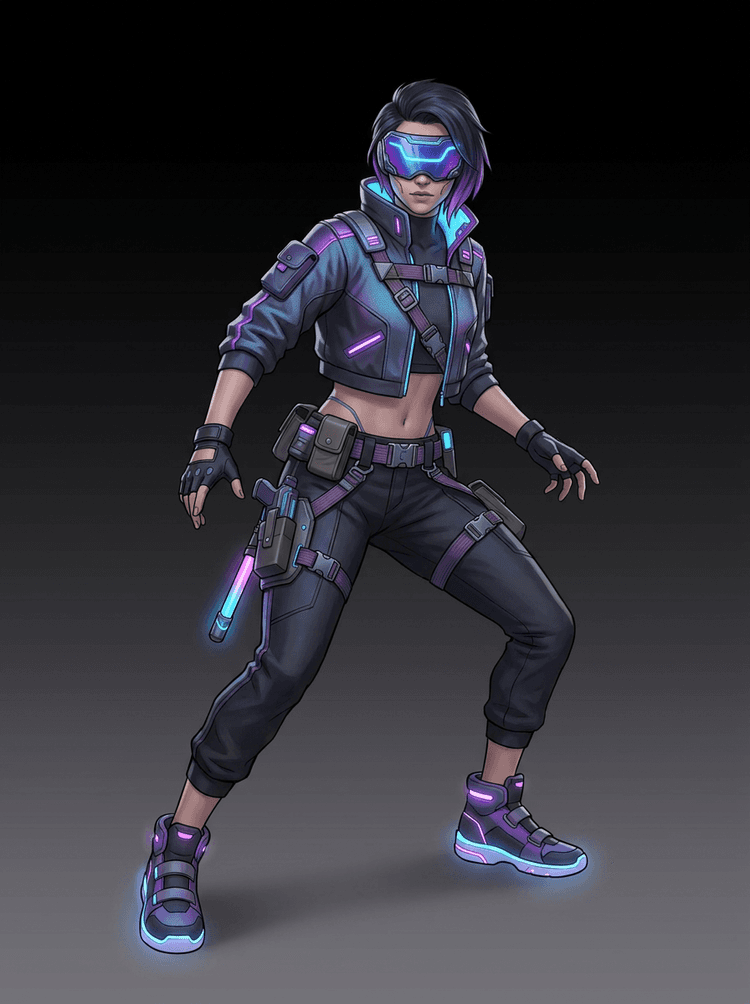
AI layer splitter pipeline showing a cyberpunk game character split into production asset parts

คำถามที่พบบ่อยเกี่ยวกับการแยกเลเยอร์ด้วย AI

การแยกเลเยอร์ด้วย AI คืออะไร?

การแยกเลเยอร์ด้วย AI ใช้โมเดลภาพเพื่อแยกภาพแบบแบนออกเป็นชิ้นส่วนภาพที่ใช้งานได้ เช่น องค์ประกอบของตัวละคร อุปกรณ์ประกอบฉาก ตัวแบบด้านหน้า พื้นหลัง หรือแอสเซ็ตสำหรับแอนิเมชัน

ฉันจะแยกภาพเป็นเลเยอร์ด้วย AI ได้อย่างไร?

อัปโหลดภาพ เลือก Quick Mode หรือ PRO Mode สร้างผลลัพธ์ แล้วดาวน์โหลดแผ่นแอสเซ็ตหรือผลลัพธ์เลเยอร์แยก

Quick Mode คืออะไร?

Quick Mode จะสร้างแผ่นแอสเซ็ตที่จัดระเบียบแล้วหนึ่งแผ่นจากภาพที่อัปโหลด ออกแบบมาสำหรับผู้ใช้ที่ต้องการผลลัพธ์ที่ตรงไปตรงมาและเข้าใจง่าย

PRO Mode คืออะไร?

PRO Mode คงเวิร์กโฟลว์ขั้นสูงที่ดึงภาพเลเยอร์เดี่ยวหลายภาพสำหรับผู้ใช้ที่ต้องการการควบคุมในการแก้ไขมากขึ้น

ฉันสามารถใช้เลเยอร์ที่แยกด้วย AI สำหรับแอนิเมชันได้ไหม?

ได้ ผลลัพธ์มีประโยชน์สำหรับการบล็อกแอนิเมชัน การวางแผน Live2D เอฟเฟกต์พารัลแลกซ์ การแก้ไขตัวละครพูดได้ และการเตรียมแอสเซ็ตเกม

ฉันจำเป็นต้องมีทักษะด้านดีไซน์เพื่อใช้งานหรือไม่?

ไม่ Quick Mode ถูกสร้างมาสำหรับการใช้งานแบบอัปโหลดแล้วสร้างอย่างง่าย ส่วน PRO Mode มีให้เมื่อคุณต้องการควบคุมผลลัพธ์แยกมากขึ้น

ภาพประเภทใดทำงานได้ดีที่สุด?

ภาพตัวละคร พร็อพ วัตถุ และภาพประกอบที่ชัดเจนทำงานได้ดีที่สุด โดยเฉพาะเมื่อชิ้นส่วนหลักมองเห็นได้และไม่ได้ถูกบังอย่างมากจากองค์ประกอบอื่น

ฉันสามารถแก้ไขเลเยอร์ที่แยกด้วย AI ได้หรือไม่?

ได้ คุณสามารถใช้ผลลัพธ์เป็นแผ่นอ้างอิง หรือดาวน์โหลดผลลัพธ์ที่แยกแล้วใน PRO Mode เพื่อแก้ไข คอมโพสิต และวาดแก้

ฉันสามารถใช้ผลลัพธ์ในเชิงพาณิชย์ได้หรือไม่?

คุณสามารถใช้ผลลัพธ์ที่สร้างขึ้นได้ตามแพ็กเกจ LlamaGen ของคุณและข้อกำหนดของเรา โปรดตรวจสอบให้แน่ใจว่าสิทธิ์ของภาพต้นฉบับอนุญาตให้ใช้ตามวัตถุประสงค์ที่คุณตั้งใจด้วย

ข้อจำกัดมีอะไรบ้าง?

รายละเอียดที่เล็กมาก การบังกันมาก ความโปร่งใสที่ซับซ้อน และชิ้นส่วนที่ซ้อนทับกัน อาจต้องเก็บงานด้วยมือหรือสร้างใหม่อีกครั้ง

What is the difference between Quick Mode and PRO Mode?

Quick Mode creates a fast reviewable asset sheet. PRO Mode uses an upgraded model for cleaner separation when the source image is readable and the project needs a higher-quality pass.

Will every image split perfectly?

No. Very crowded scenes, hidden body parts, overlapping subjects, sketch marks, heavy shadows, cropped limbs, or tiny accessories may still need source cleanup or manual finishing.

Can I use the result commercially?

You can use generated outputs according to your LlamaGen plan and terms. Make sure you also have the rights to the source image you upload.

สำรวจเครื่องมือ AI ยอดนิยม

Ready to split

Turn one character image into production-ready parts

Start with the preloaded sample, upload your own cartoon, anime, or game character, and create a reviewable layer sheet in minutes.