

Manualto Comic
Free Manual to Comic Converter
Turn manuals into comics. Upload or paste manuals and create a comic page that follows the source material instead of starting from a blank prompt.
How to Convert Manual to Comic for Free?
Upload Your Manual File
Upload your Manual file, drag it into the converter, or paste a supported file from the clipboard. LlamaGen keeps the source as comic generation context.
Create and Edit Manual to Comic with AI
Click Create Comic to turn your source into a comic page with panels, captions, and visual pacing. After generation, continue editing in LlamaGen Studio.
Download or Continue AI Creation
Keep refining panels, captions, and layouts, or use the generated comic for lessons, social posts, pitches, explainers, and fast creative drafts.
Convert Manual to Comic Online with AI
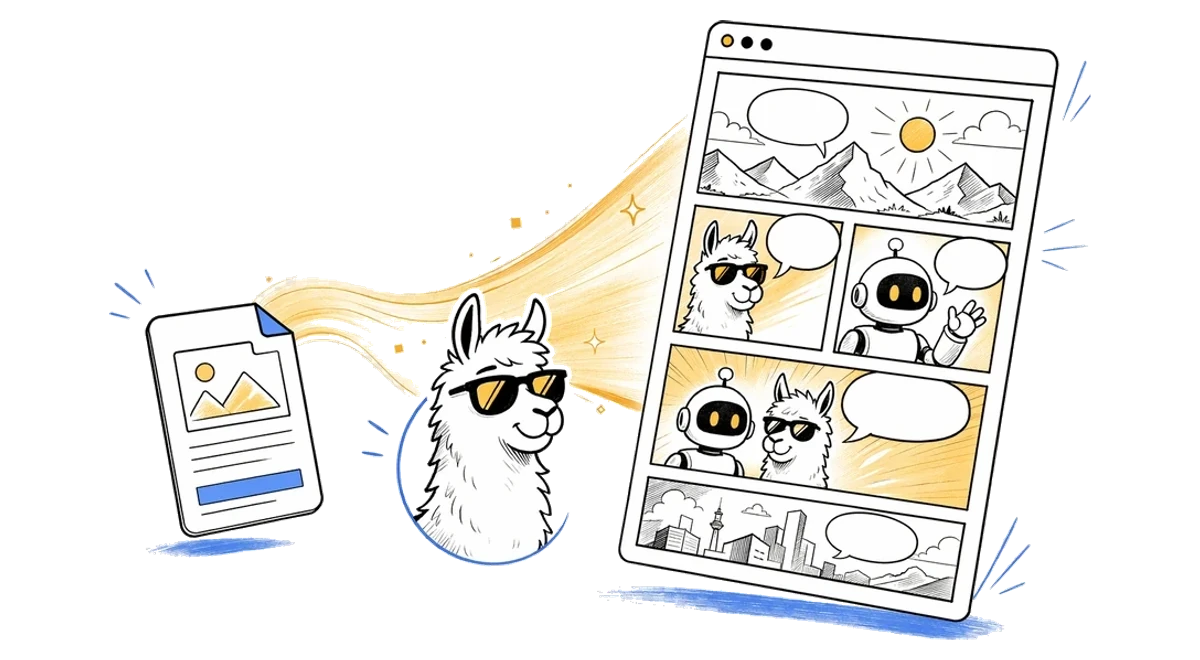
Convert Manual to Comic online in seconds using LlamaGen's AI comic converter. Upload your Manual source, paste notes when supported, and turn the material into a panel-ready comic page with captions, pacing, and a clean visual structure. Instead of rebuilding a comic from scratch, you can start from existing content and continue editing the result in LlamaGen Studio.
Free Manual to Comic Converter for Any Use Case
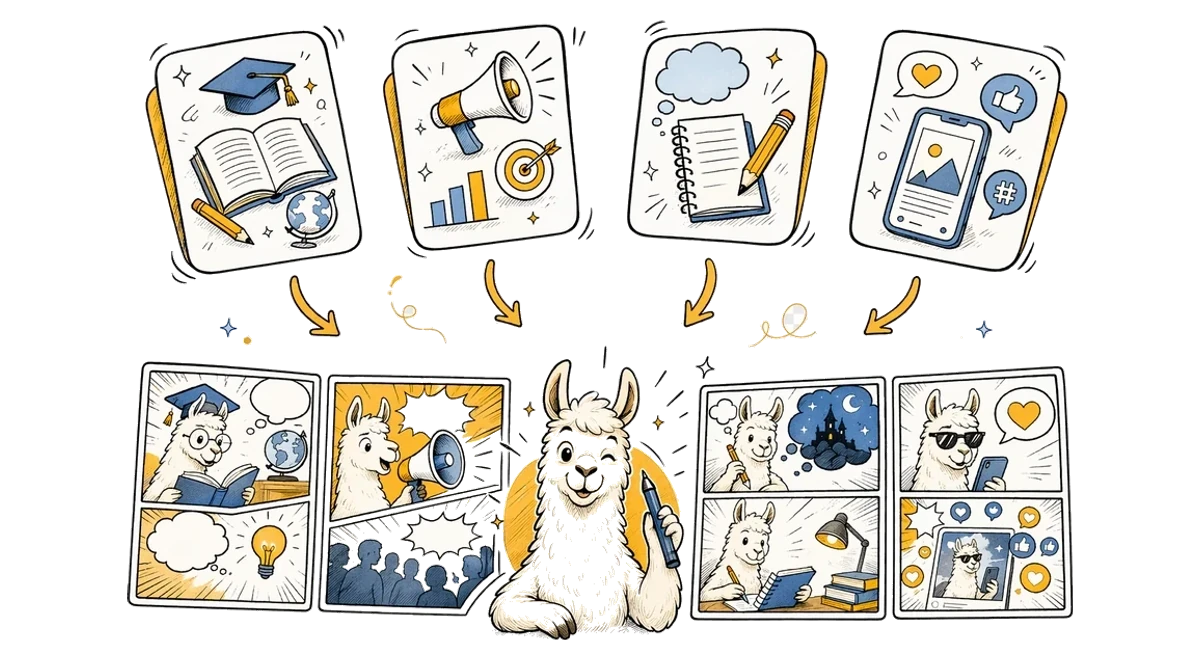
This free Manual to Comic converter is designed for creators, teachers, marketers, students, and storytellers who need to turn source material into visual stories. Use it for explainers, class materials, character scenes, social posts, pitch concepts, or fast creative drafts. LlamaGen keeps the workflow simple while giving you an editable comic result you can refine after generation.
Manual to Comic FAQ
What is Manual to Comic?
Manual to Comic is a LlamaGen tool that uses manuals to create AI comic pages with panels, captions, and comic-ready layouts.
How do I convert Manual to a comic?
Upload or paste manuals, add an optional direction, and click Create Comic. LlamaGen sends the source with an English prompt based on the Manual to Comic theme.
Does Manual to Comic use the uploaded file?
Yes. File-based pages upload your source first, then pass it through the uploadedAttachments flow in useCreateComic so the comic request can reference the attachment.
Can I edit the comic after it is generated?
Yes. Successful generations open in the LlamaGen comic workspace where you can continue editing the comic page.
What file types does Manual to Comic accept?
Manual to Comic accepts .pdf, .doc, .docx, .txt, .md files up to 50MB. Free uploads are limited to 10MB; larger files require an upgraded plan.
Is Manual to Comic good for storytelling?
Yes. It is designed for turning source content into panel-based comic storytelling, including education, explainers, social posts, and creative drafts.
Explore More File to Comic Tools
PDF to Comic
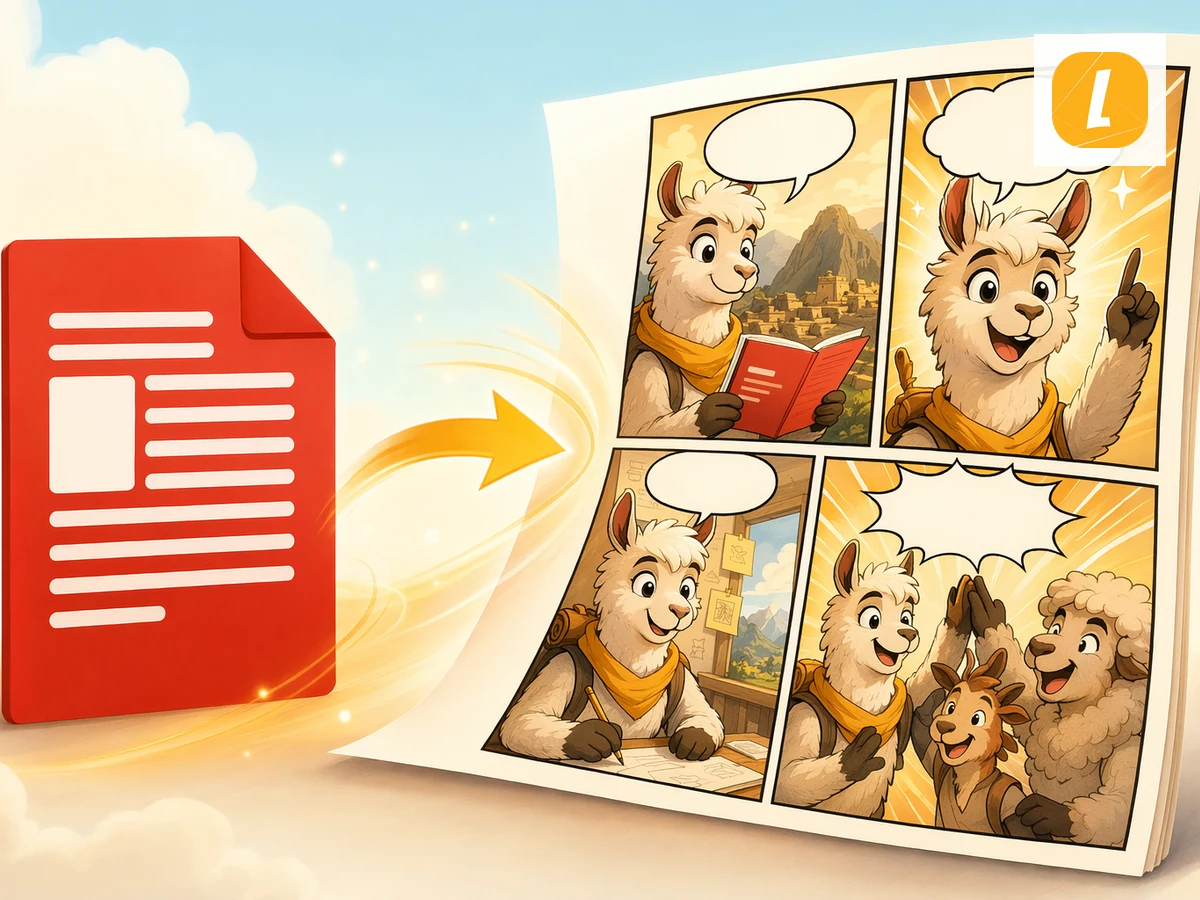
Convert PDF files into AI-generated comics. Upload a PDF and let LlamaGen turn its content, scenes, or ideas into a comic page with panels and captions.
Word to Comic
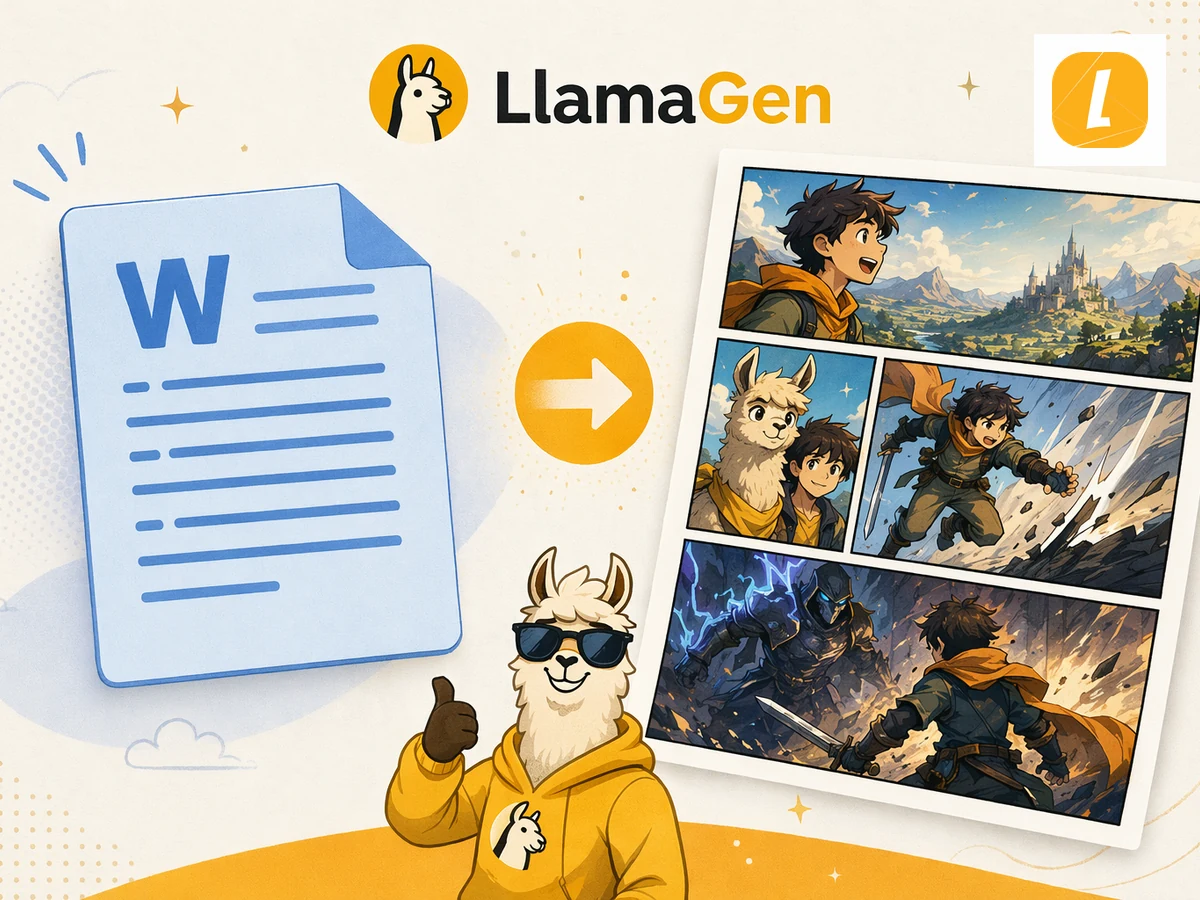
Turn Word documents into AI-generated comics. Upload a DOCX file and transform its story, outline, or lesson into a comic page.
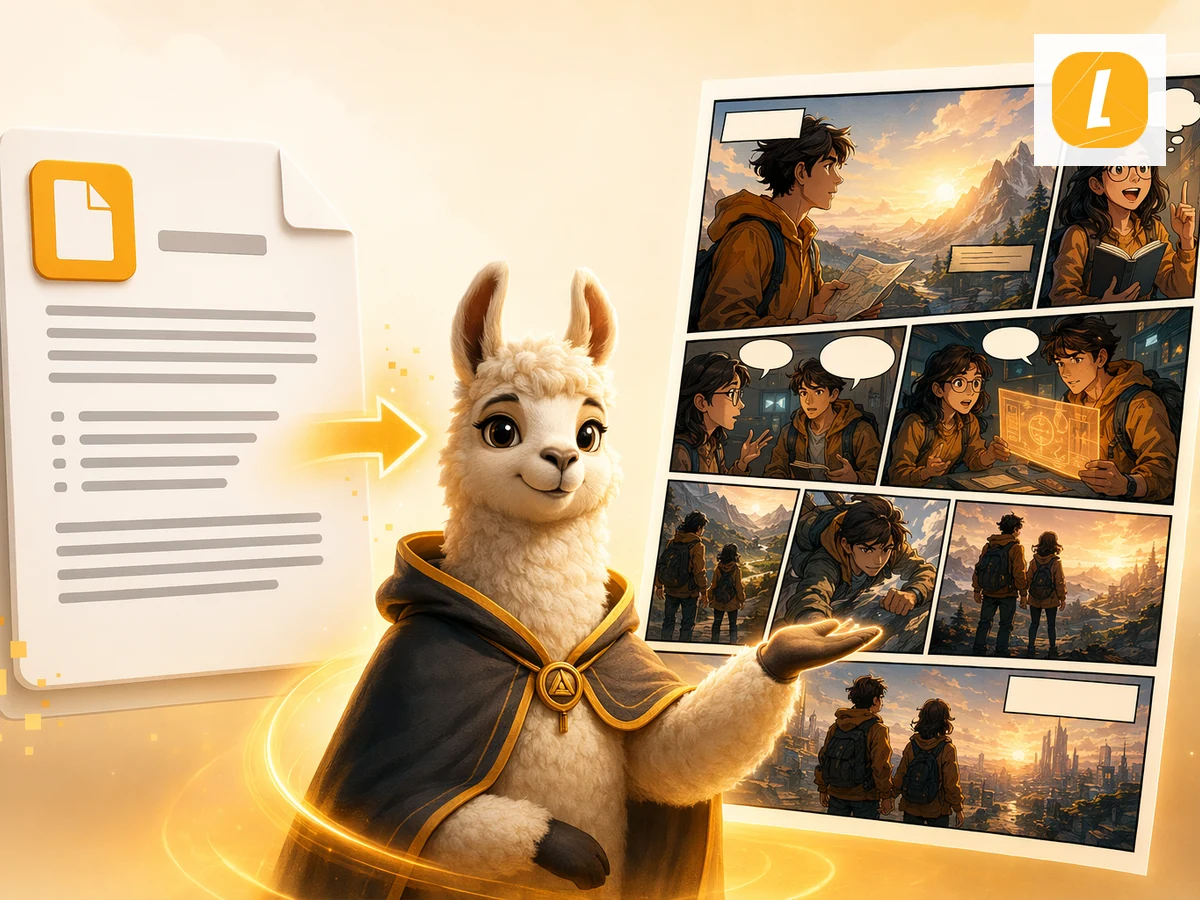
DOC to Comic
Convert legacy DOC files into comics. Upload a DOC document and let LlamaGen adapt the source material into a comic page.
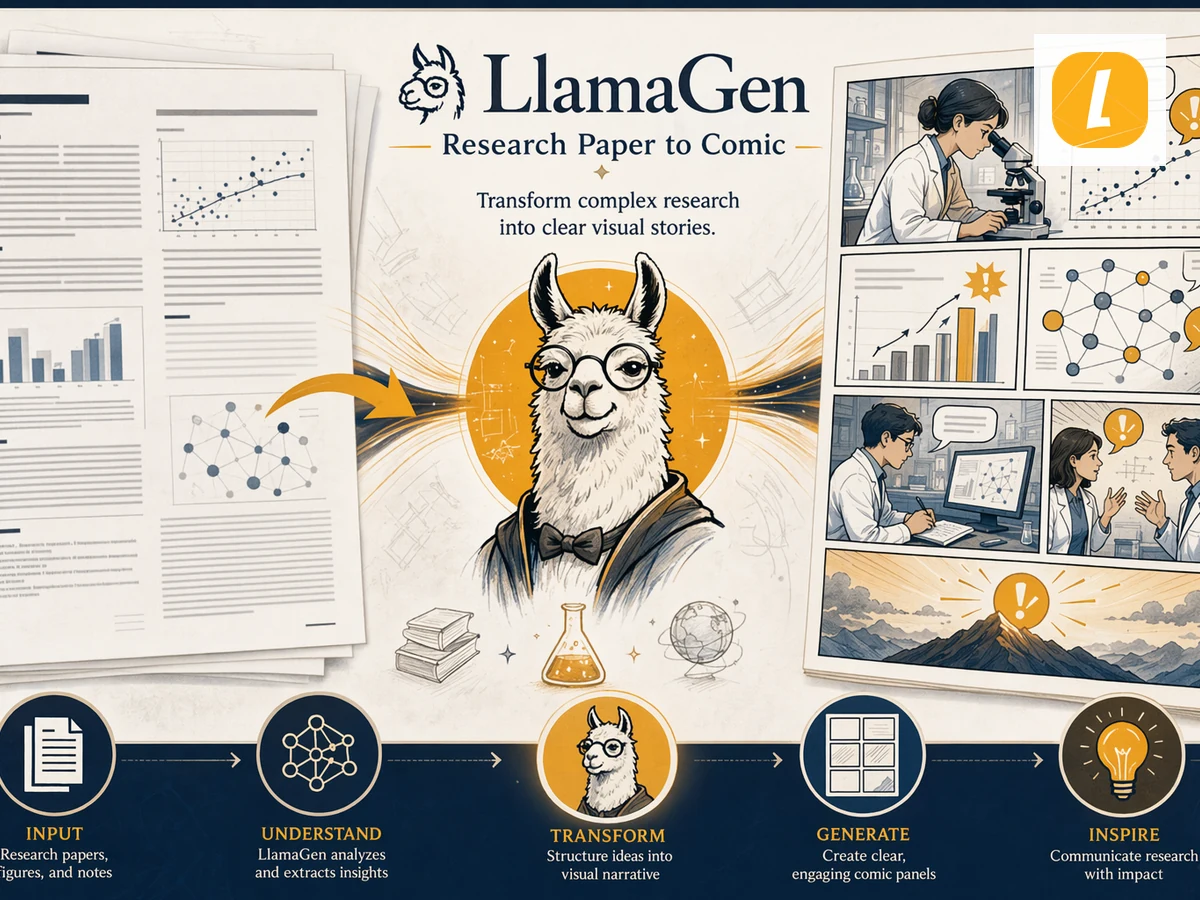
Research Paper to Comic
Turn research papers into AI-generated comics. Upload or paste source content and let LlamaGen transform the source into comic panels, captions, and a ready-to-edit story page.
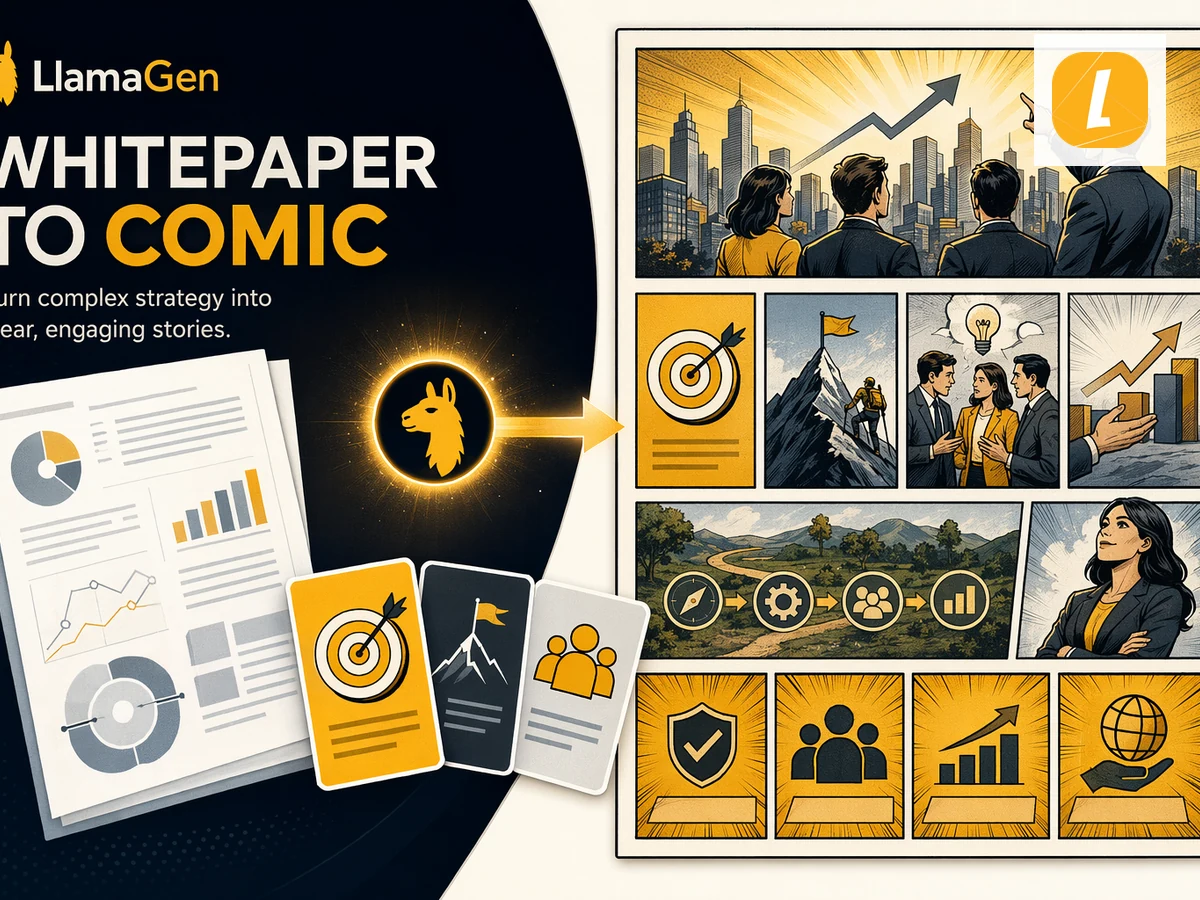
Whitepaper to Comic
Turn whitepapers into AI-generated comics. Upload or paste source content and let LlamaGen transform the source into comic panels, captions, and a ready-to-edit story page.
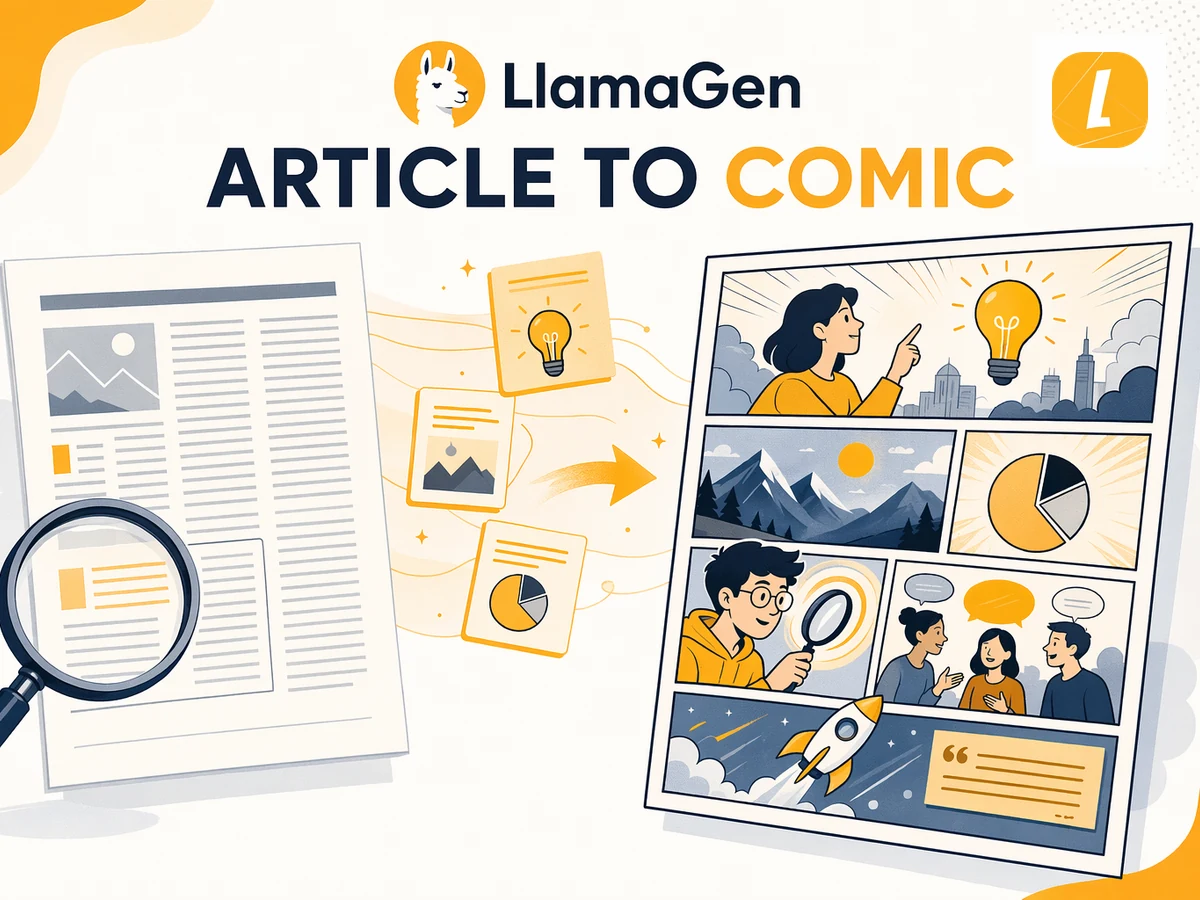
Article to Comic
Convert articles into AI comics. Paste or upload article content and LlamaGen will turn the key ideas into panel-based storytelling.
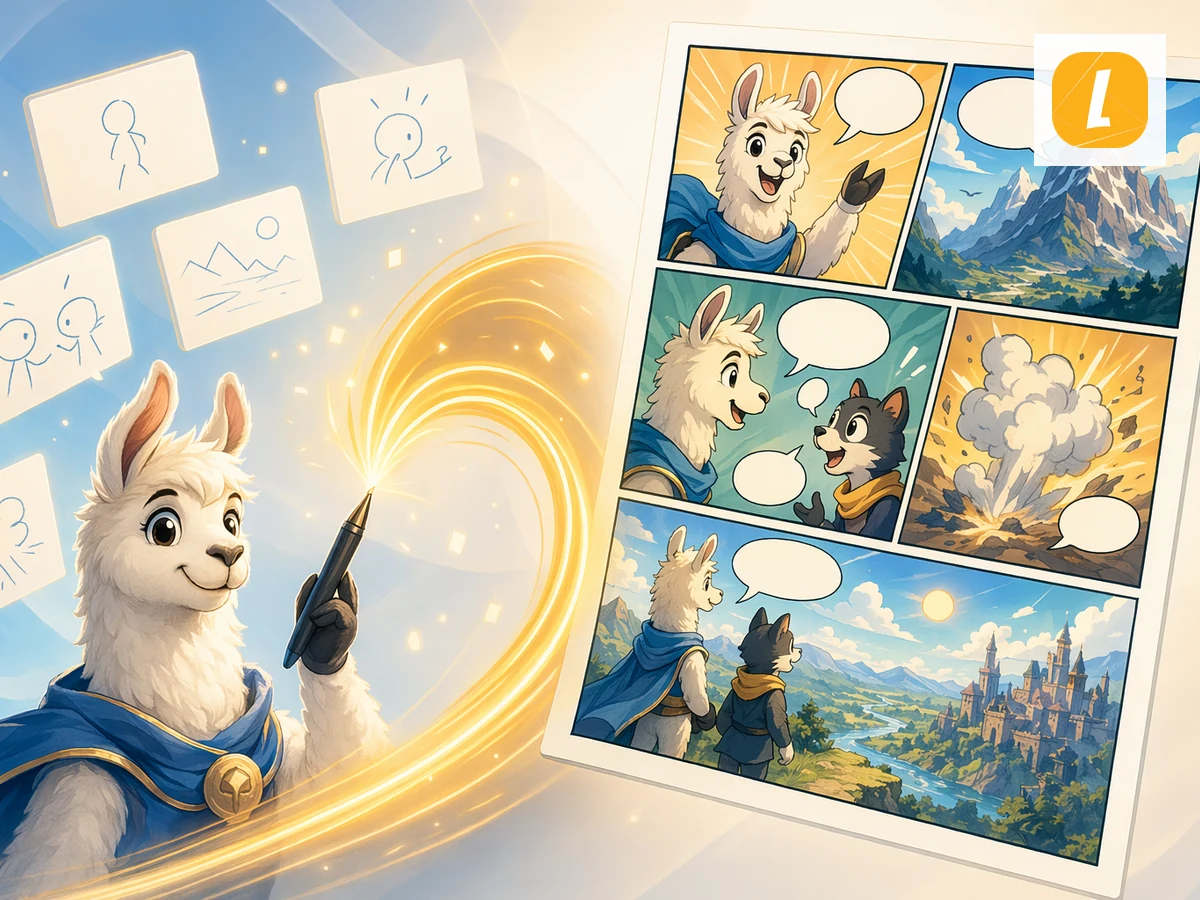
Text to Comic
Create comics from plain text. Paste or upload text and LlamaGen will turn the idea into a visual comic page with panels and story flow.
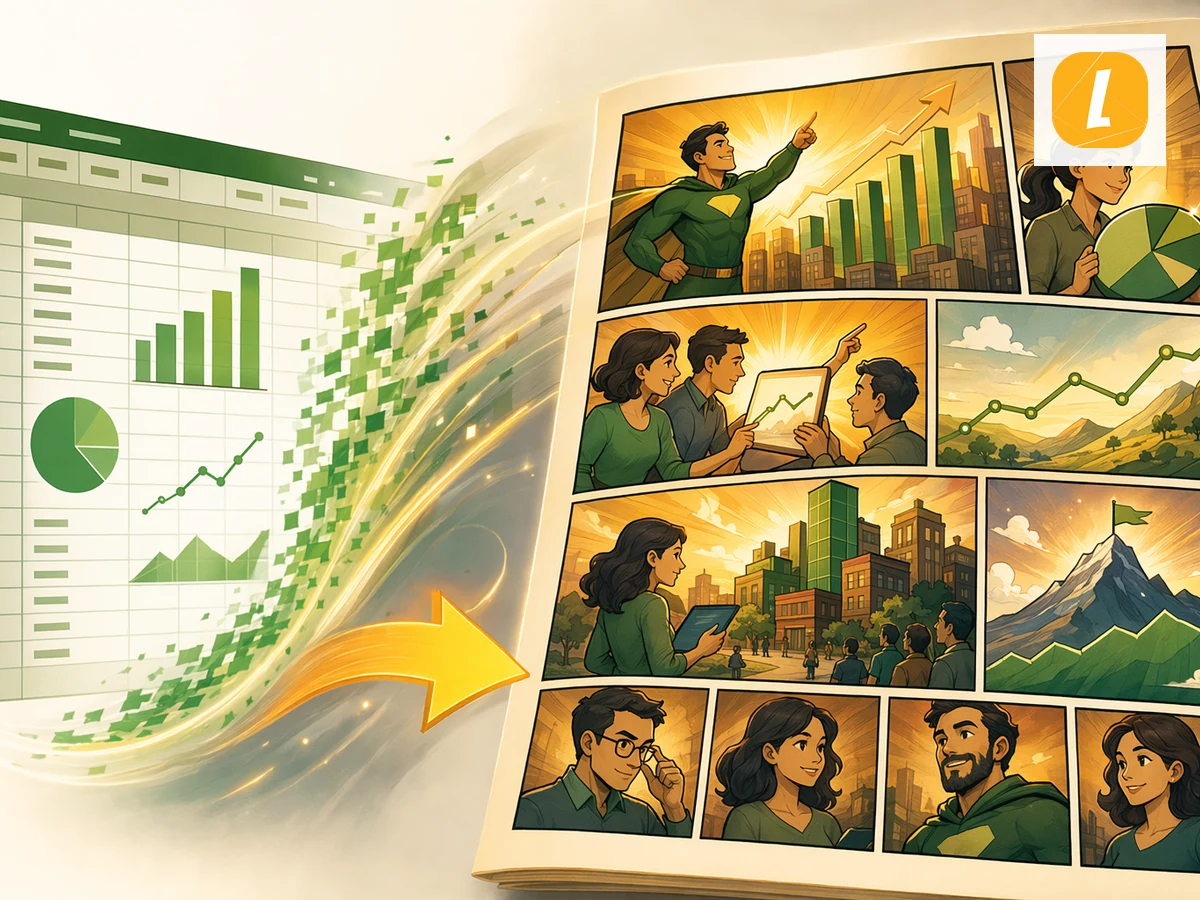
Excel to Comic
Convert spreadsheets into comic-style visual stories. Upload Excel or CSV files and turn data, plans, or scenarios into a readable comic page.
