

AI webtoon generator اور creator
prompts، scene notes، scripts یا character moments سے story-based webtoon pages بنائیں، ایسے workflow کے ساتھ جو sequential art پر مرکوز ہو۔
AI webtoon generatorAI webtoon creator
LlamaGen کو ایک AI Webtoon Creator کے طور پر استعمال کریں جو vertical formatting، character consistency، mobile optimization اور professional webtoon episodes کے لیے بنایا گیا ہے۔ prompt یا script سے آغاز کریں، پھر ایسے scroll-ready panels بنائیں جو الگ الگ تصاویر کے بجائے ایک ہی کہانی کا حصہ محسوس ہوں۔
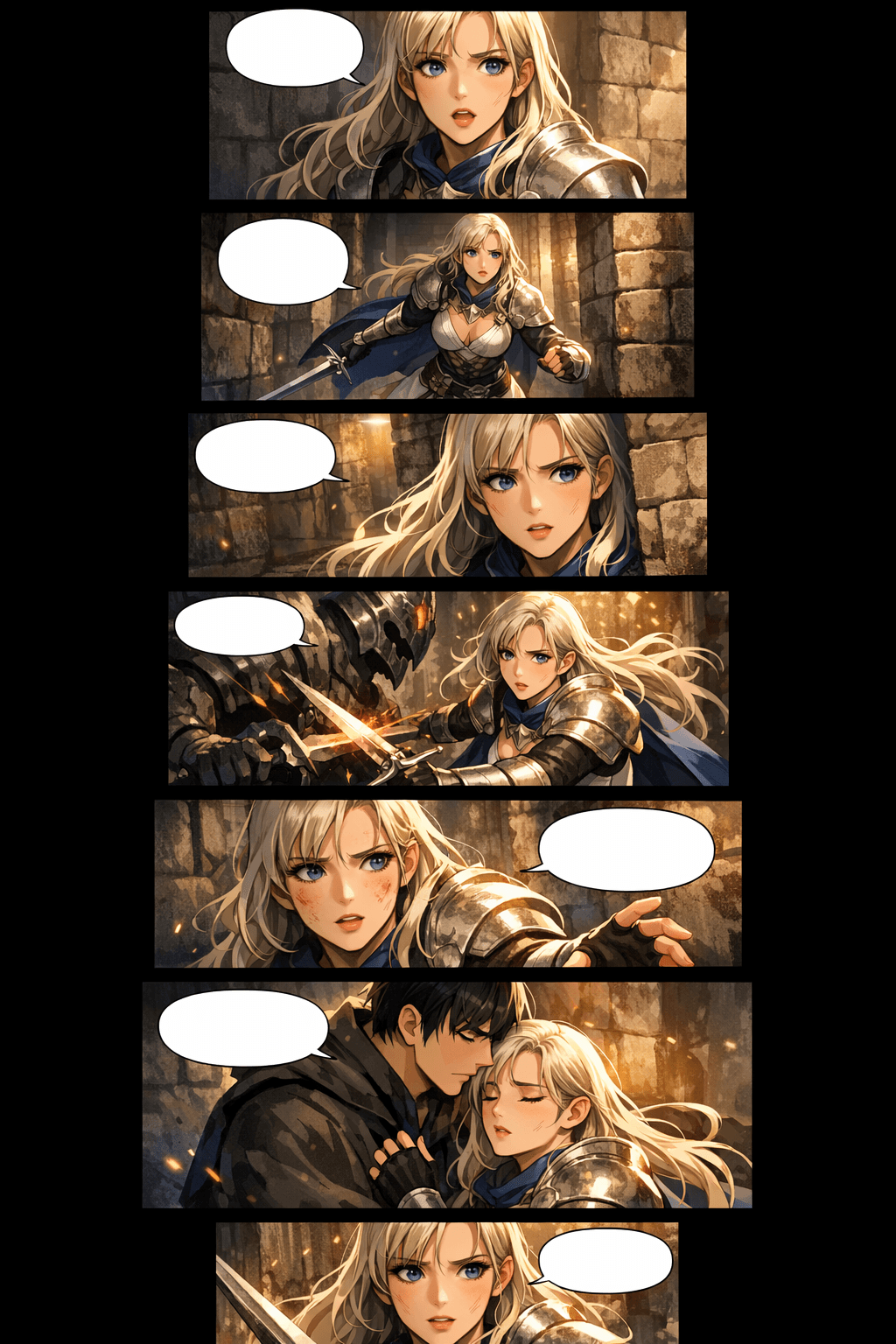
جو لوگ AI webtoon creator تلاش کرتے ہیں، انہیں عام طور پر صرف ایک خوبصورت پینل سے زیادہ چاہیے ہوتا ہے۔ انہیں story flow، mobile pacing، بار بار استعمال ہونے والے کریکٹرز، platform specs، اور آئیڈیا سے publishable episode تک واضح راستہ درکار ہوتا ہے۔
prompts، scene notes، scripts یا character moments سے story-based webtoon pages بنائیں، ایسے workflow کے ساتھ جو sequential art پر مرکوز ہو۔
صفحے اسی انداز میں بنائیں جیسے قارئین webtoons حقیقت میں پڑھتے ہیں: لمبی موبائل اسکرینز، stacked panels، مناسب breathing room، اور episode pacing۔
بار بار آنے والی cast کو recognizable faces، لباس کے اشاروں، تاثرات اور poses کے ساتھ پلان کریں تاکہ episode ایک مربوط کہانی کی طرح لگے۔
WEBTOON، Tapas، social previews، pitch decks اور اپنی ویب سائٹ کے لیے image slices، width، file size اور export choices پہلے سے تیار کریں۔
premise سے script، generated panels، layout review، redraws، downloads اور release package تک جائیں، بغیر ہر بار کہانی دوبارہ بنانے کے۔
AI کی مدد سے episodes کو تیزی سے draft، test اور package کریں، جبکہ originality، platform rules، lettering اور final creative polish کا جائزہ برقرار رکھیں۔
کہانی کے ارادے سے scroll-ready webtoon draft تک جائیں، پھر ان panels کو refine کریں جو واقعی اہم ہیں۔
ایک premise، dialogue scene، chapter outline یا مختصر script پیسٹ کریں۔ AI webtoon generator اسی context کو استعمال کرکے panel beats، mood، characters اور scene progression پلان کرتا ہے۔
manhwa، manga، western comic، romance، action، fantasy یا custom style منتخب کریں۔ character cues اور panel goals شامل کریں تاکہ نتیجہ ایک consistent visual language برقرار رکھے۔

episode generate کریں، panel rhythm کا جائزہ لیں، کمزور character shots درست کریں، spacing ایڈجسٹ کریں، پھر ایسی تصاویر download کریں جنہیں webtoon platforms کے لیے slice کیا جا سکے یا preview کے طور پر شیئر کیا جا سکے۔
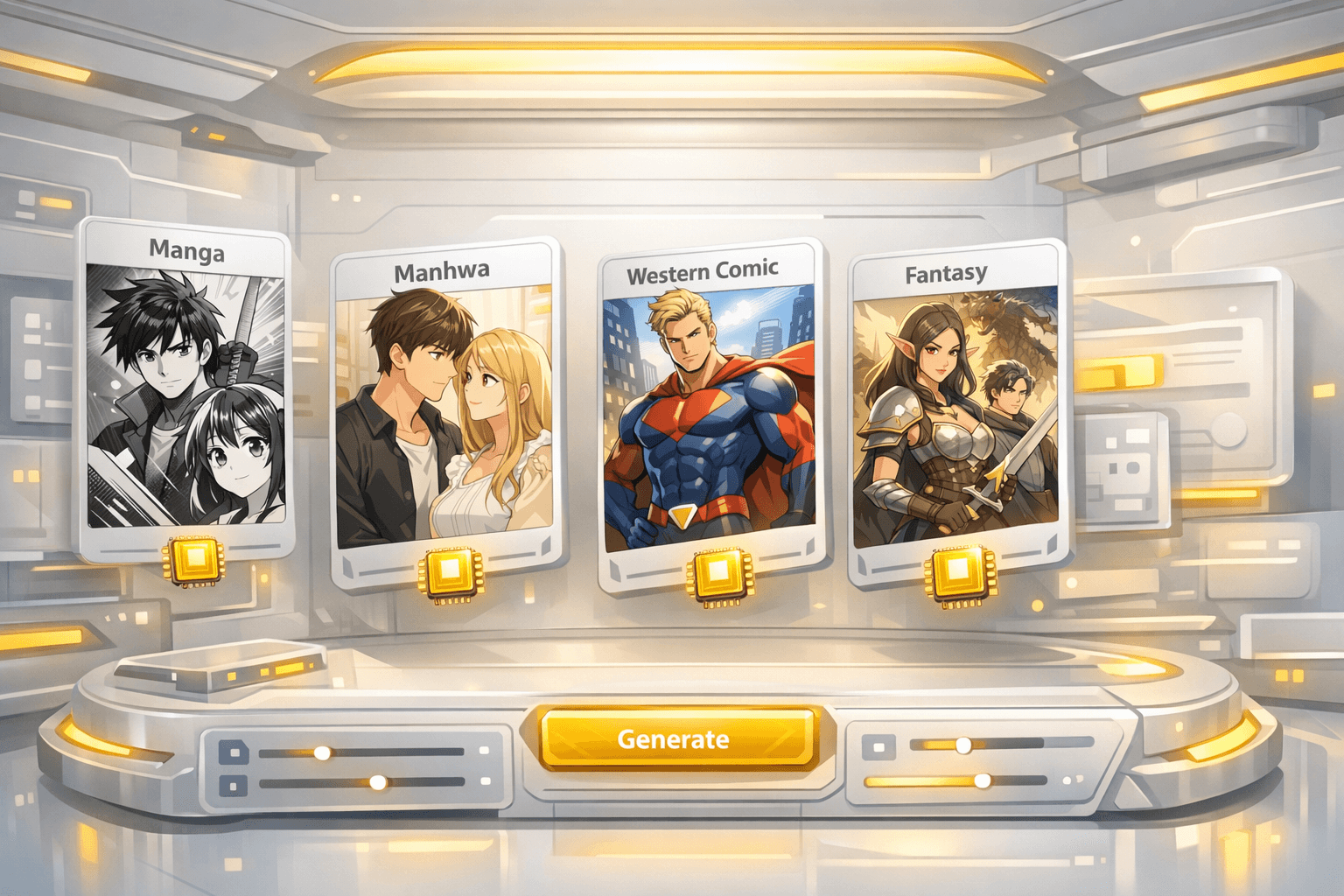
ایک مضبوط first draft آپ کو cast، scene flow، panel pacing اور mobile reading rhythm دیتا ہے جس کی مدد سے آپ edit کرتے ہوئے publishable episode تک پہنچ سکتے ہیں۔
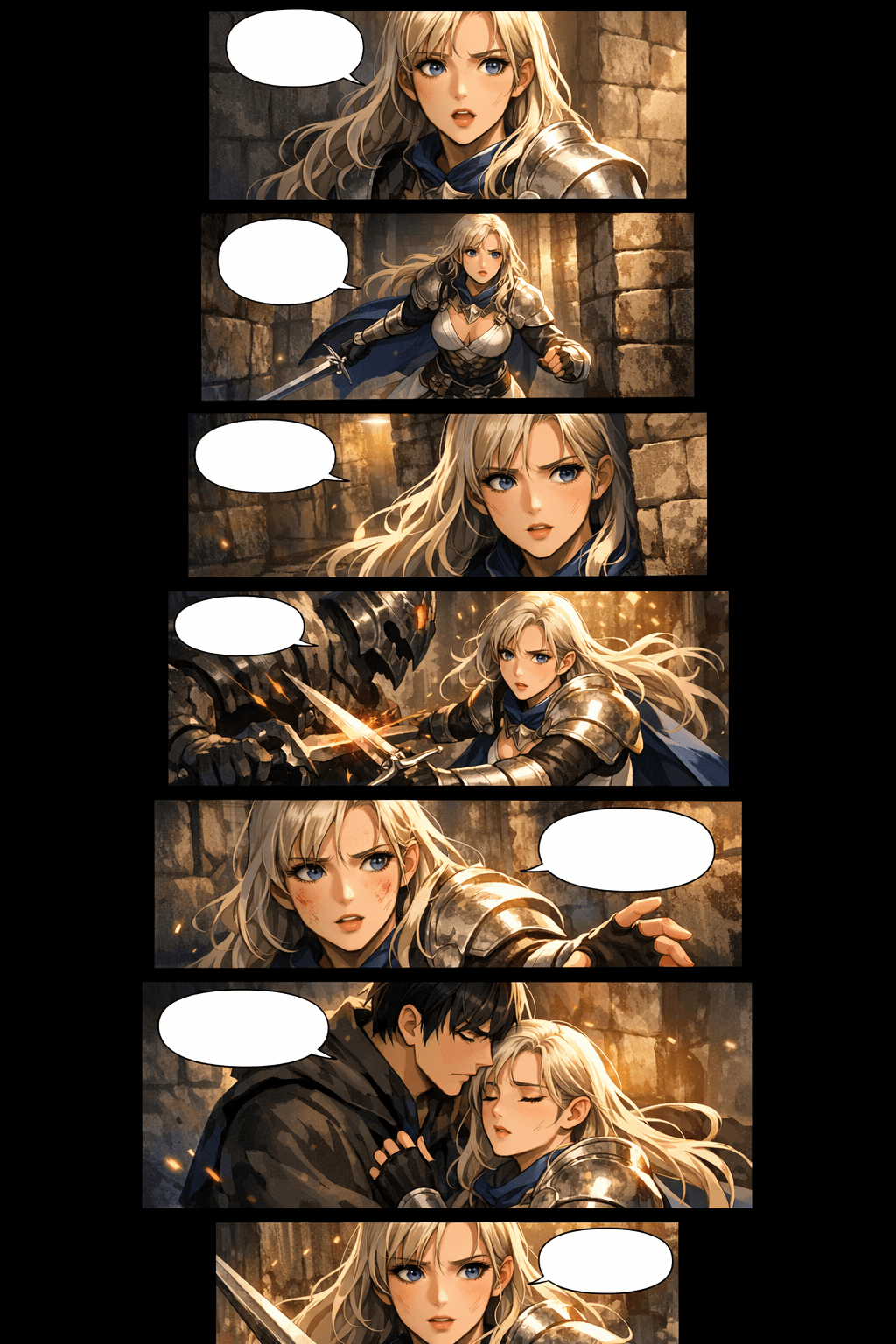
پہلا draft generator سے بنائیں، پھر publish کرنے سے پہلے character shots، spacing اور export slices کو refine کریں۔
روایتی webtoon production مشکل ہوتی ہے کیونکہ ہر episode میں writing، drawing، coloring، layout، continuity اور platform formatting ایک ساتھ شامل ہوتے ہیں۔ LlamaGen ان سب کو ایک visual storytelling workflow میں جوڑ دیتا ہے۔
mobile-first panel spacing، tall compositions، transition gaps اور stacked scenes استعمال کریں تاکہ episode قدرتی انداز میں scroll ہو، cropped comic page جیسا نہ لگے۔
prompt میں character cues برقرار رکھیں، reference-style descriptions استعمال کریں، اور کمزور shots کو regenerate کریں جب تک faces، outfits، silhouettes اور expressions پہچانے جانے کے قابل نہ رہیں۔
متعدد scenes جلدی draft کریں، پھر انسانی محنت story polish، lettering، اہم لمحات کی redrawing اور final release decisions پر خرچ کریں۔
upload سے پہلے image width، slices، section height، file size اور format پلان کریں تاکہ WEBTOON، Tapas یا اپنی سائٹ کے لیے final episode تیار کرنا آسان ہو۔
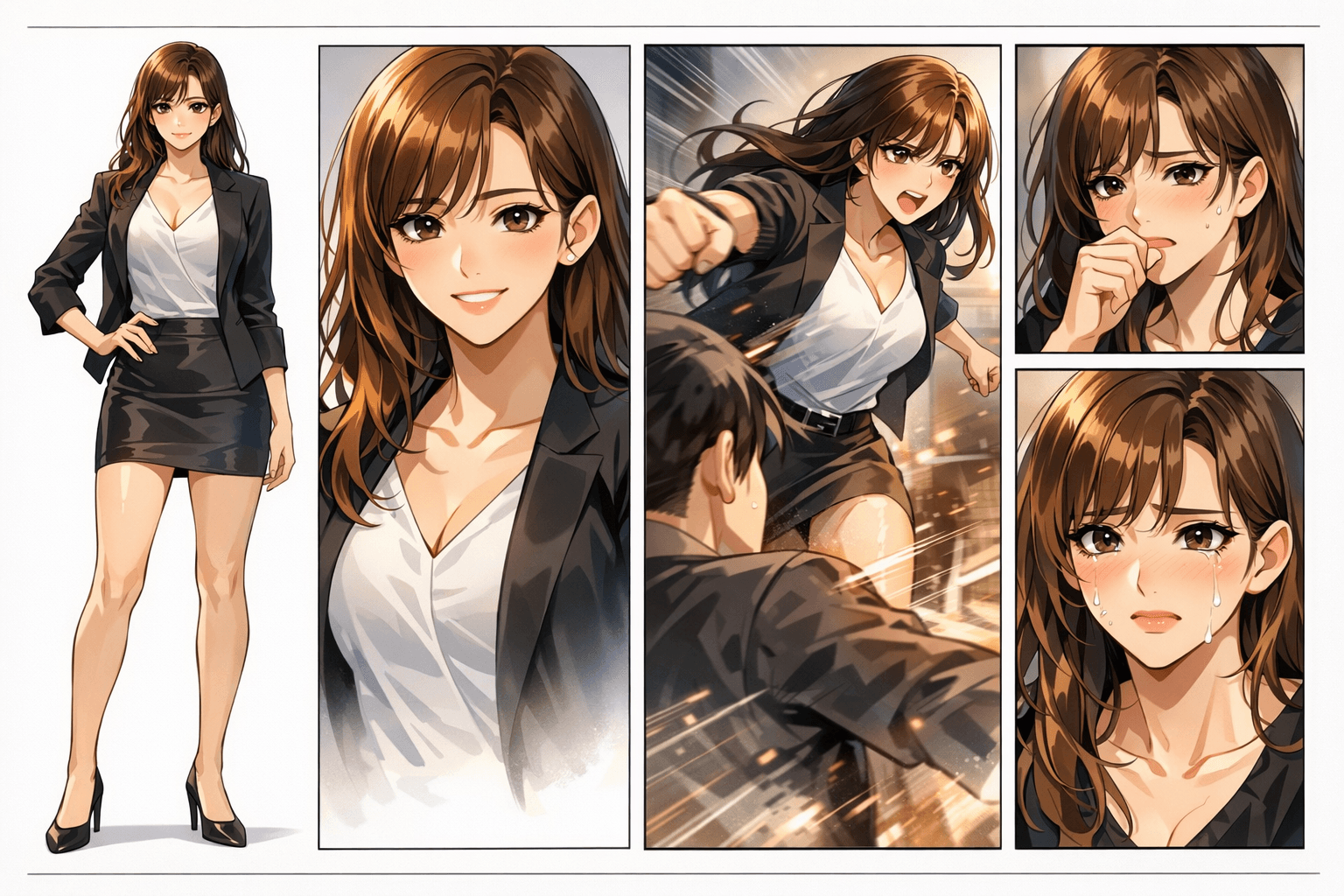
ایک حقیقی webtoon page میں character identity، panel rhythm، background continuity اور emotional pacing سب کو ساتھ رکھنا پڑتا ہے۔ ایک کمزور panel پورا episode خراب کر سکتا ہے۔
Panels رنگین تو لگ سکتے ہیں، لیکن character identity، ہاتھوں کی details، scene continuity اور reading flow جلد بکھر جاتے ہیں۔
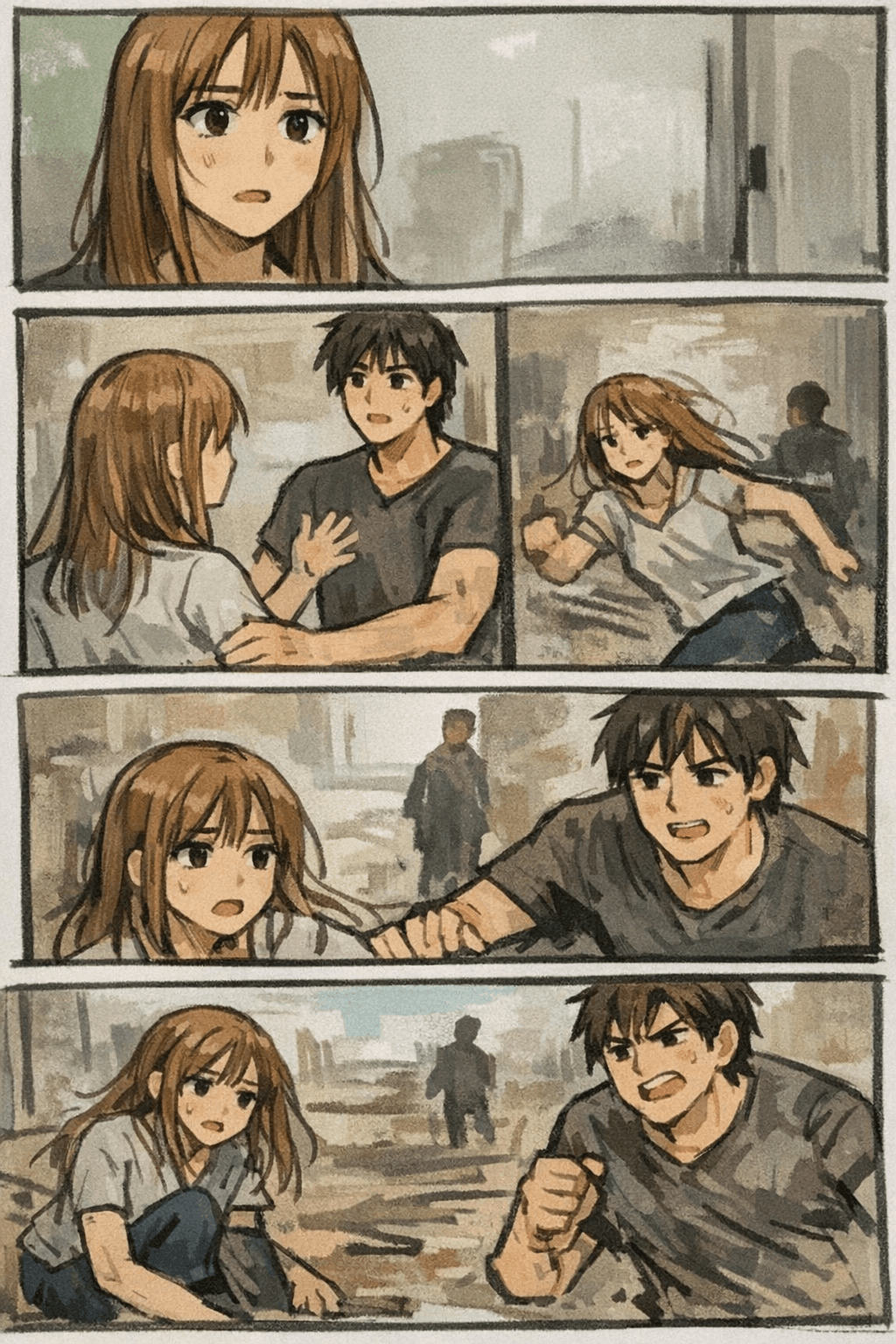
LlamaGen پورے webtoon result پر فوکس کرتا ہے: prompt، characters، panel pacing، visual style اور regeneration، جب تک episode مربوط محسوس نہ ہو۔
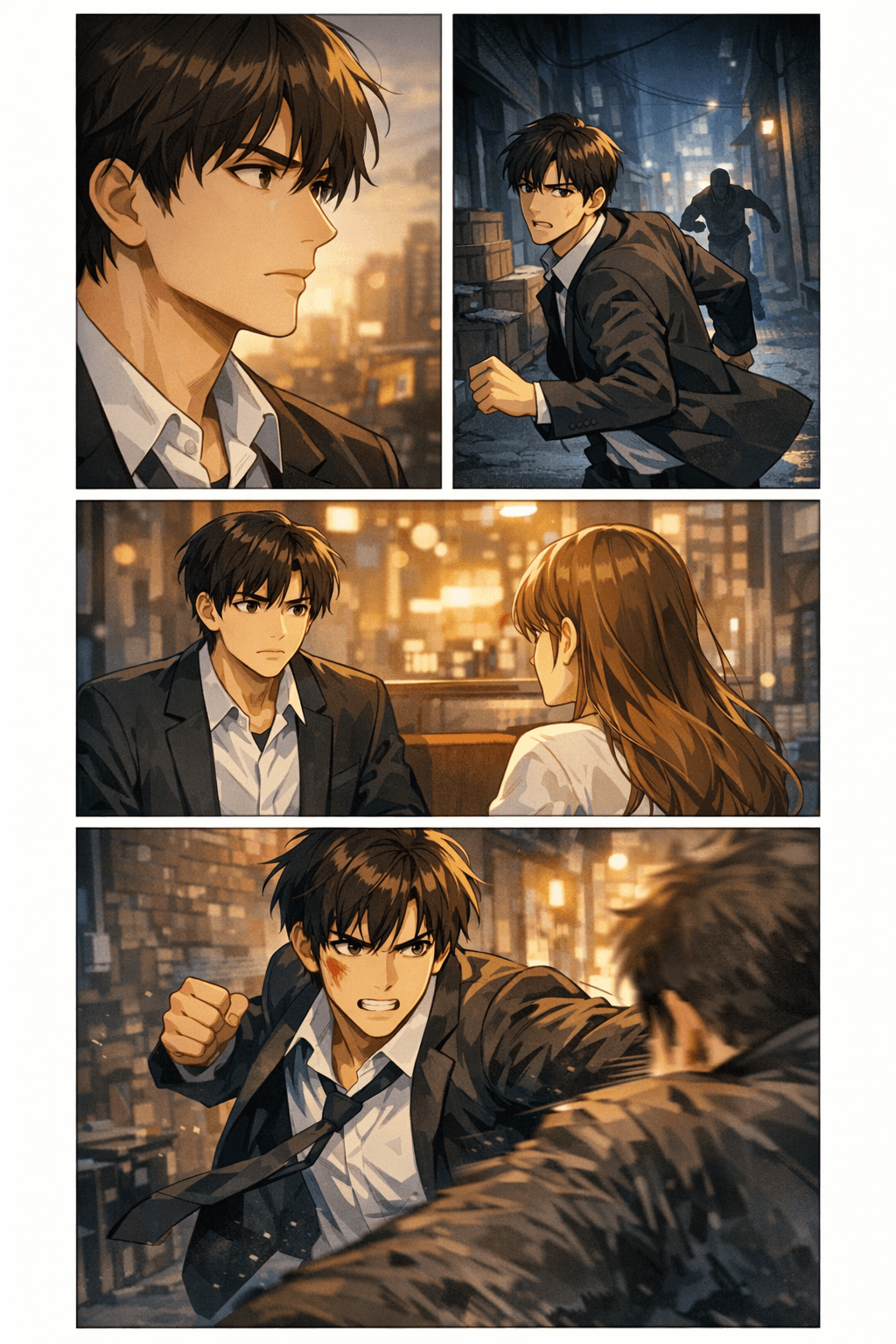
Creators کے لیے یہ جاننا اہم ہے کہ آیا AI webtoon draft ایک حقیقی export workflow میں جا سکتا ہے یا نہیں۔ یہ specs download یا upload سے پہلے width، slice height، file size، format اور mobile readability پلان کرنے میں مدد دیتی ہیں۔
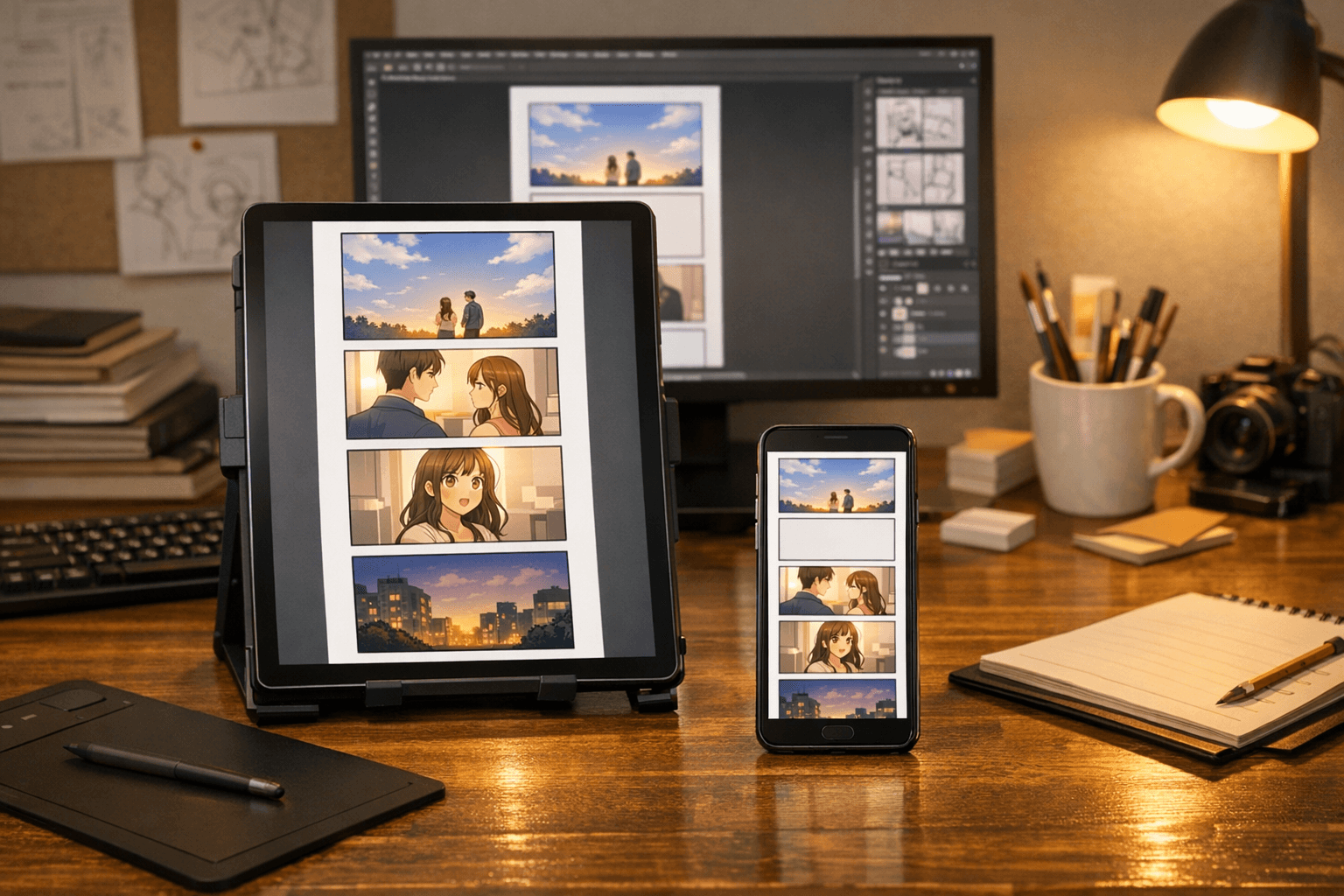
عملی طور پر پہلا episode اکثر revisions کے بعد تقریباً 40-60 panels تک پہنچتا ہے، جو genre اور pacing پر منحصر ہوتا ہے۔
Emotional beats کے لیے 400-800px breathing space استعمال کریں اور جب کہانی میں scene transition ہو تو 4 یا اس سے زیادہ blank sections رکھیں۔
یہ وہ عناصر ہیں جو اس صفحے کو ایک عام feature page سے مفید creator resource میں بدلتے ہیں۔
scroll pacing، pauses، reveals، impact frames اور mobile-first reading کے لیے panels compose کریں۔
Panels کے درمیان character identity، wardrobe cues، face shape اور emotional beats کا review آسان بنائیں۔
ہر image کو دوبارہ شروع کرنے کے بجائے locations، lighting، props اور atmosphere کو ایک sequence میں آگے بڑھائیں۔
download سے پہلے file format، slice height، image width، compression اور target platform پلان کریں۔
romance، fantasy، action، thriller، slice-of-life، school drama، comedy یا manhwa-inspired episodes draft کریں۔
کمزور panels دوبارہ بنائیں، expressions بہتر کریں، pacing مضبوط کریں اور اہم moments کے لیے alternate shots بنائیں۔
webtoon pages کو collaborators، clients، communities اور ابتدائی audience tests کے لیے concept proof کے طور پر استعمال کریں۔
non-artists، writers اور small teams کو یہ جانچنے کا تیز طریقہ دیں کہ کوئی کہانی بصری طور پر کام کرتی ہے یا نہیں۔


تفصیلی image context کے ساتھ AI-generated webtoon pages دیکھیں: fantasy scenes، romantic manhwa beats، action panels، thriller pacing اور slice-of-life episodes۔
ڈرامائی fantasy scenes اور professional scroll formatting کے ساتھ vertical webtoon panels
Premium vertical scroll webtoon episode page, consistent heroine, stacked mobile panels, cinematic fantasy lighting.
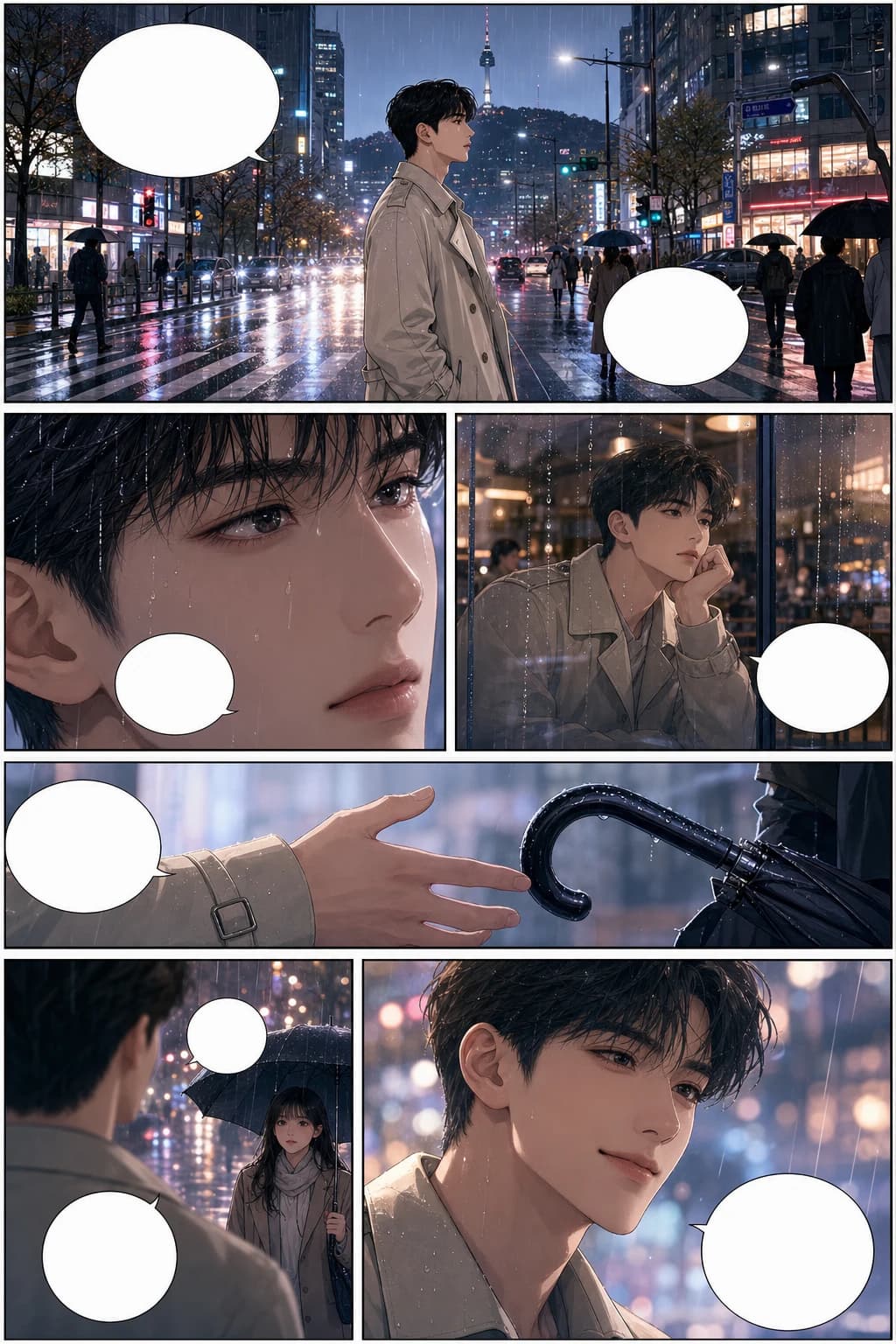
consistent characters اور بارش والے شہر کی panel pacing کے ساتھ romantic Korean manhwa webtoon scene
Full-color Korean manhwa comic page, 6 panels, consistent protagonist, rainy city romance, blank speech bubbles.
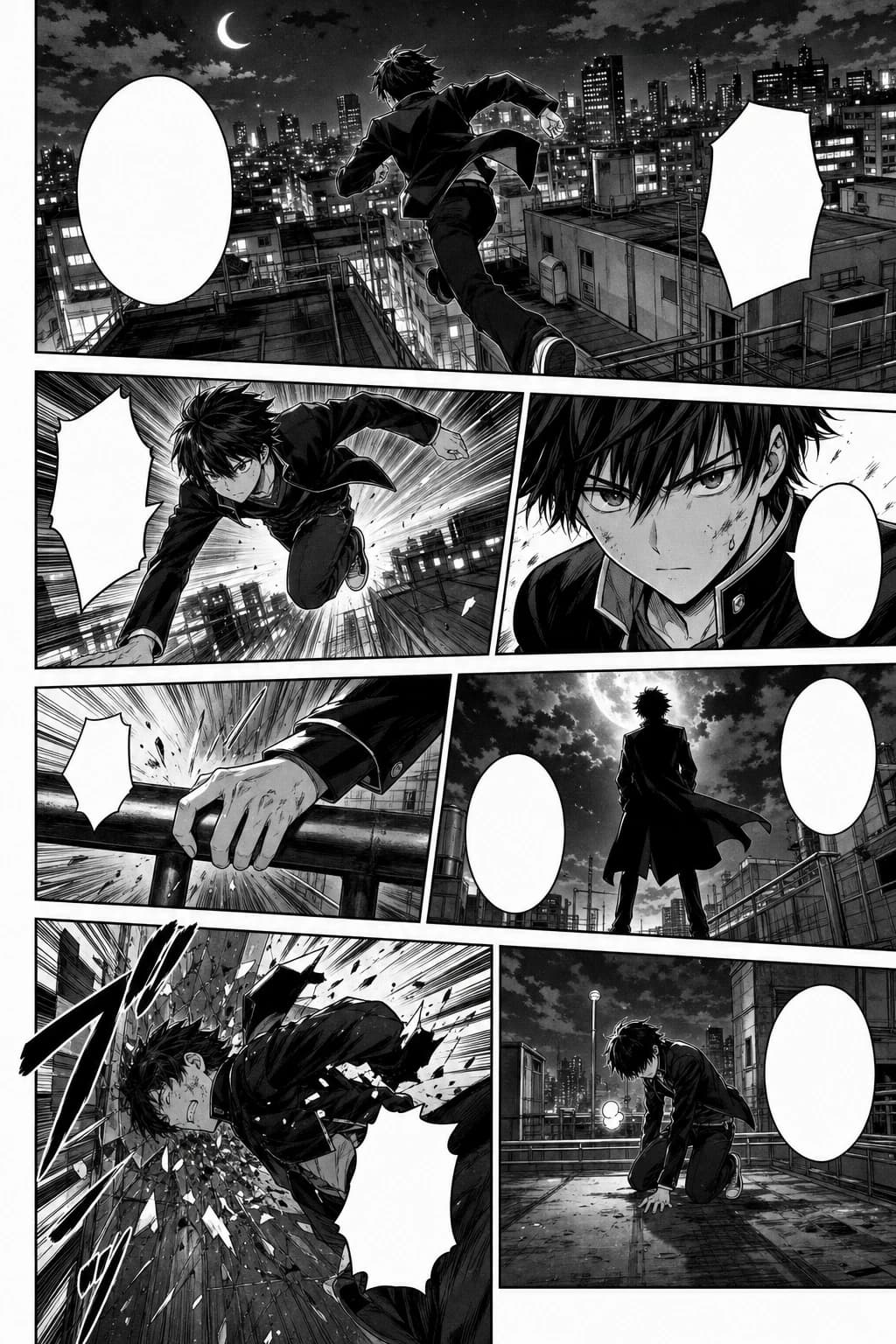
rooftop motion کے ساتھ black-and-white manga style میں action-packed webtoon panel sequence
Black-and-white Japanese manga page, 7 panels, screentone, speed lines, consistent action character.
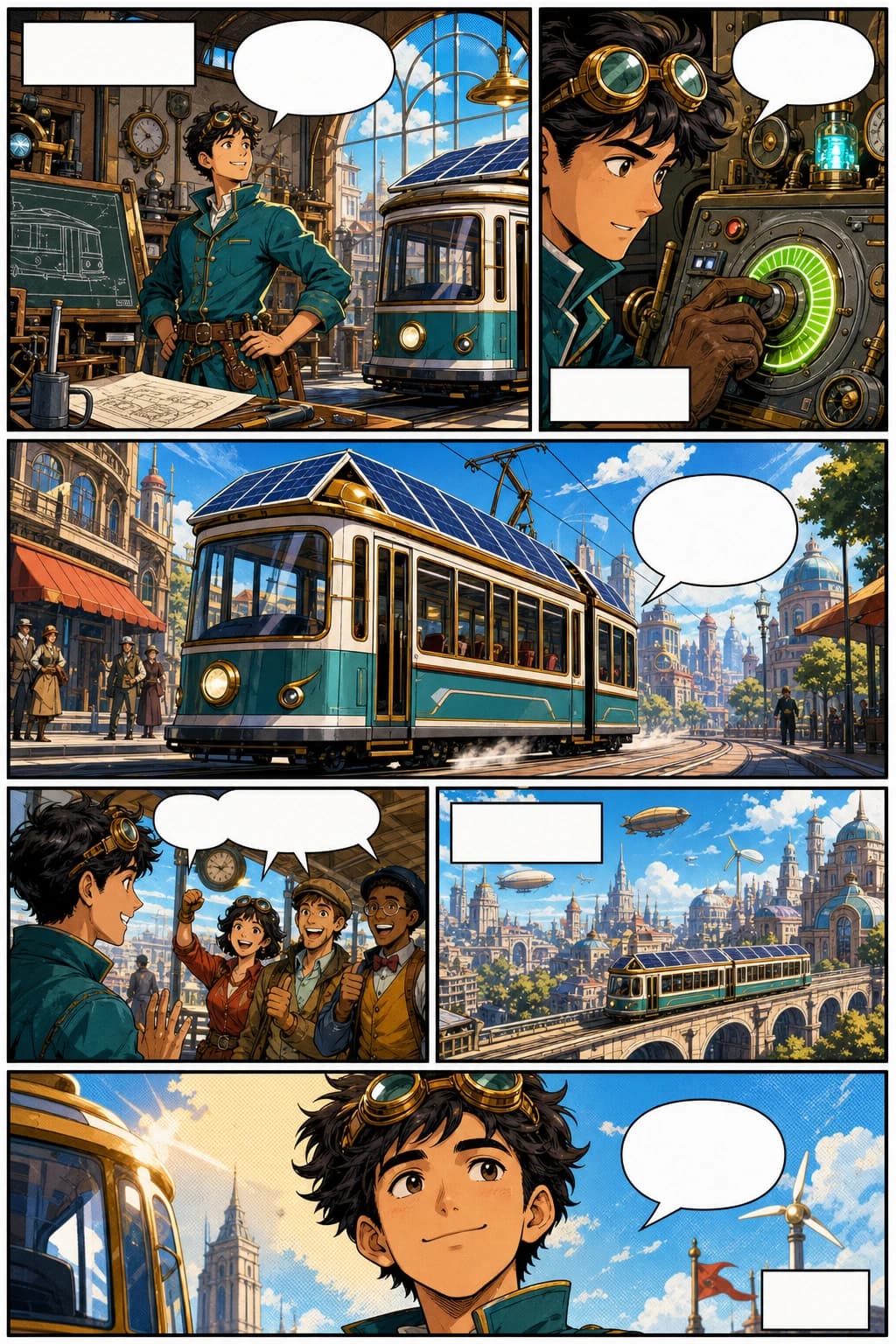
retro-futurist inventor اور bold vertical panels کے ساتھ western comic webtoon page
Western comic book page, 6 panels, original inventor character, bold ink, halftone color, blank captions.
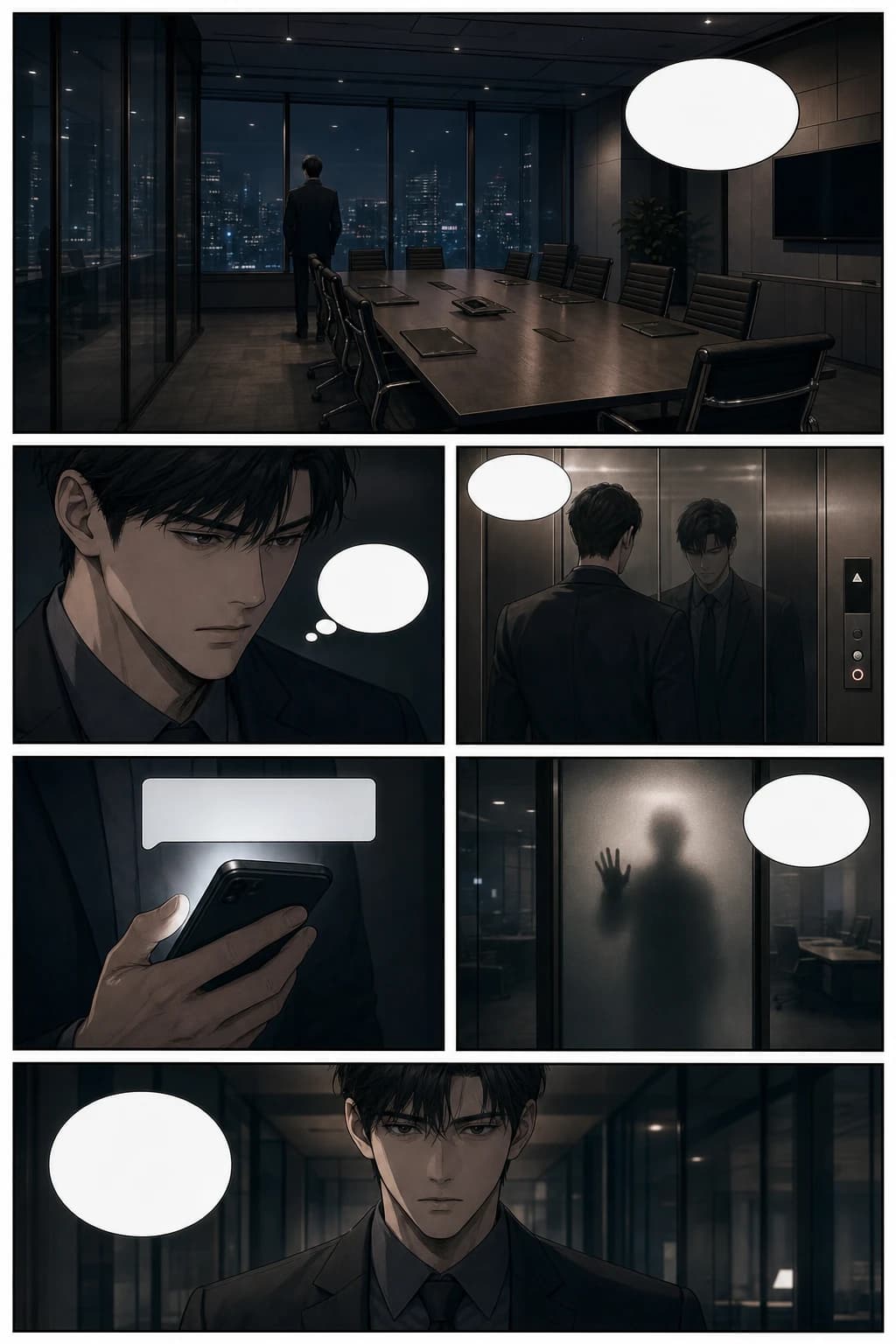
cinematic office suspense اور vertical scroll pacing کے ساتھ thriller manhwa webtoon page
Psychological thriller manhwa page, 6 panels, glass office scene, cinematic pacing, blank speech bubbles.
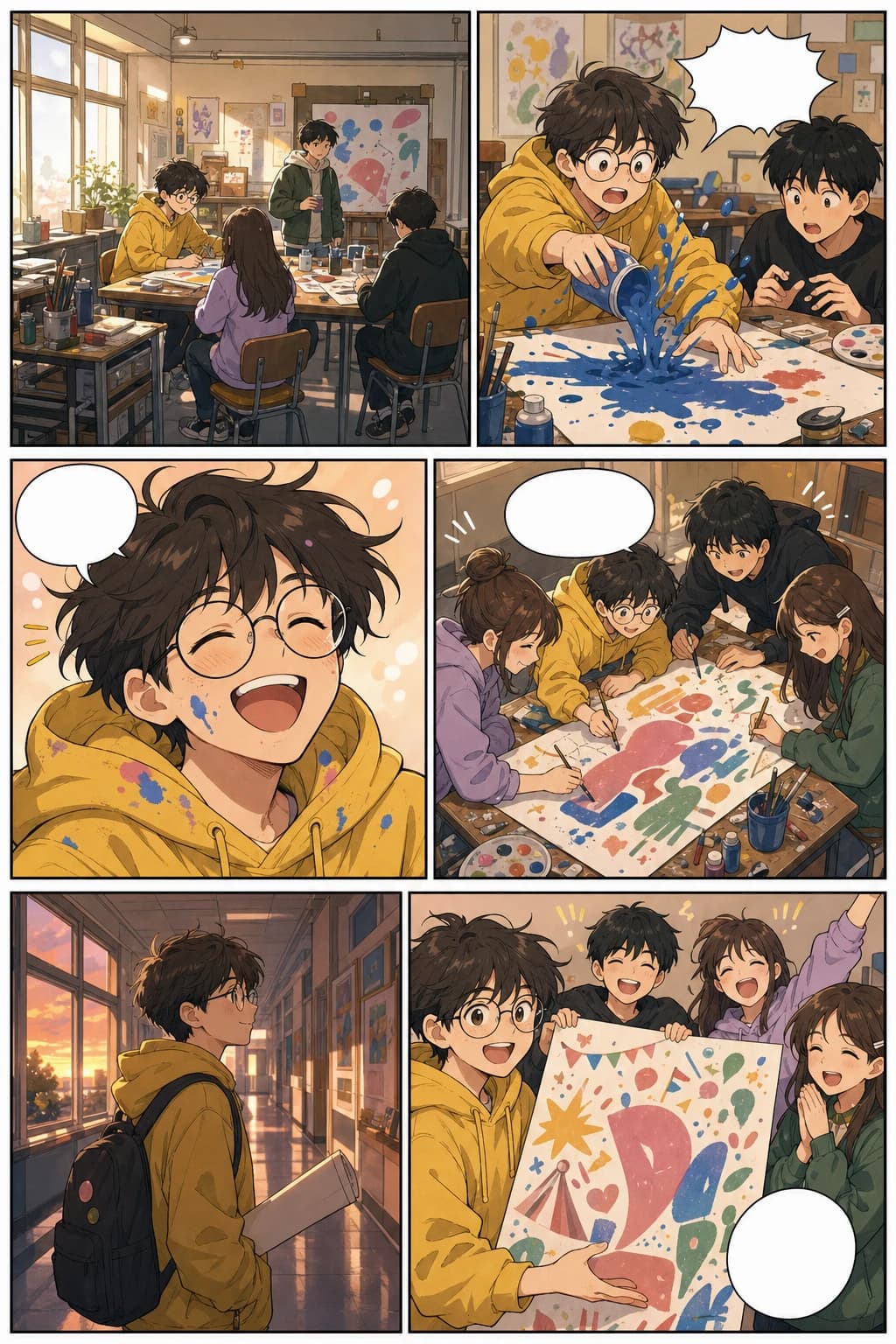
school art club panels اور warm mobile formatting کے ساتھ slice-of-life vertical webtoon page
Colorful slice-of-life webtoon page, 6 panels, consistent art student, warm school festival story.
یہ صفحہ اب informational search intent اور commercial search intent دونوں کو کور کرتا ہے: webtoons کیا ہیں، AI کیسے مدد کرتا ہے، اور یہ tool حقیقی creator workflows میں کیسے fit بیٹھتا ہے۔
طویل comic production cycle شروع کرنے سے پہلے chapter outline کو visual pages میں بدلیں۔
layouts، scene beats، covers اور social previews draft کریں، جبکہ final art direction کے لیے زیادہ توانائی بچا کر رکھیں۔
clients، publishers، collaborators یا ابتدائی audience validation کے لیے تیزی سے visual proof تیار کریں۔
lessons، campaigns، explainers اور brand stories کو پڑھنے میں آسان vertical comics میں بدلیں۔
اسی topic cluster کو آگے بڑھائیں
webtoon، manga، comic، character design، background، storyboard اور vertical comic workflows کے درمیان آسانی سے جائیں، بغیر visual storytelling کے راستے سے ہٹے۔
ایپ شروع کریں
Open a focused workflow inside AI Manga Studio.
ایپ شروع کریں
Open a focused workflow inside AI Manga Studio.
ایپ شروع کریں
Open a focused workflow inside AI Manga Studio.
ایپ شروع کریں
Open a focused workflow inside AI Manga Studio.
ایپ شروع کریں
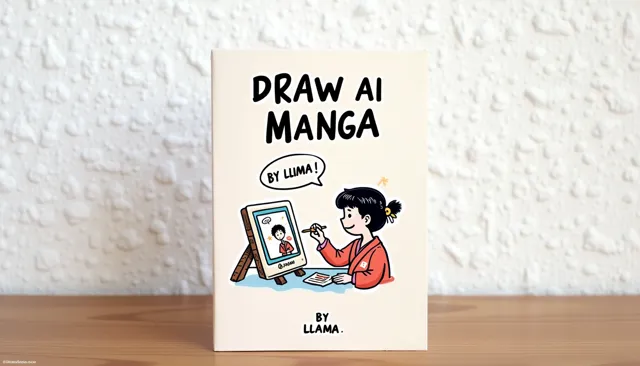
Our AI Manga Generator lets you create thousands of Manga in minutes.
ایپ شروع کریں
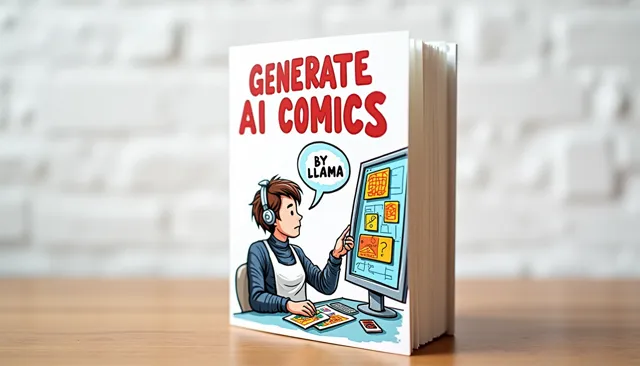
Create Stunning Comics without Drawing Skills using our cutting-edge AI Comic Generator.
ایپ شروع کریں
Open a focused workflow inside AI Manga Studio.
ایپ شروع کریں
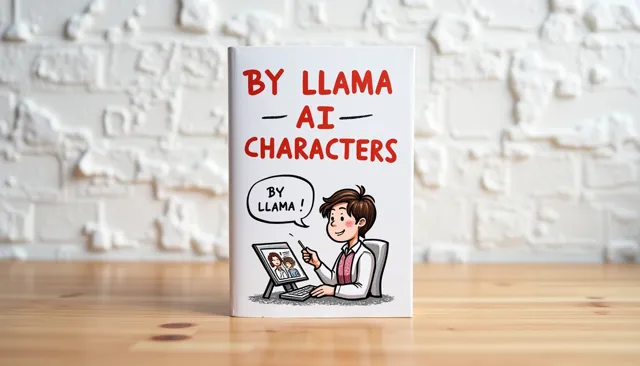
Create unique characters for your comic strips with our AI Character Design tool.
webtoon episode کو slice، compress، preview یا upload کرتے وقت ان موجودہ publishing references کو استعمال کریں۔ release سے پہلے ہر platform کی AI content اور monetization policies ضرور چیک کریں۔
Couldn't find something? Message us
prompt سے آغاز کریں، اپنا پہلا episode draft بنائیں، پھر اپنی پسند کے platform کے لیے characters، spacing اور export slices کو refine کریں۔
