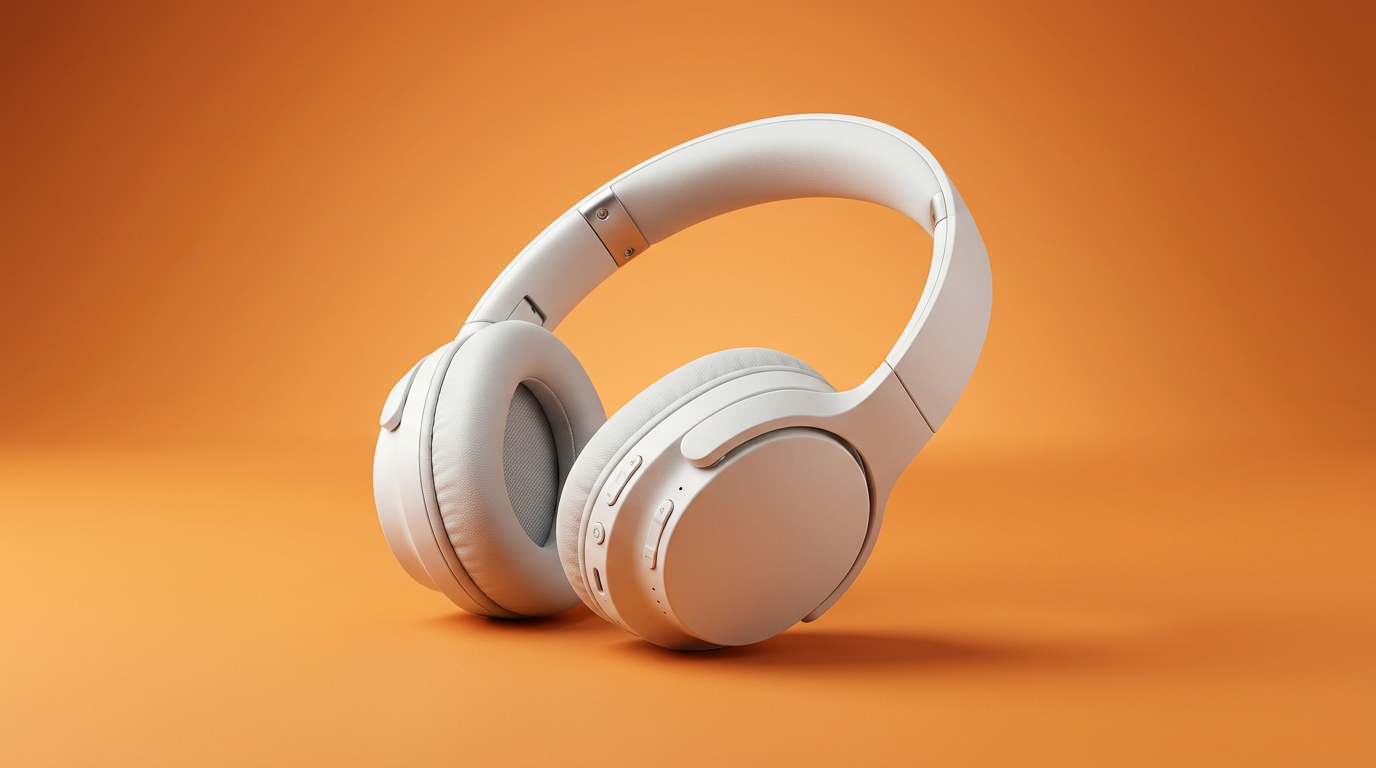
Ecommerce product visuals
Clean product scenes and lifestyle shots from a prompt or reference.
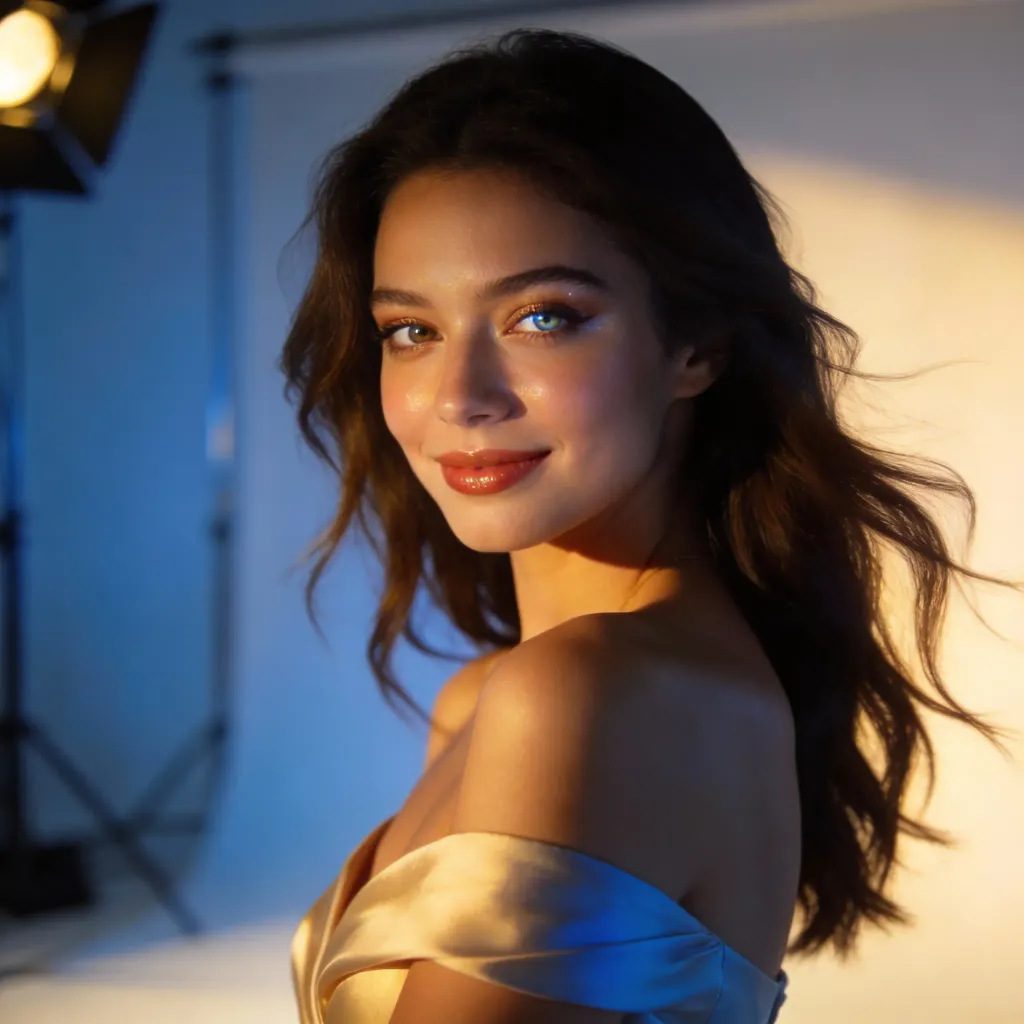
Free AI image generator
Type a prompt, add a reference, and generate production-ready visuals in seconds.
or drag in a reference
Prompt, image, or both.
By creating or uploading an image, you agree to ourTerms of ServicePrivacy Policy
Create campaign images, product scenes, thumbnails, and visual variations from one simple flow.
Clean product scenes and lifestyle shots from a prompt or reference.
Covers, headers, thumbnails, and ad-ready images.
Keep the subject, change style, lighting, and scene.
Refine mood and direction without opening a heavy editor.
All-in-one AI image generator
Make polished images for products, ads, thumbnails, covers, and creative tests without starting from a blank canvas.
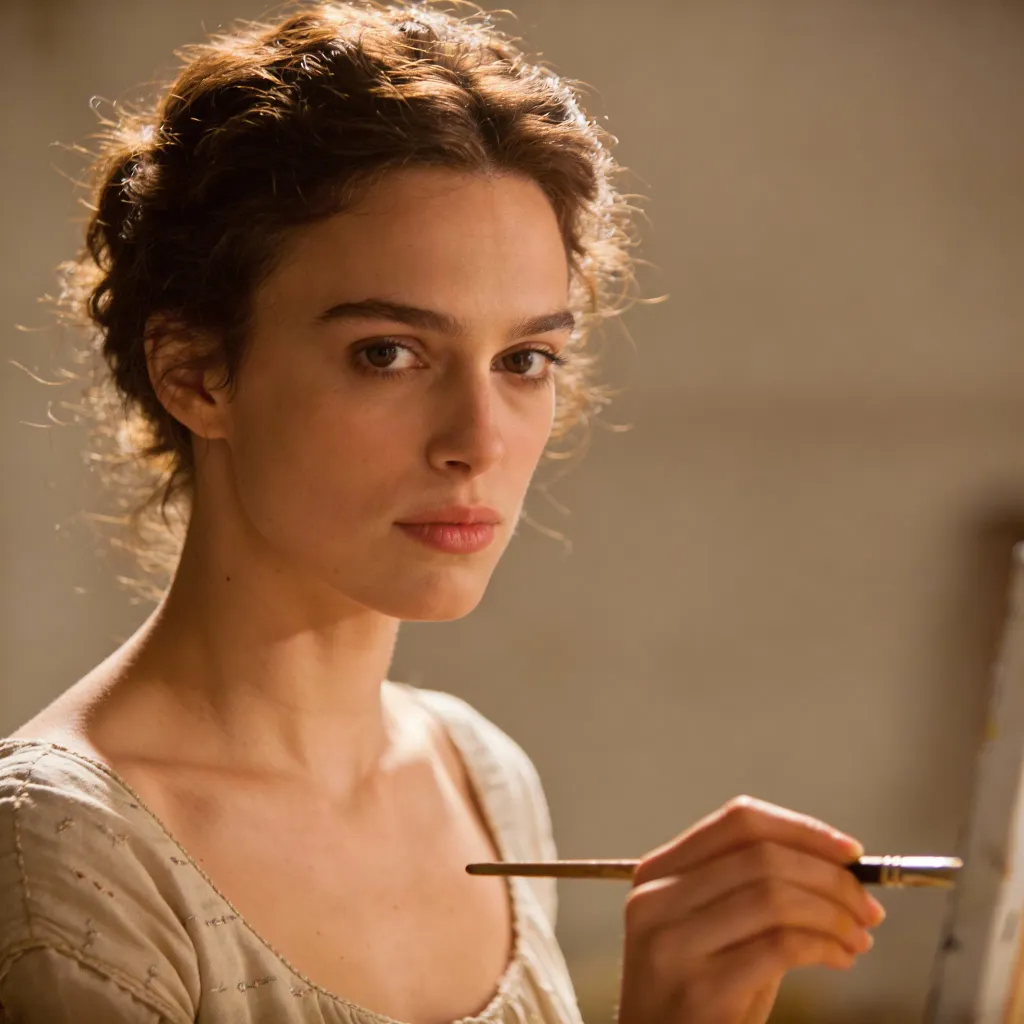
Quick answers before you start.
An AI image to image generator starts from a reference image and creates new variations while keeping important visual direction such as the subject, pose, product, layout, or composition. It is useful when you want more control than a pure text-to-image prompt.
Yes. You can start creating AI images online for free and use the workflow to test prompts, explore styles, and generate visuals for ads, social posts, product pages, thumbnails, and creative concepts.
Yes. LlamaGen is useful when you are comparing ChatGPT image generation, Gemini image generation, Claude image generation, OpenAI image generation, or Google image generation workflows. You can turn prompts and reference images into ad visuals, product scenes, social posts, thumbnails, and image to image variations in your browser.
Strong prompts include the subject, audience, format, style, lighting, camera angle, background, mood, color palette, and intended use. For example, specify whether the image is for an ecommerce hero, social post, YouTube thumbnail, or video frame.
Use LlamaGen to generate image to image variations, ad visuals, product scenes, thumbnails, and video-ready frames from one simple workflow.