

AI webtoon generator और creator
prompts, scene notes, scripts या character moments से story-based webtoon pages बनाएं, और workflow को sequential art पर केंद्रित रखें।
AI webtoon generatorAI webtoon creator
LlamaGen को AI Webtoon Creator की तरह इस्तेमाल करें—vertical formatting, character consistency, mobile optimization और professional webtoon episodes के लिए। prompt या script से शुरुआत करें, फिर scroll-ready panels बनाएं जो अलग-अलग images नहीं, बल्कि एक पूरी कहानी जैसे लगें।
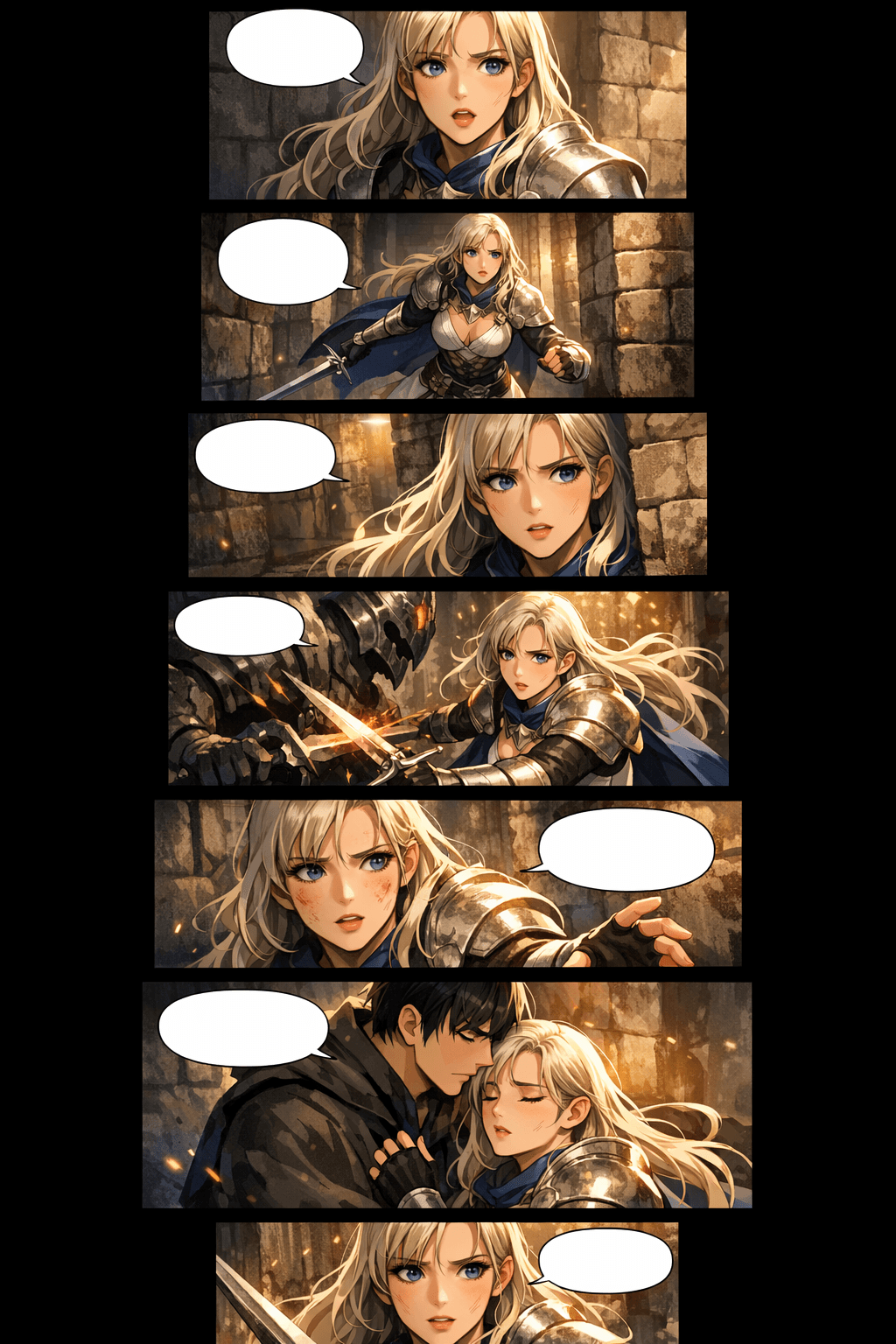
जो लोग AI webtoon creator खोजते हैं, उन्हें आमतौर पर सिर्फ़ एक सुंदर panel नहीं चाहिए होता। उन्हें story flow, mobile pacing, दोबारा इस्तेमाल होने वाले characters, platform specs और idea से publishable episode तक का साफ़ workflow चाहिए।
prompts, scene notes, scripts या character moments से story-based webtoon pages बनाएं, और workflow को sequential art पर केंद्रित रखें।
Pages वैसे बनाएं जैसे readers वास्तव में webtoons पढ़ते हैं: लंबे mobile screens, stacked panels, breathing room और episode pacing के साथ।
ऐसा recurring cast तैयार करें जिसमें पहचानने योग्य चेहरे, कपड़ों के संकेत, expressions और poses हों, ताकि पूरा episode एक सुसंगत कहानी लगे।
WEBTOON, Tapas, social previews, pitch decks और अपनी साइट के लिए image slices, width, file size और export options पहले से तैयार करें।
premise से script, generated panels, layout review, redraws, downloads और release package तक जाएं—हर बार कहानी को फिर से बनाए बिना।
AI की मदद से episodes को तेज़ी से draft, test और package करें, साथ ही originality, platform rules, lettering और final creative polish की समीक्षा भी करते रहें।
Story intent से scroll-ready webtoon draft तक जाएं, फिर उन panels को refine करें जो सबसे ज़्यादा मायने रखते हैं।
premise, dialogue scene, chapter outline या छोटी script पेस्ट करें। AI webtoon generator उसी context का उपयोग करके panel beats, mood, characters और scene progression प्लान करता है।
manhwa, manga, western comic, romance, action, fantasy या custom style चुनें। character cues और panel goals जोड़ें ताकि नतीजे में visual language एक जैसी बनी रहे।

episode generate करें, panel rhythm देखें, कमज़ोर character shots ठीक करें, spacing adjust करें, फिर images डाउनलोड करें जिन्हें webtoon platforms के लिए slice किया जा सके या preview के रूप में साझा किया जा सके।
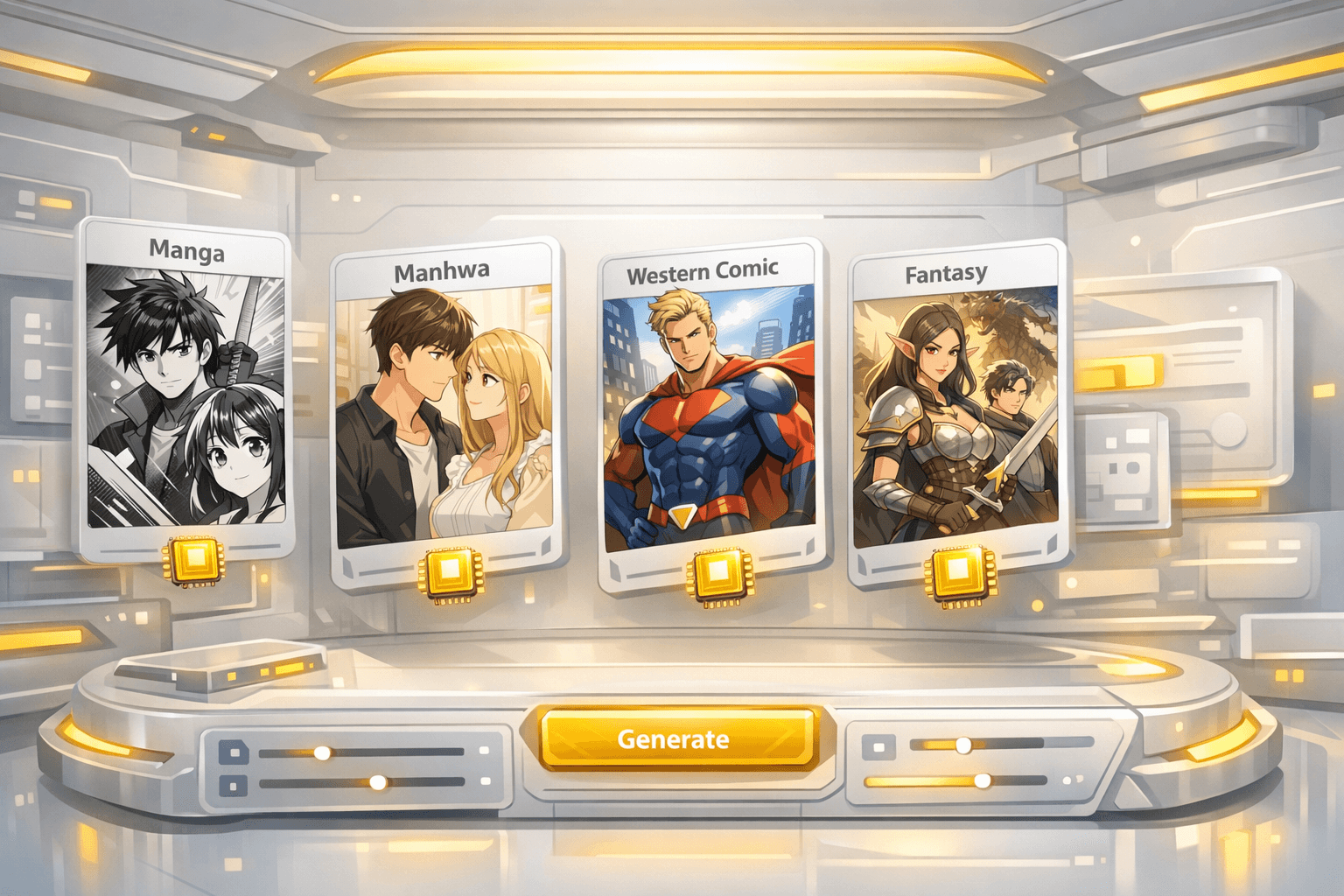
एक मज़बूत first draft आपको cast, scene flow, panel pacing और mobile reading rhythm देता है, ताकि आप publishable episode की दिशा में एडिटिंग जारी रख सकें।
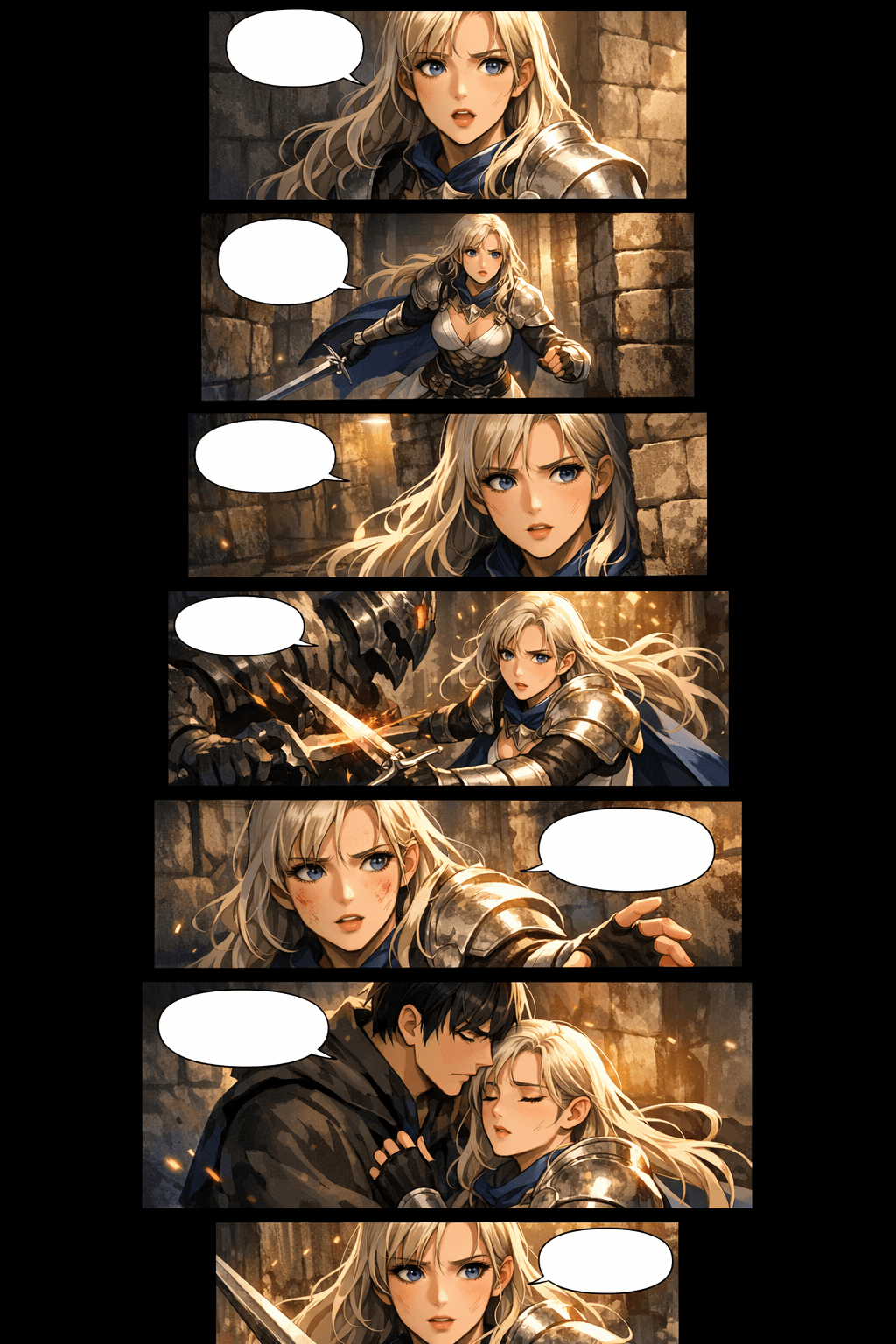
पहला draft generator से बनाएं, फिर publish करने से पहले character shots, spacing और export slices को refine करें।
पारंपरिक webtoon production मुश्किल होता है क्योंकि हर episode में writing, drawing, coloring, layout, continuity और platform formatting साथ आते हैं। LlamaGen इन सभी कामों को एक visual storytelling workflow में जोड़ता है।
mobile-first panel spacing, tall compositions, transition gaps और stacked scenes का उपयोग करें ताकि episode cropped comic page जैसा नहीं, बल्कि स्वाभाविक रूप से scroll हो।
prompt में character cues बनाए रखें, reference-style descriptions का उपयोग करें, और कमज़ोर shots को regenerate करें जब तक चेहरे, outfits, silhouettes और expressions पहचानने योग्य न रहें।
कई scenes जल्दी draft करें, फिर human effort story polish, lettering, key moments के redraw और final release decisions पर लगाएं।
upload से पहले image width, slices, section height, file size और format प्लान करें, ताकि final episode को WEBTOON, Tapas या अपनी साइट के लिए तैयार करना आसान हो।
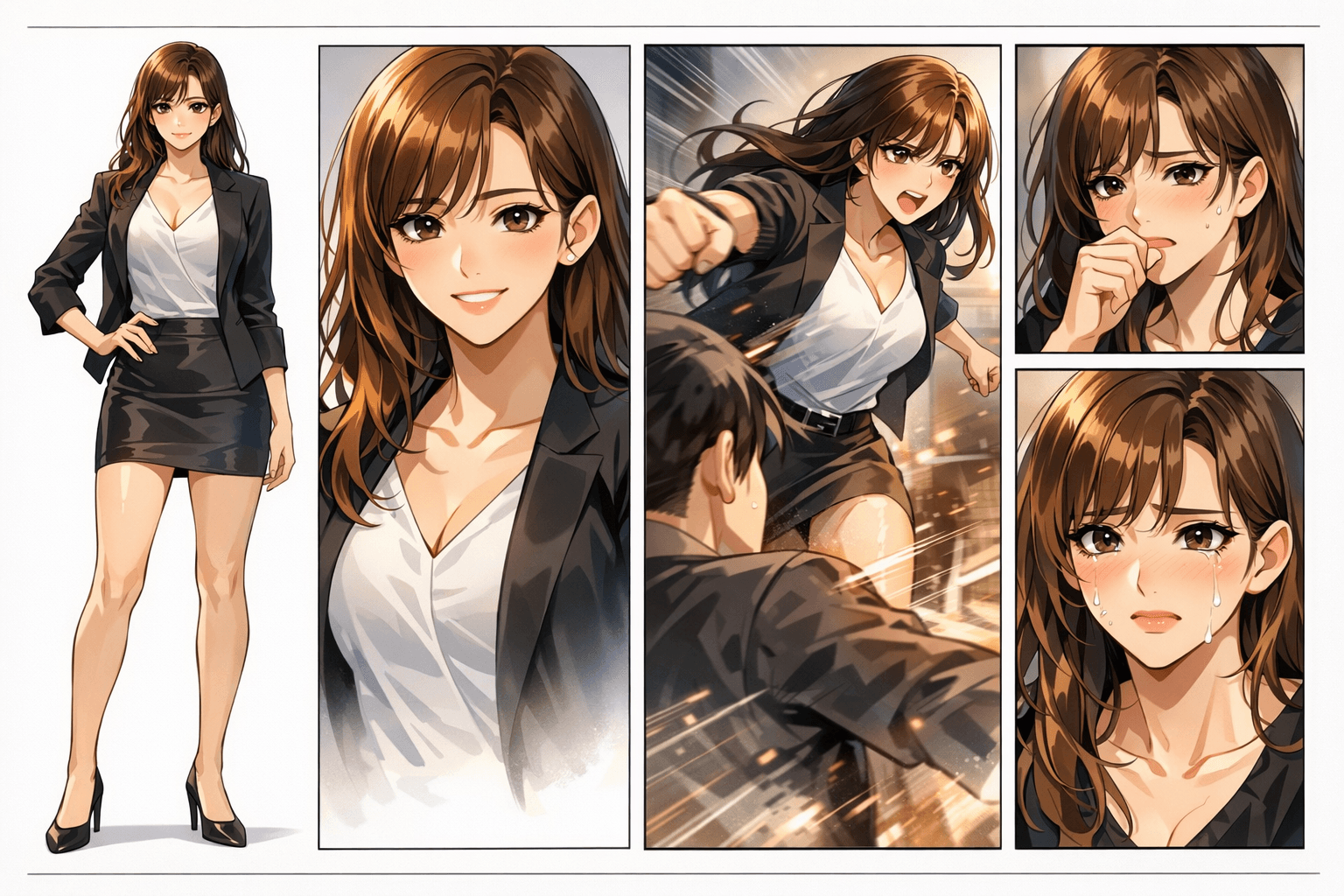
एक असली webtoon page में character identity, panel rhythm, background continuity और emotional pacing साथ बने रहना चाहिए। एक कमज़ोर panel पूरा episode बिगाड़ सकता है।
Panels रंगीन दिख सकते हैं, लेकिन character identity, हाथों की details, scene continuity और reading flow जल्दी टूटने लगते हैं।
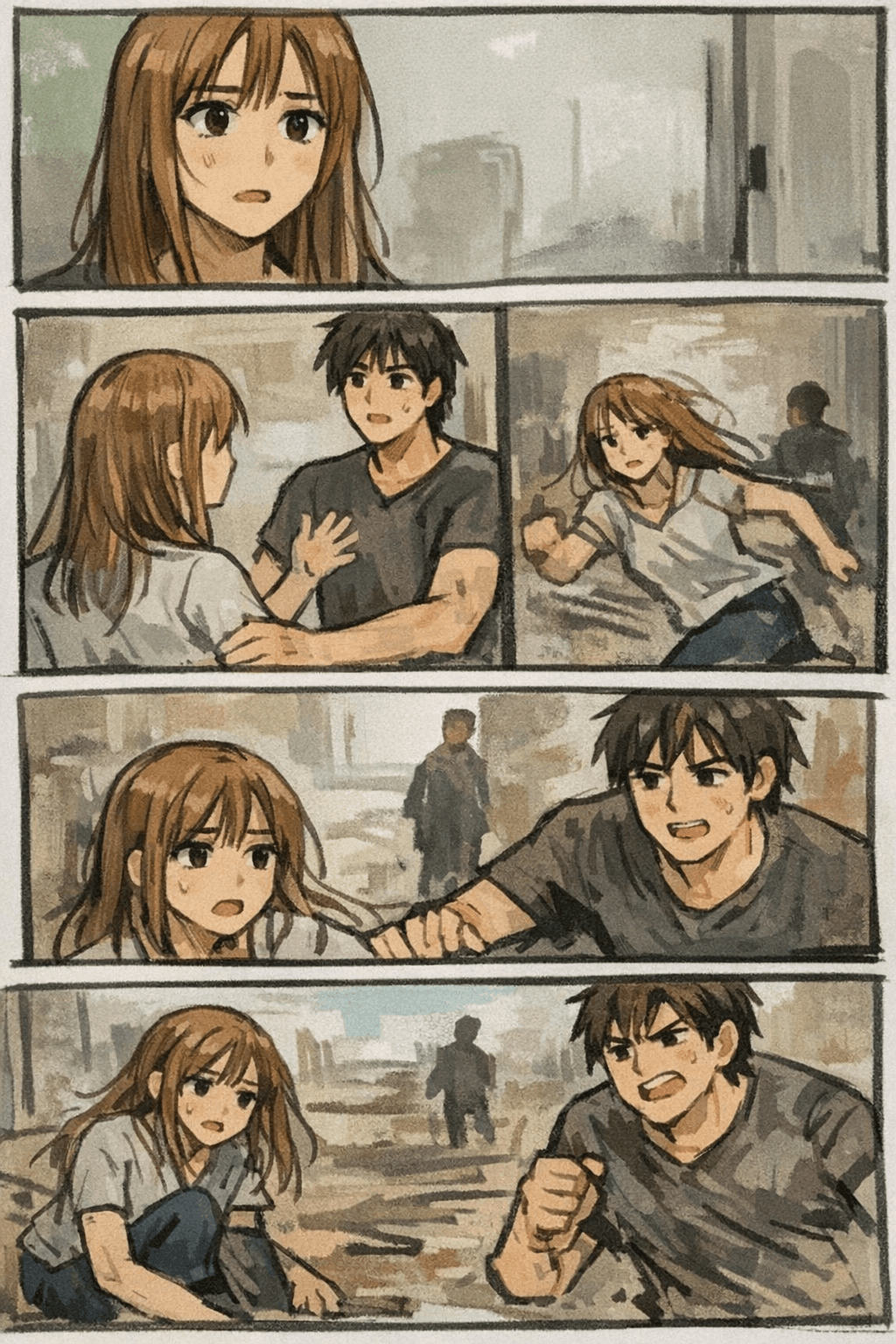
LlamaGen पूरे webtoon result पर ध्यान देता है: prompt, characters, panel pacing, visual style और regeneration—जब तक episode सुसंगत न लगे।
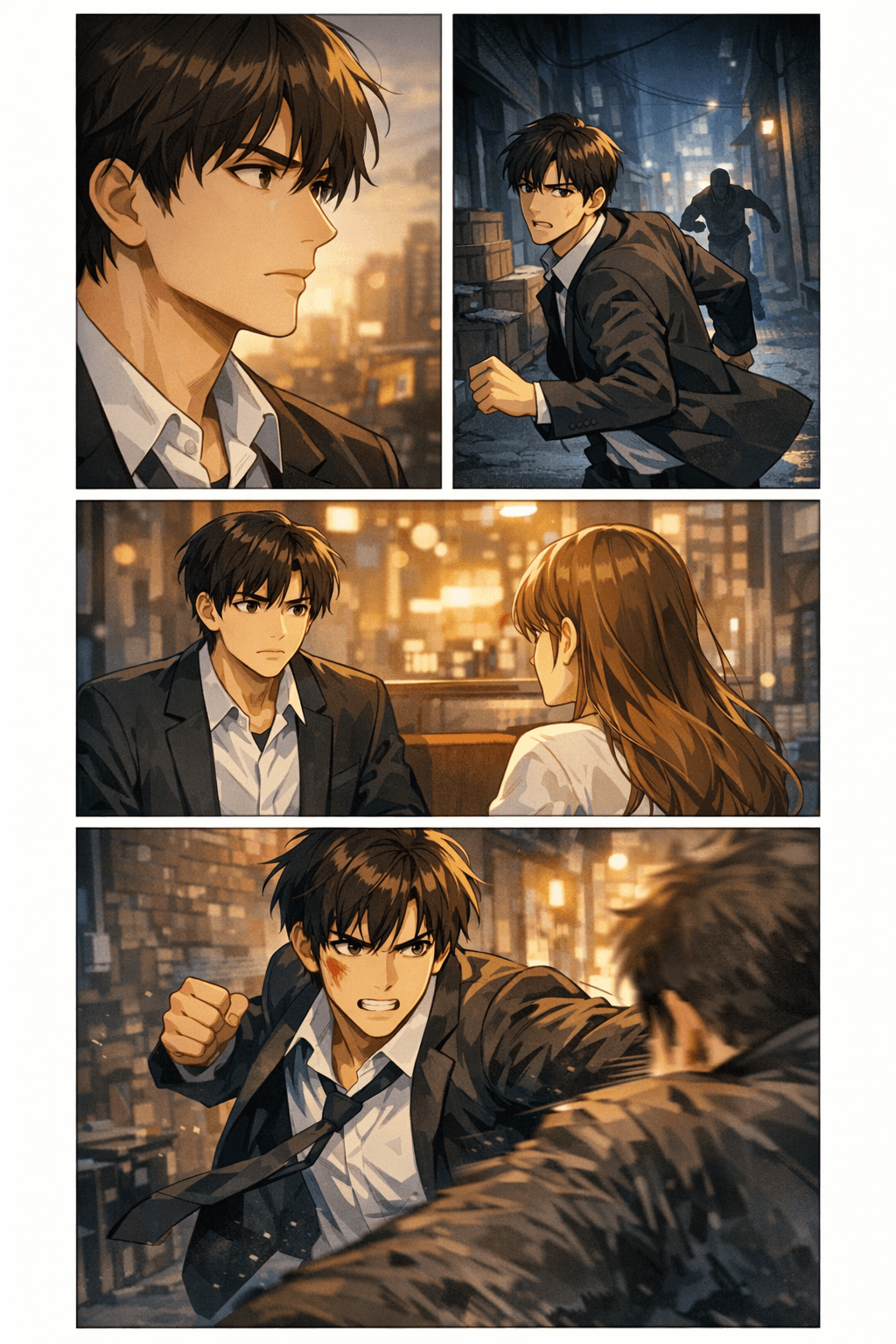
Creators के लिए यह जानना ज़रूरी है कि क्या AI webtoon draft को असली export workflow में ले जाया जा सकता है। ये specs width, slice height, file size, format और mobile readability को download या upload से पहले प्लान करने में मदद करती हैं।
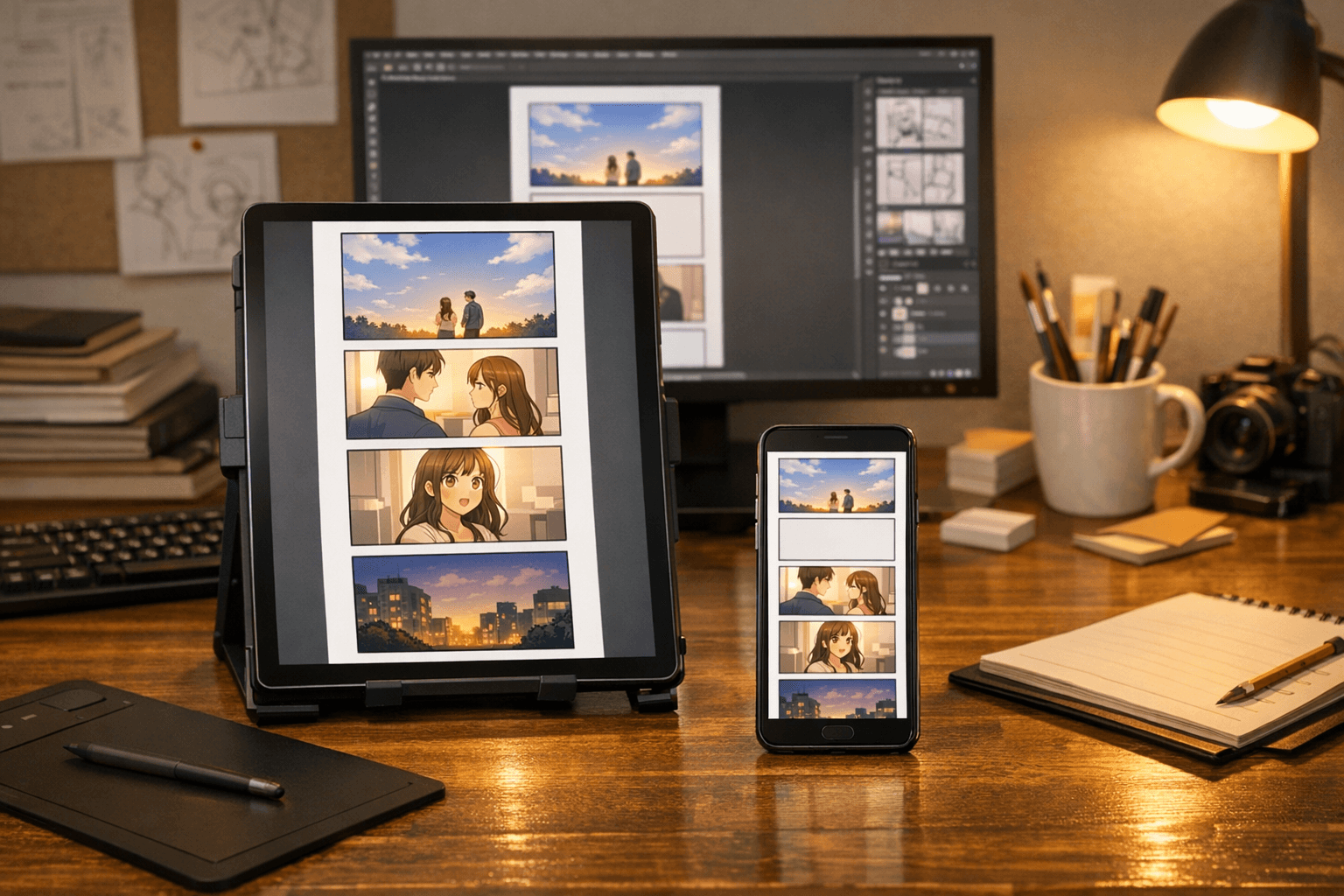
Revisions के बाद एक व्यावहारिक first episode अक्सर 40-60 panels के बीच होता है, genre और pacing पर निर्भर करता है।
Emotional beats के लिए 400-800px breathing space और जब कहानी को scene transition चाहिए तब 4 या उससे अधिक blank sections का उपयोग करें।
यही वे हिस्से हैं जो इस page को सिर्फ़ एक हल्का feature page नहीं, बल्कि creators के लिए उपयोगी resource बनाते हैं।
scroll pacing, pauses, reveals, impact frames और mobile-first reading के लिए panels compose करें।
Panels में character identity, wardrobe cues, face shape और emotional beats को review करना आसान बनाए रखें।
हर image को नए सिरे से शुरू करने के बजाय sequence में locations, lighting, props और atmosphere को जारी रखें।
download से पहले file format, slice height, image width, compression और destination platform प्लान करें।
romance, fantasy, action, thriller, slice-of-life, school drama, comedy या manhwa-inspired episodes draft करें।
कमज़ोर panels को redraw करें, expressions बेहतर करें, pacing मज़बूत करें और key moments के लिए alternate shots बनाएं।
webtoon pages को collaborators, clients, communities और शुरुआती audience tests के लिए concept proof की तरह उपयोग करें।
non-artists, writers और small teams को यह जल्दी परखने का तरीका दें कि कहानी visual रूप में काम करती है या नहीं।


AI-generated webtoon pages देखें, जिनमें image context साफ़ हो: fantasy scenes, romantic manhwa beats, action panels, thriller pacing और slice-of-life episodes।
dramatic fantasy scenes और professional scroll formatting के साथ vertical webtoon panels
Premium vertical scroll webtoon episode page, consistent heroine, stacked mobile panels, cinematic fantasy lighting.
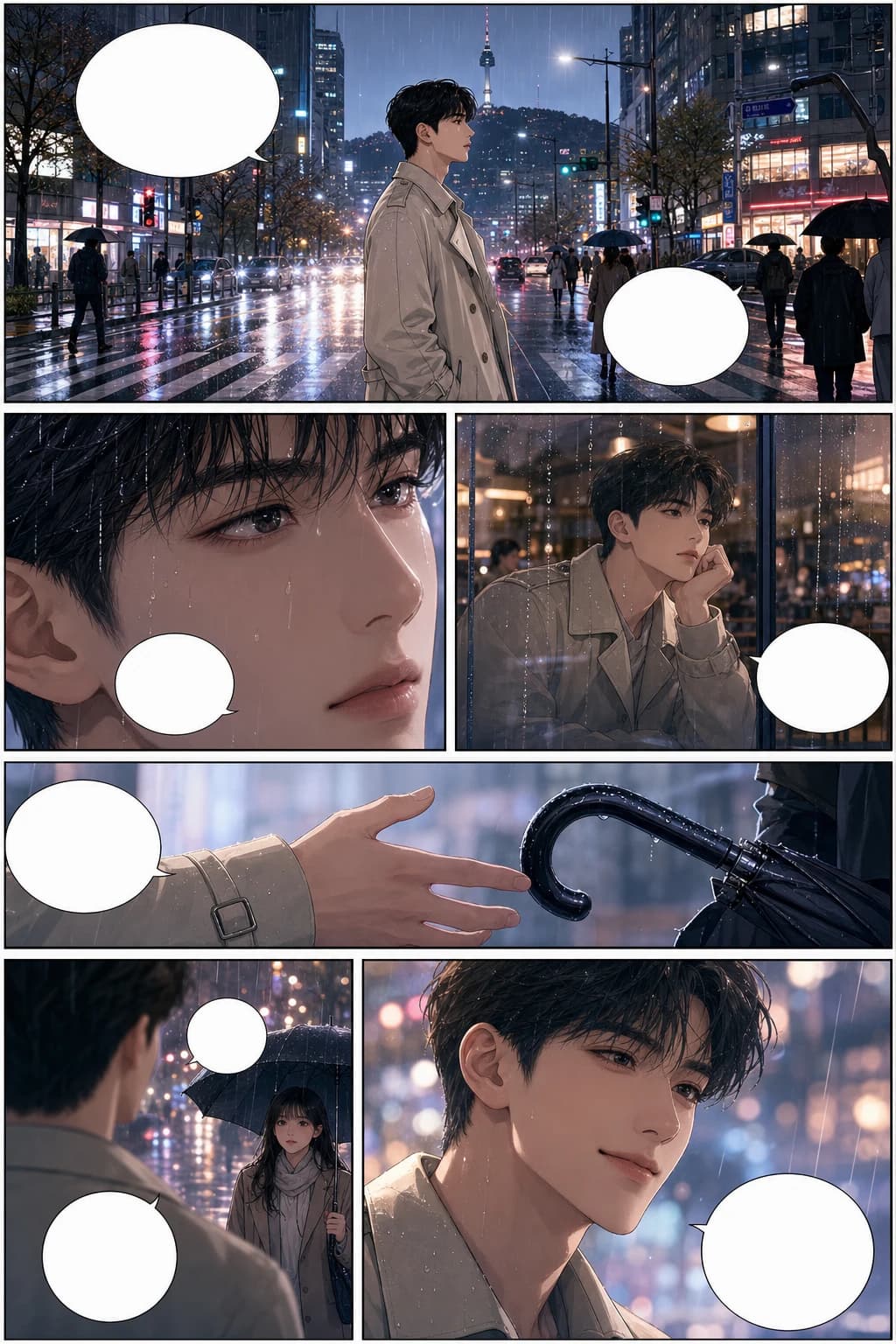
consistent characters और rainy city panel pacing के साथ romantic Korean manhwa webtoon scene
Full-color Korean manhwa comic page, 6 panels, consistent protagonist, rainy city romance, blank speech bubbles.
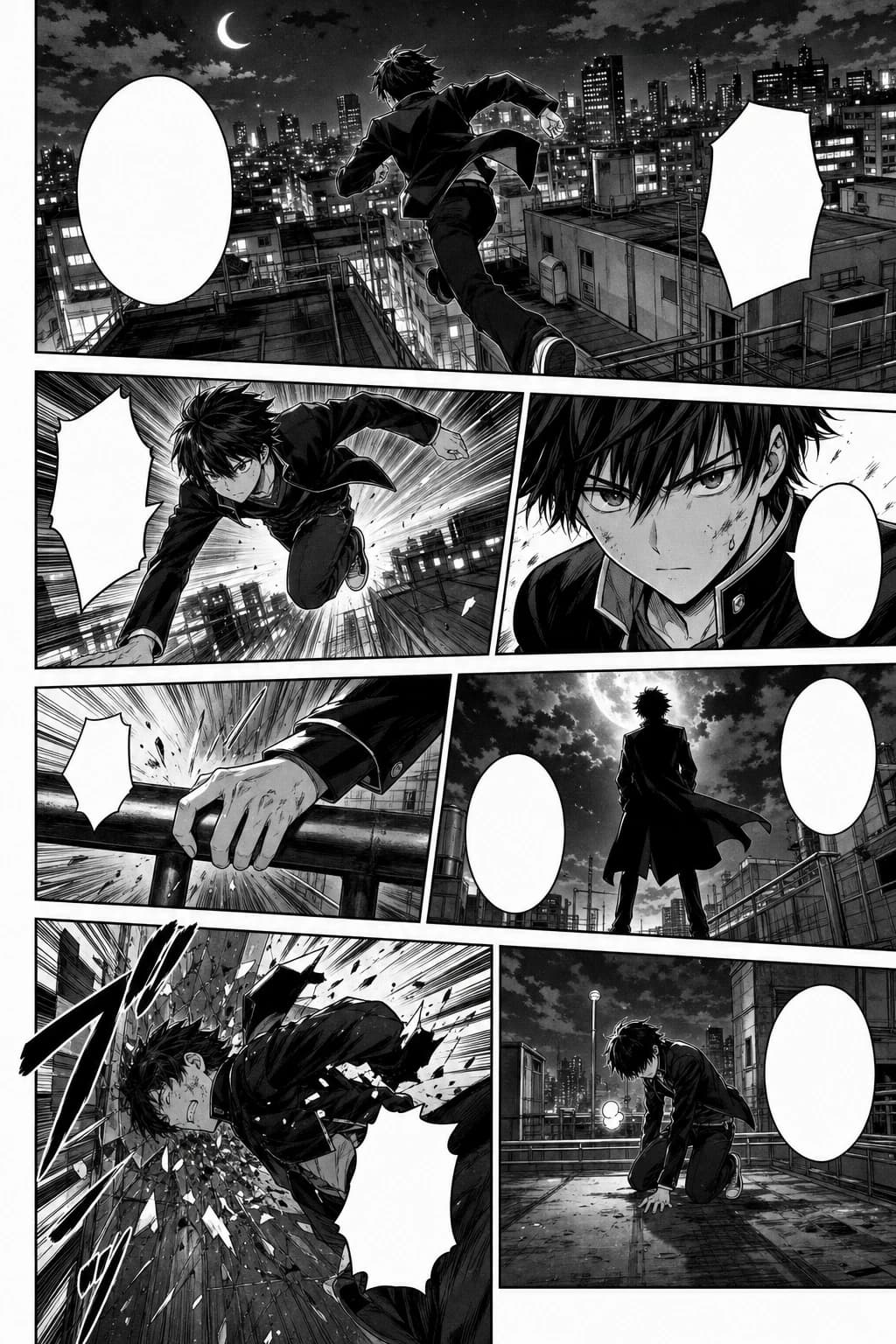
rooftop motion के साथ black-and-white manga style में action-packed webtoon panel sequence
Black-and-white Japanese manga page, 7 panels, screentone, speed lines, consistent action character.
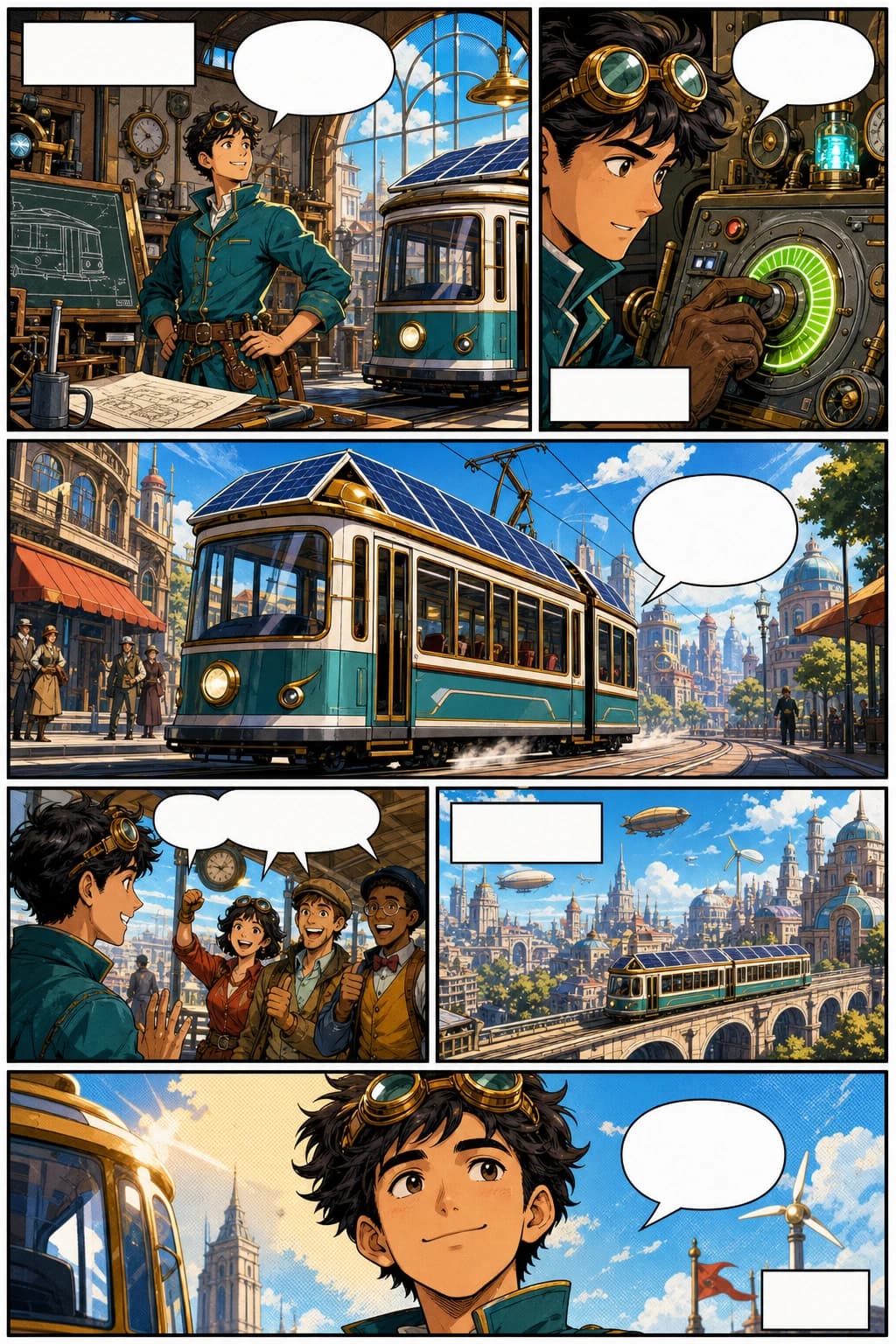
retro-futurist inventor और bold vertical panels के साथ western comic webtoon page
Western comic book page, 6 panels, original inventor character, bold ink, halftone color, blank captions.
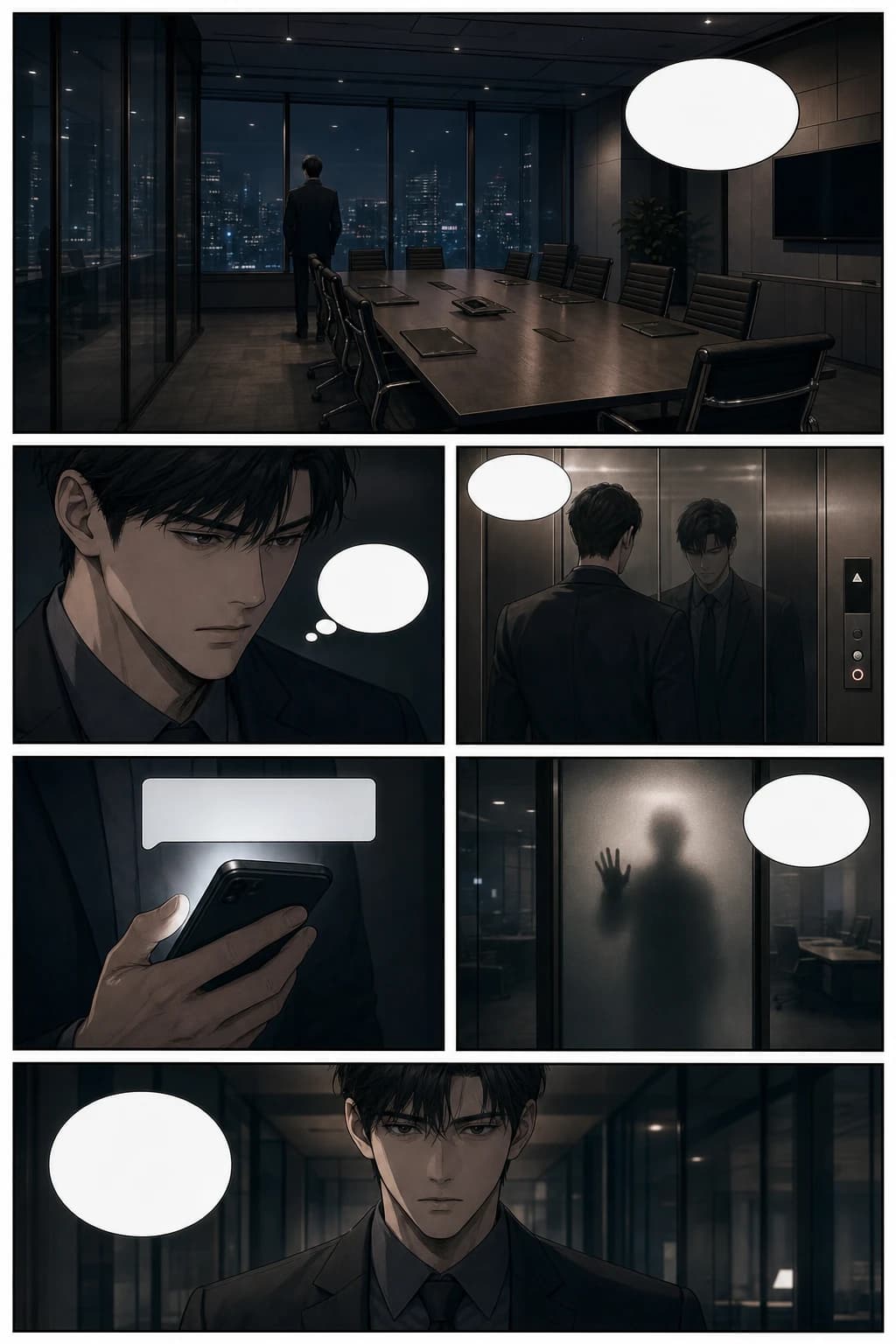
cinematic office suspense और vertical scroll pacing के साथ thriller manhwa webtoon page
Psychological thriller manhwa page, 6 panels, glass office scene, cinematic pacing, blank speech bubbles.
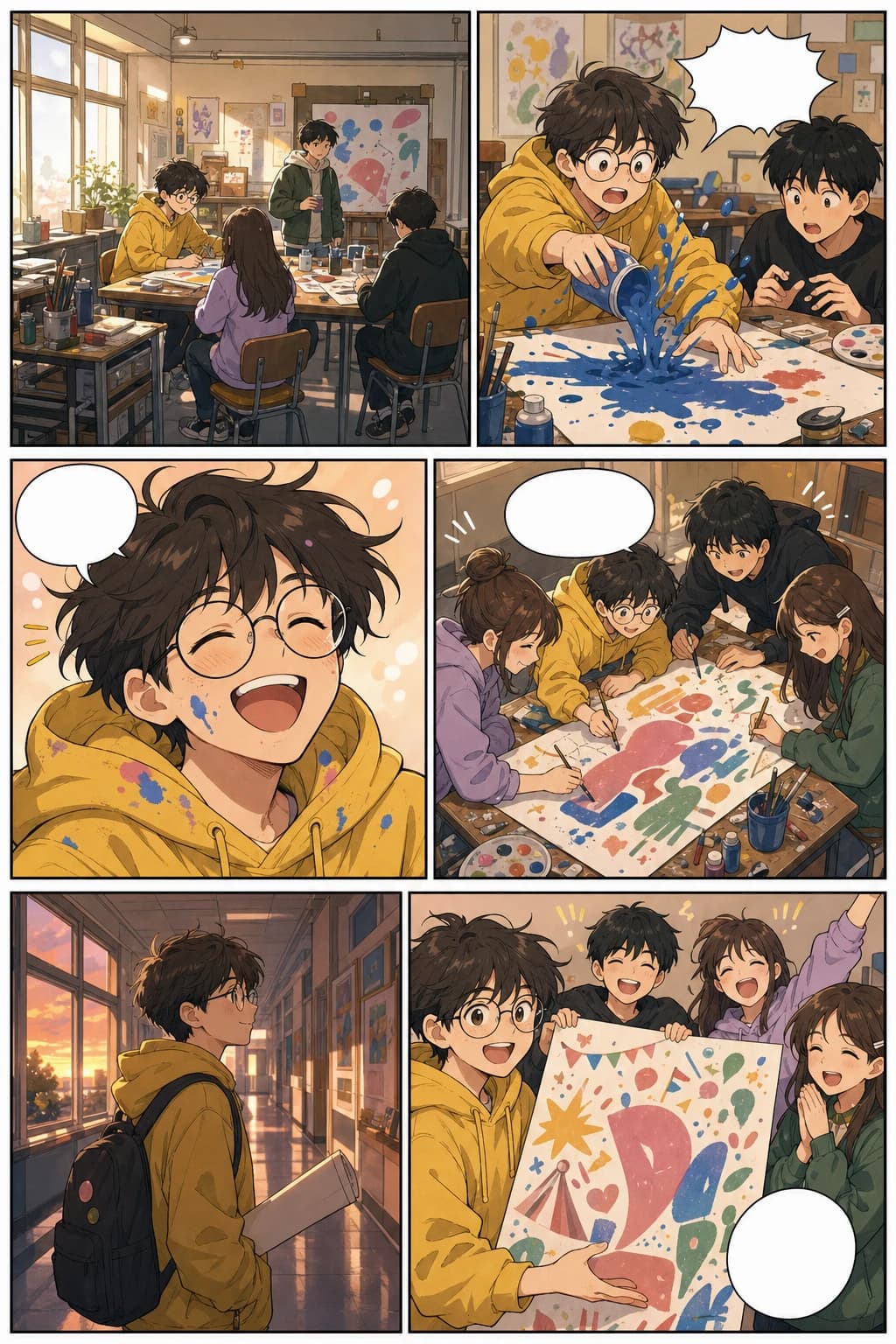
school art club panels और warm mobile formatting के साथ slice-of-life vertical webtoon page
Colorful slice-of-life webtoon page, 6 panels, consistent art student, warm school festival story.
यह page अब informational search intent और commercial search intent—दोनों को कवर करता है: webtoons क्या हैं, AI कैसे मदद करता है, और यह tool वास्तविक creator workflows में कैसे फिट बैठता है।
लंबे comic production cycle के लिए commit करने से पहले chapter outline को visual pages में बदलें।
final art direction के लिए ज़्यादा ऊर्जा बचाते हुए layouts, scene beats, covers और social previews draft करें।
clients, publishers, collaborators या शुरुआती audience validation के लिए तेज़ visual proof बनाएं।
lessons, campaigns, explainers और brand stories को पढ़ने में आसान vertical comics में बदलें।
उसी topic cluster को आगे बढ़ाएं
webtoon, manga, comic, character design, background, storyboard और vertical comic workflows के बीच आसानी से जाएं—बिना visual storytelling flow छोड़े।
ऐप्प लॉन्च करें
Open a focused workflow inside AI Manga Studio.
ऐप्प लॉन्च करें
Open a focused workflow inside AI Manga Studio.
ऐप्प लॉन्च करें
Open a focused workflow inside AI Manga Studio.
ऐप्प लॉन्च करें
Open a focused workflow inside AI Manga Studio.
ऐप्प लॉन्च करें
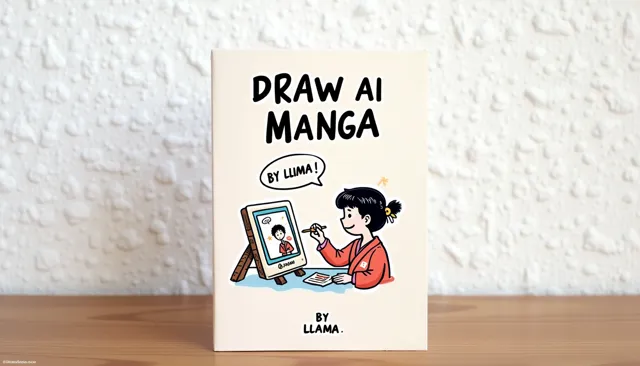
Our AI Manga Generator lets you create thousands of Manga in minutes.
ऐप्प लॉन्च करें
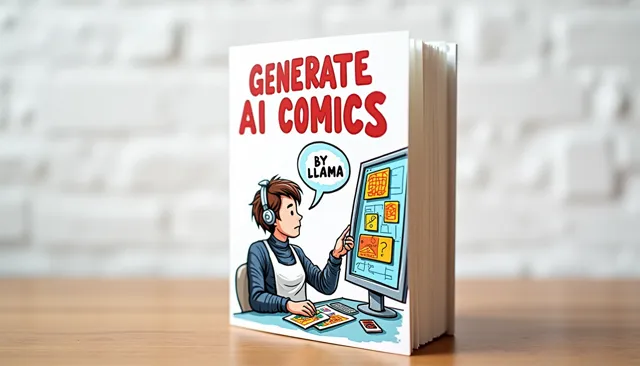
Create Stunning Comics without Drawing Skills using our cutting-edge AI Comic Generator.
ऐप्प लॉन्च करें
Open a focused workflow inside AI Manga Studio.
ऐप्प लॉन्च करें
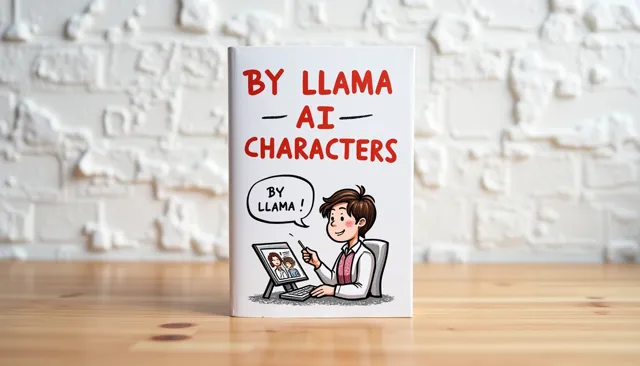
Create unique characters for your comic strips with our AI Character Design tool.
जब आप webtoon episode को slice, compress, preview या upload करें, तब इन मौजूदा publishing references का उपयोग करें। release से पहले हर platform की AI content और monetization policies ज़रूर देखें।
Couldn't find something? Message us
एक prompt से शुरुआत करें, अपना पहला episode draft generate करें, फिर जिस platform को आप लक्ष्य बना रहे हैं उसके लिए characters, spacing और export slices को refine करें।
