

Manga Page Colorizer
colorize manga pages
Add colour to full black-and-white manga pages while keeping panel borders, speech areas, and inked outlines readable.

Upload black-and-white manga pages, comic panels, anime sketches, or webtoon frames and colourize them online for free. LlamaGen preserves clean outlines, adds vivid colour, and lets you guide the palette with prompts.
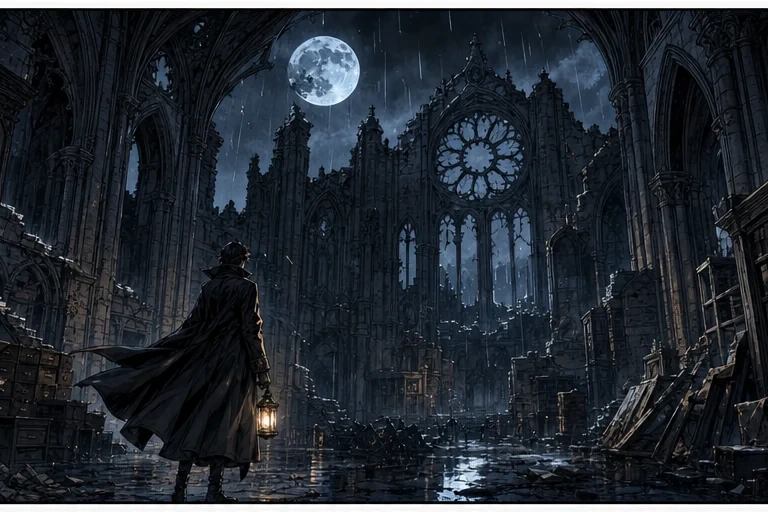
No ideas? Try our Preset Templates to Get Started


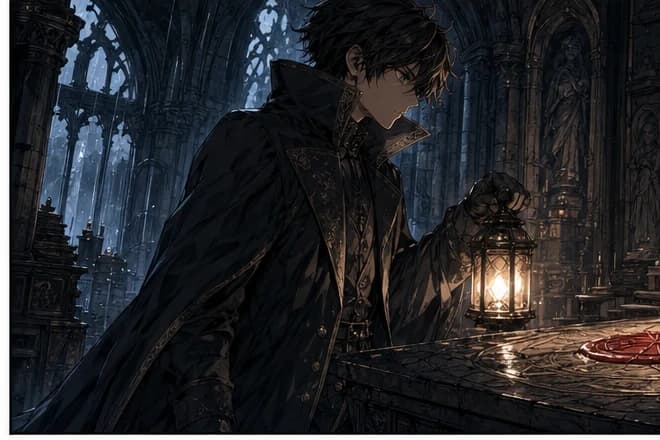
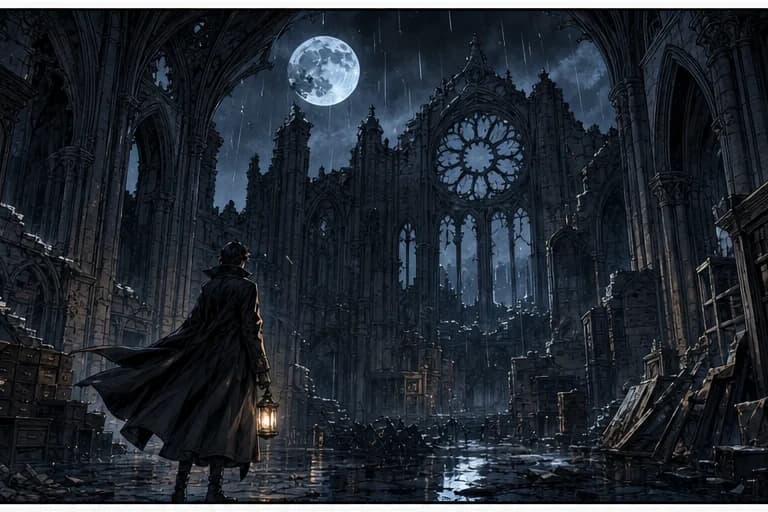
See one original manga page move through the stages creators care about: clean ink, atmospheric tone, and final colour. The storyboard is a new gothic archive scene, not a reuse of the reference page.
Original storyboard
A rain-soaked archivist follows a raven's sealed letter into a ruined cathedral library, where a candlelit sigil reveals the next clue.
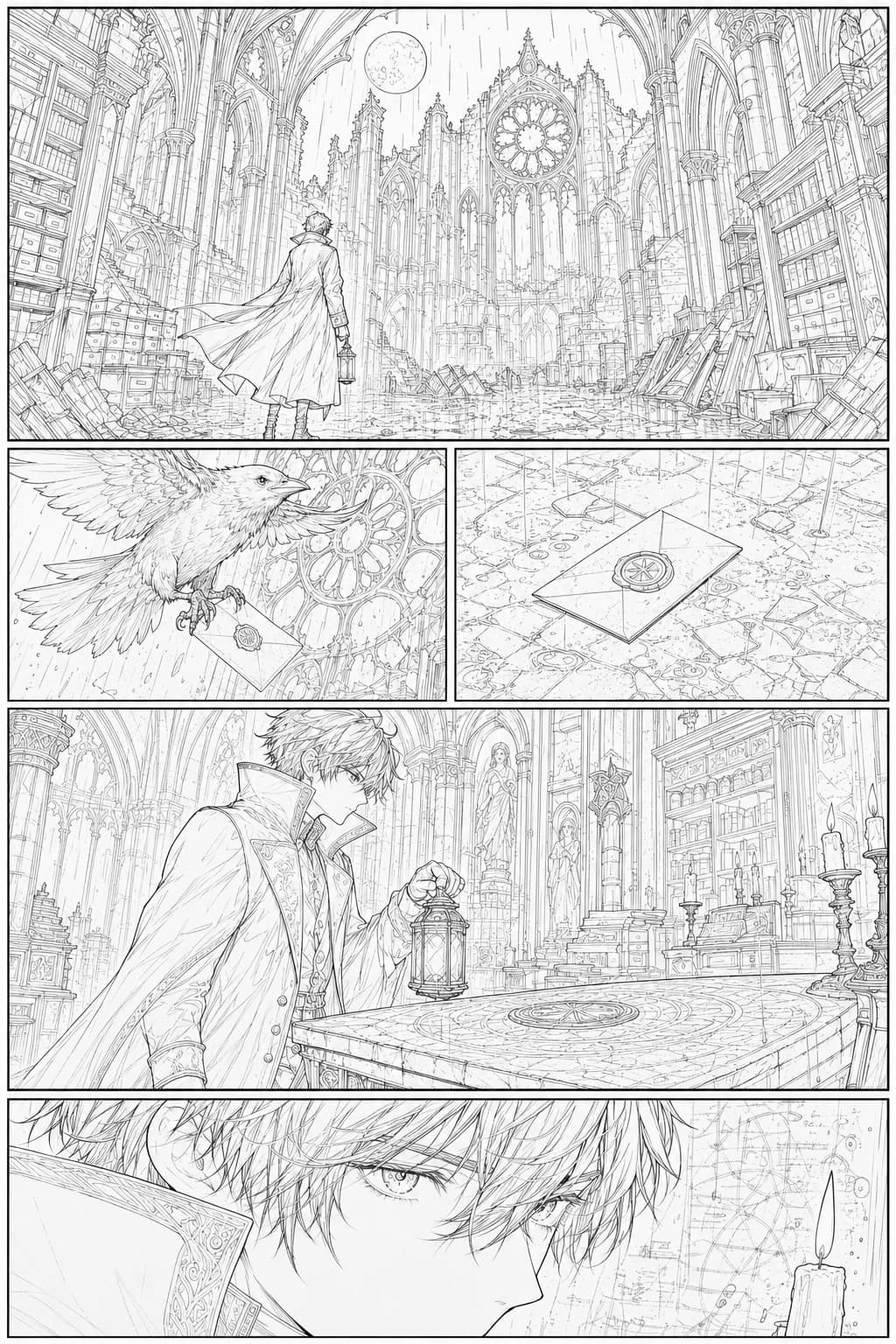
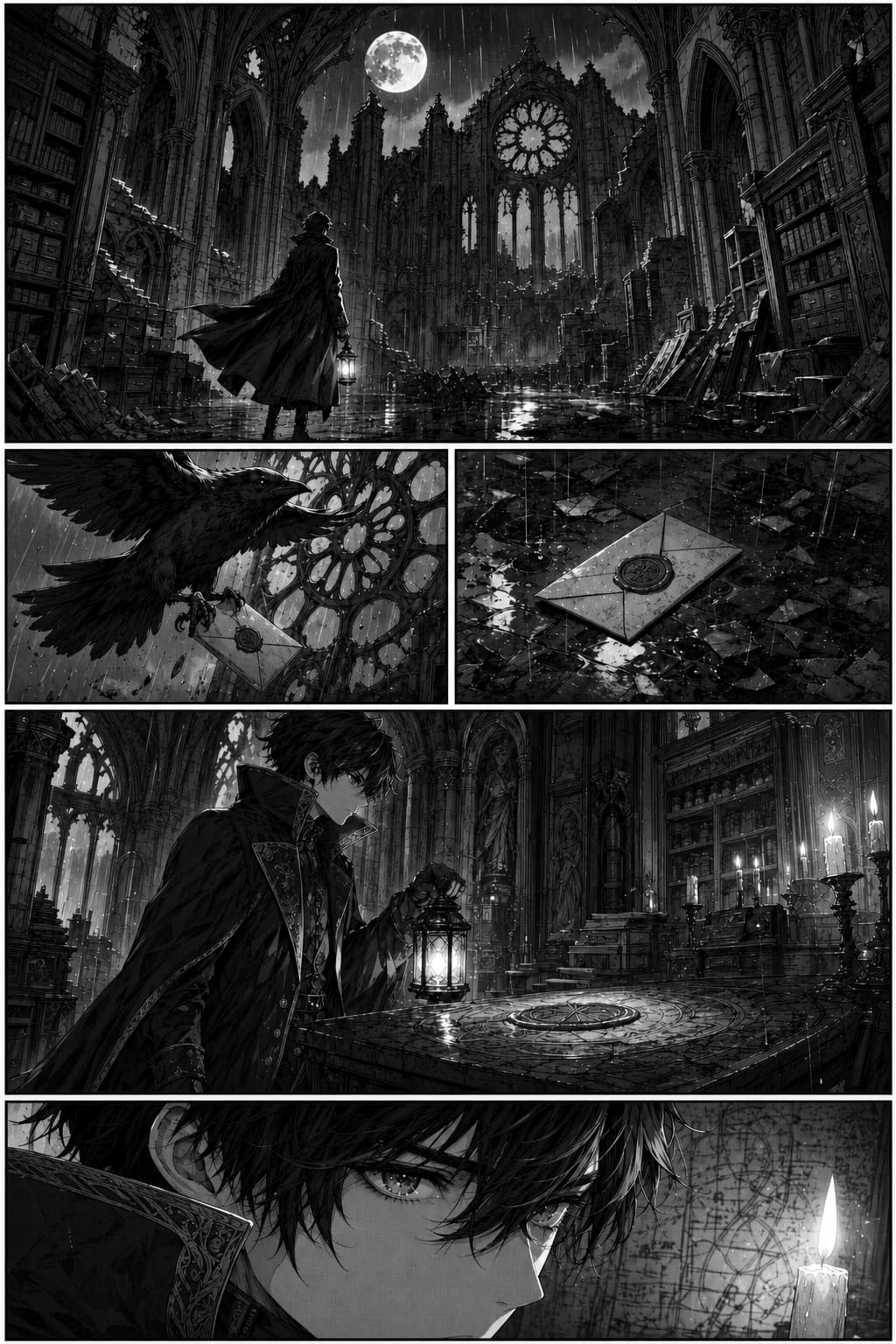
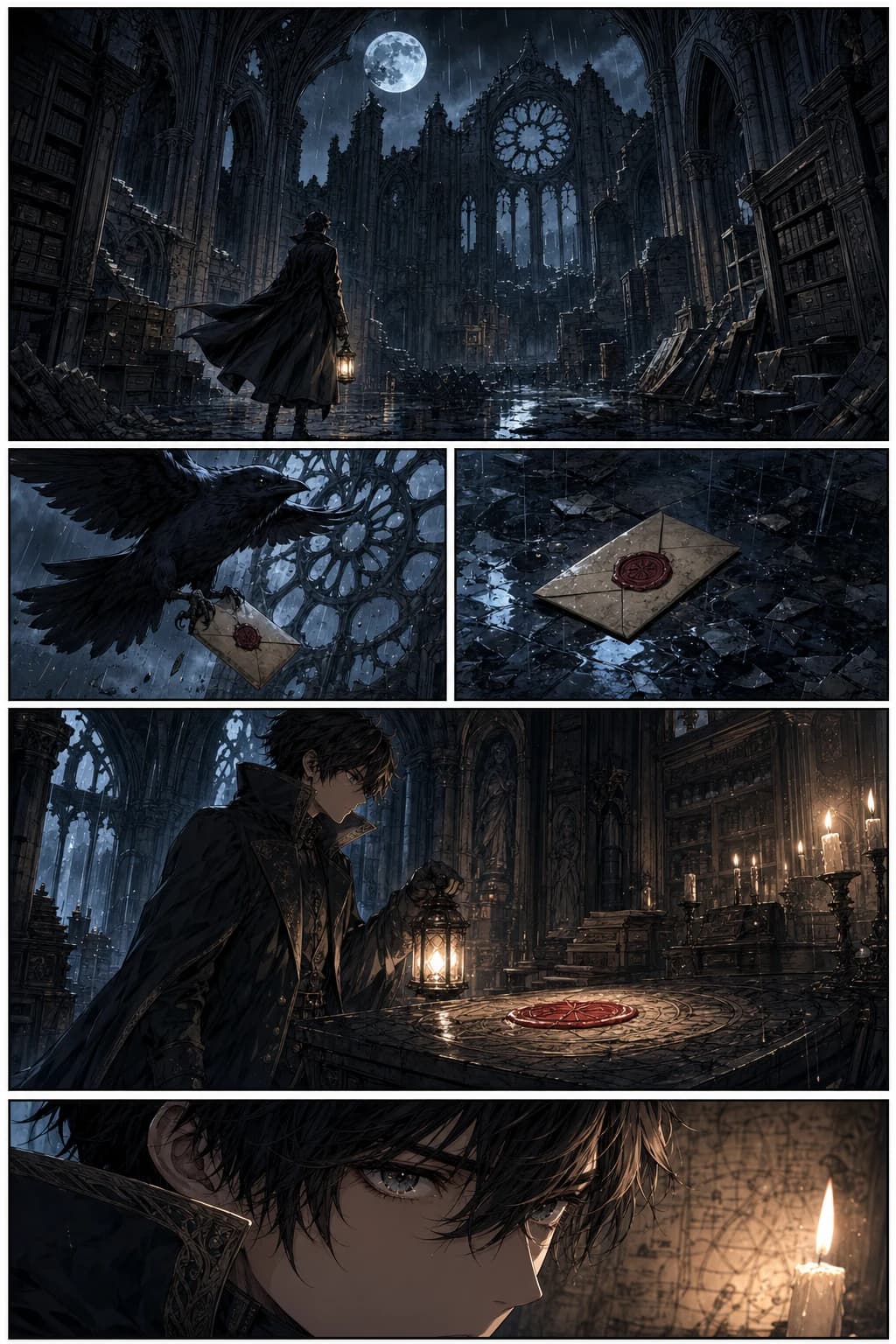
Searchers no longer mean just one thing when they type manga colorizer. This page covers the specific colouring jobs creators actually need: full pages, individual panels, clean line art, anime sketches, and production-ready palettes.
colorize manga pages
Add colour to full black-and-white manga pages while keeping panel borders, speech areas, and inked outlines readable.
comic panel colorizer
Colour a single panel, scene, or storyboard frame before you commit to the look of an entire chapter.
colorize line art
Turn clean line art into polished colour with crisp edges, controlled shading, and fewer muddy fills.
anime sketch colorizer
Preview hair, clothing, eye, and background colours from rough character sketches or finished anime drawings.
webtoon coloring AI
Experiment with brighter vertical-scroll palettes for webtoon scenes, covers, and social preview images.
manga coloring prompt
Guide the result with short prompts such as soft shojo pastels, dramatic shonen lighting, or muted vintage anime tones.

Upload a black-and-white manga page and get a full-colour result that keeps the original line work and page composition intact.
Colourize a Manga Page
Test character palettes from sketches before you draw the final page. Add hair, eye, outfit, and mood directions in one prompt.
Colourize a Sketch
Bring inked characters, props, and backgrounds to life with crisp fills, manga-friendly shading, and high-resolution output.
Colourize Line ArtUse a short prompt to steer palette, shading, and atmosphere so the result matches the mood of your manga page.
Prompt
clean cel shading, bright hair highlights, crisp shadow blocks, 1990s anime palette
Best for
Character portraits, action panels, and clean commercial manga pages

Prompt
soft pastel colors, pink and lavender mood, gentle blush, romantic shojo lighting
Best for
Romance scenes, covers, character reveals, and emotional close-ups
Prompt
bold shonen colors, warm rim light, dramatic shadows, blue sky action background
Best for
Battle panels, power-up scenes, posters, and social media previews

Prompt
webtoon color palette, soft gradients, clean shadows, readable mobile contrast
Best for
Vertical-scroll comics, thumbnails, episode covers, and webtoon panels

Prompt
muted cinematic colors, realistic shadows, dusk lighting, mature seinen atmosphere
Best for
Drama panels, grounded story scenes, noir pages, and moody chapter openings

Prompt
transparent watercolor wash, delicate skin tones, soft paper texture, light background
Best for
Illustrations, fan art, cover concepts, and softer manga storytelling
Use LlamaGen as a fast manga colouring assistant: upload your art, describe the palette, then export a clean colour version for your story workflow.
Start with black-and-white manga pages, comic panels, clean line art, webtoon frames, or anime character sketches.
Guide the AI with details like hair colour, outfit palette, lighting, genre, or reference style. You can also leave it blank for automatic colouring.
Download the colourized image, compare variations, or continue into manga panels, manga stories, and motion comic workflows.


The strongest use case is not colouring one isolated image. LlamaGen fits manga colourization into a larger creator workflow: story, characters, panels, colour, and motion.
Start the Manga WorkflowUpload line art, a scanned manga page, or a panel exported from your drawing app.
Describe genre, lighting, character colours, and mood so each variation follows the story direction.
Check that speech bubbles, action lines, and panel structure remain clear after colouring.
Use the result in manga generation, manga translation, comic-to-video, or motion comic production.
Colourize line art, sketches, comic pages, or webtoon frames in seconds without opening complex desktop software.
Colour My Sketch Now
Use short prompts to customize palette, mood, lighting, character colours, and manga genre instead of accepting a generic fill.
Try a Style Prompt
Works with full pages, panels, character sheets, and storyboard frames so the tool matches how manga creators actually work.
Colour a Full Page
Download high-resolution results, compare versions, or continue editing in Clip Studio Paint, Photoshop, Procreate, or LlamaGen manga tools.
Make a Manga Series
Generic photo editors can colour a picture. A manga workflow needs line preservation, readable panels, style consistency, and a path into full comic production.
Keep inked edges, hair strands, clothing folds, and panel borders sharp enough for manga pages.
Use the colorizer on single panels, full pages, character shots, and storyboard frames without changing the page purpose.
Control the mood with genre and palette language instead of manually painting every flat colour.
Move from colouring into manga generation, translation, speech bubbles, and comic-to-video workflows inside LlamaGen.
LlamaGen is built for fast manga colouring and creator workflows, not just one-off image filters.
Generic image editors and AI filters
Colour full pages, panels, sketches, and line art
Often optimized for single images only
Designed to keep black outlines and panel structure readable
May blur or repaint important ink lines
Guide palettes with manga-specific style prompts
Limited control or reference-only workflows
Connect colouring with manga generation, translation, and motion comic tools
Usually stops after exporting one coloured image
Create fast colour variations before finalizing a chapter look
Manual flats, shading, and correction can take hours
Keep your coloured page connected to manga tools for panels, covers, character design, and story workflows.
Create manga panels and scenes from prompts after you define the look of your story.
Colour clean ink drawings, character sheets, and black-and-white line art with AI.
Assemble pages, panels, dialogue, and finished manga layouts after colouring your art.
Plan manga pages, layouts, and longer-form creator workflows.
Translate manga pages while preserving the reading experience.
Generate individual manga panels for storyboards, pages, and visual planning.
Add readable dialogue and manga-style speech bubbles to finished pages.
Prepare clean monochrome inputs before turning them back into coloured manga art.
Plan scenes, character beats, and page ideas before generating and colouring panels.
Turn finished comic or manga art into motion comic and short video content.
Use these answers to choose the right manga colouring workflow for sketches, panels, pages, and webtoon art.
Learn how AI manga colourization works, which artwork types are supported, how prompt colour control helps, and where colourized pages fit into a complete manga production pipeline.
Upload line art, guide the palette with a prompt, and turn black-and-white manga into a colour-ready page in seconds.
Colour My Manga with AI