

1
Start with the story
Paste a script, upload notes, or describe the beat you need to visualize.
AI Generated • Storyboard to Video
Thank you for your trust and support.
500K+
Users Worldwide
20M+
Images Generated
800K+
Concepts Crafted
200K+
Scripts Processed
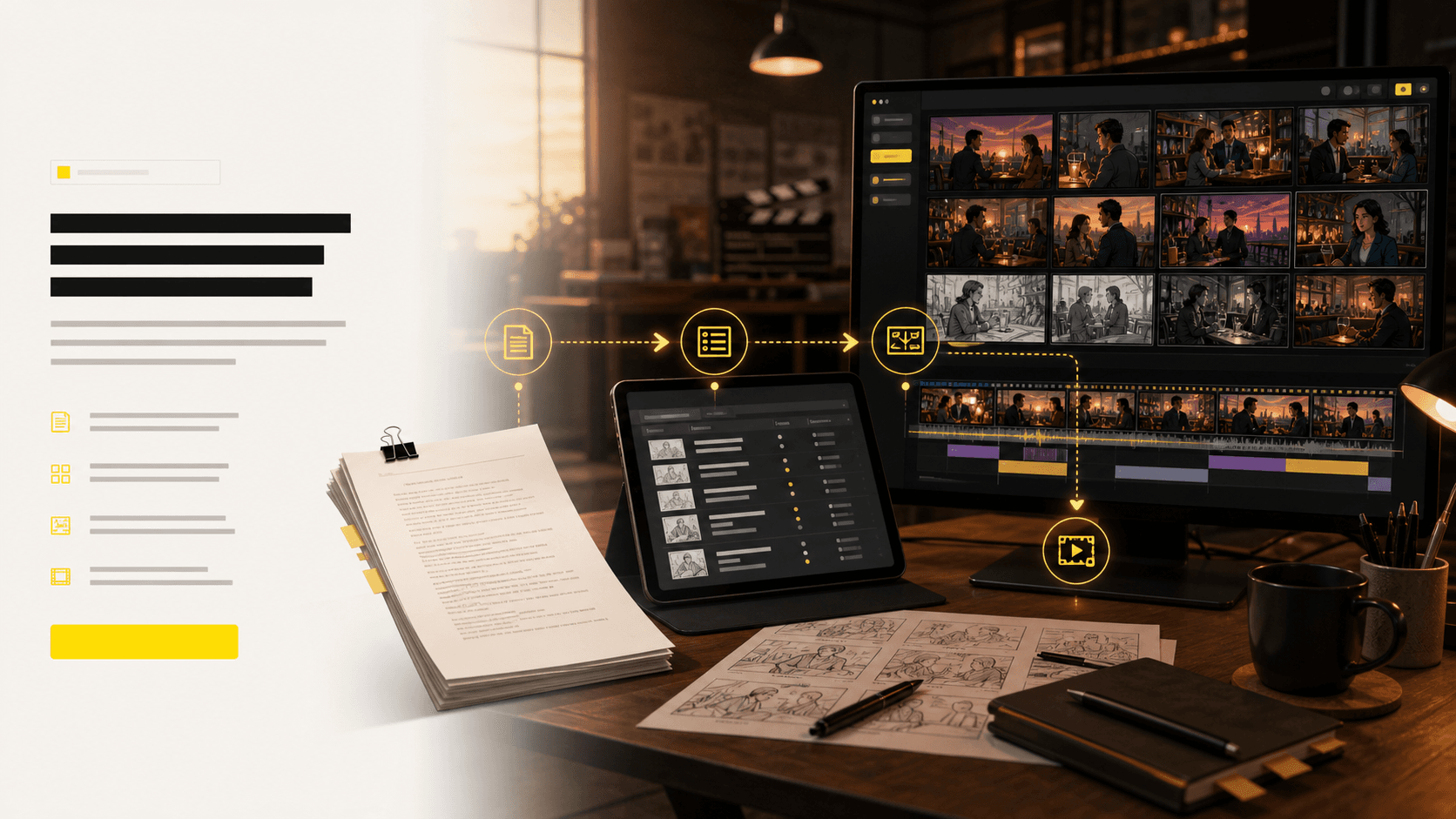
Storyboard planning workflow
Create a practical pre-production board for scripts, lessons, campaigns, comics, and video ideas that need shot-by-shot visual planning.
The page targets people who already have a story, scene, lesson, or campaign idea and need to see framing, pacing, and sequence before production starts.
Text alone makes it hard to align on camera angle, action, and scene order.
Teams lose time explaining shots in meetings instead of looking at a shared board.
Mood, character placement, and pacing drift when the first visual plan is too vague.
Before
A rough script, scattered reference images, and a production team guessing the same scene differently.
After
A structured storyboard with scenes, shots, camera intent, and visual frames ready for review.
Create a first storyboard draft before hiring artists or opening editing software.
Give writers, directors, clients, and artists the same sequence to discuss.
Case study
A creator can turn a short promo idea into scene beats, shot direction, and a storyboard grid before deciding which shots deserve final production.
Result
Less ambiguity before production: the team reviews pacing, framing, and missing shots from one storyboard.
LlamaGen storyboard workflow, script, shot list, and frame planning
Start with a prompt, script, or scene note. LlamaGen turns it into a structured shot list, consistent storyboard frames, camera direction, motion tests, and export-ready assets your team can review.
Paste a script, upload notes, or describe the beat you need to visualize.
Generate a shot list and frames that preserve sequence, pacing, and intent.
Keep characters, locations, props, and style consistent across the board.
Tune angles in 3D and convert approved frames into animatic motion.
Share shot lists, boards, animatics, and pitch-ready files with the team.
Give LlamaGen a scene, concept, or screenplay and get the planning layers an AI storyboard generator should provide: a structured shot list, visual panels, timing context, and an animatic path for review.
A single board proves the idea. A wall of AI storyboard shot lists shows production momentum: multiple projects, scene numbers, generated frames, revision actions, and visual context aligned for fast creative review.
12-shot character board
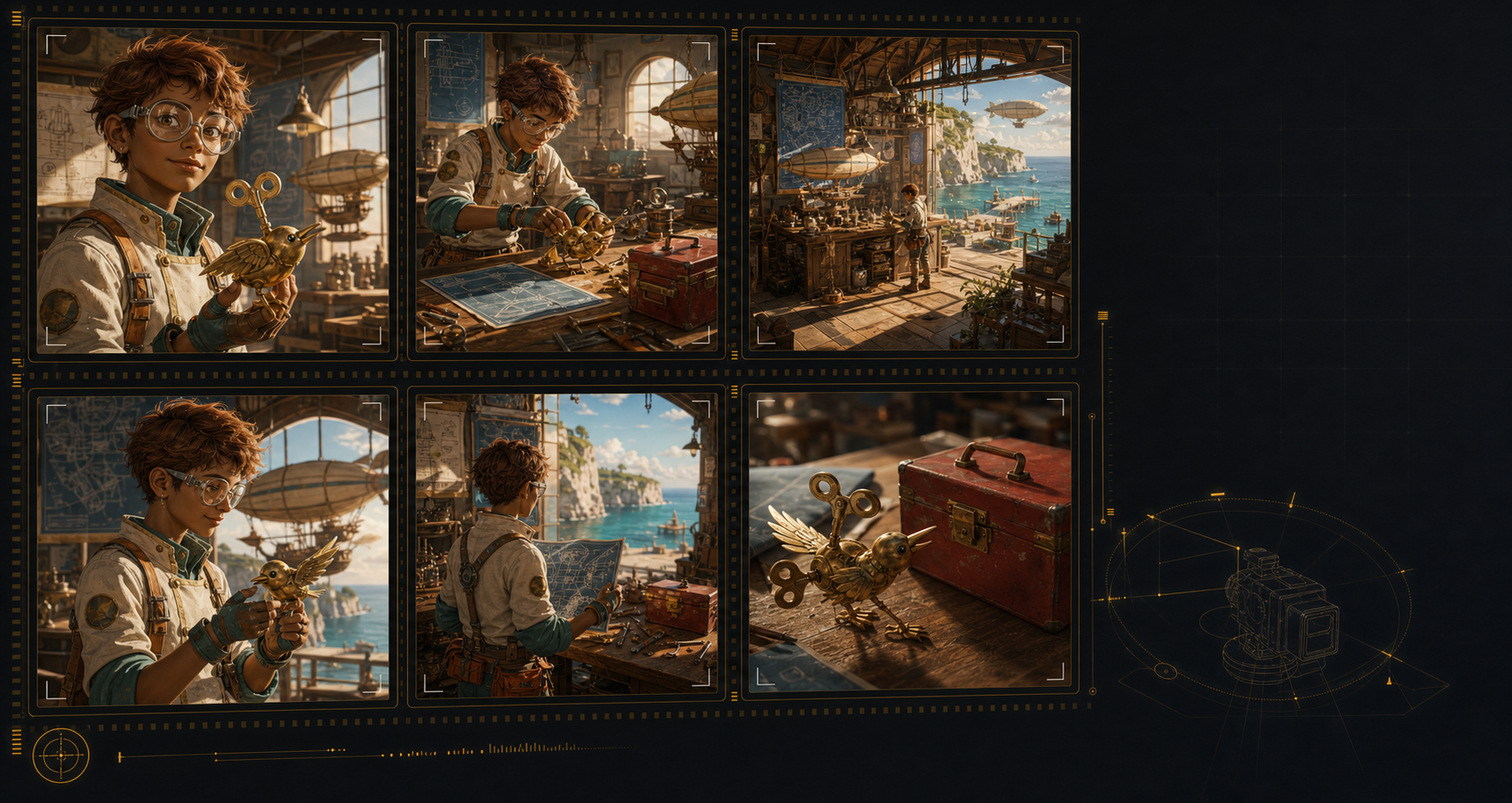 Solar bot
Scene 1 · Shot 1
A young inventor introduces a clockwork bird, locking the character, prop, and workshop look for the sequence.
 Solar bot
Scene 1 · Shot 4
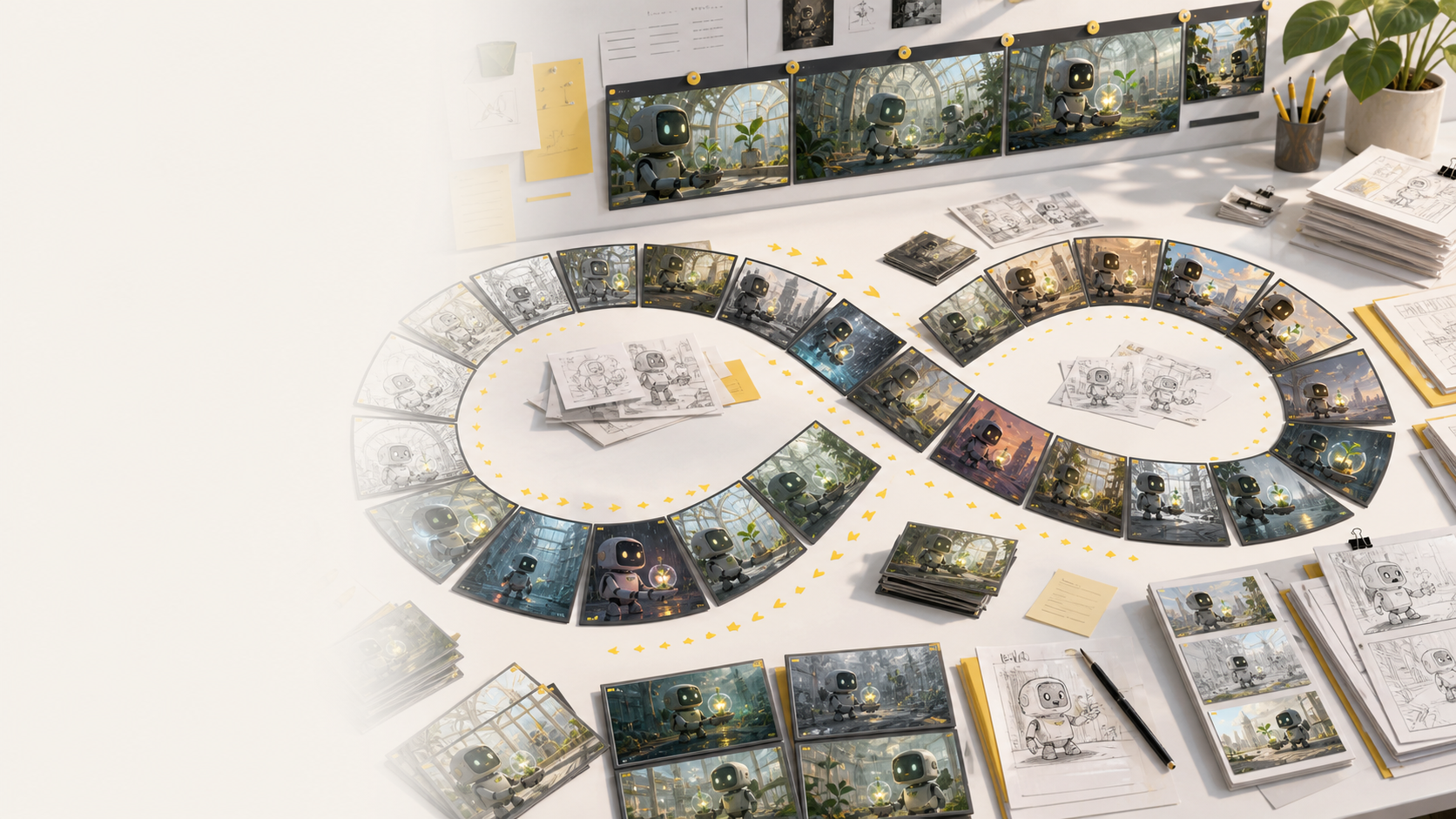
Alternate frames explore light, mood, and layout before the team chooses the strongest story beat.
 Solar bot
Scene 1 · Shot 8
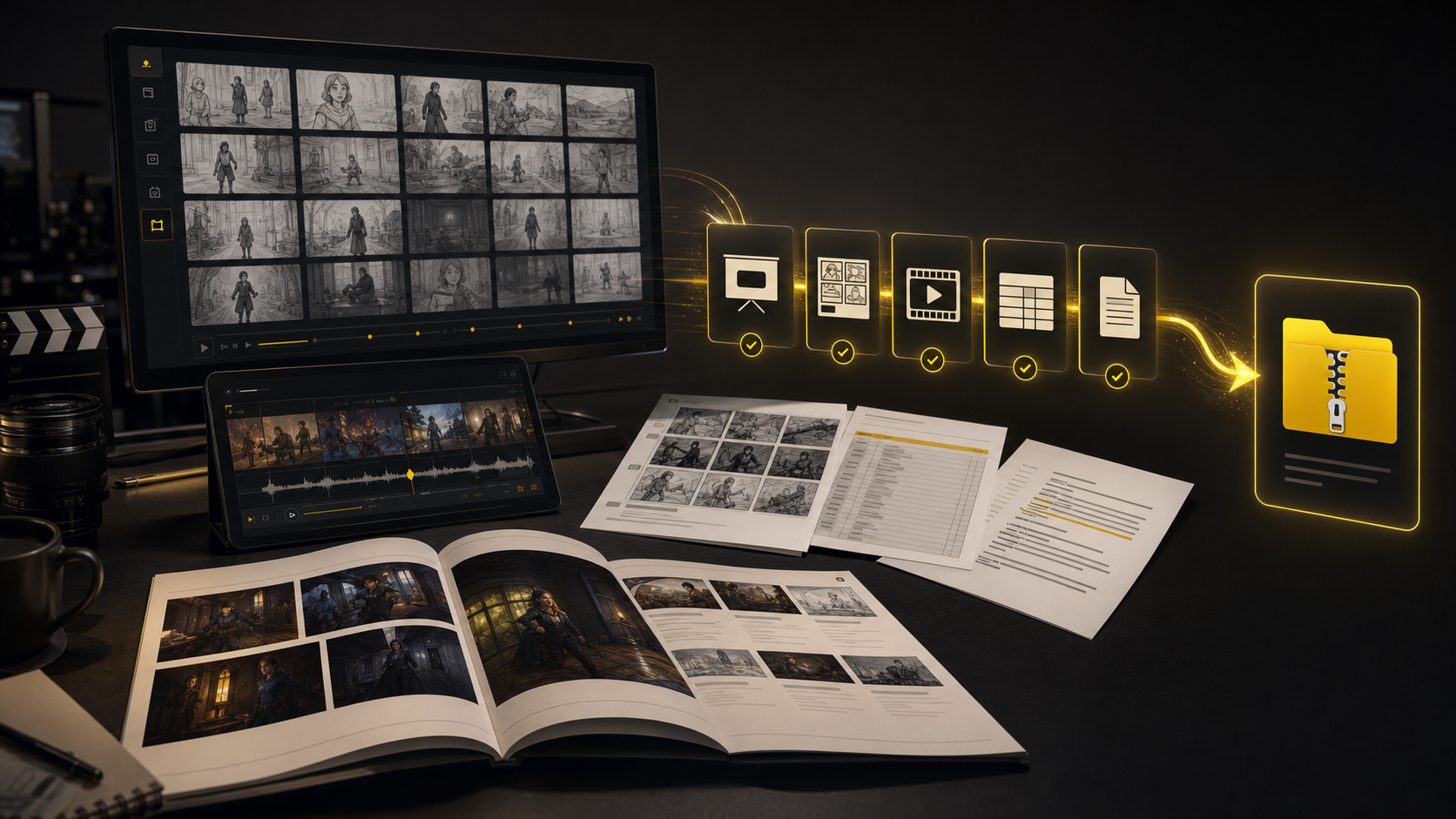
The final board is packaged with notes, shot order, and deliverables for production review.
camera and motion review
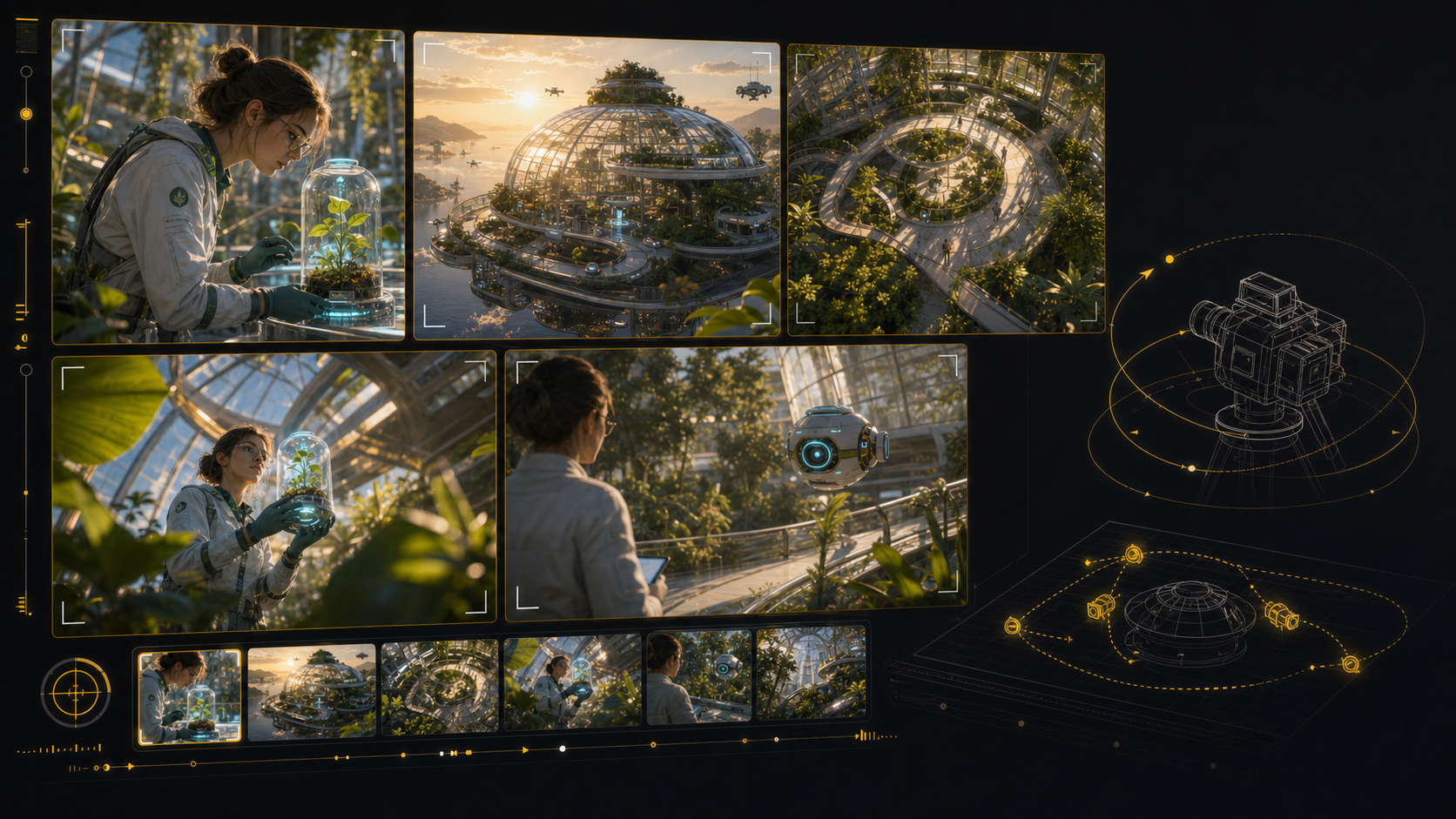 Glasshouse
Scene 2 · Shot 1
The board compares wide, overhead, and close framing from one controlled story environment.
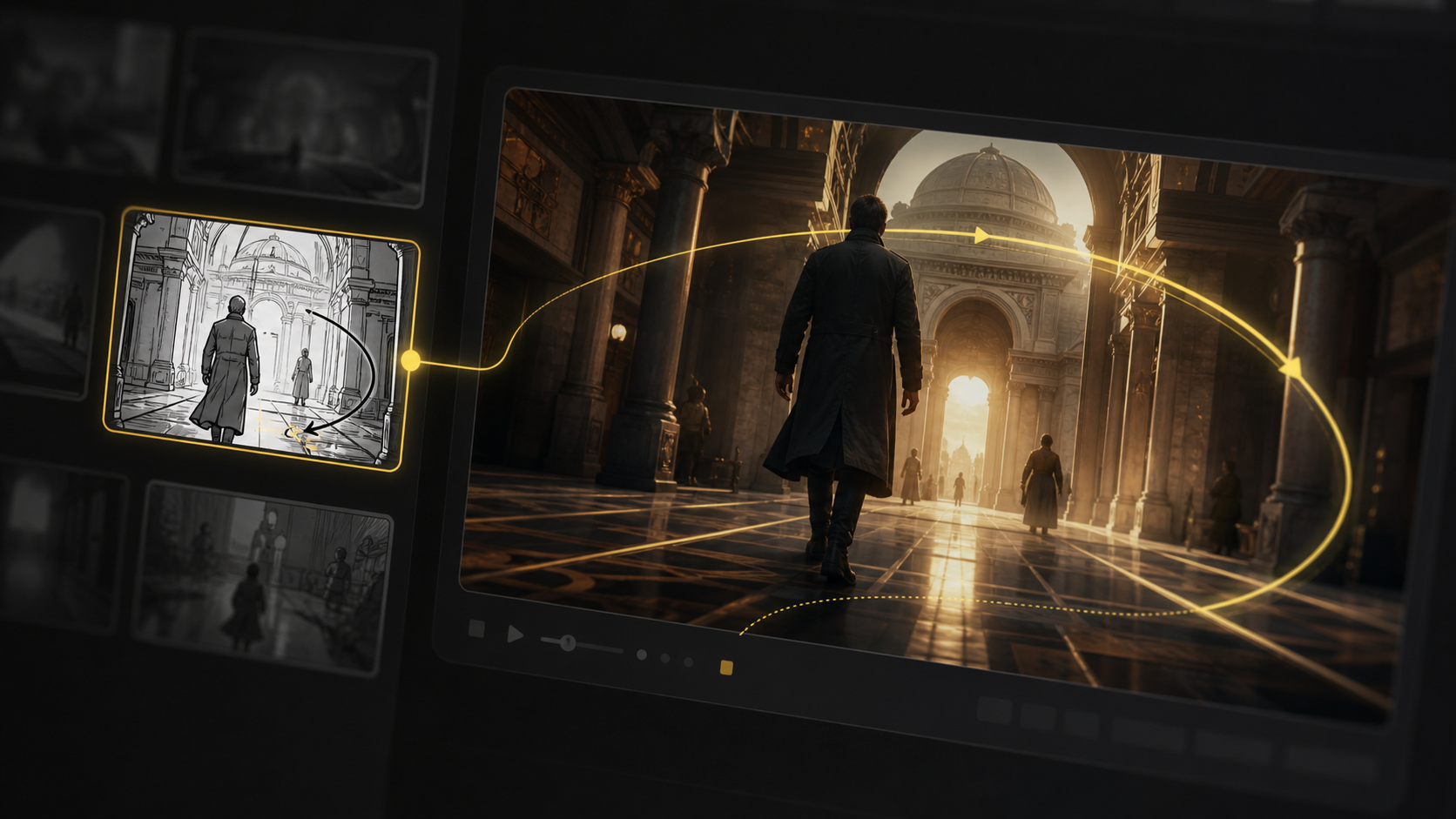 Glasshouse
Scene 2 · Shot 3
A motion path turns the selected frame into a clear camera direction for the animatic pass.
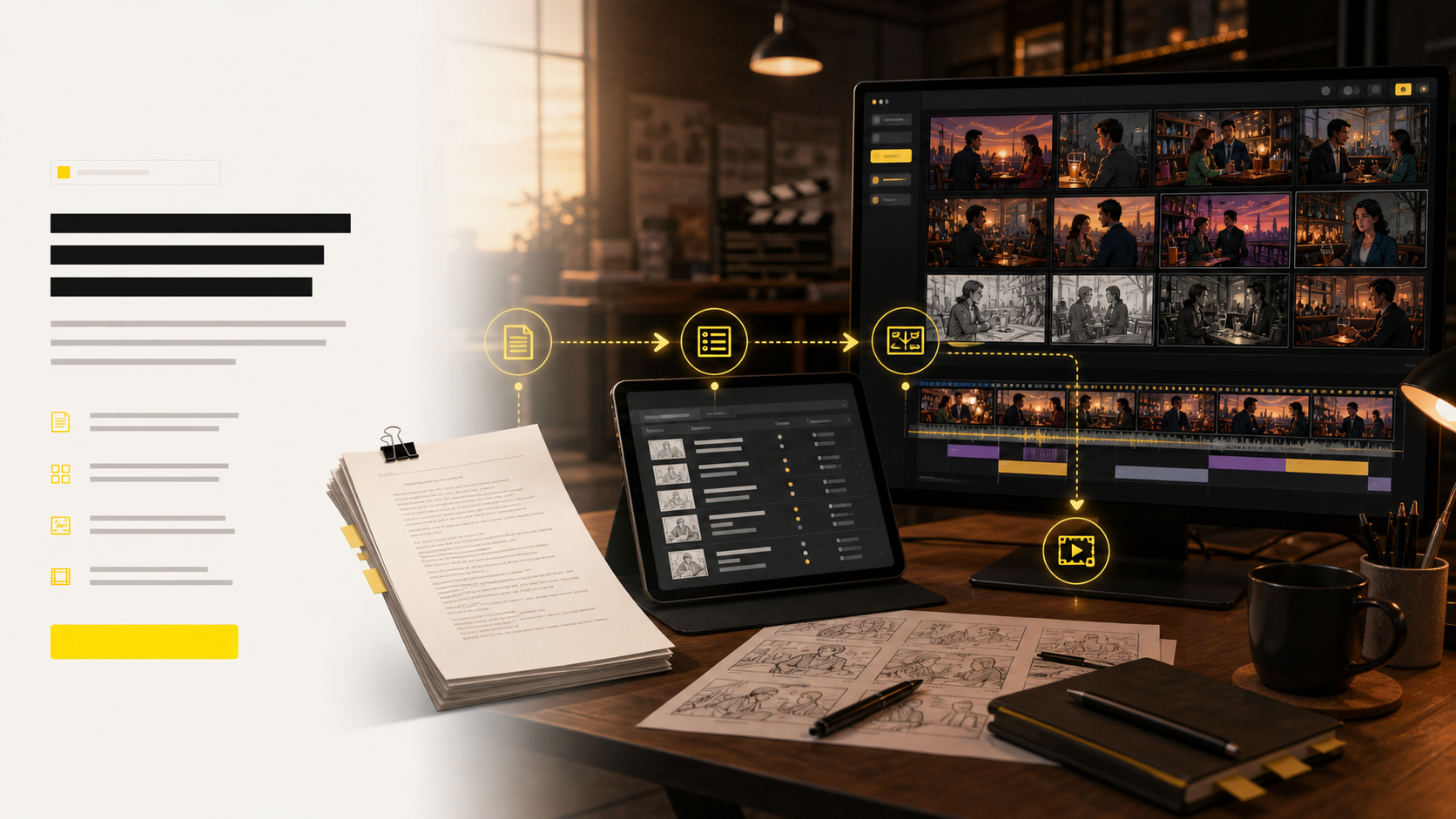 Glasshouse
Scene 2 · Shot 6
Shot notes, storyboard panels, and timing cues stay together so the review does not lose context.
animatic sequence
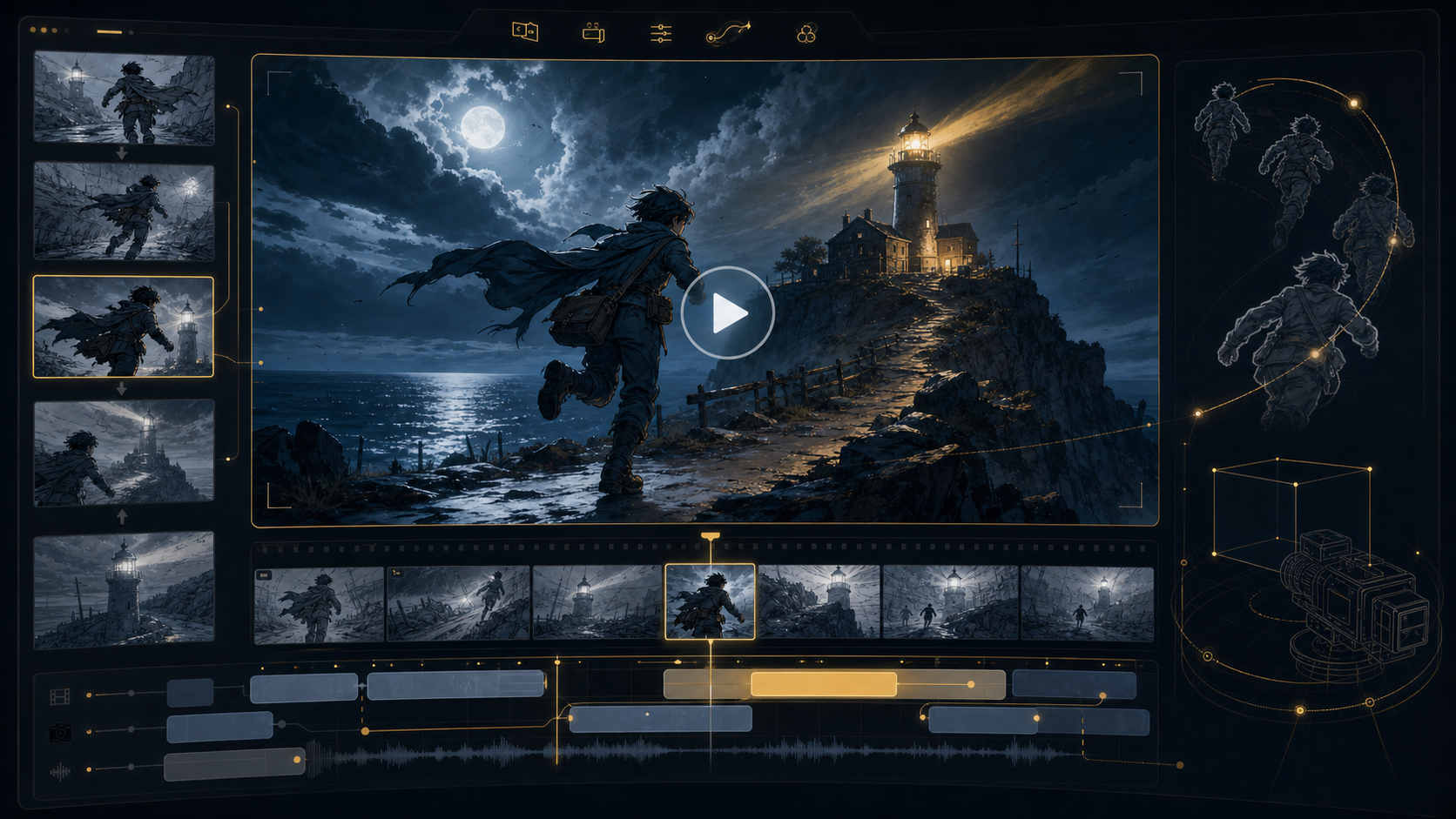 Lighthouse
Scene 3 · Shot 1
A single approved frame becomes a cinematic motion test with clear atmosphere and direction.
LighthouseScene 3 · Shot 4
Angle options help the team choose whether the story beat needs scale, intimacy, or movement.
LighthouseScene 3 · Shot 8
The animatic, storyboard PDF, and shot list can be exported as one review package.
multi-deliverable board
HandoffScene 4 · Shot 2
The script breakdown creates a planning map before visual frames are generated shot by shot.
HandoffScene 4 · Shot 5
Continuity frames confirm the character, location, and objects still match across the project.
HandoffScene 4 · Shot 9
Variation rounds stay visible beside approved shots, making creative decisions easier to trace.
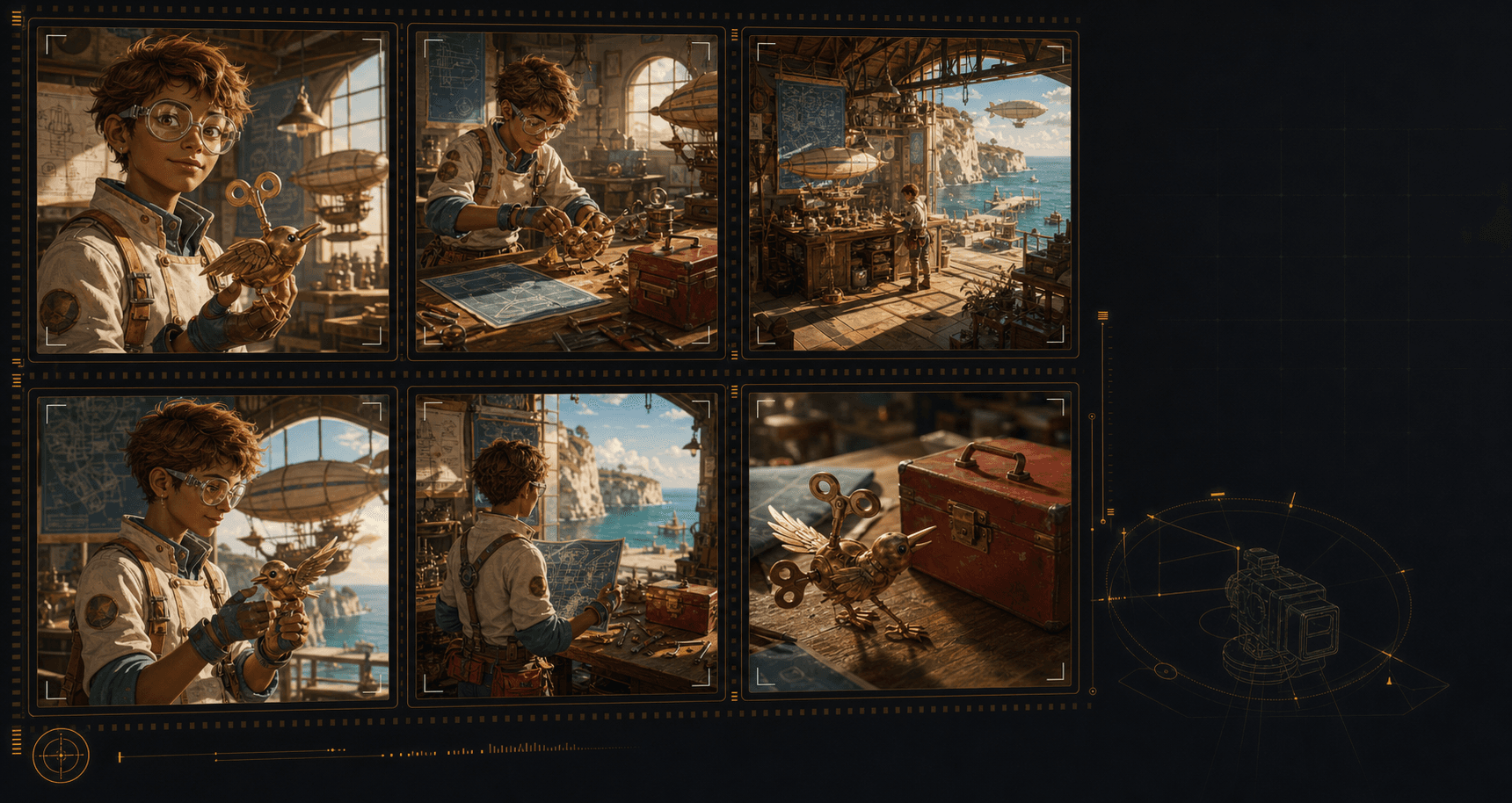
Create an AI storyboard where the same characters, environments, wardrobe, and hero objects remain recognizable across the sequence. That continuity makes each shot feel planned, connected, and ready for review.
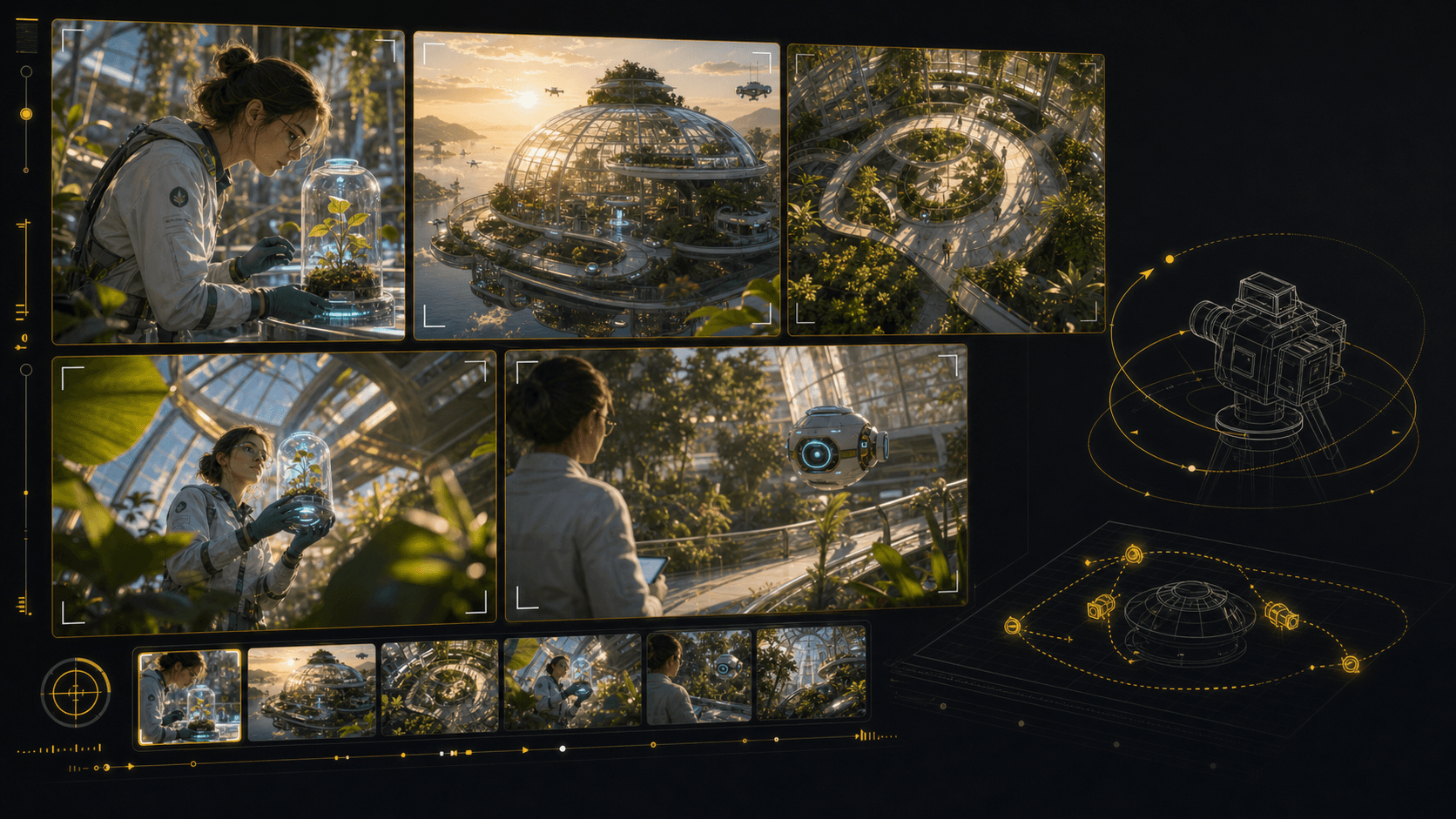
Test camera angles for an AI storyboard without rebuilding the scene from scratch. Reframe the setup, compare shot sizes, and give your director, DP, editor, or client a clearer visual decision.
Use LlamaGen as an AI storyboard video generator: choose a frame, describe the camera move and duration, then create a motion test that stays anchored to the approved shot. Static boards become pitch-ready animatics and multi-shot reviews without leaving the storyboard workflow.
Start from an approved storyboard frame so the clip keeps the same composition.
Add a push-in, tracking move, orbit, hold, or timing beat before generation.
Compare generated clips with shot notes, scene order, and edit intent in one place.
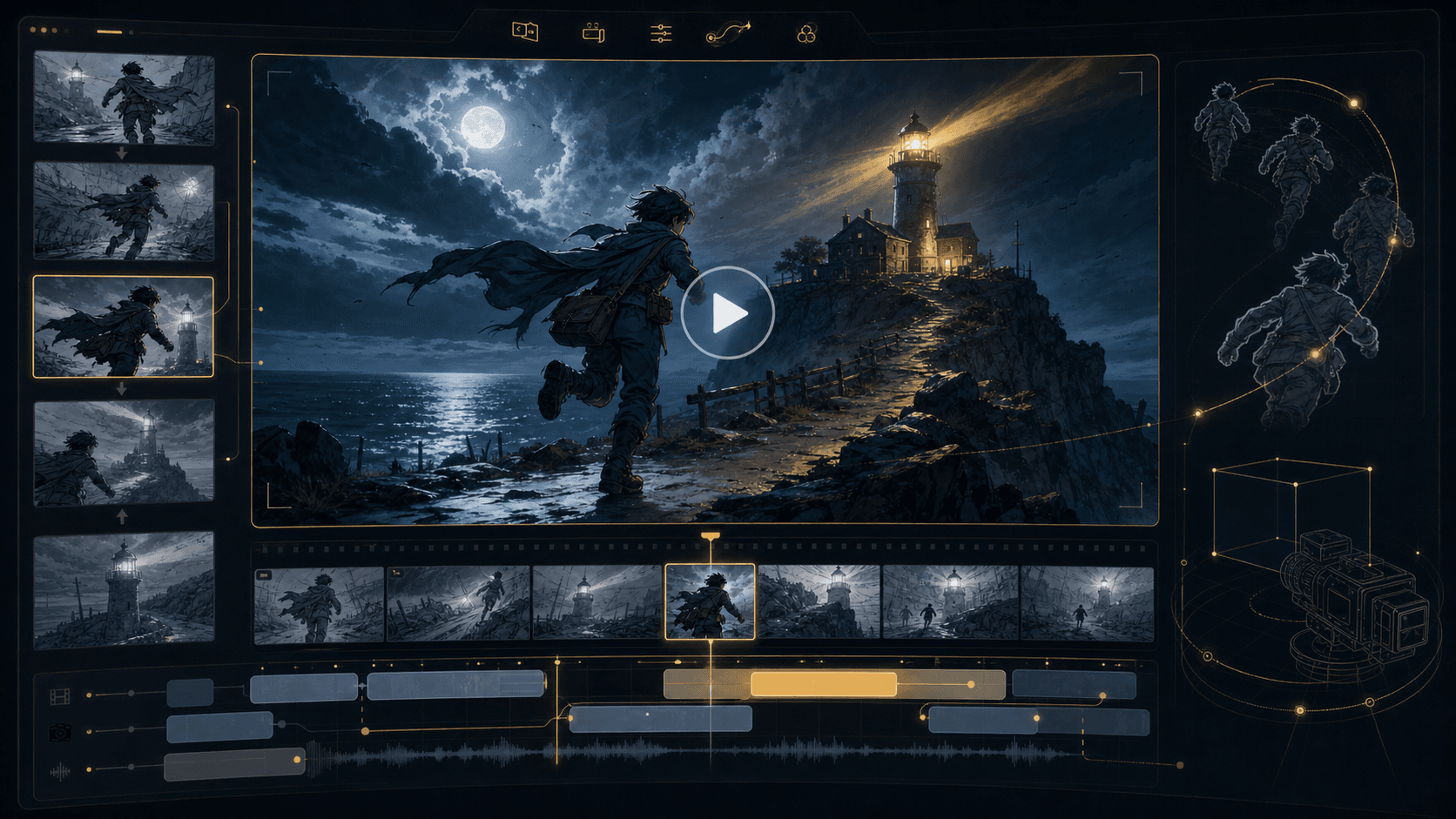
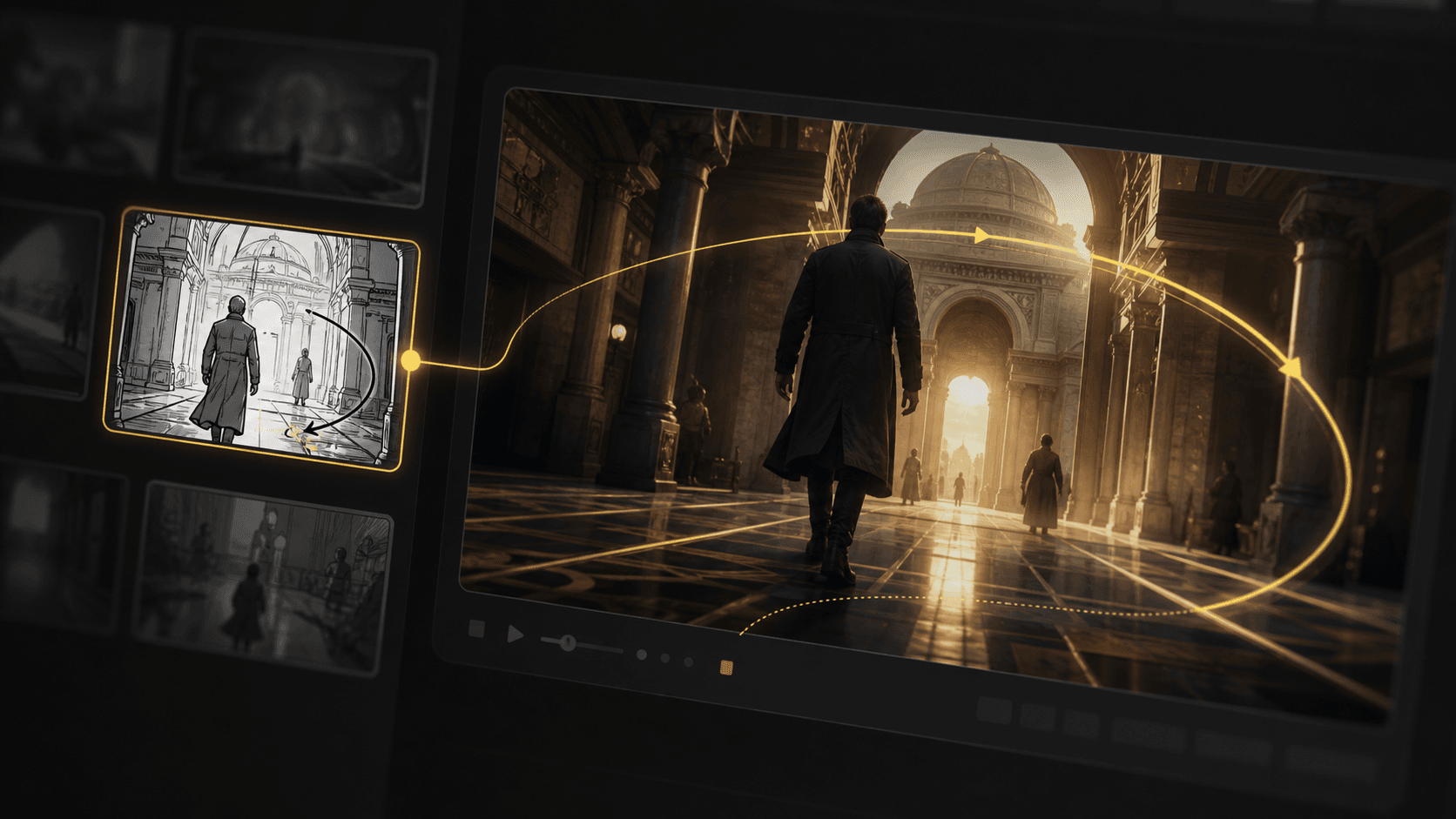
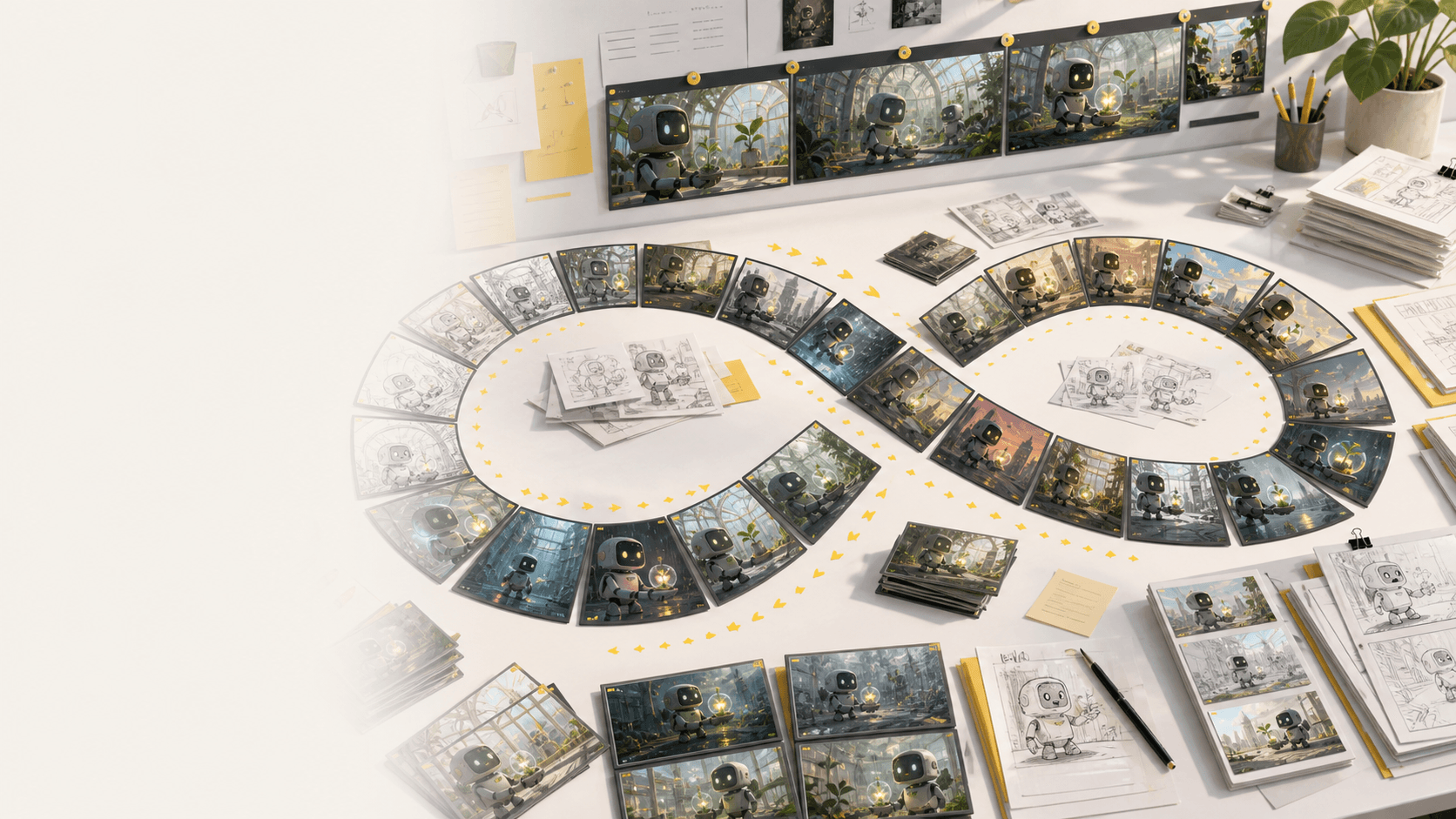
Refine AI storyboard images through real creative rounds: alternate angles, cleaner compositions, different moods, and stronger visual continuity without treating every frame like a scarce credit.
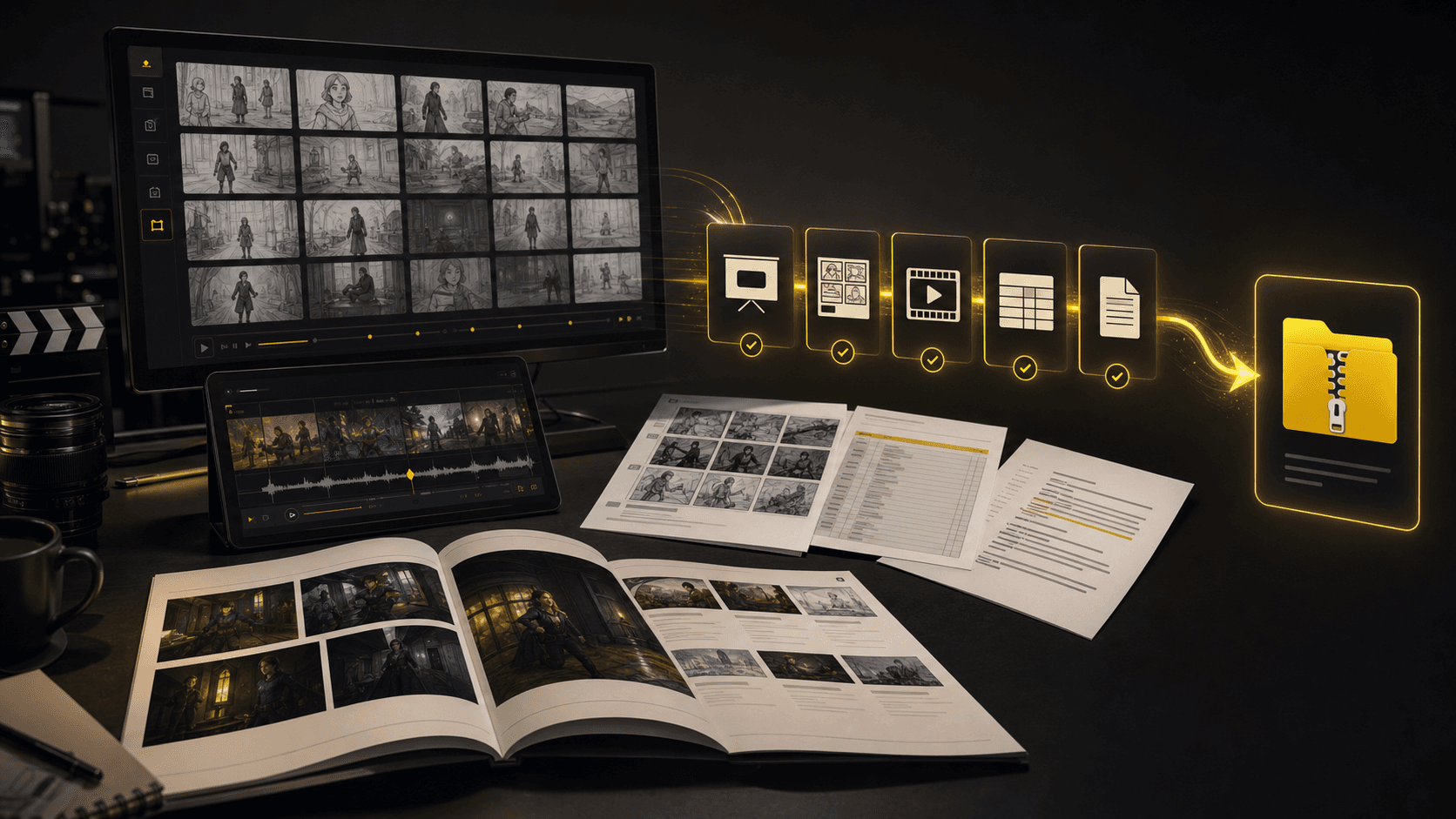
Turn a finished storyboard project into files a production team can use immediately: PDF boards, shot list spreadsheets, script notes, MP4 animatics, review decks, and organized handoff bundles.
The core sections show the main workflow. This bento grid covers the supporting AI storyboard tools around it: inputs, styles, continuity, video, variations, camera planning, and production handoff.
Generate AI animatics from approved storyboard frames with camera motion and timing notes.
Storyboard-to-animatic clips
Turn rough boards, loose thumbnails, and scene notes into cleaner visual panels.
Sketch cleanup
Compare visual routes for tone, genre, lighting, and brand style before the board locks.
Style direction
Regenerate shots, moods, angles, and layouts without managing per-image credits.
Unlimited variations
Keep characters, props, wardrobe, and locations recognizable across generated shots.
Continuity lock
Plan tracking, push-in, orbit, and reveal moves before turning frames into video.
Camera move planning
Start from a screenplay, treatment, PDF, scene note, or loose prompt and build the board from there.
Script, prompt, and PDF input
Export storyboard PDFs, shot list tables, animatic files, and review packages from one project.
Production handoff
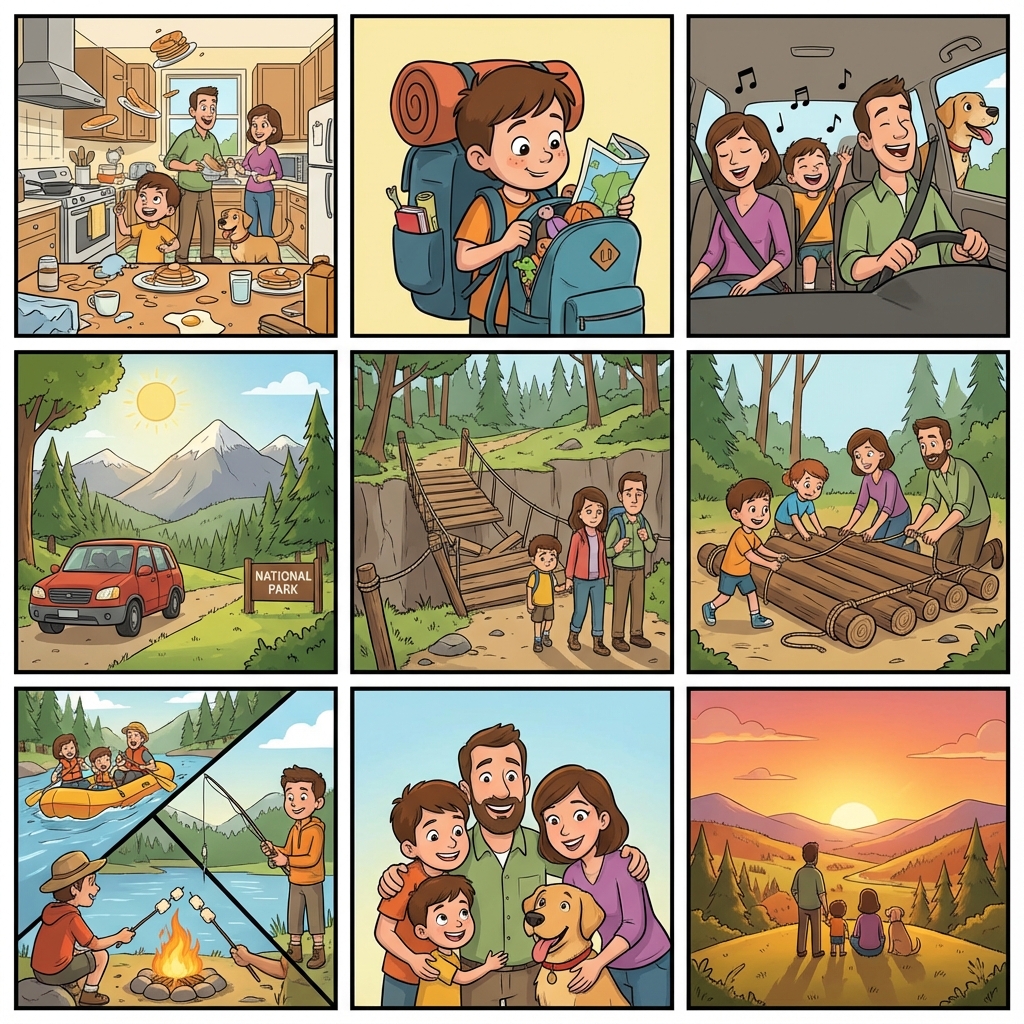
Explore additional AI storyboard examples for ads, lessons, animation, concept films, and pitch planning.
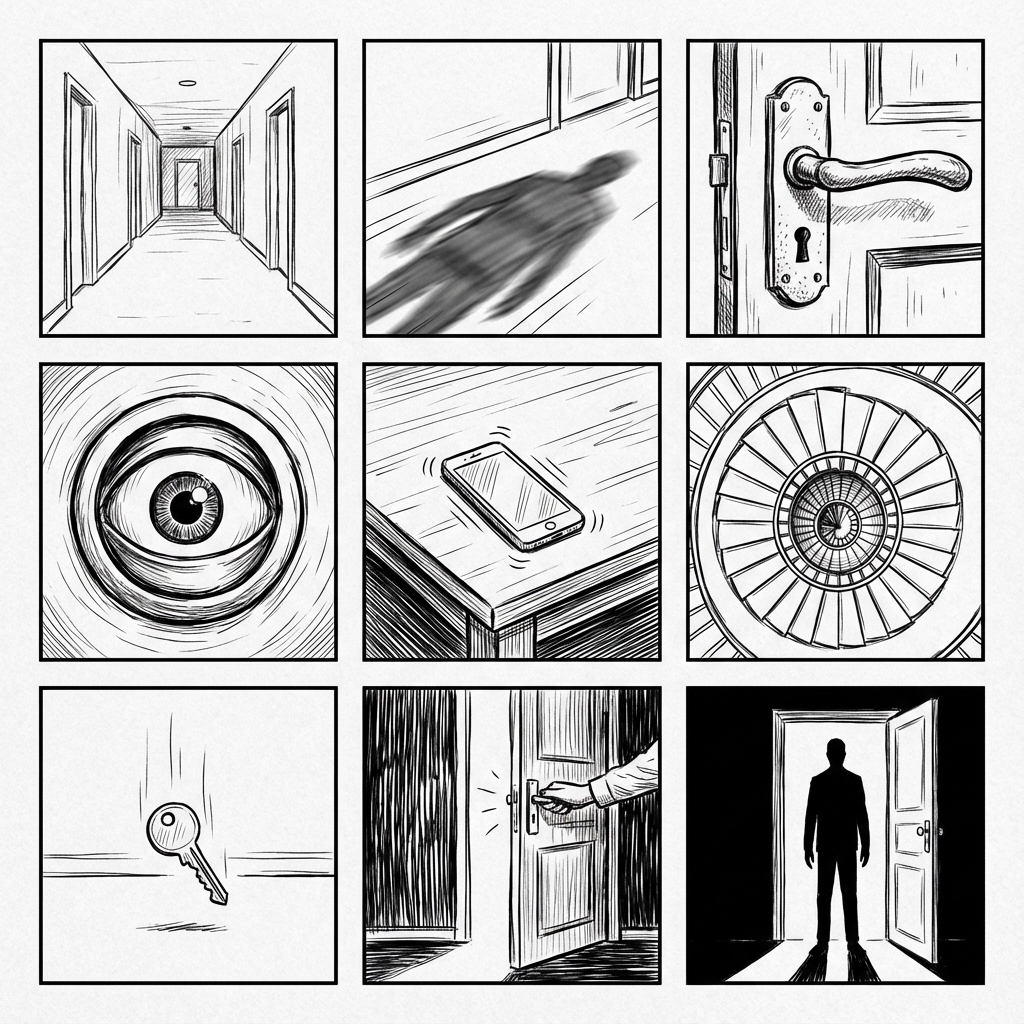
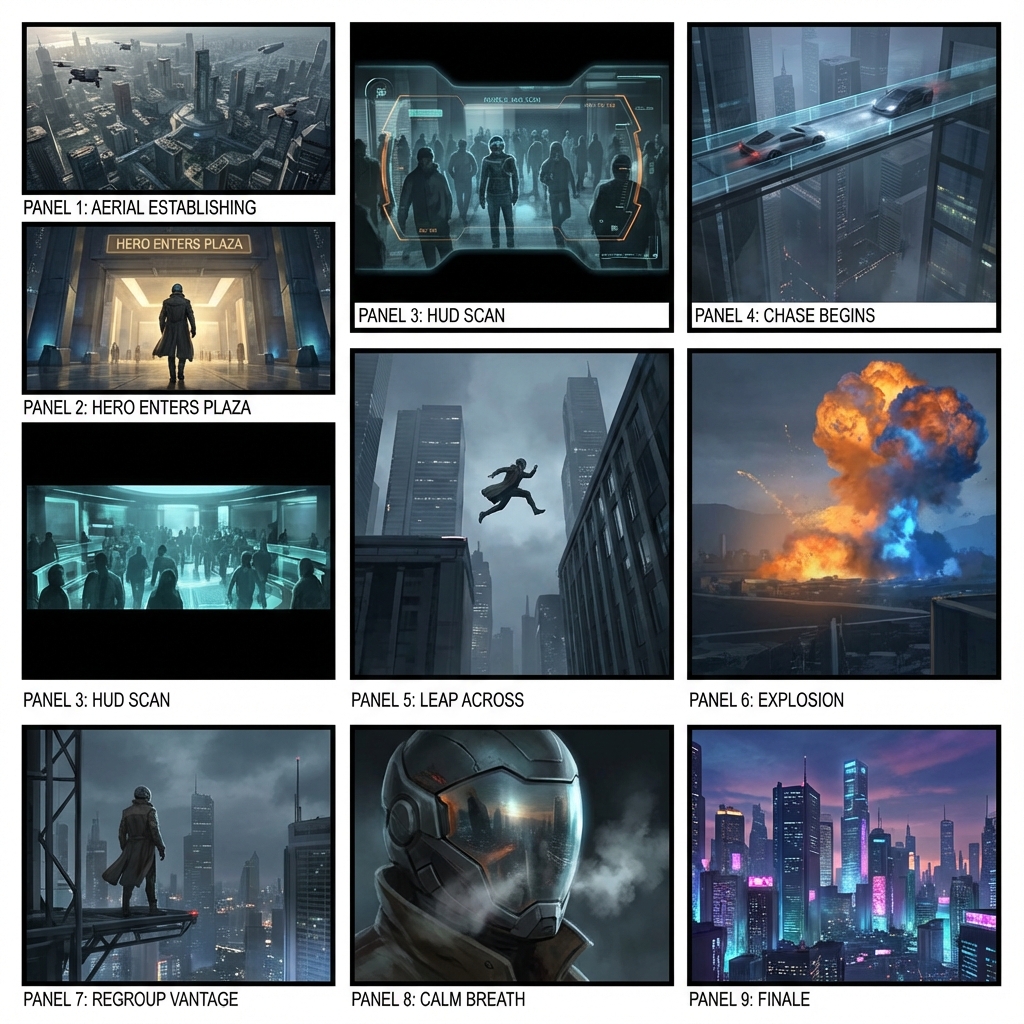
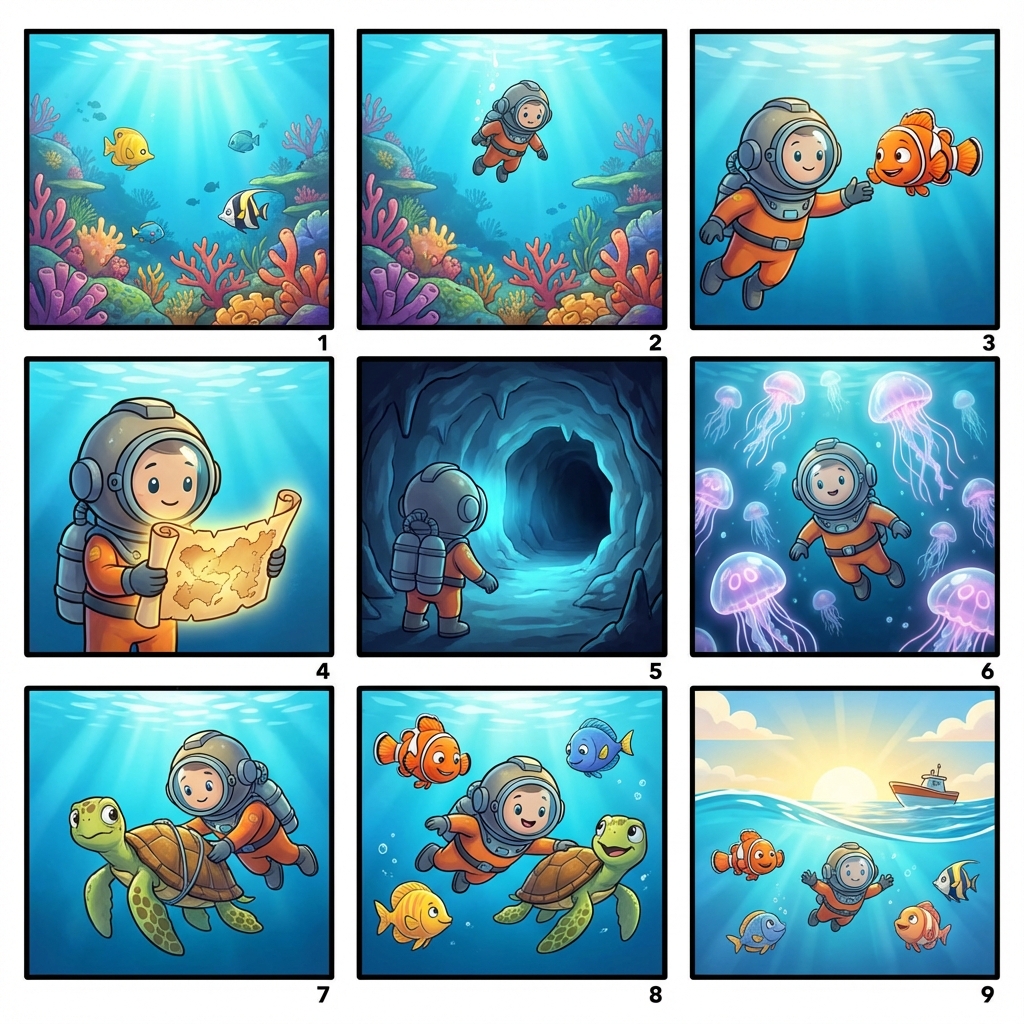
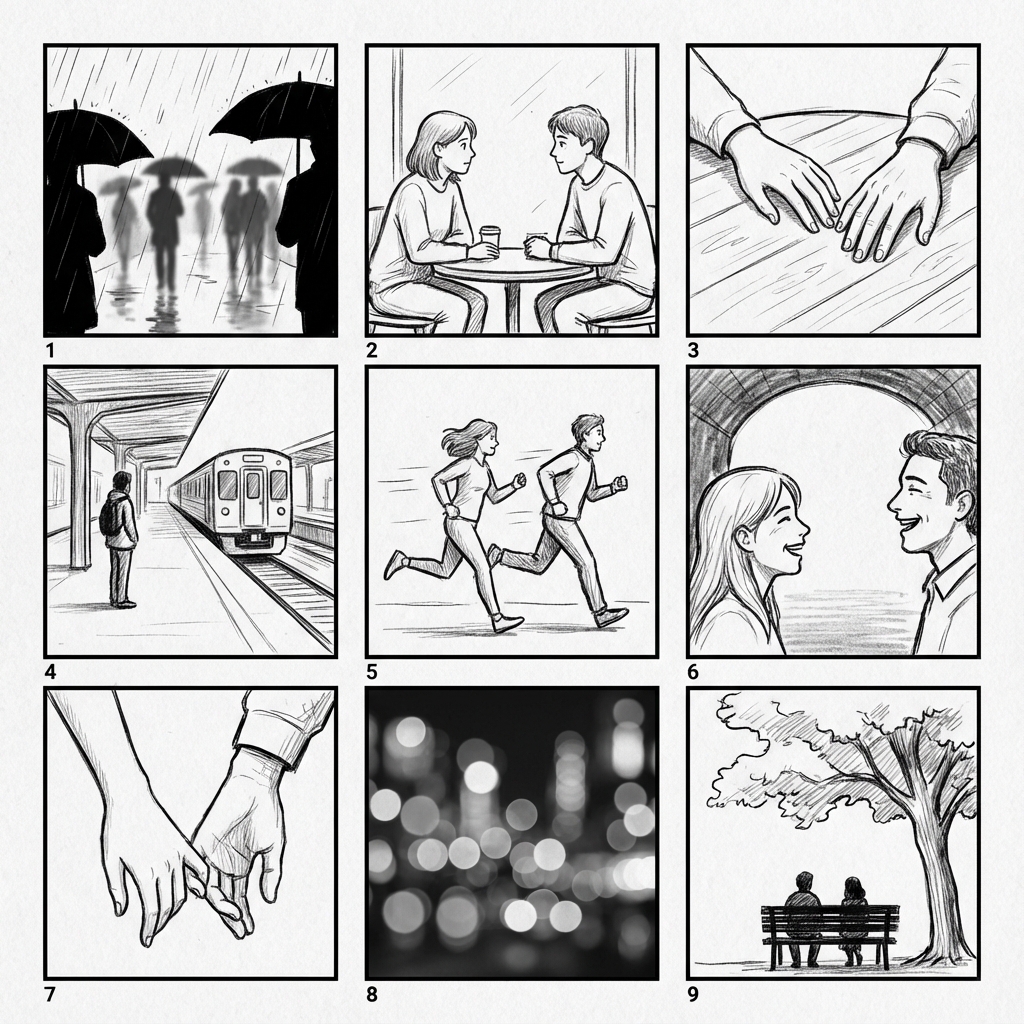
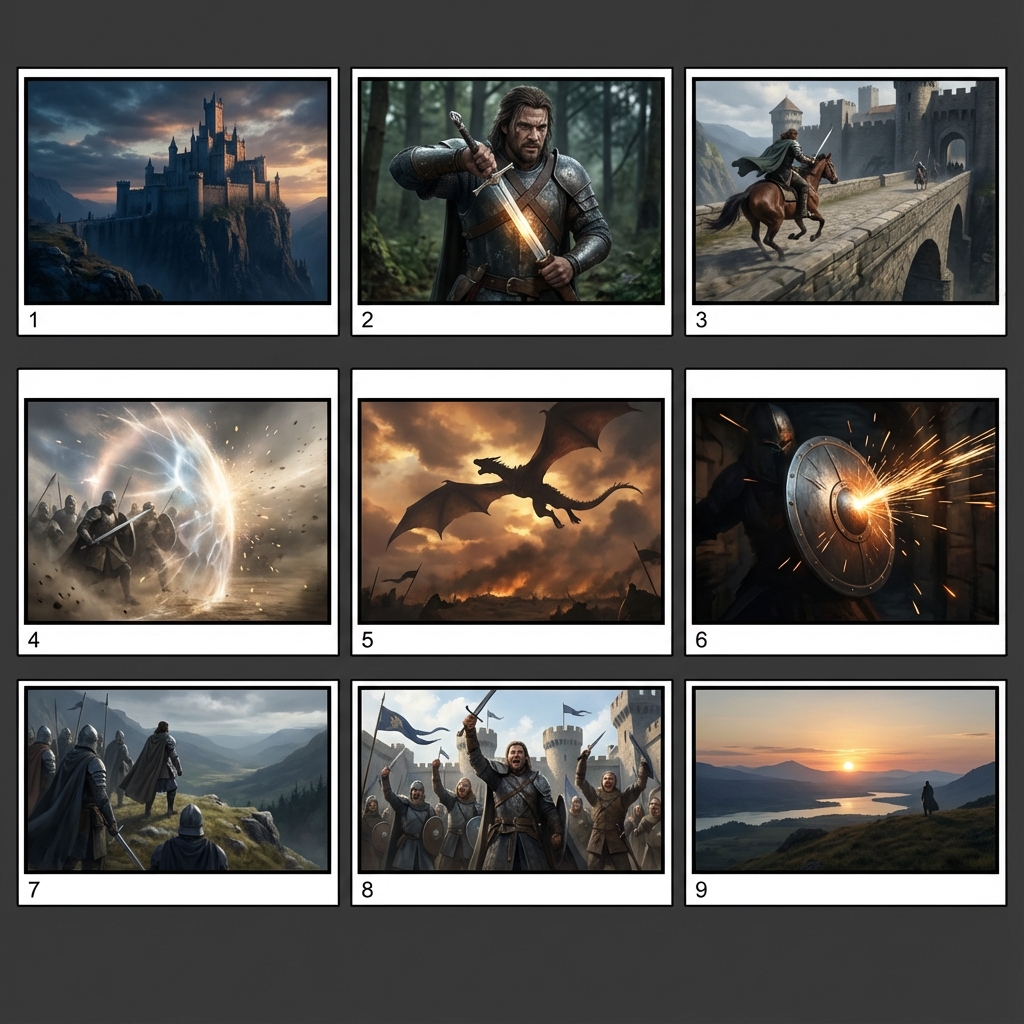
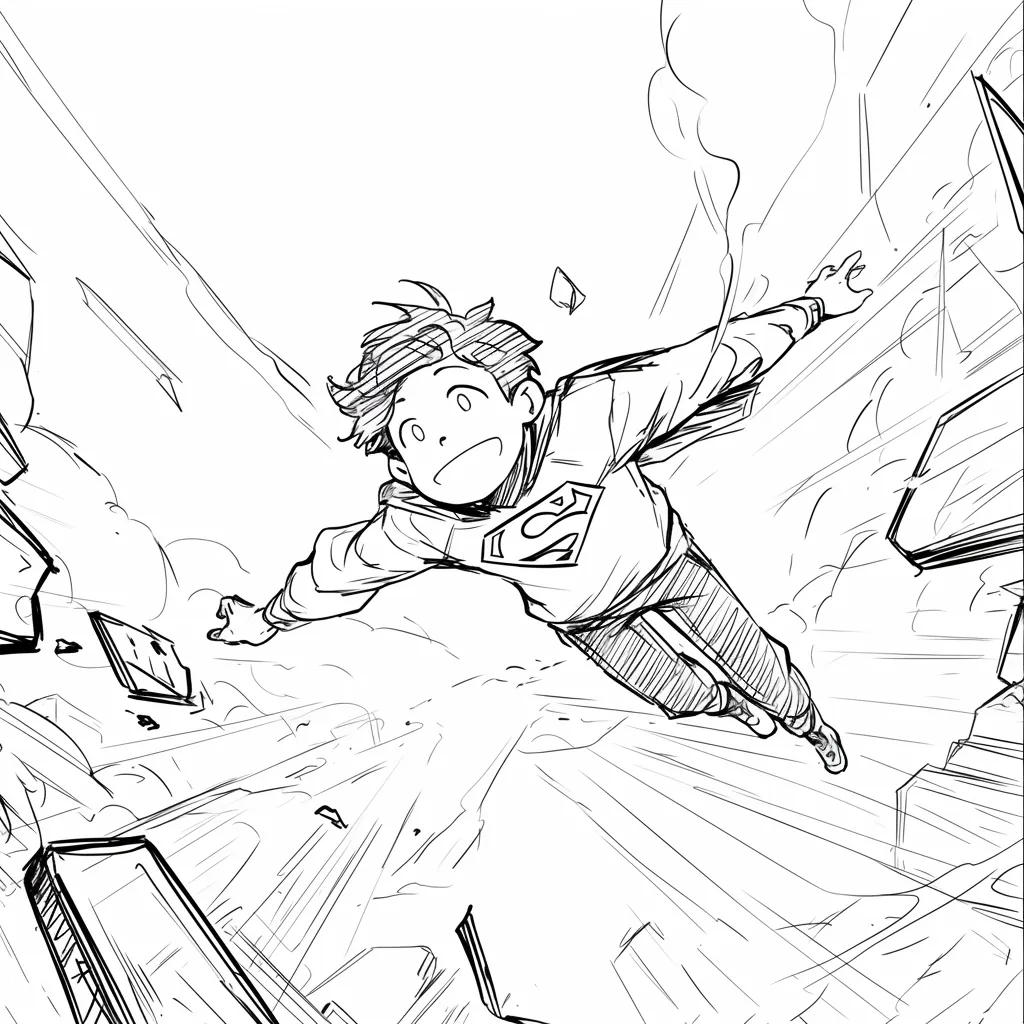
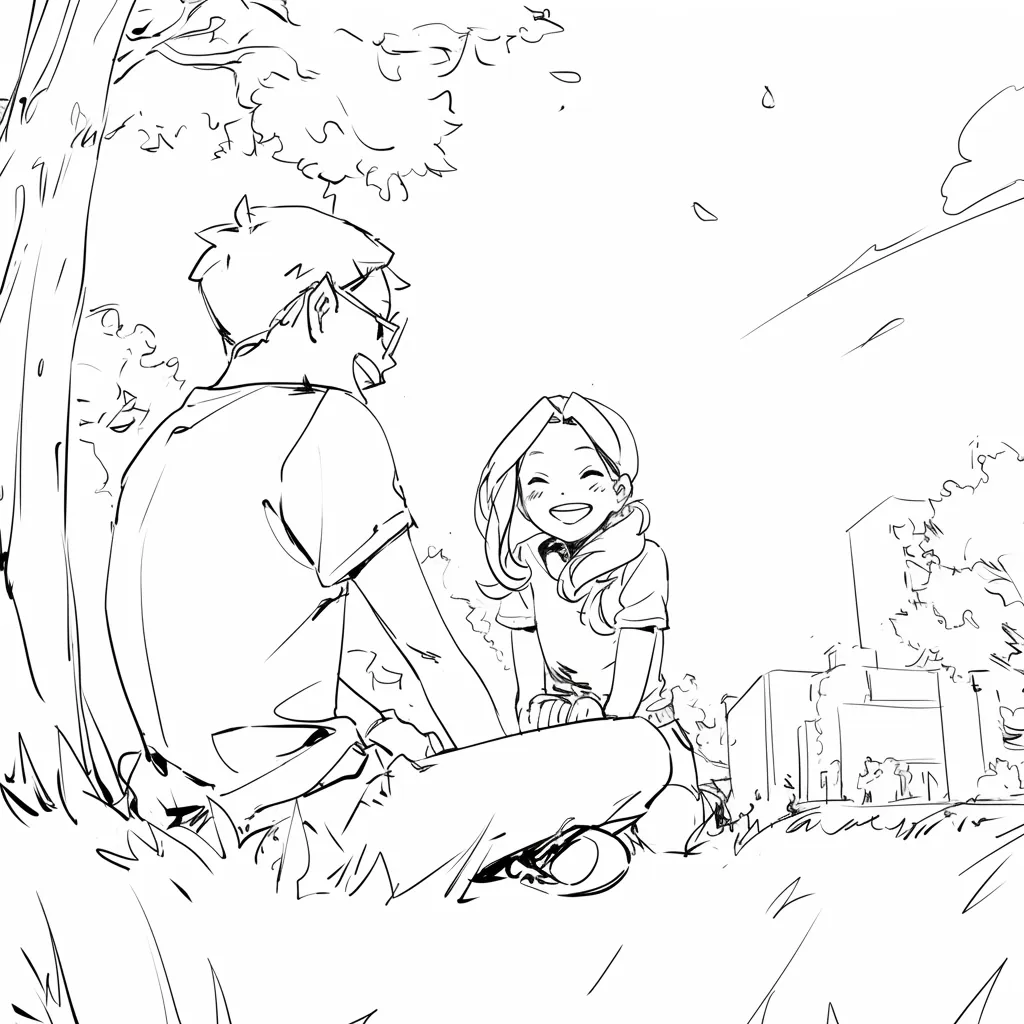
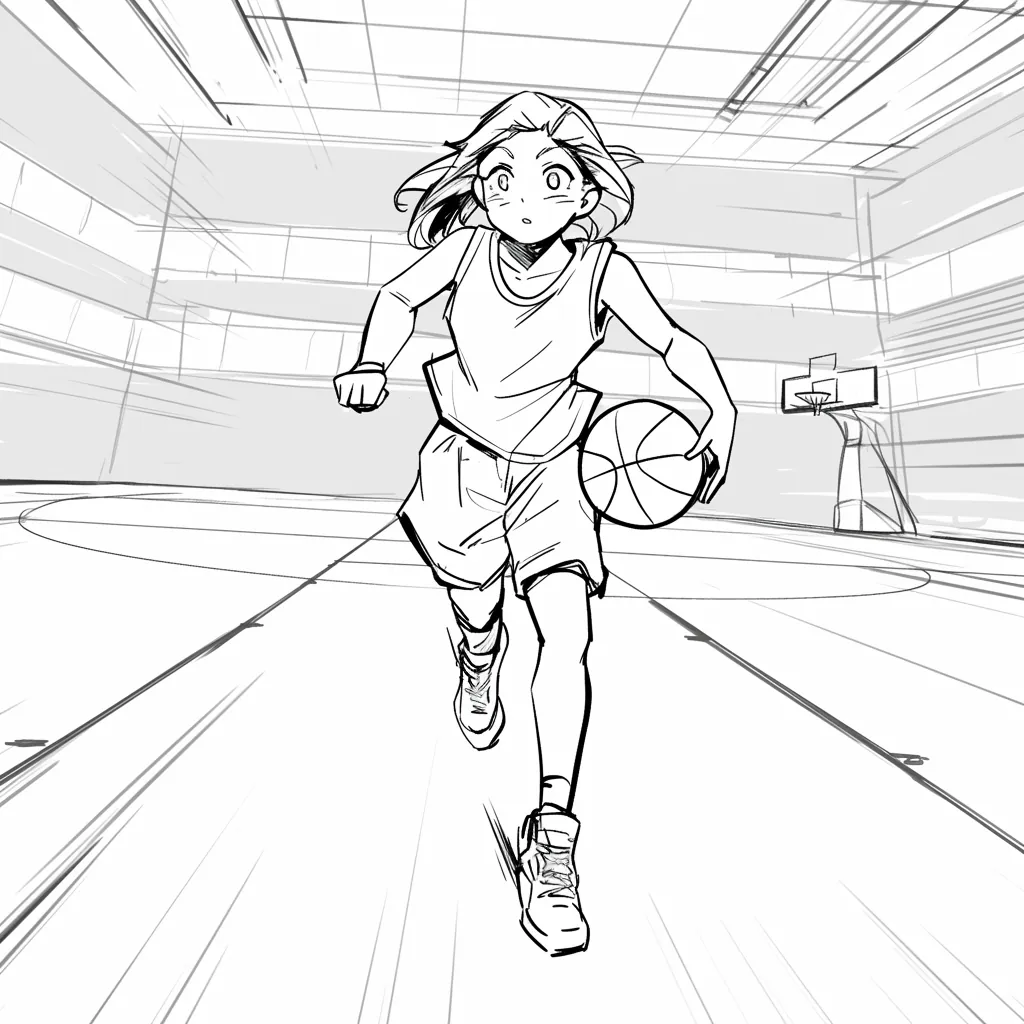
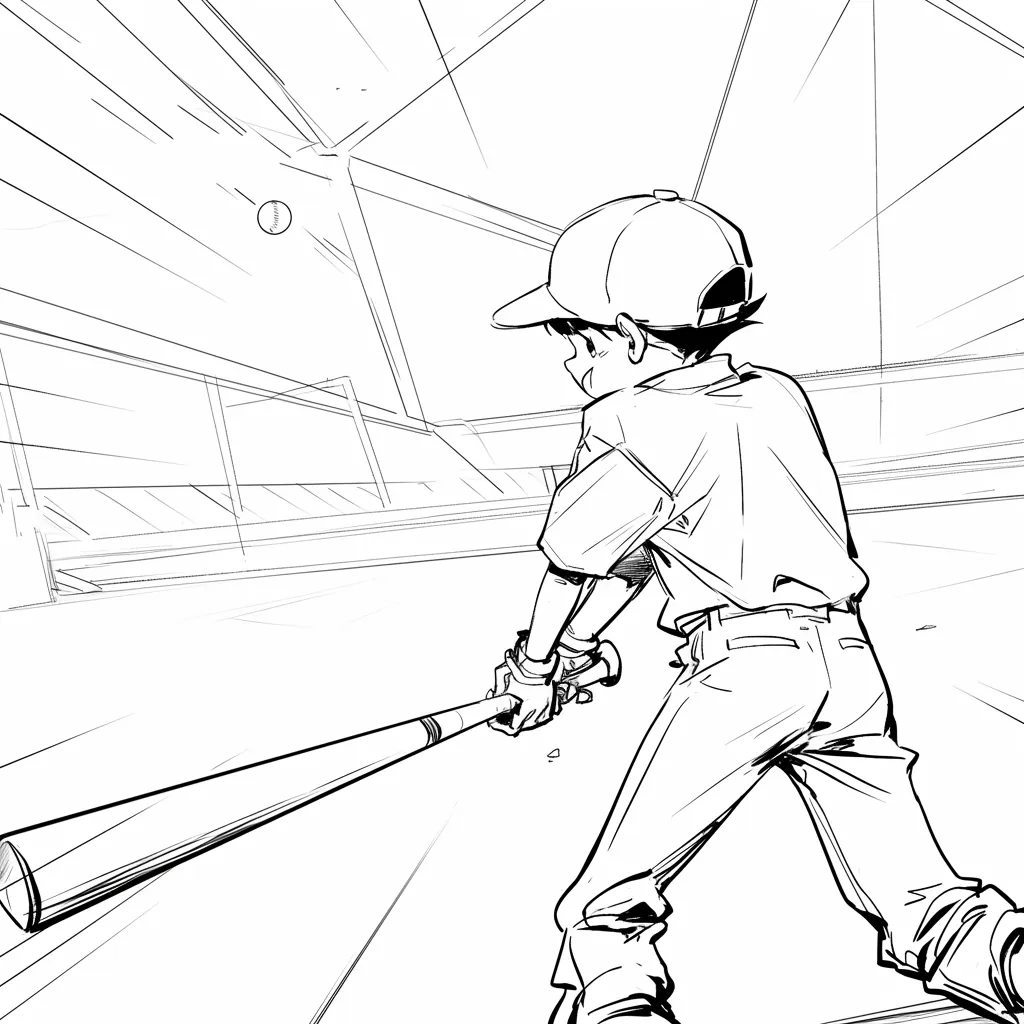
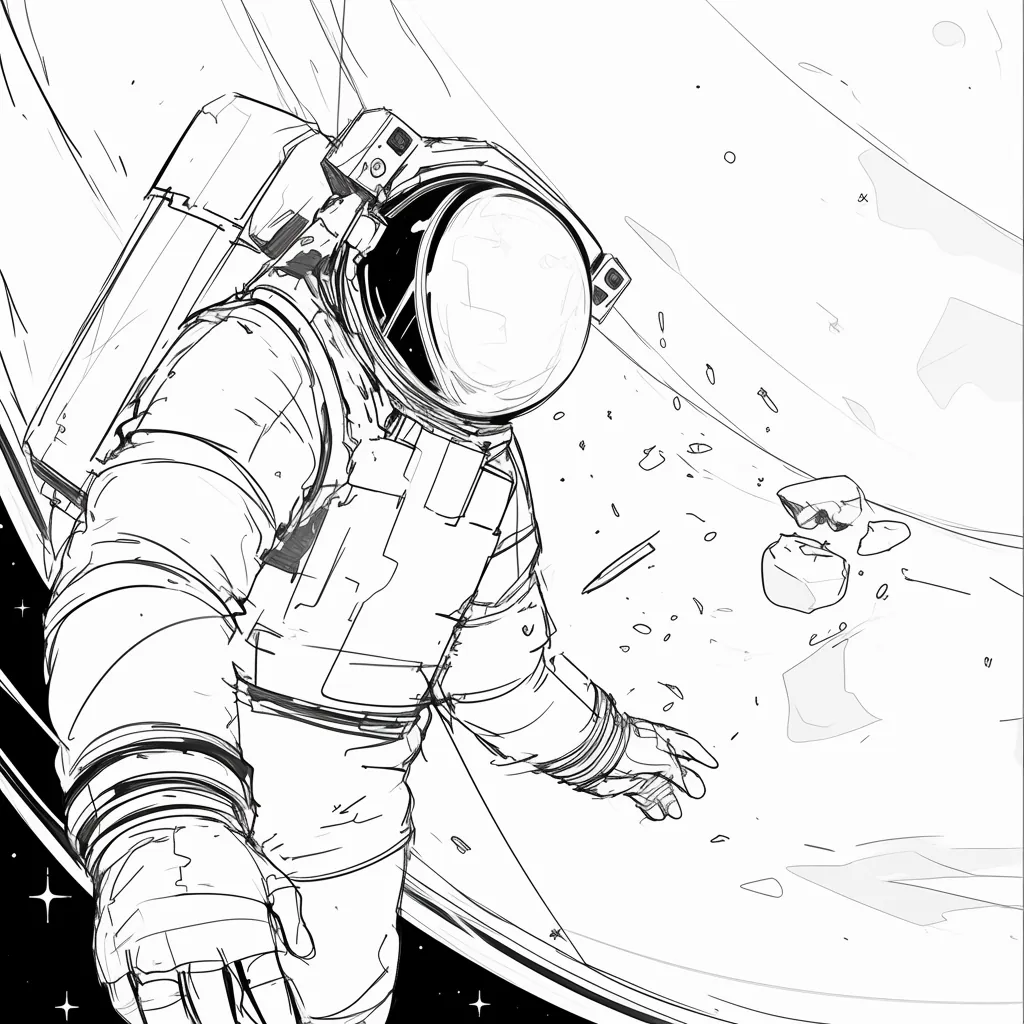
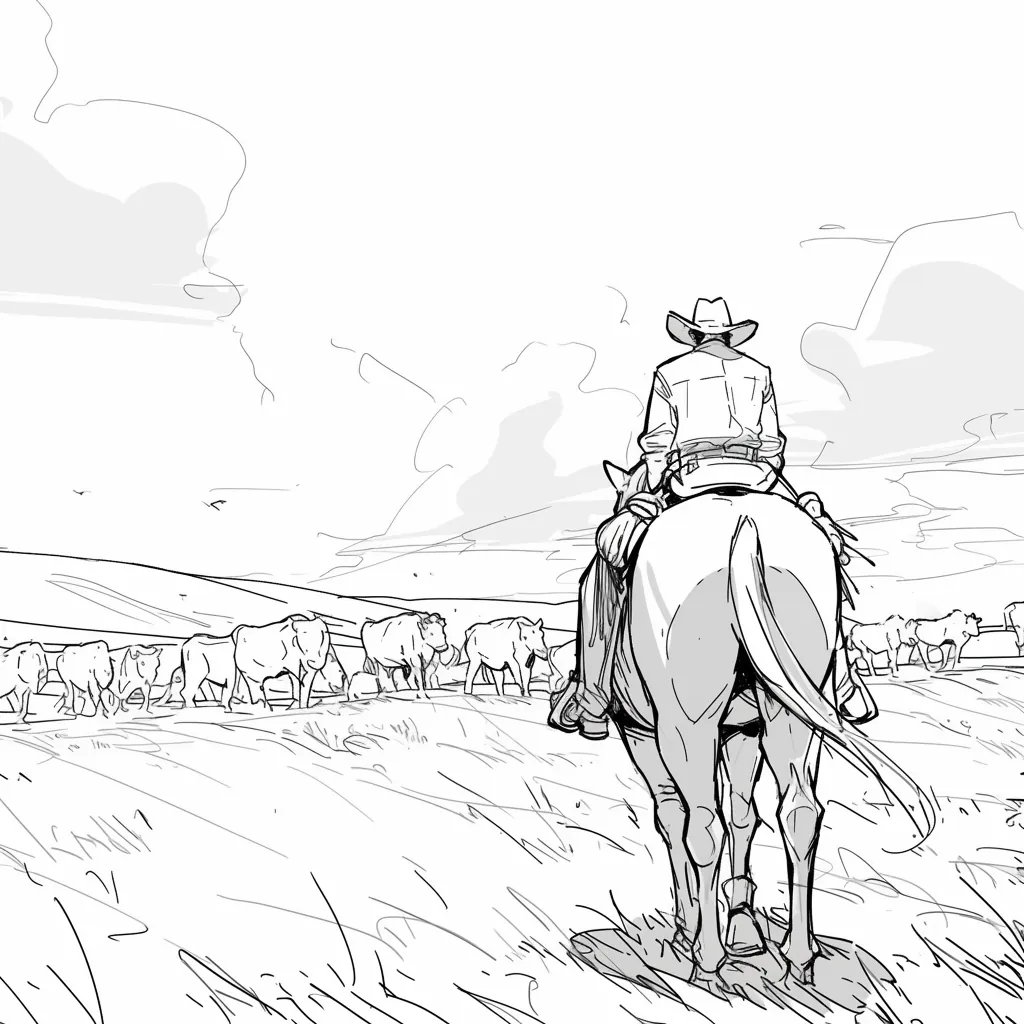
High-fidelity AI images add unintentional details (lighting, textures) that distract stakeholders. Line art keeps the focus on composition and storytelling.



@Maya_Lee

@Sky_Walker

@Cre_Luna

@juaner0211589
@rubem-didini

@refactorordie

@benoitst-laurent

@RealFeatBit

@jake-m

@michael-b

@bill
@sarah-l

@digital-marketer-suresh

@den

@velika
Couldn't find something? Message us
Join 500,000+ filmmakers, agencies, and creators using LlamaGen to turn pre-production into a faster, clearer storyboard workflow.